
Creatify Team
SHARE


IN THIS ARTICLE
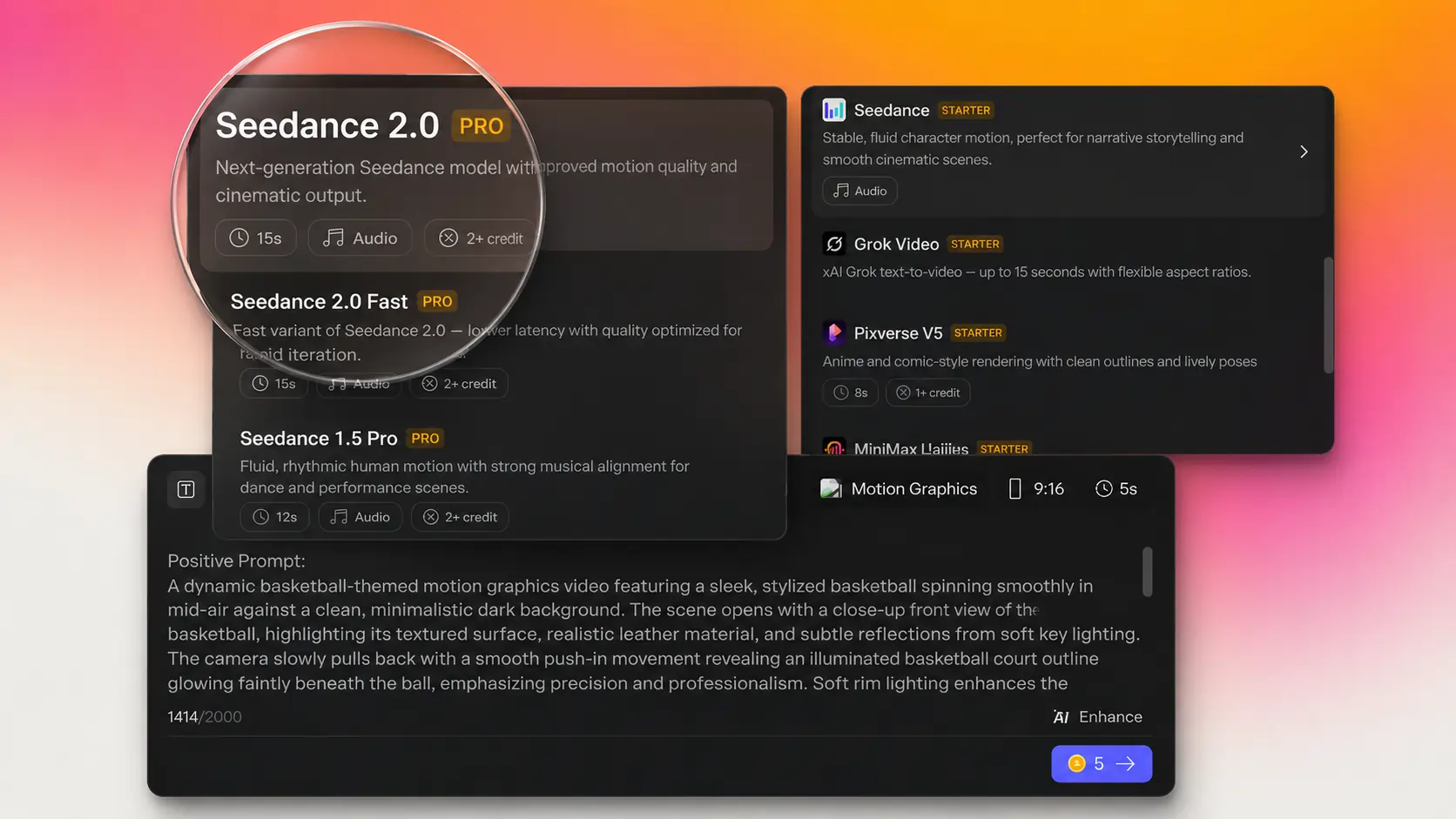
Seedance 2.0, ByteDance's most advanced video generation model, is now available in Creatify's Asset Generator. It's one of the more significant model additions we've made: native audio, multi-shot consistency, and cinematic camera control in a single pass.
Native audio, multi-shot sequences, and cinematic camera control
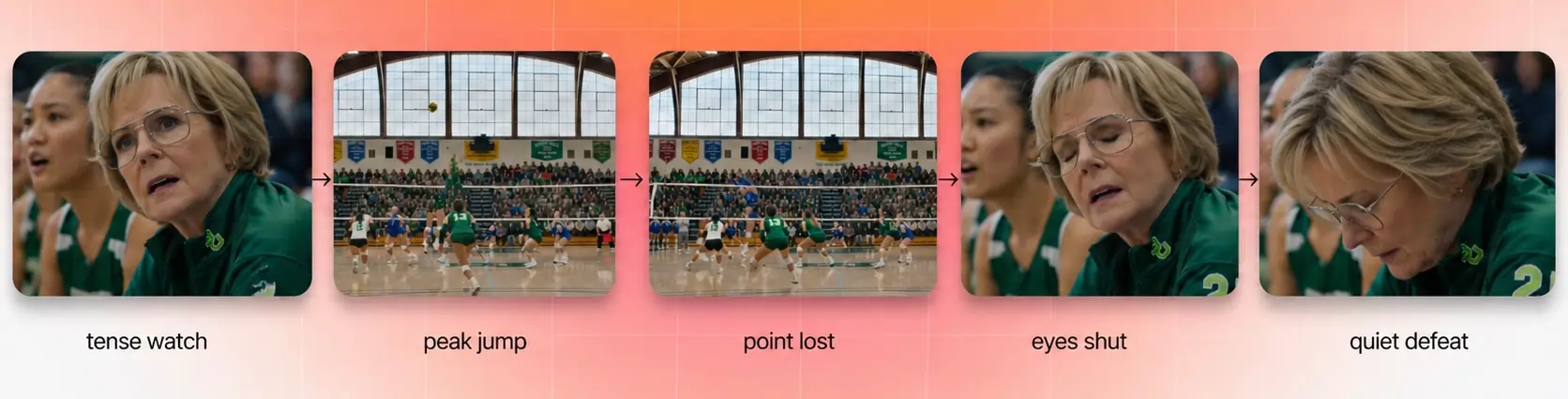
Seedance 2.0 accepts text, images, video clips, and audio as inputs and produces multi-shot video with synchronized sound, all from one generation.
A few things it does that most video models don't:
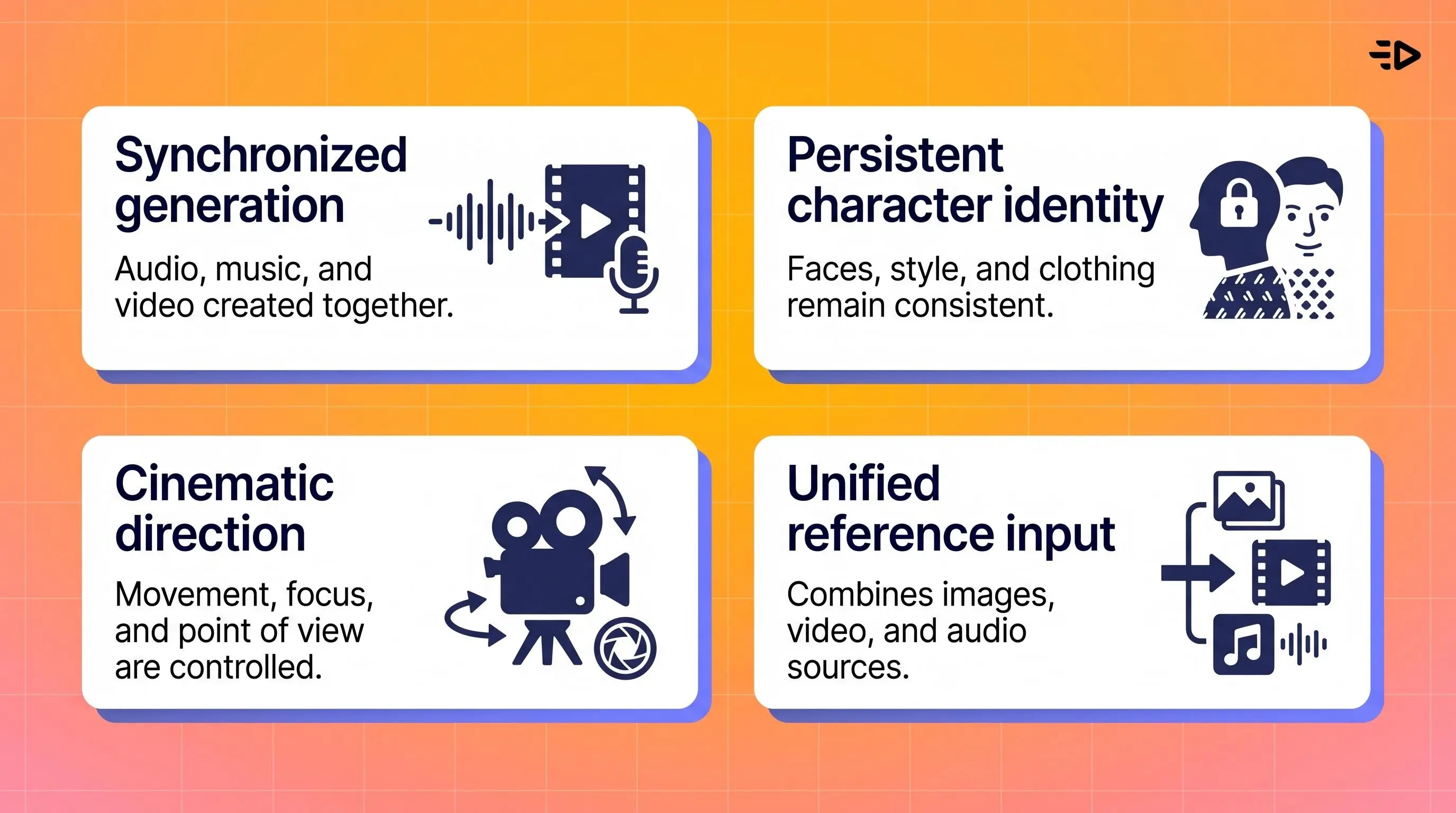
Audio generated alongside video. Music, dialogue, ambient sound, and effects come out in one pass, synced to the visual. No separate audio layering needed. Describe what you want to hear in your prompt ("upbeat background music," "crowd noise," "sound of rain") and the model handles it.
Character consistency across shots. Upload a reference image and faces, clothing, and visual style stay locked through every scene. Your product and talent look the same in shot 3 as they did in shot 1.
Camera language that works. Dolly zooms, rack focuses, tracking shots, POV switches. Write the camera move in plain terms and Seedance 2.0 executes it.
Up to 12 reference inputs per generation. You can combine 9 images, 3 video clips, and 3 audio clips alongside a text prompt. That means you can feed it existing product photos, brand footage, or audio references rather than prompting cold.
Why it's useful for ad creative
Most video models produce a single clip. A product commercial or narrative ad needs multiple shots that cut together coherently. Seedance 2.0 is built for that: consistent characters, connected camera work, and audio that stays in sync across cuts.
The audio-in-one-pass part also trims post-production time. A finished ad normally means a video edit, then a separate audio session. With Seedance 2.0, those are the same step.
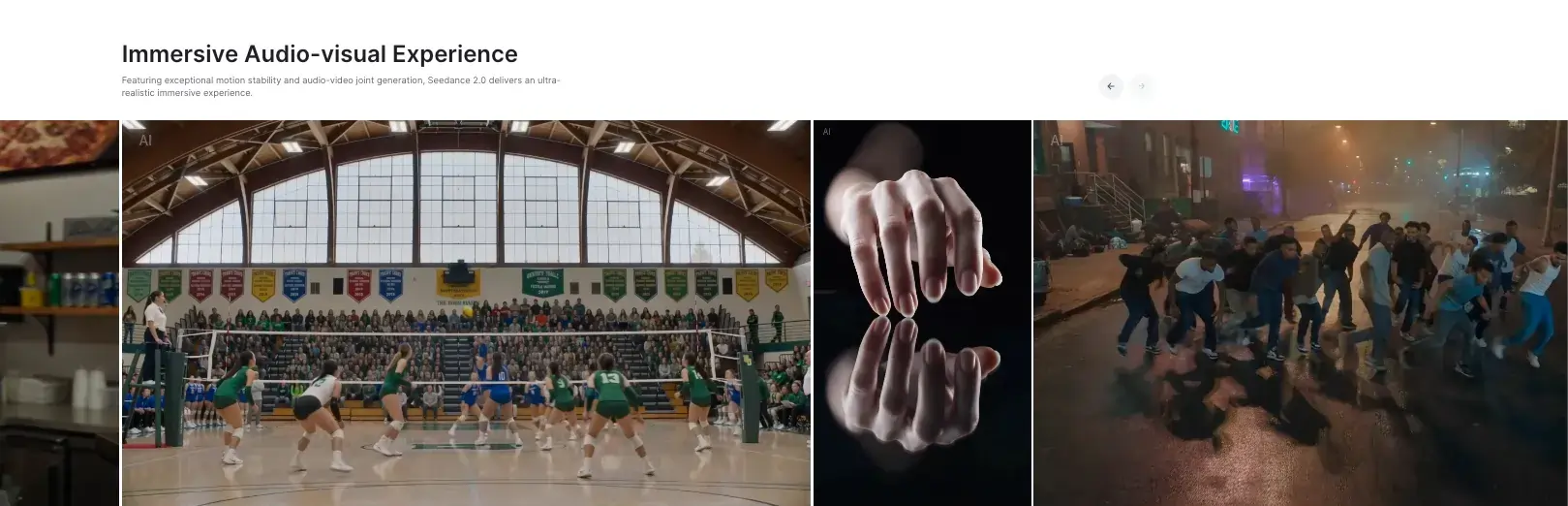
On output quality: ByteDance ran internal benchmarks (SeedVideoBench-2.0) comparing Seedance 2.0 against Sora 2 Pro, Veo 3.1, and Kling 3.0. Across motion quality, audio-visual sync, and audio expressiveness, Seedance 2.0 led in their evaluation. These are ByteDance's own benchmarks, not independent testing, but the output holds up in practice.
Clips run up to 15 seconds per shot, at up to 2K resolution. That's usable for YouTube, high-definition social, and CTV placements.
How to use it
Open the Asset Generator, select Seedance 2.0, and either write a prompt or upload your reference inputs. You can mix product images, video clips, and audio in the same generation.
Frequently Asked Questions
What is Seedance 2.0?
ByteDance's most advanced video generation model. It produces multi-shot video with native audio and consistent characters from a single generation, accepting text, images, video, and audio as inputs.
Which Creatify plan includes Seedance 2.0?
It's available in the Asset Generator tool.
How is it different from other models in the Asset Generator?
Most models produce a single clip. Seedance 2.0 handles multi-shot sequences with synchronized audio, which makes it better suited for product commercials and narrative ads that need multiple scenes to work together.
Can I use my own product images or footage?
Yes. You can combine up to 9 images, 3 video clips, and 3 audio clips with a text prompt in a single generation.
How long are the clips?
Up to 15 seconds per shot. Chain multiple shots to build longer sequences while keeping character and visual consistency across cuts.
Seedance 2.0, ByteDance's most advanced video generation model, is now available in Creatify's Asset Generator. It's one of the more significant model additions we've made: native audio, multi-shot consistency, and cinematic camera control in a single pass.
Native audio, multi-shot sequences, and cinematic camera control
Seedance 2.0 accepts text, images, video clips, and audio as inputs and produces multi-shot video with synchronized sound, all from one generation.
A few things it does that most video models don't:
Audio generated alongside video. Music, dialogue, ambient sound, and effects come out in one pass, synced to the visual. No separate audio layering needed. Describe what you want to hear in your prompt ("upbeat background music," "crowd noise," "sound of rain") and the model handles it.
Character consistency across shots. Upload a reference image and faces, clothing, and visual style stay locked through every scene. Your product and talent look the same in shot 3 as they did in shot 1.
Camera language that works. Dolly zooms, rack focuses, tracking shots, POV switches. Write the camera move in plain terms and Seedance 2.0 executes it.
Up to 12 reference inputs per generation. You can combine 9 images, 3 video clips, and 3 audio clips alongside a text prompt. That means you can feed it existing product photos, brand footage, or audio references rather than prompting cold.
Why it's useful for ad creative
Most video models produce a single clip. A product commercial or narrative ad needs multiple shots that cut together coherently. Seedance 2.0 is built for that: consistent characters, connected camera work, and audio that stays in sync across cuts.
The audio-in-one-pass part also trims post-production time. A finished ad normally means a video edit, then a separate audio session. With Seedance 2.0, those are the same step.
On output quality: ByteDance ran internal benchmarks (SeedVideoBench-2.0) comparing Seedance 2.0 against Sora 2 Pro, Veo 3.1, and Kling 3.0. Across motion quality, audio-visual sync, and audio expressiveness, Seedance 2.0 led in their evaluation. These are ByteDance's own benchmarks, not independent testing, but the output holds up in practice.
Clips run up to 15 seconds per shot, at up to 2K resolution. That's usable for YouTube, high-definition social, and CTV placements.
How to use it
Open the Asset Generator, select Seedance 2.0, and either write a prompt or upload your reference inputs. You can mix product images, video clips, and audio in the same generation.
Frequently Asked Questions
What is Seedance 2.0?
ByteDance's most advanced video generation model. It produces multi-shot video with native audio and consistent characters from a single generation, accepting text, images, video, and audio as inputs.
Which Creatify plan includes Seedance 2.0?
It's available in the Asset Generator tool.
How is it different from other models in the Asset Generator?
Most models produce a single clip. Seedance 2.0 handles multi-shot sequences with synchronized audio, which makes it better suited for product commercials and narrative ads that need multiple scenes to work together.
Can I use my own product images or footage?
Yes. You can combine up to 9 images, 3 video clips, and 3 audio clips with a text prompt in a single generation.
How long are the clips?
Up to 15 seconds per shot. Chain multiple shots to build longer sequences while keeping character and visual consistency across cuts.