
Creatify Team
SHARE


IN THIS ARTICLE
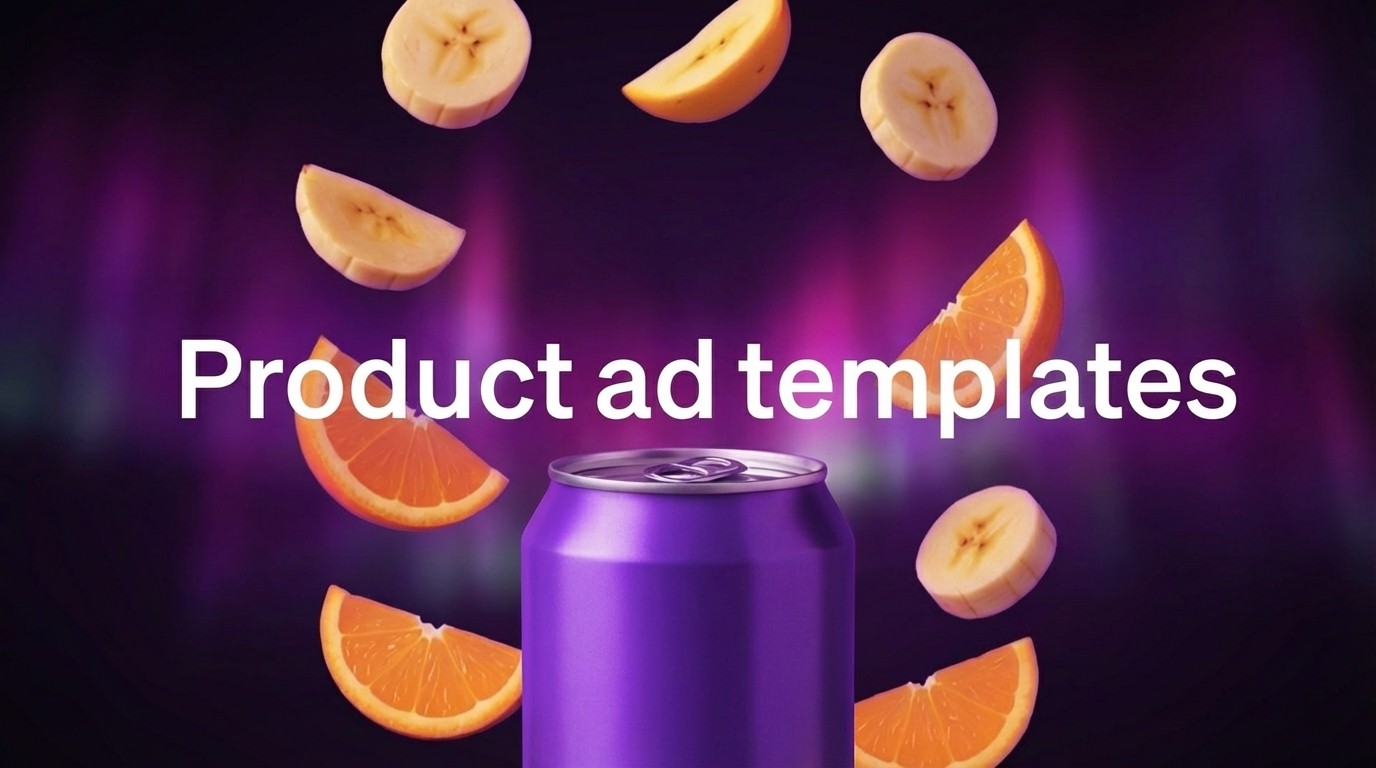
Product-to-Video templates are category-specific ad formats designed for different product types. Pick your category (Beverages, Beauty & Personal care, OTC/Medical), upload your product image, customize the text overlay, and export a finished ad in under 5 minutes.
This solves the blank canvas problem. Even with AI video tools, starting from scratch requires creative decisions: layout, pacing, visual hierarchy, text placement. Templates eliminate these decisions by providing proven formats optimized for specific product categories.
What's included
Category-specific templates - Templates designed for Beverages, Beauty & Personal care, OTC/Medical products. Each category has multiple style options optimized for that product type's visual requirements.
Smart Assets integration - Upload product images once to Smart Assets, then access them across all template projects. No re-uploading for every new ad.
Customizable text overlays - Every template includes editable heading and subheading fields. Add promotional messages ("20% OFF", "New Arrival"), urgency ("Don't miss out!"), or product highlights.
Platform-optimized formats - Templates export in 9:16 (TikTok, Reels), 16:9 (YouTube), and 1:1 (feeds). Same design, multiple aspect ratios.
Professional design - Templates follow category-specific best practices: beverage templates emphasize liquid appeal, beauty templates use elegant aesthetics, medical templates prioritize credibility.
Why templates accelerate production
Templates eliminate creative paralysis. Instead of deciding how to structure your ad, you pick a proven format and fill it with your content. This speeds up production dramatically - 5 minutes instead of hours.
For agencies running multiple client campaigns, templates provide consistency. Create Client A's ads with Template Style 1, Client B with Template Style 2. Maintain distinct brand identities while using efficient workflows.
For brands testing creative variations, templates enable rapid A/B testing. Generate the same product in 10 different template styles, then test which format drives better performance. Traditional production couldn't support this testing velocity.
How templates work in Creatify
Access Product Video from the main dashboard. Two tabs available: Video Clips and Video Templates.
Step 1: Upload your product - Upload a product image or choose from Smart Assets. If you've already uploaded product photos to any project, they're available here immediately.
Step 2: Choose a category-specific template - Browse by product category:
Beverages - Templates designed for drinks, bottles, cans
Beauty & Personal care - Skincare, cosmetics, personal products
OTC/Medical - Supplements, health products, medical items
More categories coming soon
Each template shows a preview with your product type already mocked in. Select the template that matches your product aesthetic.
Step 3: Customize text overlays - Every template includes editable fields:
Heading - Main message (e.g., "20% OFF", "New Arrival", "Limited Time")
Subheading - Supporting copy (e.g., "Don't miss out!", "Shop now")
Adjust timing, colors, and music if needed. Preview, then export in 9:16, 16:9, or 1:1.
Generated videos save to Smart Assets. Reuse successful templates by swapping products and updating text overlays.
Template categories
Templates are designed for specific product types. Choose templates matching your product category for best visual results.
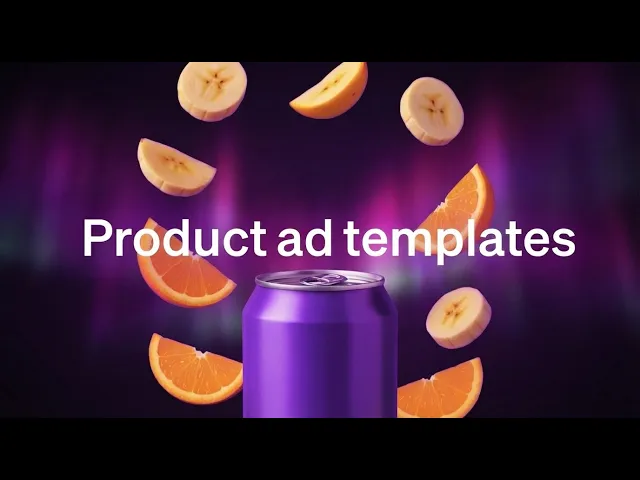
Beverages - Bottle and can templates with liquid-focused aesthetics. Color schemes and lighting designed for drinks - juices, water, energy drinks, alcohol.
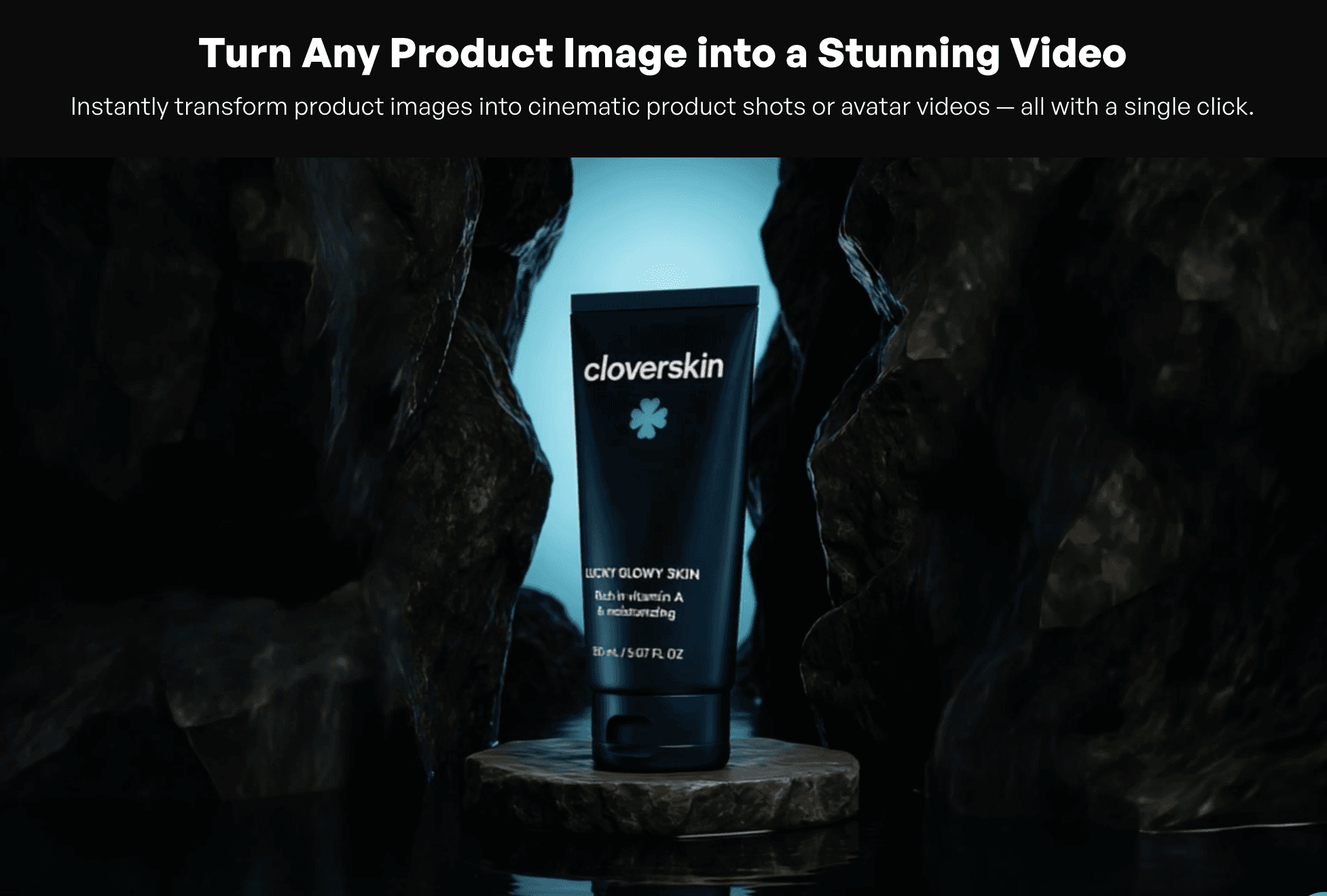
Beauty & Personal care - Elegant templates for cosmetics, skincare, fragrances, personal care items. Premium aesthetics with soft lighting and product-focused composition.
OTC/Medical - Clinical, trustworthy templates for supplements, vitamins, medical products, health items. Clean designs emphasizing product credibility.
Coming soon - Additional categories being added based on product demand and advertising trends.
Each category contains multiple template styles. Browse within your category to find the aesthetic that matches your brand positioning.
Frequently Asked Questions
Can I customize templates beyond the basic options?
Yes. Templates provide starting points with customizable elements: images, text, colors, timing, and music. While maintaining the core structure, you can adjust templates to match your brand requirements.
Do templates work for any product type?
Yes. Templates accommodate physical products, digital products, services, and apps. Upload product screenshots, images, or mockups - templates adapt to your content type.
Can I save my customized templates?
Yes. After customizing a template with your brand colors, fonts, or structure preferences, save it as a custom template. Reuse your branded version across campaigns for consistency.
How many templates are available?
Each category (Beverages, Beauty & Personal care, OTC/Medical) contains multiple template styles. The template gallery shows visual previews so you can browse and select the aesthetic that matches your brand. New templates added regularly.
Do templates work with all aspect ratios?
Yes. Every template exports in 9:16 (TikTok, Reels), 16:9 (YouTube, Facebook), and 1:1 (feed placements). Select your target platform and the template adjusts automatically.
What if my product doesn't fit the existing categories?
Use the "All" category to browse all available templates regardless of category designation. While category-specific templates are optimized for their product types, many templates work across categories. Additional categories are being added based on user demand.
Can I use templates with URL-to-Video?
URL-to-Video automatically generates ads from product URLs. Templates are for manual creation where you want specific visual structures. Both workflows serve different needs - automation vs. controlled design.
Product-to-Video templates are category-specific ad formats designed for different product types. Pick your category (Beverages, Beauty & Personal care, OTC/Medical), upload your product image, customize the text overlay, and export a finished ad in under 5 minutes.
This solves the blank canvas problem. Even with AI video tools, starting from scratch requires creative decisions: layout, pacing, visual hierarchy, text placement. Templates eliminate these decisions by providing proven formats optimized for specific product categories.
What's included
Category-specific templates - Templates designed for Beverages, Beauty & Personal care, OTC/Medical products. Each category has multiple style options optimized for that product type's visual requirements.
Smart Assets integration - Upload product images once to Smart Assets, then access them across all template projects. No re-uploading for every new ad.
Customizable text overlays - Every template includes editable heading and subheading fields. Add promotional messages ("20% OFF", "New Arrival"), urgency ("Don't miss out!"), or product highlights.
Platform-optimized formats - Templates export in 9:16 (TikTok, Reels), 16:9 (YouTube), and 1:1 (feeds). Same design, multiple aspect ratios.
Professional design - Templates follow category-specific best practices: beverage templates emphasize liquid appeal, beauty templates use elegant aesthetics, medical templates prioritize credibility.
Why templates accelerate production
Templates eliminate creative paralysis. Instead of deciding how to structure your ad, you pick a proven format and fill it with your content. This speeds up production dramatically - 5 minutes instead of hours.
For agencies running multiple client campaigns, templates provide consistency. Create Client A's ads with Template Style 1, Client B with Template Style 2. Maintain distinct brand identities while using efficient workflows.
For brands testing creative variations, templates enable rapid A/B testing. Generate the same product in 10 different template styles, then test which format drives better performance. Traditional production couldn't support this testing velocity.
How templates work in Creatify
Access Product Video from the main dashboard. Two tabs available: Video Clips and Video Templates.
Step 1: Upload your product - Upload a product image or choose from Smart Assets. If you've already uploaded product photos to any project, they're available here immediately.
Step 2: Choose a category-specific template - Browse by product category:
Beverages - Templates designed for drinks, bottles, cans
Beauty & Personal care - Skincare, cosmetics, personal products
OTC/Medical - Supplements, health products, medical items
More categories coming soon
Each template shows a preview with your product type already mocked in. Select the template that matches your product aesthetic.
Step 3: Customize text overlays - Every template includes editable fields:
Heading - Main message (e.g., "20% OFF", "New Arrival", "Limited Time")
Subheading - Supporting copy (e.g., "Don't miss out!", "Shop now")
Adjust timing, colors, and music if needed. Preview, then export in 9:16, 16:9, or 1:1.
Generated videos save to Smart Assets. Reuse successful templates by swapping products and updating text overlays.
Template categories
Templates are designed for specific product types. Choose templates matching your product category for best visual results.
Beverages - Bottle and can templates with liquid-focused aesthetics. Color schemes and lighting designed for drinks - juices, water, energy drinks, alcohol.
Beauty & Personal care - Elegant templates for cosmetics, skincare, fragrances, personal care items. Premium aesthetics with soft lighting and product-focused composition.
OTC/Medical - Clinical, trustworthy templates for supplements, vitamins, medical products, health items. Clean designs emphasizing product credibility.
Coming soon - Additional categories being added based on product demand and advertising trends.
Each category contains multiple template styles. Browse within your category to find the aesthetic that matches your brand positioning.
Frequently Asked Questions
Can I customize templates beyond the basic options?
Yes. Templates provide starting points with customizable elements: images, text, colors, timing, and music. While maintaining the core structure, you can adjust templates to match your brand requirements.
Do templates work for any product type?
Yes. Templates accommodate physical products, digital products, services, and apps. Upload product screenshots, images, or mockups - templates adapt to your content type.
Can I save my customized templates?
Yes. After customizing a template with your brand colors, fonts, or structure preferences, save it as a custom template. Reuse your branded version across campaigns for consistency.
How many templates are available?
Each category (Beverages, Beauty & Personal care, OTC/Medical) contains multiple template styles. The template gallery shows visual previews so you can browse and select the aesthetic that matches your brand. New templates added regularly.
Do templates work with all aspect ratios?
Yes. Every template exports in 9:16 (TikTok, Reels), 16:9 (YouTube, Facebook), and 1:1 (feed placements). Select your target platform and the template adjusts automatically.
What if my product doesn't fit the existing categories?
Use the "All" category to browse all available templates regardless of category designation. While category-specific templates are optimized for their product types, many templates work across categories. Additional categories are being added based on user demand.
Can I use templates with URL-to-Video?
URL-to-Video automatically generates ads from product URLs. Templates are for manual creation where you want specific visual structures. Both workflows serve different needs - automation vs. controlled design.