

How to Use Creatify's Agent to Build Ads That Actually Convert
How to Use Creatify's Agent to Build Ads That Actually Convert


Creatify Team
SHARE


IN THIS ARTICLE
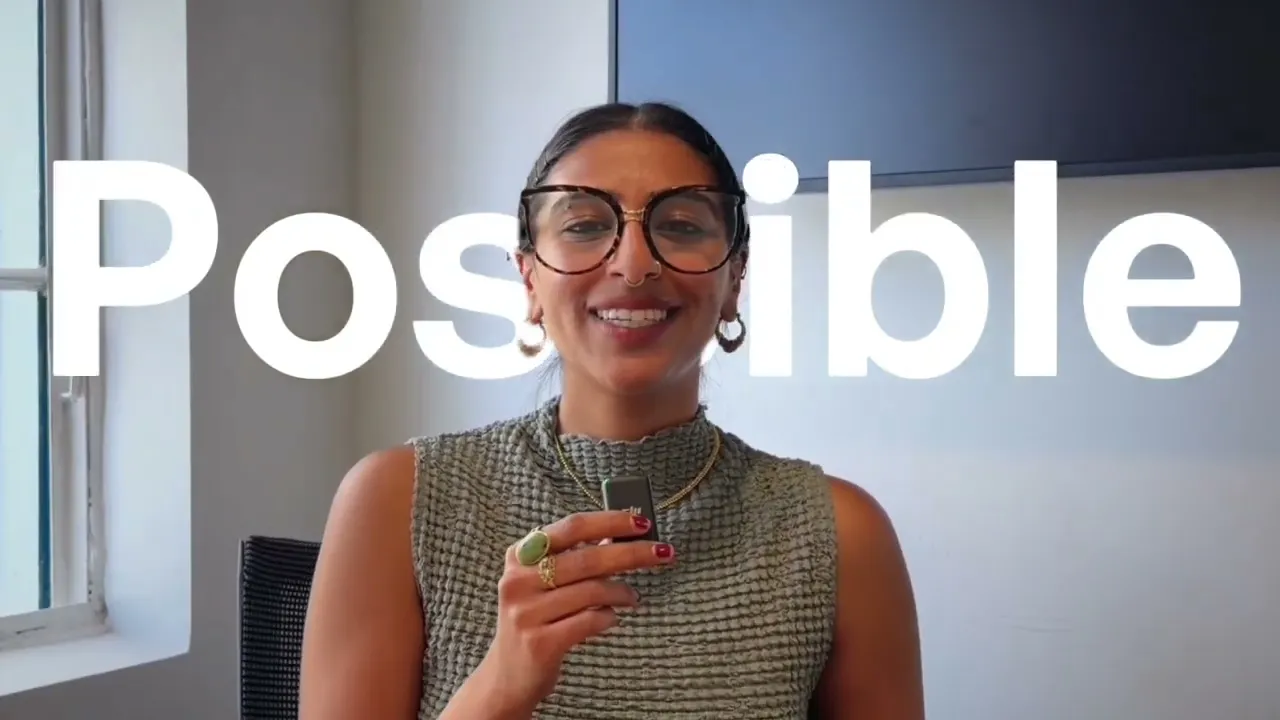
Most AI tools spit out generic video slop you'd never actually run, Creatify Agent is built different. In this walkthrough I create two high-converting ads from scratch using Agent's Auto and Flow modes, so you can see exactly how to go from a product link to a finished ad with no creative team behind you.
What you'll learn:
✅ Why Agent was trained on 15M+ ads and $1B in ad spend, and how that shows up in your creative
✅ The real difference between Auto mode and Flow mode, and exactly when to use each
✅ How to turn a single product URL into a full storyboard, music, and finished ad in Auto mode
✅ How to build a UGC-style ad with a specific hook, tone, and storyline in Flow mode
✅ How the node-based canvas lets you swap models, change aspect ratios, and edit any scene
✅ How to launch straight to LinkedIn, Facebook, and more with built-in connectors
After this video, you'll understand how to take any product link and turn it into a high-converting ad without a creative team, and
how to pick the right mode for the level of control you actually want.
Perfect for DTC marketers, solopreneurs, and startup founders shipping creative without a team.
#aivideoads #DTCMarketing #PerformanceMarketing #AIAds #creativeautomation
⏱️ Chapters
0:00 Why most AI ad tools fall short
0:42 Auto mode vs Flow mode
1:03 Touring the Agent interface
2:37 Building a service ad in Auto mode
4:30 Inside the auto storyboard & scenes
5:09 The finished service ad
5:46 Switching to Flow mode for a UGC ad
7:34 Editing scenes on the node canvas
9:05 The finished UGC ad + native editor
9:57 Auto vs Flow: when to use each
👉 Try Creatify free → https://app.creatify.ai/auth/login?ut=16
Most AI tools spit out generic video slop you'd never actually run, Creatify Agent is built different. In this walkthrough I create two high-converting ads from scratch using Agent's Auto and Flow modes, so you can see exactly how to go from a product link to a finished ad with no creative team behind you.
What you'll learn:
✅ Why Agent was trained on 15M+ ads and $1B in ad spend, and how that shows up in your creative
✅ The real difference between Auto mode and Flow mode, and exactly when to use each
✅ How to turn a single product URL into a full storyboard, music, and finished ad in Auto mode
✅ How to build a UGC-style ad with a specific hook, tone, and storyline in Flow mode
✅ How the node-based canvas lets you swap models, change aspect ratios, and edit any scene
✅ How to launch straight to LinkedIn, Facebook, and more with built-in connectors
After this video, you'll understand how to take any product link and turn it into a high-converting ad without a creative team, and
how to pick the right mode for the level of control you actually want.
Perfect for DTC marketers, solopreneurs, and startup founders shipping creative without a team.
#aivideoads #DTCMarketing #PerformanceMarketing #AIAds #creativeautomation
⏱️ Chapters
0:00 Why most AI ad tools fall short
0:42 Auto mode vs Flow mode
1:03 Touring the Agent interface
2:37 Building a service ad in Auto mode
4:30 Inside the auto storyboard & scenes
5:09 The finished service ad
5:46 Switching to Flow mode for a UGC ad
7:34 Editing scenes on the node canvas
9:05 The finished UGC ad + native editor
9:57 Auto vs Flow: when to use each
👉 Try Creatify free → https://app.creatify.ai/auth/login?ut=16

You might also like


Ready to speed up your marketing?
Test your new product ideas in minutes with AI-generated video ads


Ready to speed up your marketing?
Test your new product ideas in minutes with AI-generated video ads
Ready to speed up your marketing?
Test your new product ideas in minutes with AI-generated video ads
Ready to speed up your marketing?
Test your new product ideas in minutes with AI-generated video ads

Generate engaging video ads for your products
from any URL



Creatify Lab • Copyright © 2026
Language
English
Features
Tools
Generate engaging video ads for your products
from any URL
Creatify Lab • Copyright © 2026
Language
English
Features
Tools
Generate engaging video ads for your products
from any URL
Creatify Lab • Copyright © 2026
Language
English
Features
Tools
Use Cases
YouTube
Snapchat
Shopify
Create AI Avatar
OTT & CTV
Lead Generation
Generate engaging video ads for your products
from any URL
Creatify Lab • Copyright © 2026
Language
English
Features
Tools
