

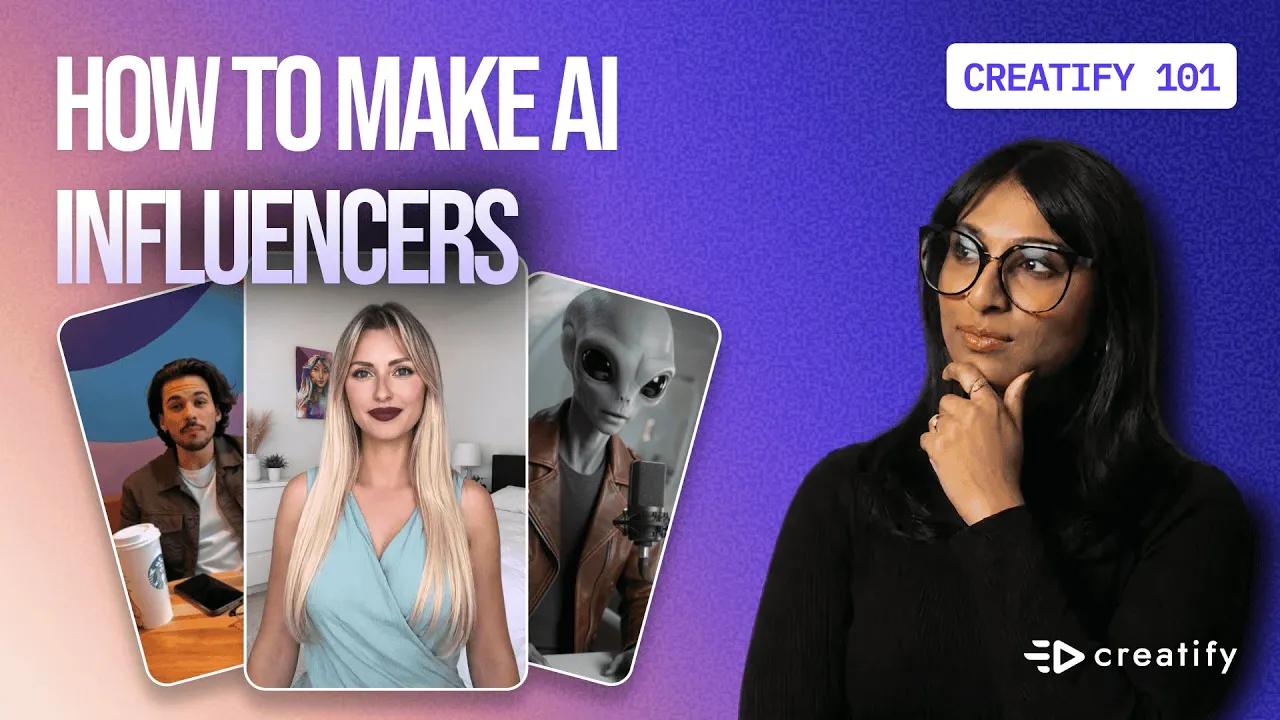
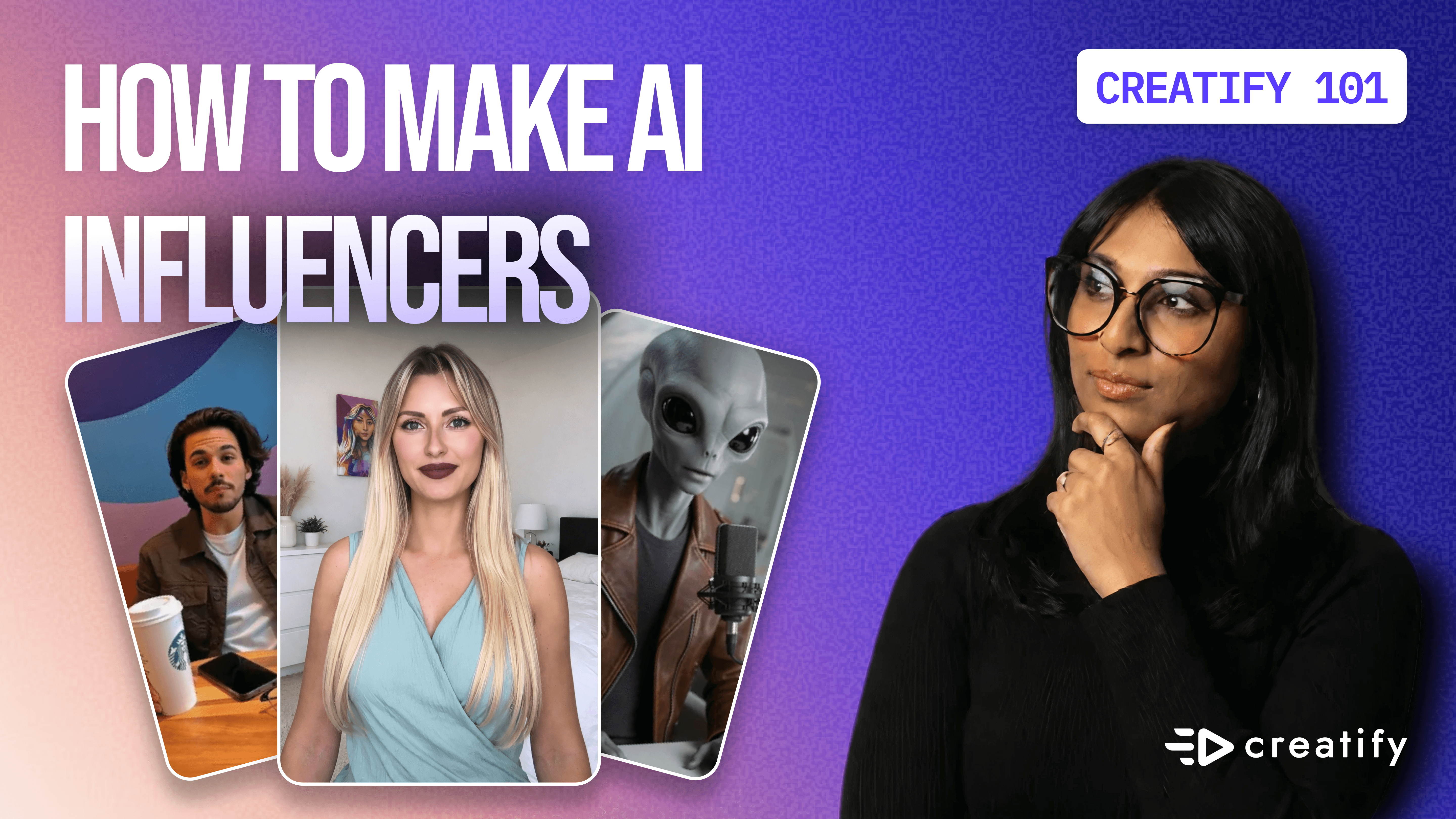
Create AI Influencer with Creatify using 1500+ avatars
Create AI Influencer with Creatify using 1500+ avatars

Creatify Team
SHARE


IN THIS ARTICLE
Video ads consistently outperform static images across every major advertising platform. They capture attention longer, communicate more information, and drive higher conversion rates. But here's the problem: creating quality video content traditionally requires expensive equipment, professional actors, multiple takes, and hours of editing time. That's where AI influencers change the game entirely.
In this tutorial, I'm going to show you how to create professional influencer-style video ads using Creatify's avatar library. No filming required, no expensive production costs, and unlimited variations for testing.
What are AI influencers and why should you care?
AI influencers are digital avatars that look and act like real people in your videos. Think of them as your personal content creation team that's available 24/7, never gets tired, and can be customized for any audience you're targeting.
The real power isn't just in saving time, it's in the ability to test different personas, messaging styles, and emotional tones at scale. Want to see if a young female beauty enthusiast resonates better than a mature wellness expert? You can test both in the same afternoon.
Creatify provides an expansive library of pre-made avatars spanning different ages, genders, industries, and shooting styles. You're not starting from scratch, you're choosing from professionally designed digital talent that's ready to represent your brand.
Step 1: Navigate to the avatar video
Start on Creatify's product homepage and click "Avatar Video" at the top of the page. You'll see two options: upload an image to create a custom twin avatar, or choose from the existing avatar library.
For this tutorial, we're using the library because it's the fastest path to professional results. The library gives you instant access to avatars that have already been optimized for video performance.
Step 2: Filter for your perfect avatar
This is where Creatify's filtering system becomes incredibly powerful. You can search and filter by:
Type: Realistic or stylized avatars
Gender: Male or female
Age: Young adult, middle-aged, or senior
Industry: Beauty, tech, fitness, finance, sports, and more
Shooting style: Selfie modes
You can also sort by newly added avatars or most popular ones. The most popular avatars tend to perform well because they've been tested across thousands of campaigns.
For this example, let's say we're promoting a beauty product. I'll filter for:
Type: Realistic
Gender: Female
Age: Young adult
Industry: Beauty and personal care
Shooting style: Selfie
After applying these filters, I'm choosing the avatar Stephanie, she has the right energy and aesthetic for a skincare product promotion.
Step 3: Customize your script and voice
Once you select your avatar, you're brought to the scripting screen. This is where you have three options for creating your video script:
Upload audio to automatically generate a transcript
Input your own script manually
Use the AI script writer if you're feeling stuck
Creatify automatically matches a voice to your chosen avatar, but you're not locked in. Click into the voice library to browse hundreds of options filtered by language, accent, and gender. This matters more than you might think, the right voice can make or break the authenticity of your avatar.
For this tutorial, I'm using the AI script writer. I'll type: "Help me generate a script for my favorite beauty product, derma hydrating cream."
The AI gives you multiple script style options:
Storytelling (narrative-driven)
Promotional (direct sales focus)
Exploratory (educational tone)
Motivational (inspirational messaging)
I'm going with promotional for this ad since we want clear conversion-focused copy.
Step 4: Add emotional nuance with tags
Here's where Creatify's V3 model really shines. Once your script generates, you can add emotional tags to specific lines to control exactly how your avatar delivers the message.
Click the emoji button at the bottom of your script. The AI will automatically suggest emotional tags like "excited," "whispering," "laughing," or "serious" based on the context of each line.
For this beauty product ad, I'm changing the opening tag from "whispering" to "excited" because I want high energy right from the start. These small adjustments create massive differences in how authentic and engaging your final video feels.
Step 5: Set your ratio and captions
Choose your aspect ratio based on where you're running the ad:
9:16 for TikTok, Instagram Reels, YouTube Shorts
16:9 for YouTube pre-roll or website embeds
I'm sticking with 9:16 since vertical video performs best on social platforms.
Next, add captions. This isn't optional, over 85% of social video is watched without sound. Click through Creatify's caption style library and choose something that matches your platform aesthetic. I typically go with TikTok-style captions (the "quiet serif" style) because they're proven to increase watch time.
Confirm your caption style and you're ready to generate.
Step 6: Generate and render your video
Hit "Generate Video" and then "Render." The typical render time is 5-10 minutes depending on video length and complexity. This is an excellent time to start outlining your next variation or planning your ad campaign structure.
When your video is ready, review it carefully. Check that the lip-sync is accurate, the emotional delivery matches your intent, and the pacing feels natural. Creatify's quality is consistently high, but it's worth watching through at least once before launching.
Step 7: Share and launch directly to ad platforms
Once you're happy with your influencer video, you have several distribution options:
Direct link sharing for internal reviews or client approvals
Social media sharing to post organically first and test engagement
Ad platform integration to launch directly on Meta, Amazon, or TikTok
The ability to launch straight to ad platforms saves you another 10-15 minutes of manual uploading and formatting. Everything is already optimized for each platform's specifications.
Why this approach transforms content creation
Traditional influencer marketing requires contracts, negotiations, shooting schedules, revisions, and significant budgets. A single influencer post can cost anywhere from $500 to $50,000 depending on their following.
With AI influencers through Creatify, you can:
Create unlimited variations in minutes, not days
Test different personas without new contracts
Generate content 24/7 without scheduling conflicts
Maintain complete creative control over messaging
Scale production without scaling costs
The goal isn't to replace human creators entirely, it's to remove the bottlenecks that slow down testing and iteration. When you can produce 10 variations of an ad in an hour instead of waiting weeks for production, you learn faster and optimize quicker.
What to test first
Now that you know how to create AI influencer videos, here's what you should test immediately:
Different avatar demographics: Does your audience respond better to different ages, genders, or ethnicities?
Emotional tones: Try excited vs. calm vs. serious delivery of the same script
Script styles: Test promotional vs. storytelling approaches
Caption styles: Different platforms favor different caption aesthetics
Shooting styles: Selfie format vs. studio setup can dramatically impact authenticity perception
The beauty of this workflow is that each variable takes just 10 minutes to test. You can run a comprehensive creative testing matrix in a single afternoon that would normally take weeks and thousands of dollars.
Video ads consistently outperform static images across every major advertising platform. They capture attention longer, communicate more information, and drive higher conversion rates. But here's the problem: creating quality video content traditionally requires expensive equipment, professional actors, multiple takes, and hours of editing time. That's where AI influencers change the game entirely.
In this tutorial, I'm going to show you how to create professional influencer-style video ads using Creatify's avatar library. No filming required, no expensive production costs, and unlimited variations for testing.
What are AI influencers and why should you care?
AI influencers are digital avatars that look and act like real people in your videos. Think of them as your personal content creation team that's available 24/7, never gets tired, and can be customized for any audience you're targeting.
The real power isn't just in saving time, it's in the ability to test different personas, messaging styles, and emotional tones at scale. Want to see if a young female beauty enthusiast resonates better than a mature wellness expert? You can test both in the same afternoon.
Creatify provides an expansive library of pre-made avatars spanning different ages, genders, industries, and shooting styles. You're not starting from scratch, you're choosing from professionally designed digital talent that's ready to represent your brand.
Step 1: Navigate to the avatar video
Start on Creatify's product homepage and click "Avatar Video" at the top of the page. You'll see two options: upload an image to create a custom twin avatar, or choose from the existing avatar library.
For this tutorial, we're using the library because it's the fastest path to professional results. The library gives you instant access to avatars that have already been optimized for video performance.
Step 2: Filter for your perfect avatar
This is where Creatify's filtering system becomes incredibly powerful. You can search and filter by:
Type: Realistic or stylized avatars
Gender: Male or female
Age: Young adult, middle-aged, or senior
Industry: Beauty, tech, fitness, finance, sports, and more
Shooting style: Selfie modes
You can also sort by newly added avatars or most popular ones. The most popular avatars tend to perform well because they've been tested across thousands of campaigns.
For this example, let's say we're promoting a beauty product. I'll filter for:
Type: Realistic
Gender: Female
Age: Young adult
Industry: Beauty and personal care
Shooting style: Selfie
After applying these filters, I'm choosing the avatar Stephanie, she has the right energy and aesthetic for a skincare product promotion.
Step 3: Customize your script and voice
Once you select your avatar, you're brought to the scripting screen. This is where you have three options for creating your video script:
Upload audio to automatically generate a transcript
Input your own script manually
Use the AI script writer if you're feeling stuck
Creatify automatically matches a voice to your chosen avatar, but you're not locked in. Click into the voice library to browse hundreds of options filtered by language, accent, and gender. This matters more than you might think, the right voice can make or break the authenticity of your avatar.
For this tutorial, I'm using the AI script writer. I'll type: "Help me generate a script for my favorite beauty product, derma hydrating cream."
The AI gives you multiple script style options:
Storytelling (narrative-driven)
Promotional (direct sales focus)
Exploratory (educational tone)
Motivational (inspirational messaging)
I'm going with promotional for this ad since we want clear conversion-focused copy.
Step 4: Add emotional nuance with tags
Here's where Creatify's V3 model really shines. Once your script generates, you can add emotional tags to specific lines to control exactly how your avatar delivers the message.
Click the emoji button at the bottom of your script. The AI will automatically suggest emotional tags like "excited," "whispering," "laughing," or "serious" based on the context of each line.
For this beauty product ad, I'm changing the opening tag from "whispering" to "excited" because I want high energy right from the start. These small adjustments create massive differences in how authentic and engaging your final video feels.
Step 5: Set your ratio and captions
Choose your aspect ratio based on where you're running the ad:
9:16 for TikTok, Instagram Reels, YouTube Shorts
16:9 for YouTube pre-roll or website embeds
I'm sticking with 9:16 since vertical video performs best on social platforms.
Next, add captions. This isn't optional, over 85% of social video is watched without sound. Click through Creatify's caption style library and choose something that matches your platform aesthetic. I typically go with TikTok-style captions (the "quiet serif" style) because they're proven to increase watch time.
Confirm your caption style and you're ready to generate.
Step 6: Generate and render your video
Hit "Generate Video" and then "Render." The typical render time is 5-10 minutes depending on video length and complexity. This is an excellent time to start outlining your next variation or planning your ad campaign structure.
When your video is ready, review it carefully. Check that the lip-sync is accurate, the emotional delivery matches your intent, and the pacing feels natural. Creatify's quality is consistently high, but it's worth watching through at least once before launching.
Step 7: Share and launch directly to ad platforms
Once you're happy with your influencer video, you have several distribution options:
Direct link sharing for internal reviews or client approvals
Social media sharing to post organically first and test engagement
Ad platform integration to launch directly on Meta, Amazon, or TikTok
The ability to launch straight to ad platforms saves you another 10-15 minutes of manual uploading and formatting. Everything is already optimized for each platform's specifications.
Why this approach transforms content creation
Traditional influencer marketing requires contracts, negotiations, shooting schedules, revisions, and significant budgets. A single influencer post can cost anywhere from $500 to $50,000 depending on their following.
With AI influencers through Creatify, you can:
Create unlimited variations in minutes, not days
Test different personas without new contracts
Generate content 24/7 without scheduling conflicts
Maintain complete creative control over messaging
Scale production without scaling costs
The goal isn't to replace human creators entirely, it's to remove the bottlenecks that slow down testing and iteration. When you can produce 10 variations of an ad in an hour instead of waiting weeks for production, you learn faster and optimize quicker.
What to test first
Now that you know how to create AI influencer videos, here's what you should test immediately:
Different avatar demographics: Does your audience respond better to different ages, genders, or ethnicities?
Emotional tones: Try excited vs. calm vs. serious delivery of the same script
Script styles: Test promotional vs. storytelling approaches
Caption styles: Different platforms favor different caption aesthetics
Shooting styles: Selfie format vs. studio setup can dramatically impact authenticity perception
The beauty of this workflow is that each variable takes just 10 minutes to test. You can run a comprehensive creative testing matrix in a single afternoon that would normally take weeks and thousands of dollars.

You might also like




Ready to speed up your marketing?
Test your new product ideas in minutes with AI-generated video ads


Ready to speed up your marketing?
Test your new product ideas in minutes with AI-generated video ads
Ready to speed up your marketing?
Test your new product ideas in minutes with AI-generated video ads
Ready to speed up your marketing?
Test your new product ideas in minutes with AI-generated video ads

Generate engaging video ads for your products
from any URL



Creatify Lab • Copyright © 2026
Language
English
Features
Tools
Generate engaging video ads for your products
from any URL
Creatify Lab • Copyright © 2026
Language
English
Features
Tools
Generate engaging video ads for your products
from any URL
Creatify Lab • Copyright © 2026
Language
English
Features
Tools
Use Cases
YouTube
Snapchat
Shopify
Create AI Avatar
OTT & CTV
Lead Generation
Generate engaging video ads for your products
from any URL
Creatify Lab • Copyright © 2026
Language
English
Features
Tools

