
Smart Assets: Manage and reuse your creative assets across projects

Smart Assets: Manage and reuse your creative assets across projects

Written by

Creatify Team

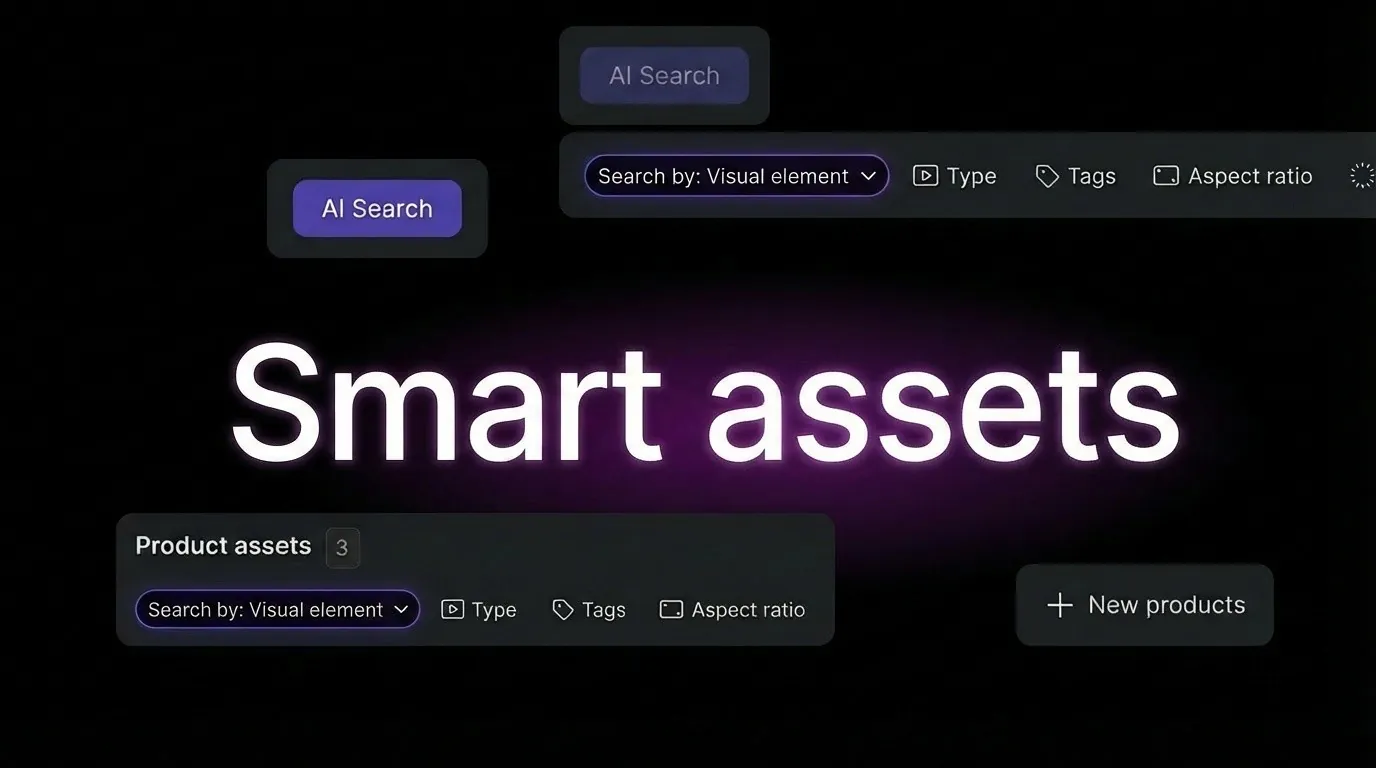
Creatify Smart Assets feature elements floating around the title
Creatify logo

Creatify Team

SHARE

LinkedIn icon
X icon
Facebook icon

IN THIS ARTICLE

Smart Assets gives you a centralized library for all your creative materials. Upload images, videos, music tracks, and custom avatars once - then reuse them across unlimited projects and campaigns.

This solves a workflow problem: agencies and brands creating hundreds of ad variations were re-uploading the same product images, brand logos, and custom avatars for every new campaign. Smart Assets eliminates this repetitive work.

What Smart Assets includes

Centralized asset library - All your uploaded content lives in one place. Product images, brand logos, custom music tracks, BYOA avatars, background videos, and any other creative materials you've generated or uploaded.

Cross-project access - Assets uploaded in one project are available in all projects. Create a product video today, reuse those same product images in a TikTok ad campaign next week without re-uploading.

Organized by type - Assets are automatically categorized: images, videos, audio, avatars. Find what you need quickly instead of scrolling through mixed uploads.

Generated content saved - Assets created in Asset Generator (AI-generated images, videos, music) automatically save to your library for reuse.
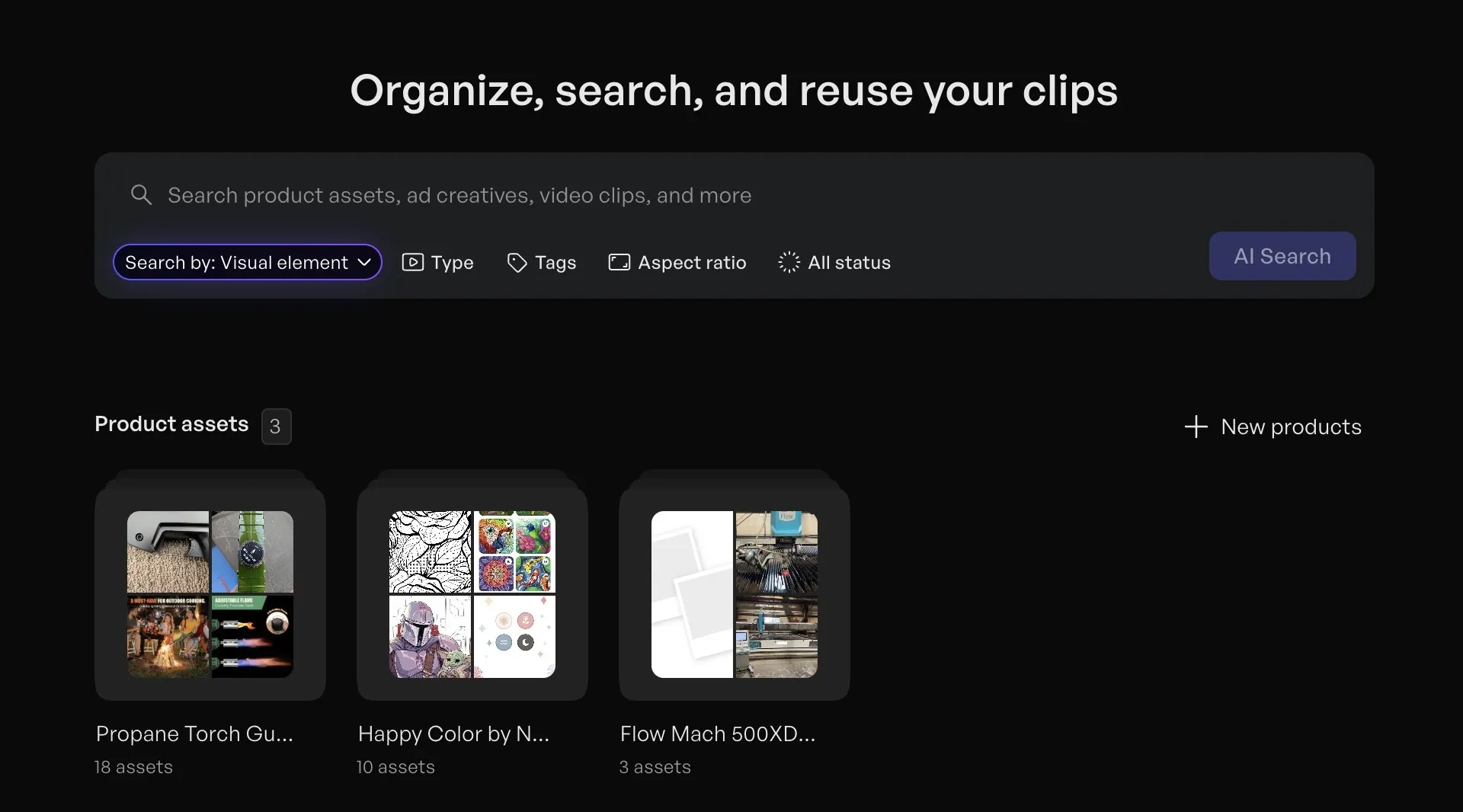
Creatify Smart Assets feature interface

Why asset management matters for ad production

When you're creating 50+ ad variations per month, re-uploading the same brand assets wastes hours. Smart Assets turns a 10-minute setup process into instant access.

For agencies managing multiple clients, this means organizing client assets separately while maintaining easy access. Upload a client's brand kit once, then use those assets across every campaign for that client.

For brands running ongoing campaigns, Smart Assets enables consistency. Use the same product images, brand colors, and custom avatars across all touchpoints - TikTok ads, YouTube ads, Instagram Reels, and mobile advertising campaigns.

How it works

Upload once, use everywhere - Upload product images to any project. Those images now appear in Smart Assets and are available across all future projects without re-uploading.

Generated assets auto-save - Create an image in Asset Generator? It saves automatically. Generate music with AI Music? It's in your library. This works for all AI-generated content.

Access from any workflow - Creating an ad in URL-to-Video, AI Avatar, or Batch Mode? Your Smart Assets library appears in the asset selection step. Pick from your existing materials instead of uploading new files.

Organization and search - Filter by asset type (image, video, audio, avatar) to find what you need. Assets show preview thumbnails for visual identification.

Use cases

Batch campaign production - Creating 100 ad variations with different scripts and avatars but the same product images? Upload the product images once, then use them across all 100 variations without repetitive uploads.

Multi-platform campaigns - Running the same product across TikTok ads, YouTube ads, and Instagram? Use Smart Assets to maintain consistent product imagery and branding across every platform.

Agency client management - Store client brand kits in Smart Assets. When creating campaigns for that client, their logos, product images, and brand colors are ready to use immediately.

Seasonal variations - Holiday campaigns using the same products with different messaging? Your product library remains consistent while you generate new scripts, avatars, and music for each season.

Custom avatar reuse - Created a BYOA (Bring Your Own Avatar) for your brand spokesperson? That avatar saves to Smart Assets and can be used in every future campaign without recreating it.


FAQs

Do Smart Assets work across all projects?

Yes. Assets uploaded or generated in any project are available in all projects. Upload once, use everywhere.


What file types does Smart Assets support?

Smart Assets stores images (PNG, JPG), videos (MP4, MOV), audio files (MP3, WAV), and custom avatars (BYOA/DYOA). Any file type Creatify accepts can be stored in Smart Assets.


Is there a storage limit for Smart Assets?

Storage limits vary by plan tier. Pro and Enterprise plans include expanded storage for large asset libraries.


Can I organize assets into folders?

Assets are automatically organized by type (images, videos, audio, avatars). Use the filter and search functions to find specific materials quickly.


Do generated assets from Asset Generator save automatically?

Yes. Any image, video, or music you generate in Asset Generator automatically saves to your Smart Assets library for reuse without manual saving.


Can I delete assets I no longer need?

Yes. Smart Assets includes asset management controls to remove outdated or unused materials from your library.
Smart Assets gives you a centralized library for all your creative materials. Upload images, videos, music tracks, and custom avatars once - then reuse them across unlimited projects and campaigns.

This solves a workflow problem: agencies and brands creating hundreds of ad variations were re-uploading the same product images, brand logos, and custom avatars for every new campaign. Smart Assets eliminates this repetitive work.

What Smart Assets includes

Centralized asset library - All your uploaded content lives in one place. Product images, brand logos, custom music tracks, BYOA avatars, background videos, and any other creative materials you've generated or uploaded.

Cross-project access - Assets uploaded in one project are available in all projects. Create a product video today, reuse those same product images in a TikTok ad campaign next week without re-uploading.

Organized by type - Assets are automatically categorized: images, videos, audio, avatars. Find what you need quickly instead of scrolling through mixed uploads.

Generated content saved - Assets created in Asset Generator (AI-generated images, videos, music) automatically save to your library for reuse.

Creatify Smart Assets feature interface

Why asset management matters for ad production

When you're creating 50+ ad variations per month, re-uploading the same brand assets wastes hours. Smart Assets turns a 10-minute setup process into instant access.

For agencies managing multiple clients, this means organizing client assets separately while maintaining easy access. Upload a client's brand kit once, then use those assets across every campaign for that client.

For brands running ongoing campaigns, Smart Assets enables consistency. Use the same product images, brand colors, and custom avatars across all touchpoints - TikTok ads, YouTube ads, Instagram Reels, and mobile advertising campaigns.

How it works

Upload once, use everywhere - Upload product images to any project. Those images now appear in Smart Assets and are available across all future projects without re-uploading.

Generated assets auto-save - Create an image in Asset Generator? It saves automatically. Generate music with AI Music? It's in your library. This works for all AI-generated content.

Access from any workflow - Creating an ad in URL-to-Video, AI Avatar, or Batch Mode? Your Smart Assets library appears in the asset selection step. Pick from your existing materials instead of uploading new files.

Organization and search - Filter by asset type (image, video, audio, avatar) to find what you need. Assets show preview thumbnails for visual identification.

Use cases

Batch campaign production - Creating 100 ad variations with different scripts and avatars but the same product images? Upload the product images once, then use them across all 100 variations without repetitive uploads.

Multi-platform campaigns - Running the same product across TikTok ads, YouTube ads, and Instagram? Use Smart Assets to maintain consistent product imagery and branding across every platform.

Agency client management - Store client brand kits in Smart Assets. When creating campaigns for that client, their logos, product images, and brand colors are ready to use immediately.

Seasonal variations - Holiday campaigns using the same products with different messaging? Your product library remains consistent while you generate new scripts, avatars, and music for each season.

Custom avatar reuse - Created a BYOA (Bring Your Own Avatar) for your brand spokesperson? That avatar saves to Smart Assets and can be used in every future campaign without recreating it.


FAQs

Do Smart Assets work across all projects?

Yes. Assets uploaded or generated in any project are available in all projects. Upload once, use everywhere.


What file types does Smart Assets support?

Smart Assets stores images (PNG, JPG), videos (MP4, MOV), audio files (MP3, WAV), and custom avatars (BYOA/DYOA). Any file type Creatify accepts can be stored in Smart Assets.


Is there a storage limit for Smart Assets?

Storage limits vary by plan tier. Pro and Enterprise plans include expanded storage for large asset libraries.


Can I organize assets into folders?

Assets are automatically organized by type (images, videos, audio, avatars). Use the filter and search functions to find specific materials quickly.


Do generated assets from Asset Generator save automatically?

Yes. Any image, video, or music you generate in Asset Generator automatically saves to your Smart Assets library for reuse without manual saving.


Can I delete assets I no longer need?

Yes. Smart Assets includes asset management controls to remove outdated or unused materials from your library.
Icon
Icon

Ready to turn your product into an engaging video?

Ready to speed up your marketing?

Test your new product ideas in minutes with AI-generated video ads

Arrow icon.
Gradient

Ready to speed up your marketing?

Test your new product ideas in minutes with AI-generated video ads

Arrow icon.
Gradient

Ready to speed up your marketing?

Test your new product ideas in minutes with AI-generated video ads

Arrow icon.
Gradient

Ready to speed up your marketing?

Test your new product ideas in minutes with AI-generated video ads

Arrow icon.
Gradient
Gradient