
Wan 3.0 from Alibaba and Veo 3.1 from Google both make a video clip with its sound in the same render. Both take a text prompt, a start frame or reference images, and both will have a character say a line you put in quotes.
On paper they look close. In practice they suit different jobs: Wan 3.0 is built for long, one-take scenes with lots of reference material and is open on every Creatify plan, while Veo 3.1 makes short, polished shots and is available on Standard. Here is how they compare on the settings and credit prices each has in Creatify today, with real clips from each model's Creatify page.
Wan 3.0 vs Veo 3.1 at a glance
| Wan 3.0 | Veo 3.1 | |
|---|---|---|
| Made by | Alibaba | |
| Durée | Any length from 2 to 30 seconds | 4, 6 or 8 seconds, plus a 7-second extend |
| Résolution | 480p, 720p or 1080p | 720p ou 1080p |
| Aspect ratios | 16:9, 9:16, 1:1, 4:3, 3:4 or adaptive | 16:9, 9:16 |
| Audio natif | Oui | Oui |
| Start and end frame | Oui | Oui |
| Références | Up to 10 images, 5 videos and 5 audio clips | Up to 3 images (8-second clips) |
| Work on a clip you have | Use it as a reference video | Extend it by 7 seconds |
| Plan in Creatify | Every plan, including Free | Standard and above |
A 30-second scene vs an 8-second shot
The biggest gap is length. Wan 3.0 takes any whole number of seconds from 2 to 30, so you can write a full spot in timed beats ([0-6s], [6-14s] and so on) and get it back as one continuous camera move with sound running through it. Nothing has to be stitched or matched in an edit.
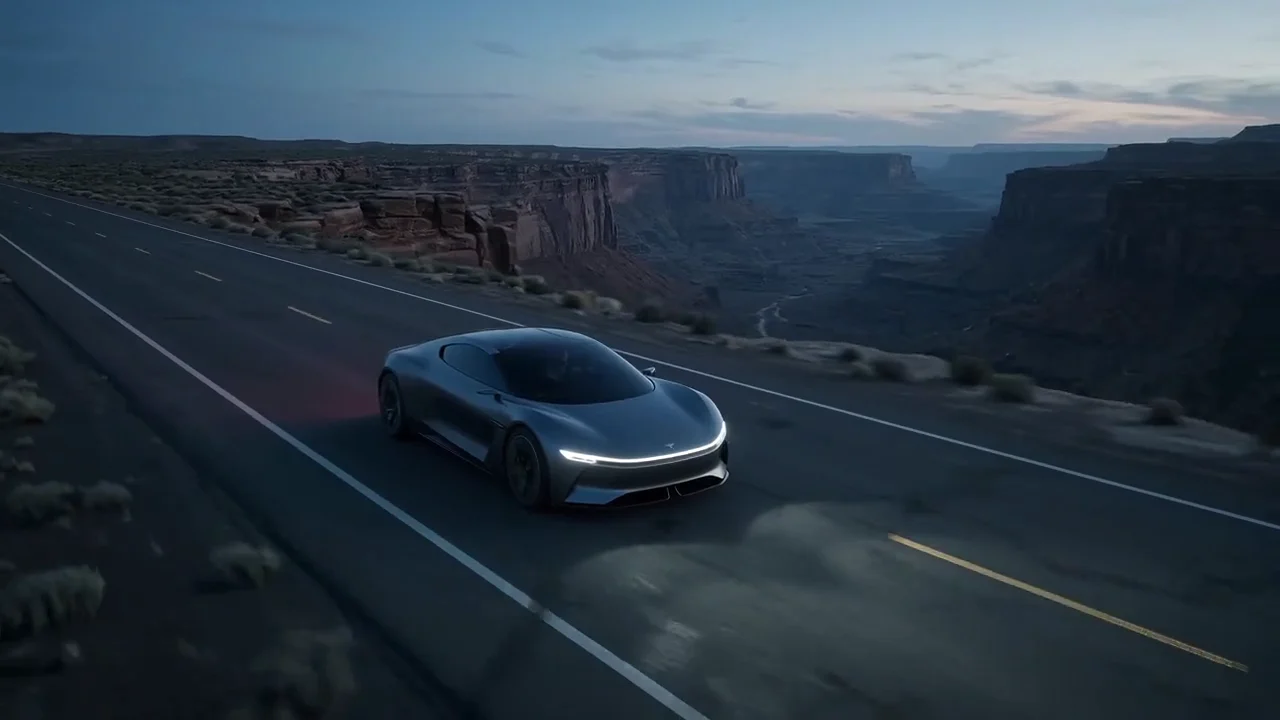
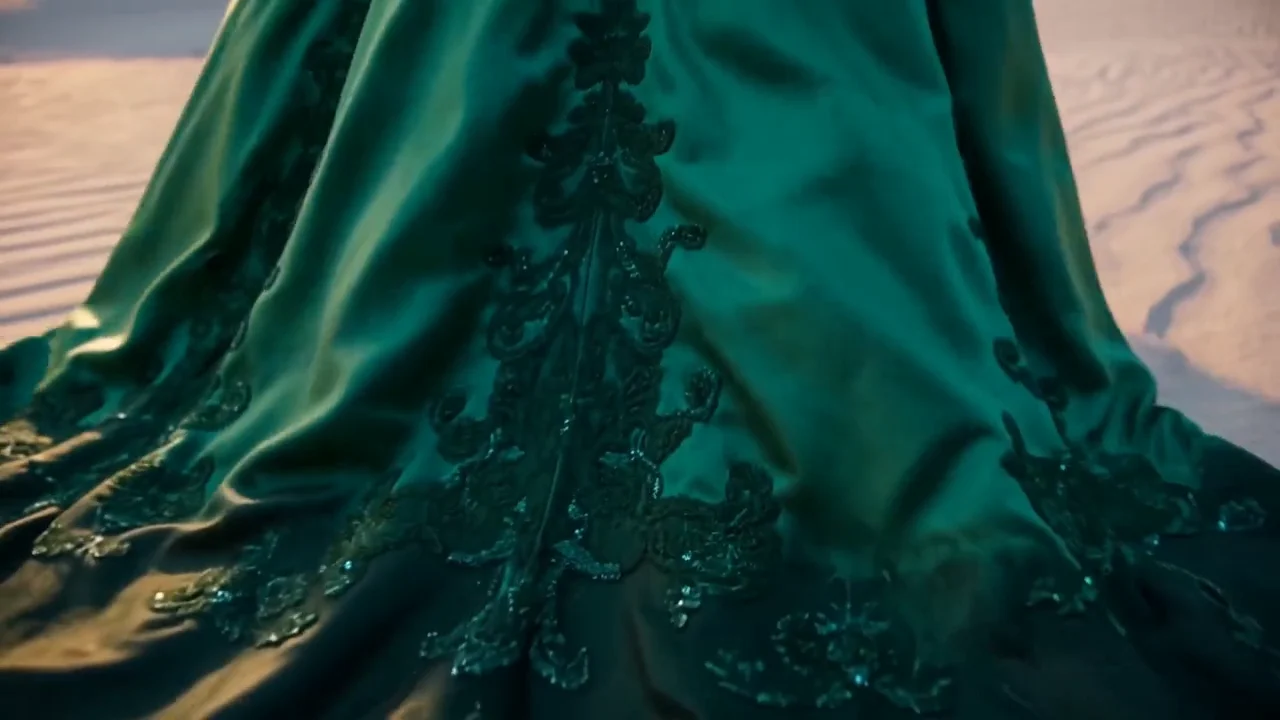
Wan 3.0, one prompt, 30 seconds, no cuts: an emerald silk gown walks from sunrise dunes through a stone arch onto a rainy rooftop and out to a sunset cliff, with footsteps that change from sand to glass to stone.
Veo 3.1 makes 4, 6 or 8 seconds per clip, and its extend mode adds 7 seconds that continue the shot. That is the normal length of one beat in a cut ad, so if your edit is a run of short shots anyway, Veo's limit may never get in the way. If you want a long take, Wan 3.0 is the only one of the two that can do it in one render.
References: how much you can hand the model
Wan 3.0's reference mode takes up to 10 images, 5 videos and 5 audio clips in one generation. You name them in the prompt as @image1, @video1 and so on, so a product, a person and a location can each have their own reference. Reference videos count toward the 30-second total, and audio references need at least one image or video beside them.
Wan 3.0 reference to video, from one photo of the shoe as @image1: a macro orbit, a landing that sends a shockwave across a salt flat, then a runner wearing the same shoe, with a sub-bass hit and footfalls in the mix.
Veo 3.1 takes up to 3 reference images, and a reference clip is always 8 seconds. For one product and one face that is often enough. Veo also has a dedicated first and last frame mode, which Wan 3.0 matches with an optional last frame on its image-to-video mode.
Shapes and resolution
Veo 3.1 renders 16:9 or 9:16, which covers YouTube, TikTok, Reels and Shorts. Wan 3.0 adds 1:1, 4:3 and 3:4, plus an adaptive setting that lets the model pick from the prompt (or follow your reference media). Both go up to 1080p. Wan 3.0 also renders 480p, which is mainly useful for cheap drafts.
Price per second in Creatify
Credits as each model is priced in Creatify today, for an 8-second clip, the longest one Veo 3.1 makes in one go. Wan 3.0 is priced by length and resolution, and sound is included on both.
| Modèle | Credits per second | An 8-second clip |
|---|---|---|
| Wan 3.0 (480p) | 0.28 | 2.5 |
| Wan 3.0 (720p) | 0.55 | 4.5 |
| Wan 3.0 (1080p) | 1.1 | 9 |
| Wan 3.0 Prime (1080p) | 1.53 | 12.5 |
| Veo 3.1 (720p or 1080p) | 4 | 32 |
| Veo 3.1 Rapide | 1.5 | 12 |
| Veo 3.1 Lite (720p) | 0.5 | 4 |
Even at 1080p, Wan 3.0 costs less per second than Veo 3.1 (1.1 vs 4 credits), and it gets cheaper as you drop to 720p or 480p (0.28 credits a second). Wan 3.0 Prime, which the app describes as the faster Wan 3.0 tier, is 1.53 credits a second at 1080p. On the Veo side, Veo 3.1 Fast and Lite are the way to draft: Lite at 720p is 0.5 credits a second, at some cost in detail, but it stops at 8 seconds like the rest of the Veo family.
Same kind of scene, two models
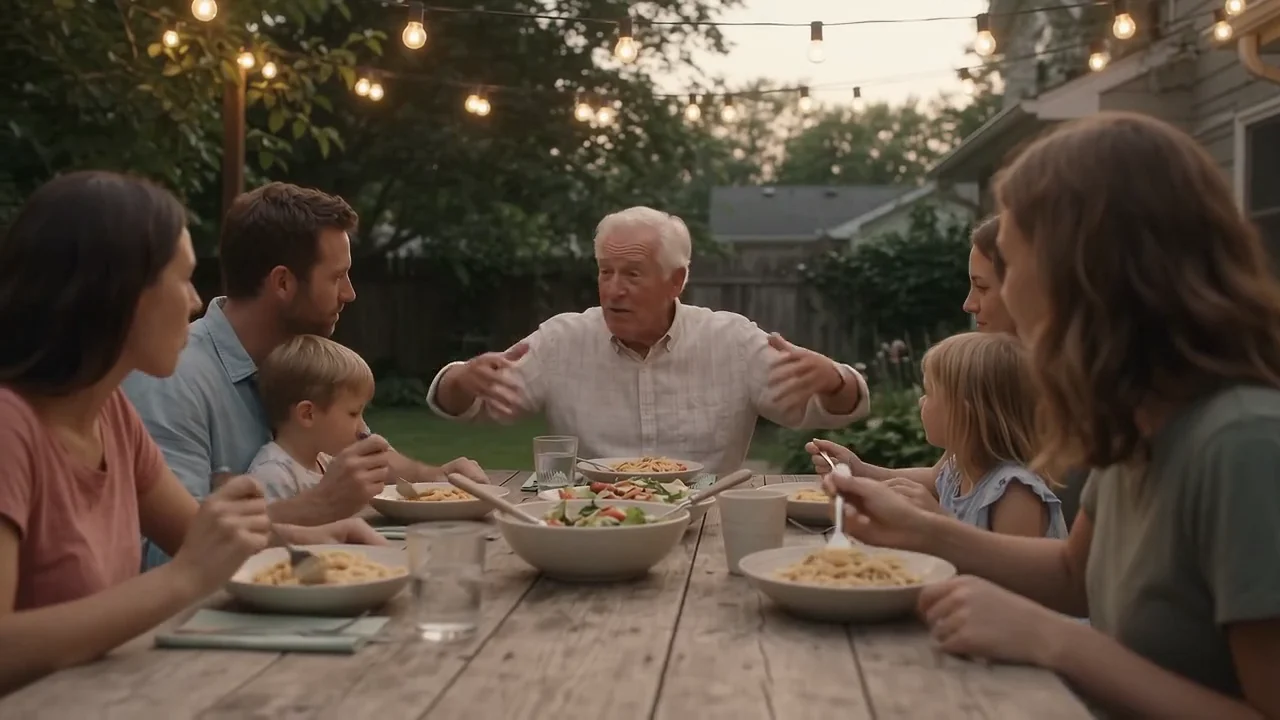
Both models' pages have a scene of friends laughing around a café table, which makes a fair side-by-side. The prompts are different (Wan's asks for phone footage and a spoken line, Veo's for a cinematic sunset), so read this as a feel for each model, not a benchmark.
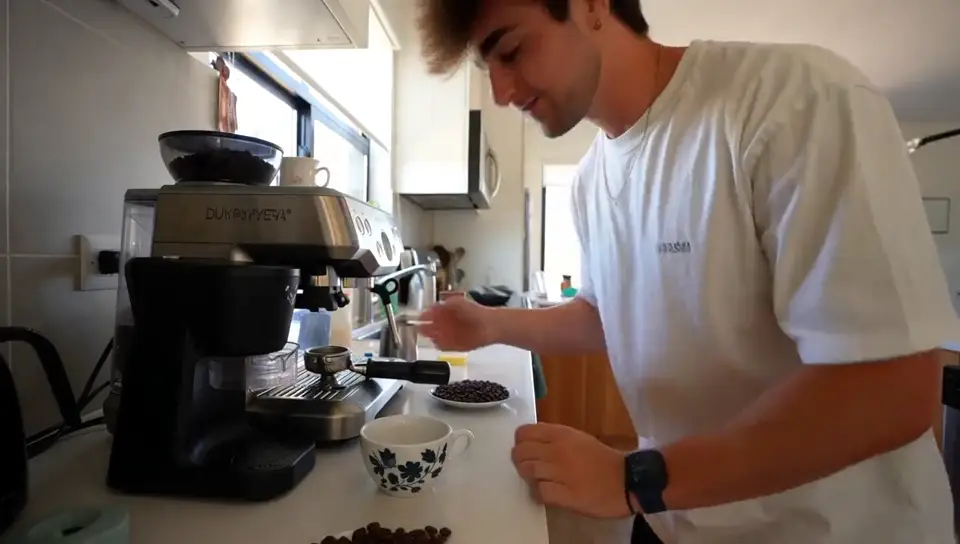
Wan 3.0: handheld phone-style footage, and one friend turns to camera to say "We come here every Friday. Every single Friday." Clinking cups, chatter and a bicycle bell in the same render.
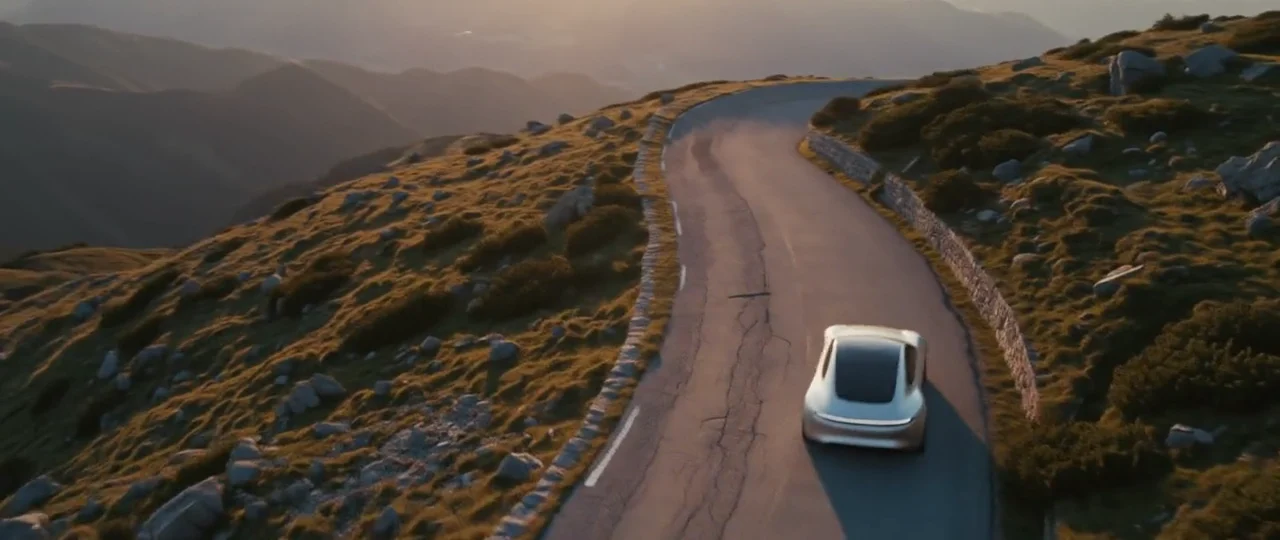
Veo 3.1 at 1080p: friends on a seaside terrace at sunset, with waves, gulls, glasses and overlapping laughter made with the picture.
In these examples, Veo 3.1 has the more finished, filmic look, and Wan 3.0 sells the casual, shot-on-a-phone feel and the spoken line. Each can do the other style with the right prompt. Prompts for Wan 3.0 can be written in English or Chinese.
Which one should you pick?
- Pick Wan 3.0 for a scene longer than 8 seconds in one take, a square or 4:3 frame, lots of reference material, a full-quality 1080p render for fewer credits, or if you're on the Free plan.
- Pick Veo 3.1 for a short, cinematic shot with a rich soundscape, or a clip you plan to extend by 7 seconds.
- Draft cheaply either way: Wan 3.0 at 480p, or Veo 3.1 Fast or Lite, then render the take you keep at full quality.
To run either model yourself, open Wan 3.0 or Veo 3.1 in Creatify's Model Playground.
Or skip the choice and describe the ad
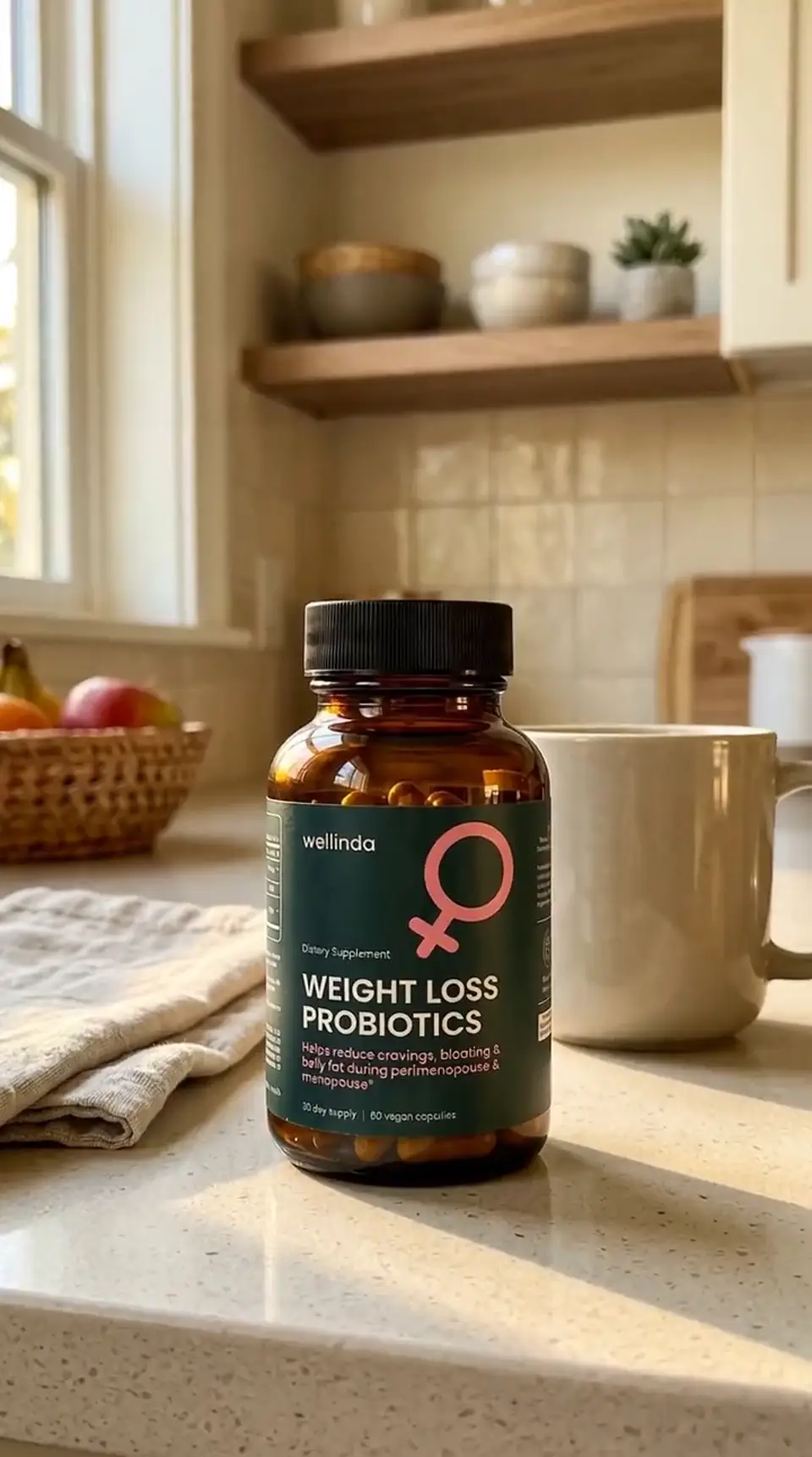
Whichever model you pick, a clip is still a clip. An ad also needs a hook, a script, product shots that keep your label readable, a voiceover, music and an edit, and each of those is its own tool and prompt.
Creatify's Ad Agent takes that off your hands. Say what you want, for example "a 20-second Reels ad for my skincare serum, friendly and real, with a voiceover", or paste your product link. The agent writes the script, picks the models each shot, voice and music track needs, reviews every take and remakes the ones that miss, then cuts it all into a finished video. You judge the ad, not the settings.