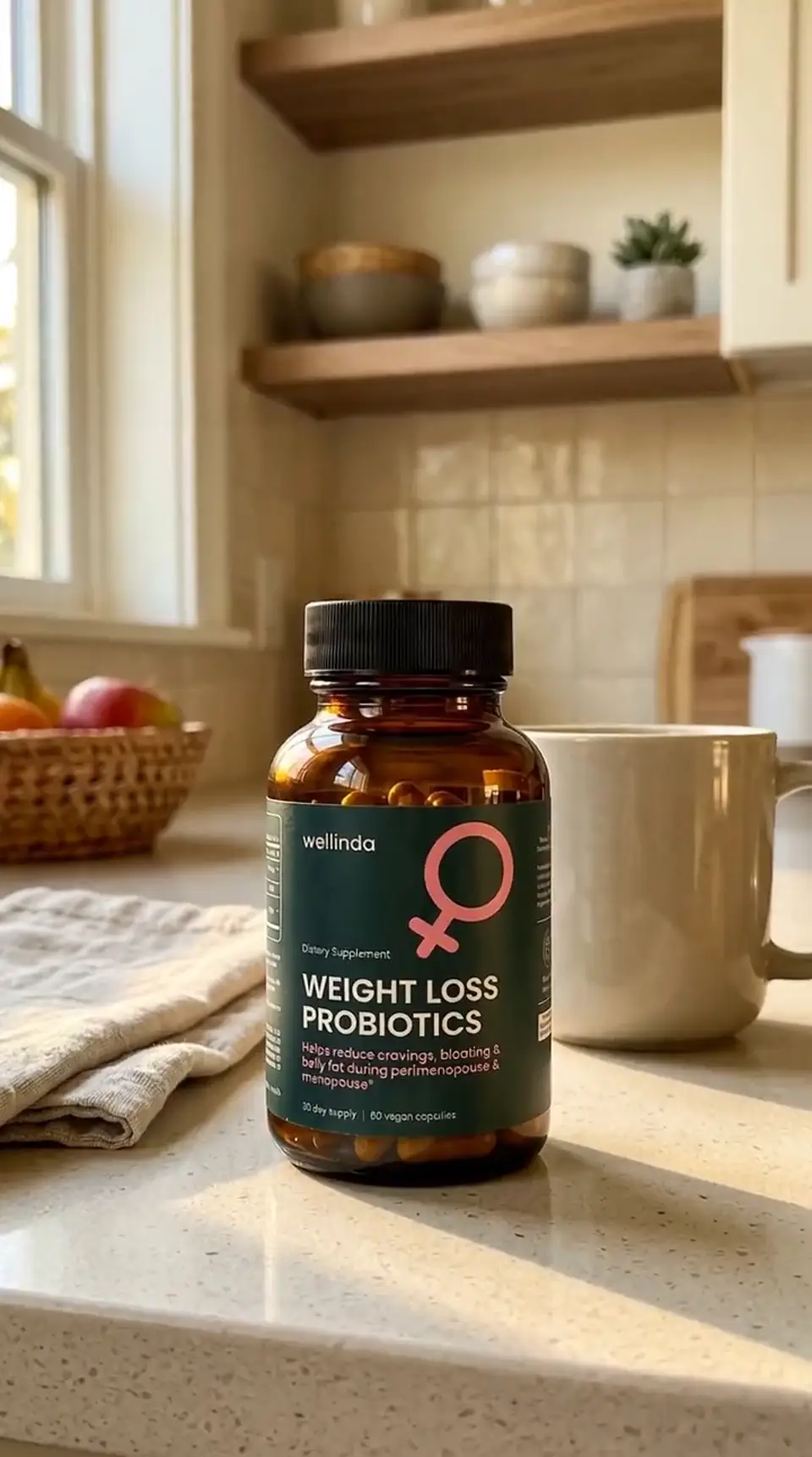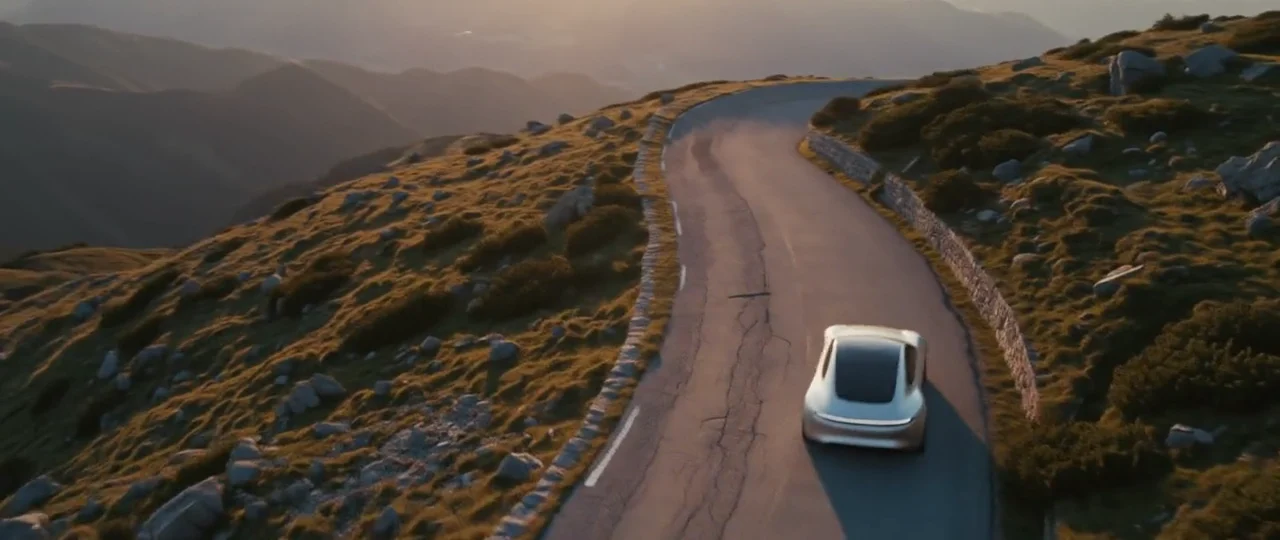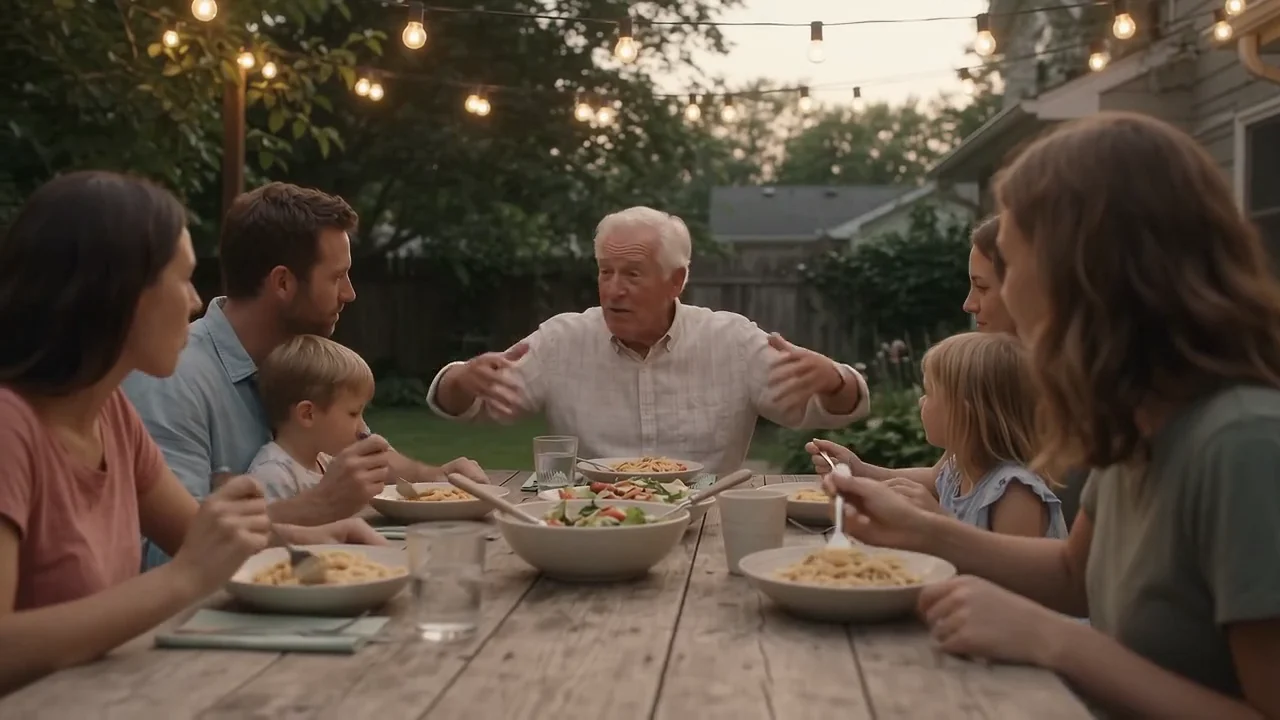

Seedance 2.5 from ByteDance and Kling 3.0 from Kuaishou are both popular picks for AI video ads, and on paper they look alike: text or image in, video with its sound already in it out. Both can follow a prompt written as timed beats, and both start from a photo when you want your own first frame.
The real differences are clip length, how many references you can give each model, which frame shapes you can make, and what a second of 1080p video costs. Below is the comparison, using the settings and credit prices each model has in Creatify today and real clips each one made.
Seedance 2.5 vs Kling 3.0 at a glance
| Seedance 2.5 | Kling 3.0 | |
|---|---|---|
| Made by | ByteDance | Kuaishou |
| Durée | Any length from 4 to 30 seconds | Any length from 3 to 15 seconds |
| Résolution | 480p, 720p or 1080p | Up to 1080p (Pro) |
| Aspect ratios | 21:9, 16:9, 4:3, 1:1, 3:4, 9:16 | 16:9, 9:16, 1:1 |
| Audio natif | Oui | Oui |
| Multi-shot from one prompt | Non mentionné | Oui |
| Start and end frame | Oui | Oui |
| Reference images | Up to 30 images | Up to 4 images, up to 3 elements |
| Reference videos and audio | Up to 10 videos and 10 audio files | One 3- to 10-second video (Kling O3) |
| Cheap first pass | A 480p draft you can re-render at 1080p | Kling 3.0 Standard and Turbo |
| Forfait | Pro | Pro (Standard is on Starter) |
Clip length: 15 seconds or 30
Kling 3.0 makes any length from 3 to 15 seconds. Seedance 2.5 makes 4 to 30 seconds, or you can set it to Auto and let the model choose. Thirty seconds in one generation means a full-length spot, a music-video moment or a long product reveal without stitching clips and fighting mismatched light between them.
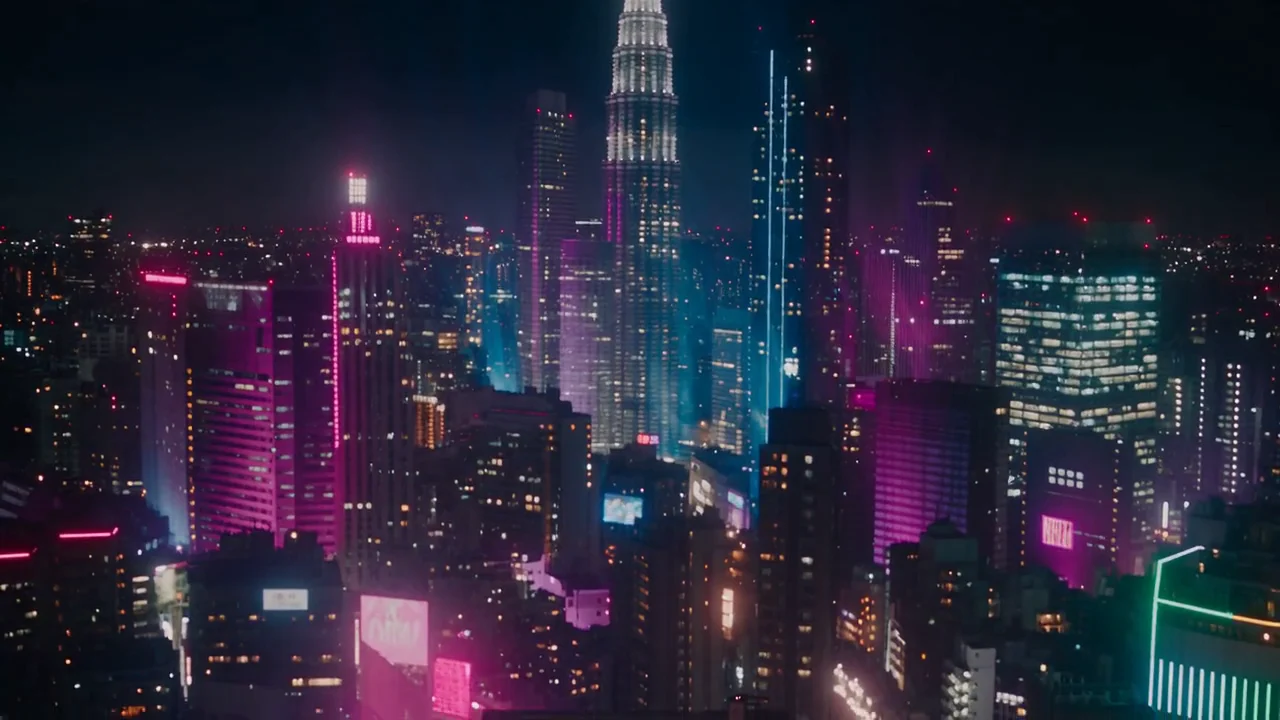
Seedance 2.5, one continuous 30-second take: a crane shot down onto a Tokyo rooftop stage, holographic koi around the singer, a lip-synced line and fireworks to close.
Shots and cuts
Kling 3.0 calls out multi-shot storytelling in its settings: write Shot 1, Shot 2 and Shot 3 in the prompt and you get the cuts inside one clip. That is handy for a 10- to 15-second ad with a wide, a detail and a close-up. Seedance 2.5's settings don't name a multi-shot mode, though its own examples are written in timed beats, each with its own camera move.
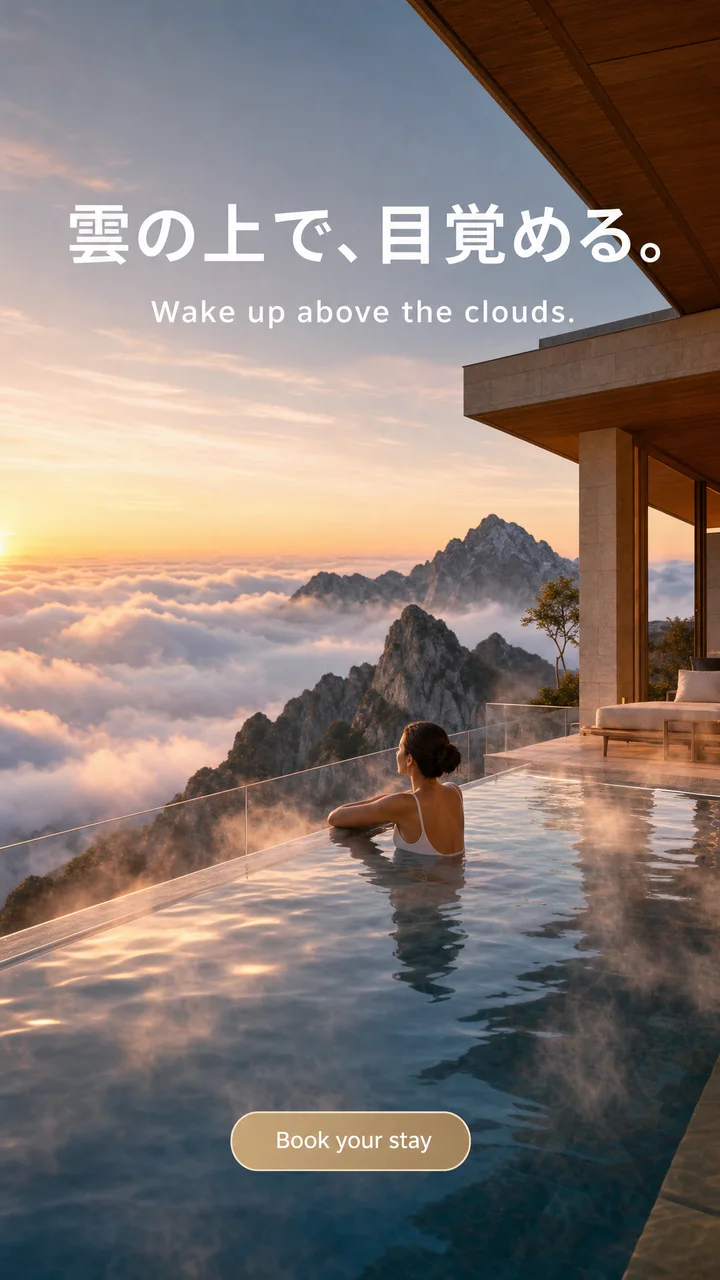
Kling 3.0 Pro, one prompt with three shots: a wide walk through a marble hall, a low tracking shot along the silk train, and a whispered close-up.
References: how much you can hand over
This is Seedance 2.5's biggest lead. Its reference mode takes up to 30 images, 10 videos and 10 audio files in one clip, called by name in the prompt. That is enough to pin down a product from several angles, a presenter, a location and a sound or a rhythm to follow.
Kling 3.0 takes up to 3 elements (a character or object set up once and called by name), and its sibling Kling O3 adds up to 4 reference images and one short video for motion. For a single product or face that has to stay the same, that is often plenty. For a busier brief, Seedance 2.5 gives you more to steer with.
Frame shapes and resolution
Kling 3.0 makes 16:9, 9:16 and 1:1. Seedance 2.5 adds 21:9, 4:3 and 3:4, so a cinema-wide hero shot or a taller feed frame comes out in its final shape. Kling 3.0 Pro renders at 1080p with no resolution setting. Seedance 2.5 lets you choose 480p, 720p or 1080p, and its draft mode makes a cheap 480p take that you can later render at 1080p, for 7 days, as the same take.
Talking to camera
Both models put the voice and the room sound in the same render, and both let you switch audio off. Kling 3.0's voices are English or Chinese, and other languages are translated to English, so plan on a separate voiceover for other languages. Creatify's settings for Seedance 2.5 don't list its languages, so test a line first.
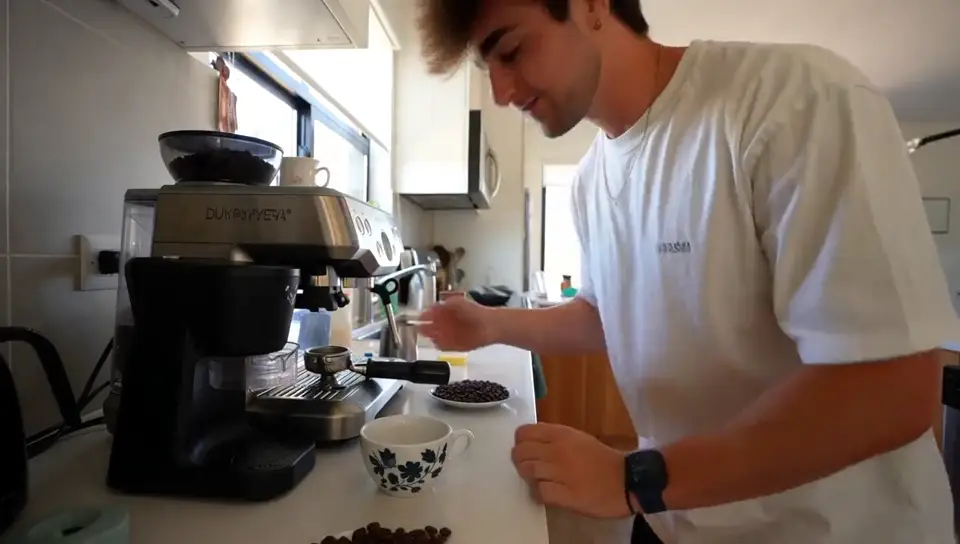
Two phone-style clips, each from its own model page. The prompts are different (an iced latte in a kitchen vs. friends on a ferry), so this is a feel for each model, not a benchmark.
Seedance 2.5: a handheld selfie in a home kitchen; she swirls an iced latte and says it beats her coffee shop order.
Kling 3.0 Pro: "Best decision we made all year," with wind noise and the ferry engine under the line.
Price per second in Creatify
Credits as each model is priced in Creatify today, for a 10-second clip. Seedance 2.5 bills by length and resolution; Kling 3.0 by length.
| Modèle | Credits per second | A 10-second clip |
|---|---|---|
| Seedance 2.5 (480p) | 1.03 | 10.5 |
| Seedance 2.5 (720p) | 2.31 | 23.25 |
| Seedance 2.5 (1080p) | 5.69 | 57 |
| Kling 3.0 Pro | 1.68 | 17 |
| Kling 3.0 Standard | 1.26 | 13 |
| Kling 3.0 Turbo (720p) | 1.12 | 11.5 |
At 1080p, Seedance 2.5 costs about 3.4 times as much per second as Kling 3.0 Pro (5.69 vs 1.68 credits). Its 480p setting is far cheaper, 1.03 credits a second, and that is the resolution draft mode renders at. A full 30-second Seedance 2.5 clip at 720p is 69.5 credits.
Which one should you pick?
- Pick Seedance 2.5 for clips longer than 15 seconds, lots of references (images, videos or audio), 21:9, 4:3 or 3:4 frames, or a cheap 480p draft you plan to render at 1080p.
- Pick Kling 3.0 for multi-shot clips with cuts from one prompt, a lower price per second at 1080p, or a Starter plan (Kling 3.0 Standard).
- Test cheaply on either one: Seedance 2.5 at 480p, or Kling 3.0 Standard or Turbo, then spend the credits on the version that works.
To run them yourself, open Seedance 2.5 or Kling 3.0 in Creatify's Model Playground.
Or let Ad Agent make the video with Seedance 2.5
Choosing between two video models is one step in a long list. The ad also needs a script, shots that look like they belong together, a voiceover, music, captions and an edit.
Creatify's Ad Agent handles that list for you. Describe the ad in plain words, like "a 15-second Reels ad for my coffee brand, UGC style, morning kitchen", or paste your product link. The agent writes the script, plans the shots, renders them, adds the voice and music, checks every take and redoes the ones that miss, then cuts it all into one finished video. You react to the ad, not to the model menu.
Ad Agent renders video with Boreal-H3, Creatify's own model, by default. On Pro and up, turn on the Seedance 2.5 switch beside the message box and it renders every shot with Seedance 2.5 instead, with no prompts or settings to tune yourself.