Qwen Image 3.0 comes from Alibaba's Qwen team and Nano Banana 2 from Google. Both are on Creatify's Starter plan, both make images from a text prompt and edit photos you upload, and both can return four images from one run. If you're making a lot of ad visuals, the first thing you'll notice is the price: they sit at very different points.
The second thing is the ceiling. One stays cheap but stops at 2K, the other goes to 4K and offers twice as many shapes. This comparison sticks to what each model does in Creatify today, what an image costs, and real images Nano Banana 2 made there.
Qwen Image 3.0 vs Nano Banana 2 at a glance
| Qwen Image 3.0 | Nano Banana 2 | |
|---|---|---|
| Made by | Alibaba (Qwen) | |
| Résolution | 1K ou 2K | 0.5K, 1K, 2K or 4K |
| Aspect ratios | 1:1, 16:9, 9:16, 4:3, 3:4 | 21:9, 16:9, 3:2, 4:3, 5:4, 1:1, 4:5, 3:4, 2:3, 9:16 |
| Edits your image | Oui | Oui |
| Photos per edit | Up to 3 | Up to 7 |
| Images per request | Up to 4 | Up to 4 |
| Prompt language | Chinese and English | Not stated in Creatify |
| Other versions | Qwen Image 3.0 Pro | Nano Banana 2 Lite |
| Creatify plan | Starter and up | Starter and up |
Price per image in Creatify
This is the main reason to look at Qwen Image 3.0. Credits per image from text, as each model is priced in Creatify today:
| Modèle | Credits per image |
|---|---|
| Qwen Image 3.0 (1K) | 0.5 |
| Qwen Image 3.0 (2K) | 0.5 |
| Qwen Image 3.0 Pro (1K) | 0.5 |
| Qwen Image 3.0 Pro (2K) | 1 |
| Nano Banana 2 Lite (1K) | 0.5 |
| Nano Banana 2 (0.5K) | 1 |
| Nano Banana 2 (1K) | 1 |
| Nano Banana 2 (2K) | 1.5 |
| Nano Banana 2 (4K) | 2 |
Qwen Image 3.0 is 0.5 credits an image at either size, so its 2K default costs no more than 1K. Nano Banana 2 is 1 credit at 1K, 1.5 at 2K and 2 at 4K. Qwen Image 3.0 Pro is priced by size: 0.5 credits at 1K and 1 at 2K.
At scale the gap adds up. 50 images at 2K come to 25 credits on Qwen Image 3.0 and 75 on Nano Banana 2. For volume work like testing many backgrounds, angles or color variants of one ad, that's a real difference. Nano Banana 2 Lite at 0.5 credits narrows it, but only at 1K.
Resolution and shapes
Qwen Image 3.0 makes 1K or 2K images, and edits are capped at 2K. Nano Banana 2 goes from a 0.5K draft size to 4K. If you need print, a large display or room to crop a 16:9 image down to a square, the extra headroom matters. For a feed or story ad seen on a phone, 2K is usually plenty.
Shapes differ more than size. Qwen Image 3.0 offers five ratios: square, 16:9, 9:16, 4:3 and 3:4. That covers Stories, Reels and most banners, but not the 4:5 portrait many teams use for feed ads, or a 21:9 web header. Nano Banana 2 has ten ratios, including both.
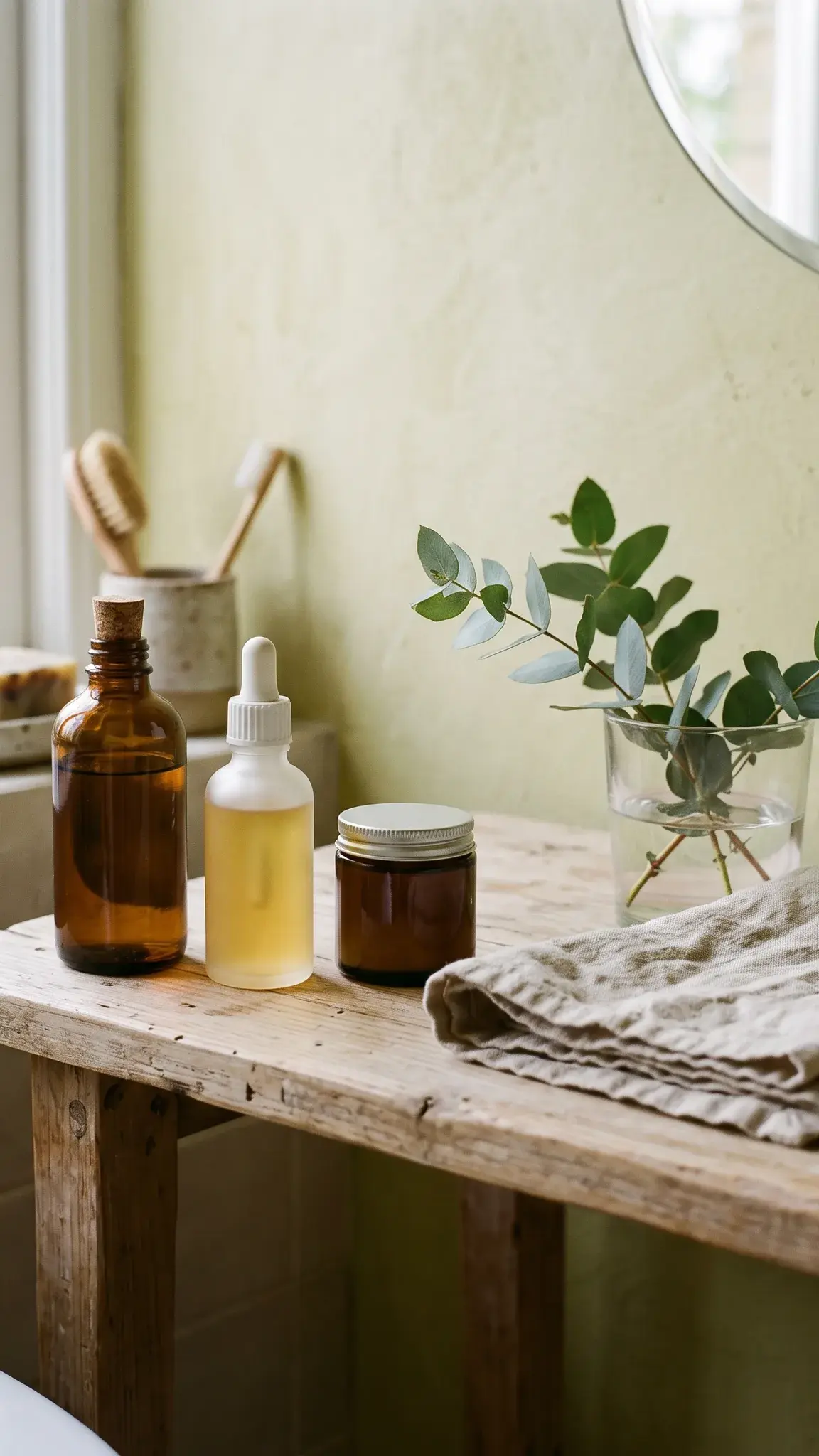
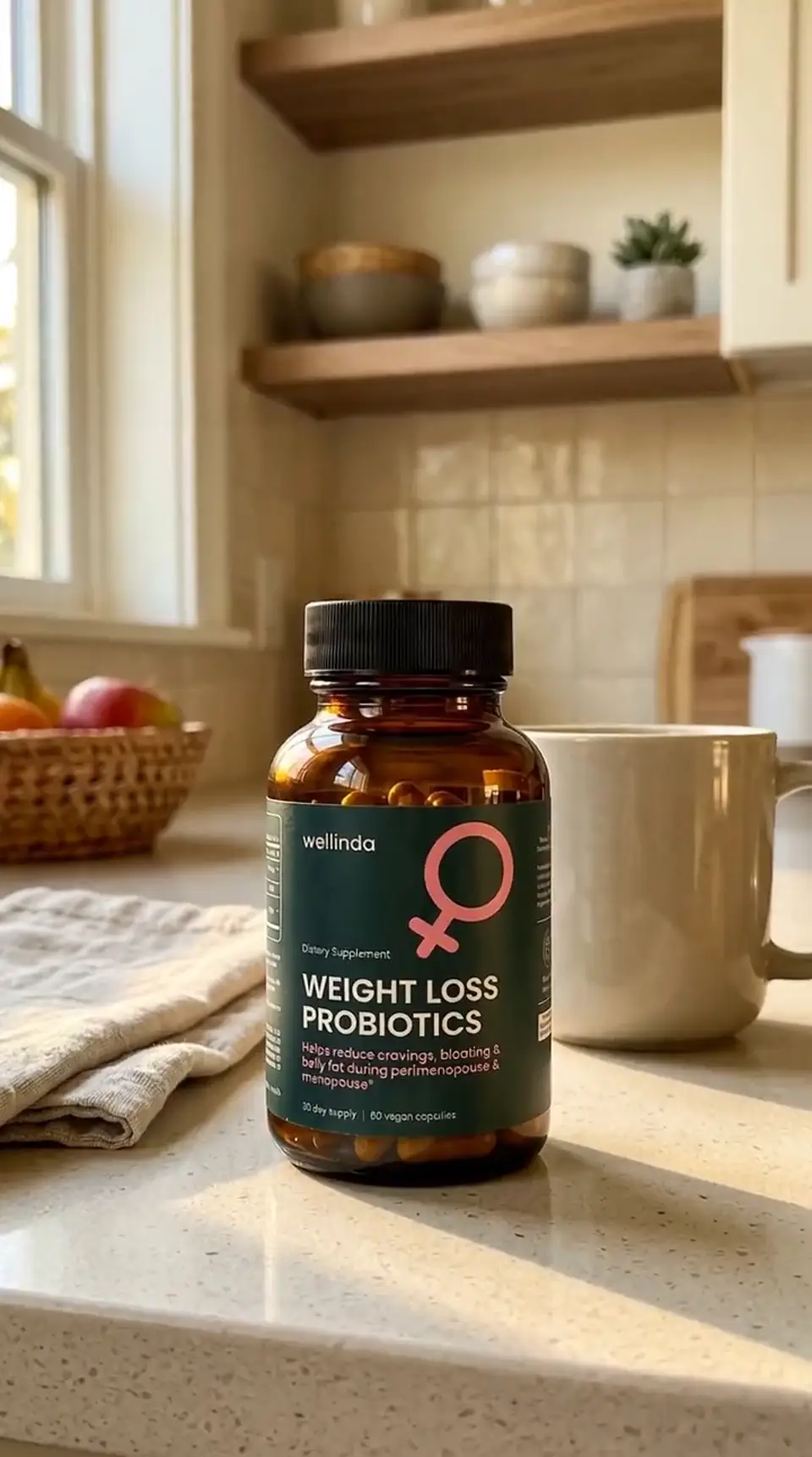
Nano Banana 2, from text: a sunlit bathroom shelf with three unlabelled skincare bottles, a linen towel and a sprig of eucalyptus.
Editing your own photos
Both models edit. Qwen Image 3.0 describes its edits as instruction-based and reference-based: you give it up to 3 photos and say what to change. Each one can be 384 to 2048 pixels and up to 20 MB, in JPEG, PNG, BMP or WebP. Nano Banana 2 takes 1 to 7 photos per edit in Creatify's Model Playground, which leaves room for a product, a model and a background or style reference in one go.
For a simple job, like a new background behind one product shot, three photos is enough. For a scene that combines several products, or a person plus a product plus a location, Nano Banana 2's higher limit is the safer bet.
Prompts, people and what we can show
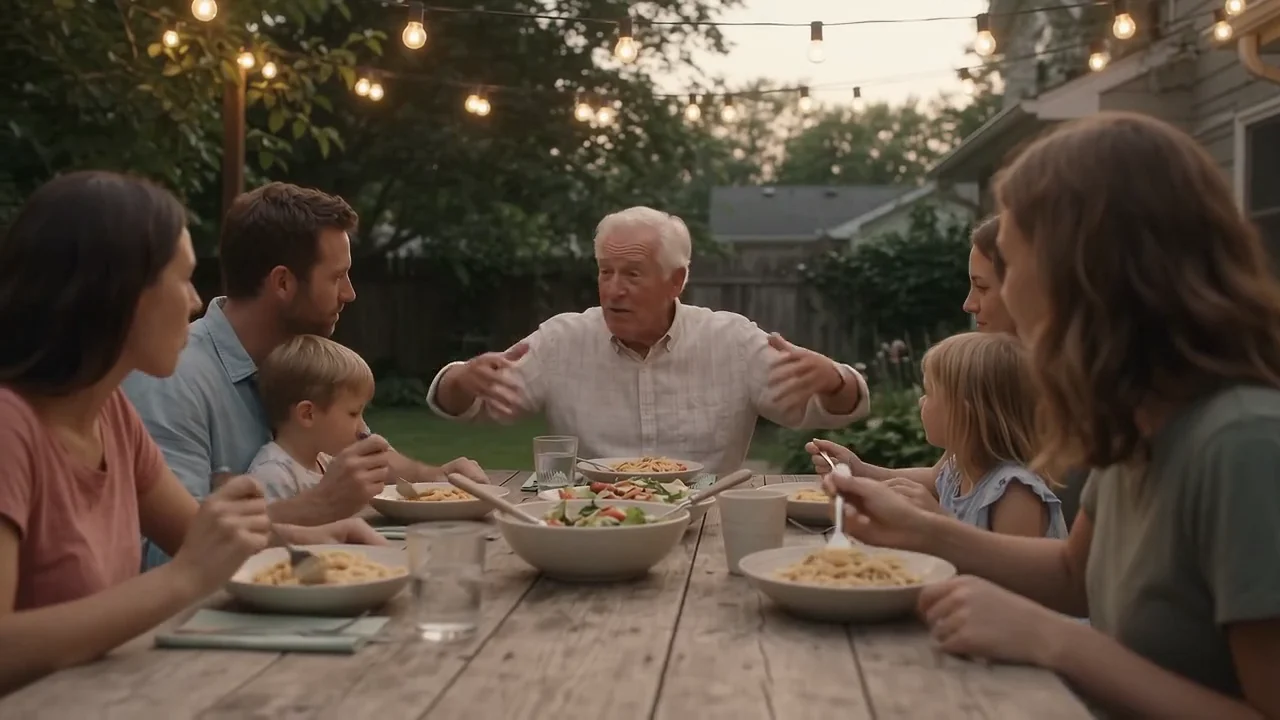
Creatify's config for Qwen Image 3.0 calls out strong prompt adherence and says its prompts can be written in Chinese or English, which is useful for teams briefing in Chinese. Nano Banana 2's Creatify page leads with realistic people and lifestyle photos, the kind of image that looks taken on a camera.
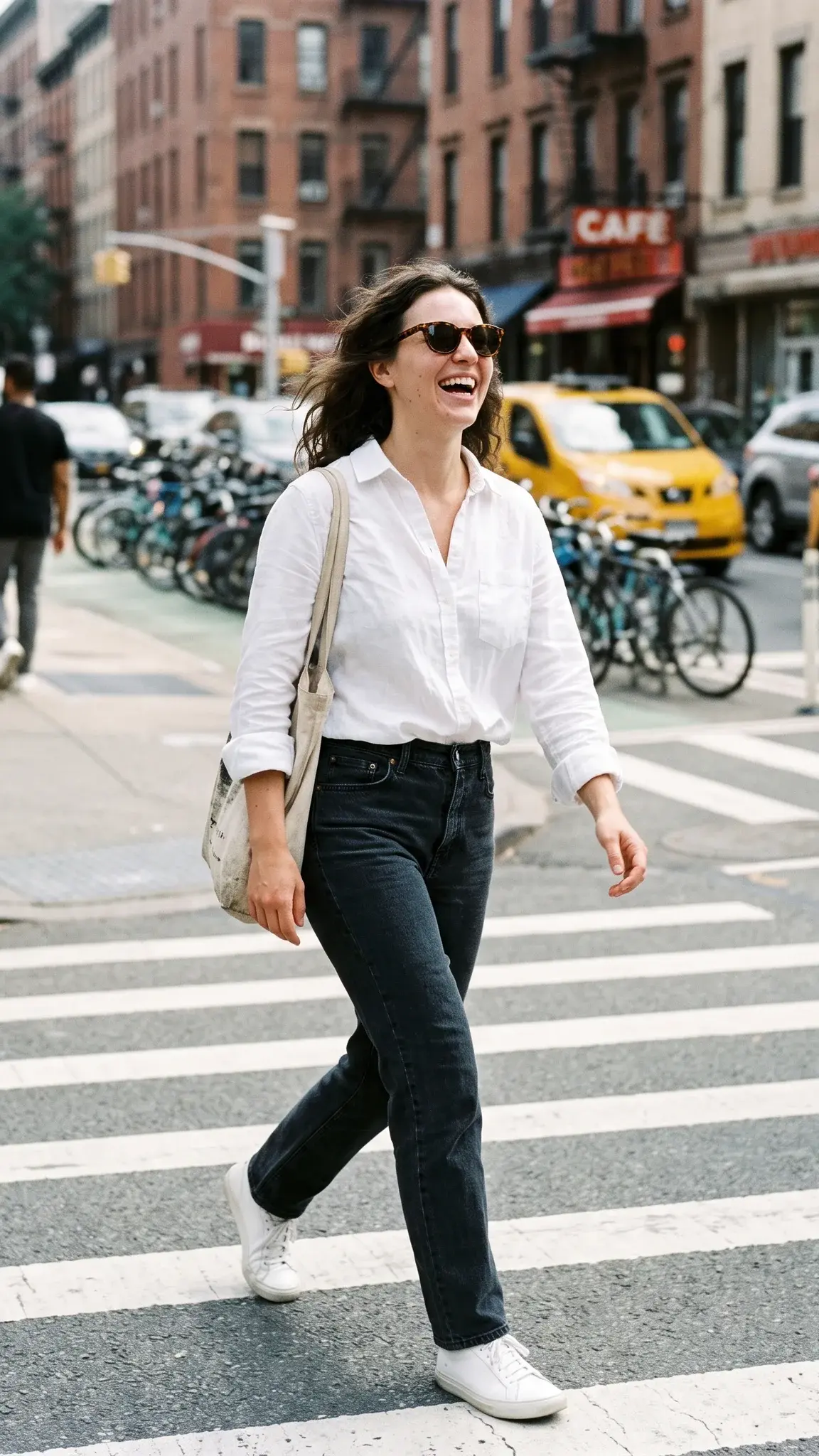
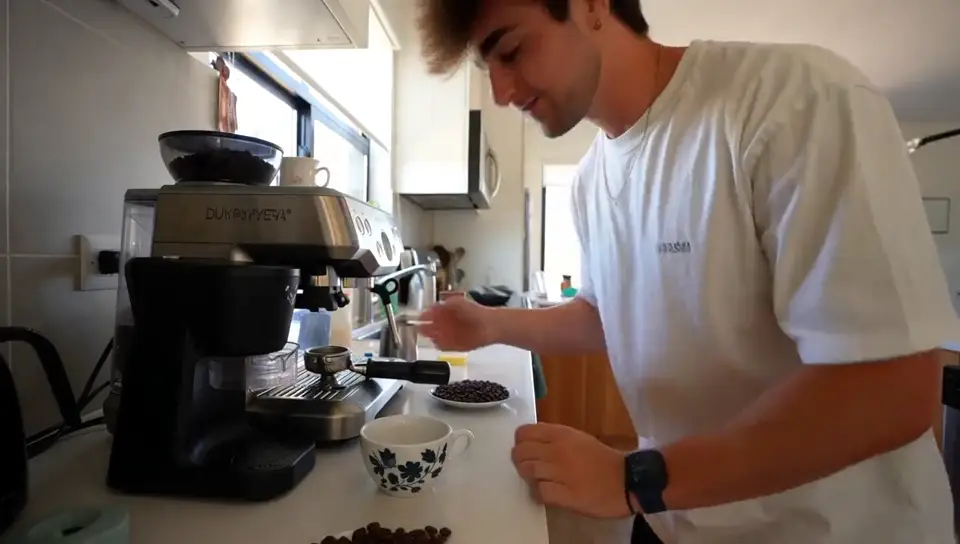
Nano Banana 2, from text: a candid street-style photo of a woman laughing as she crosses a sunny street, bicycles and pedestrians blurred behind her.
Creatify doesn't have an examples page for Qwen Image 3.0, so we have no Qwen outputs to put next to these, and we won't stand in another model's image for it. The fair way to judge is your own prompt: run it on both at 1K in Model Playground and compare before you commit a batch.
Which one should you pick?
- Pick Qwen Image 3.0 for high-volume drafts and variants at 2K, square or 9:16 placements, simple edits with up to 3 photos, or prompts written in Chinese.
- Pick Nano Banana 2 for 4K output, 4:5 or 21:9 shapes, edits that combine more than three photos, or realistic people and lifestyle shots like the ones above.
- Use both: explore cheaply on Qwen Image 3.0, then render the winning idea on Nano Banana 2 at the size you need.
Both are in Creatify's Model Playground, and you can read more about Nano Banana 2 on the Nano Banana page.
Or skip the choice and describe the ad
Cheap images help, but an ad still needs a concept, copy, every placement size and your product looking the same in each one. Then it usually needs a video made from the same shots.
Creatify's Ad Agent takes that whole job. Describe what you want, like "ten test creatives for my new candle, cozy evening mood, plus a 15-second Reel", or paste your product link. The agent writes the concept, picks the image models each creative needs, keeps your product consistent, makes the images and keyframes, and edits them into a finished video ad. You choose from results instead of tuning settings.