

Create with Creatify inside ChatGPT
Creatify Ad Agent creates and edits video ads right in your chat. Drop in a product photo, say what you need, and get a finished ad — then change it with one sentence.
From product photo to ad in four steps
No new tool to learn. Everything happens in the ChatGPT window you already have open.
- 01
Add Creatify Ad Agent
Open Plugins in ChatGPT, search “Creatify” and add it.
- 02
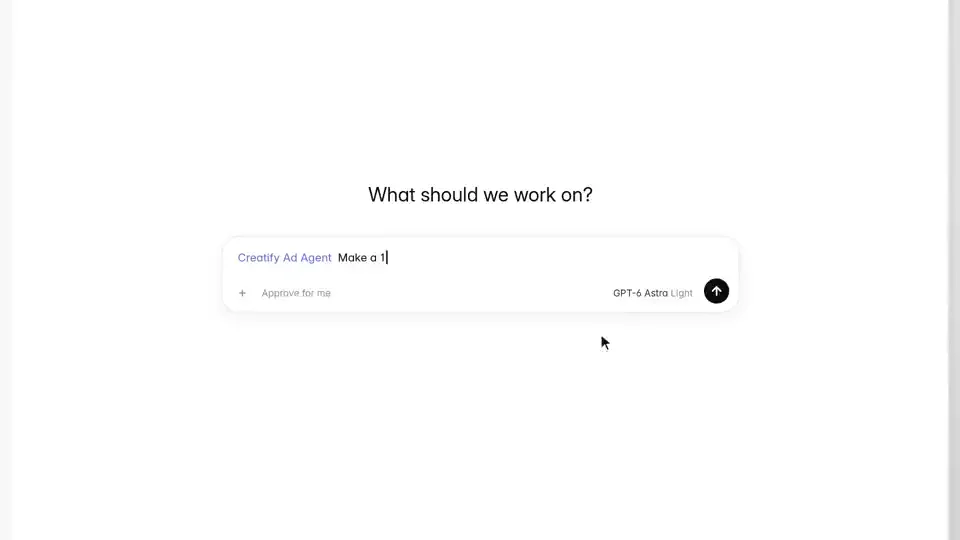
Drop in your product
Attach a product photo and ask: “Make a 15-second video ad for my product.”
- 03
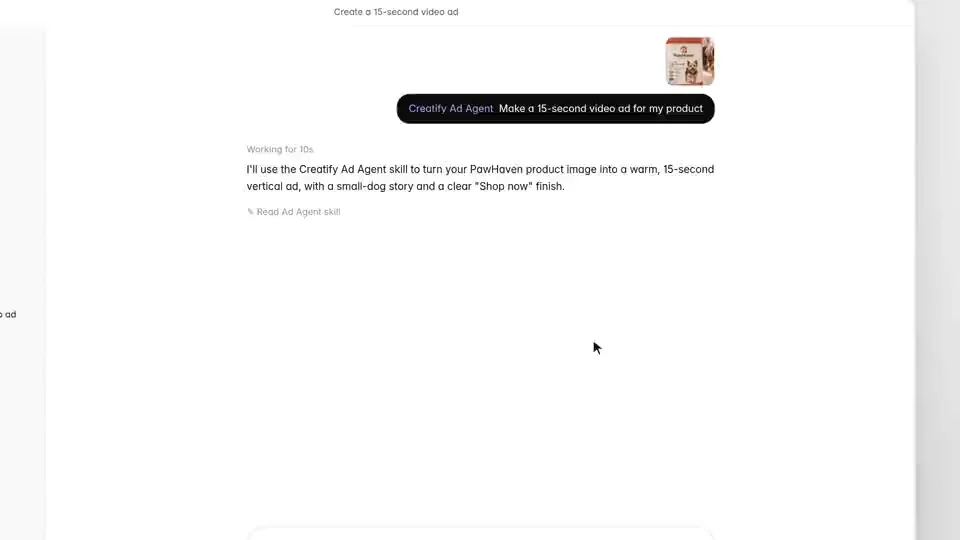
Answer two quick questions
Where the ad will run, and which language and audio you want.
- 04
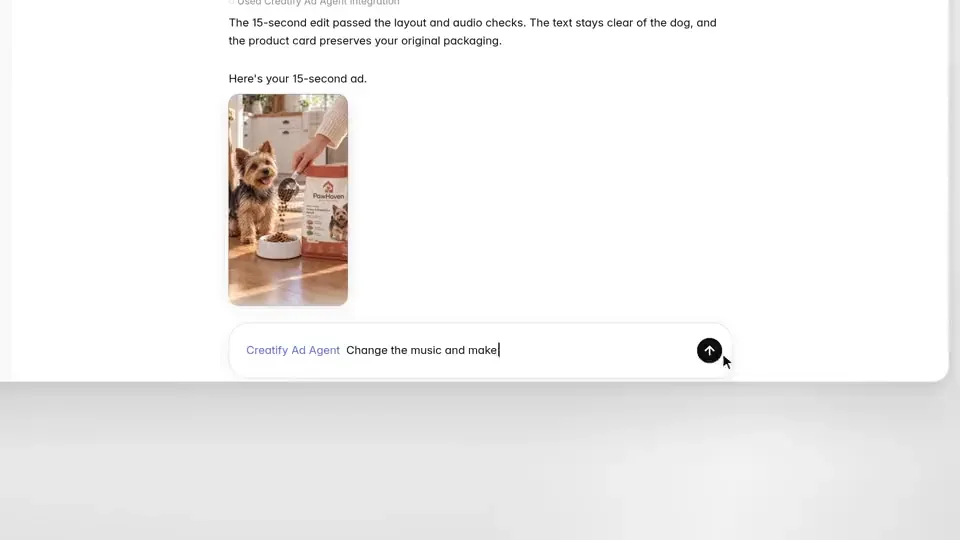
Refine in one sentence
“Change the music and make the CTA ‘Shop now’.” Done.
One product photo. Three ads. One chat.
Every ad below came out of the same ChatGPT conversation for PawHaven dog food.
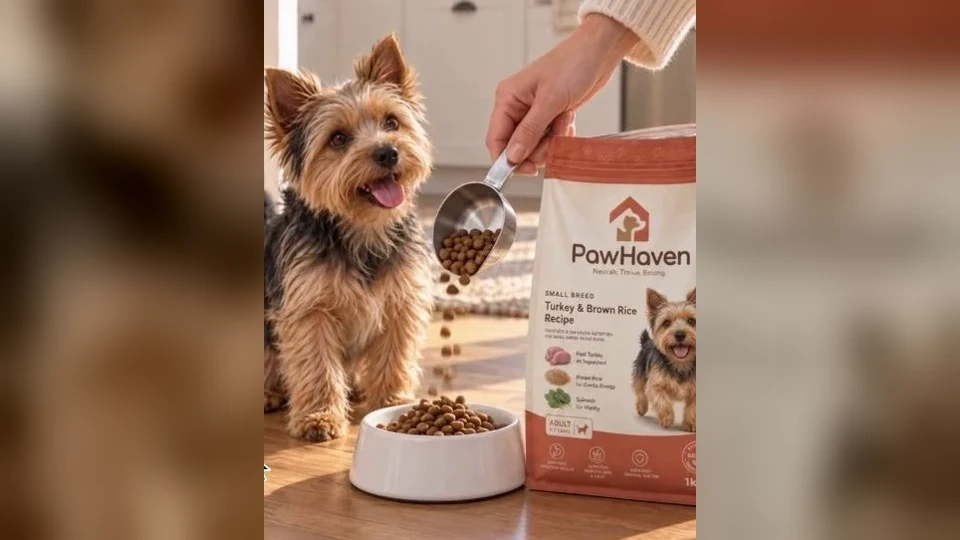
Make a 15-second video ad for my product
The product ad
A small-dog mealtime story that closes on your original packshot.
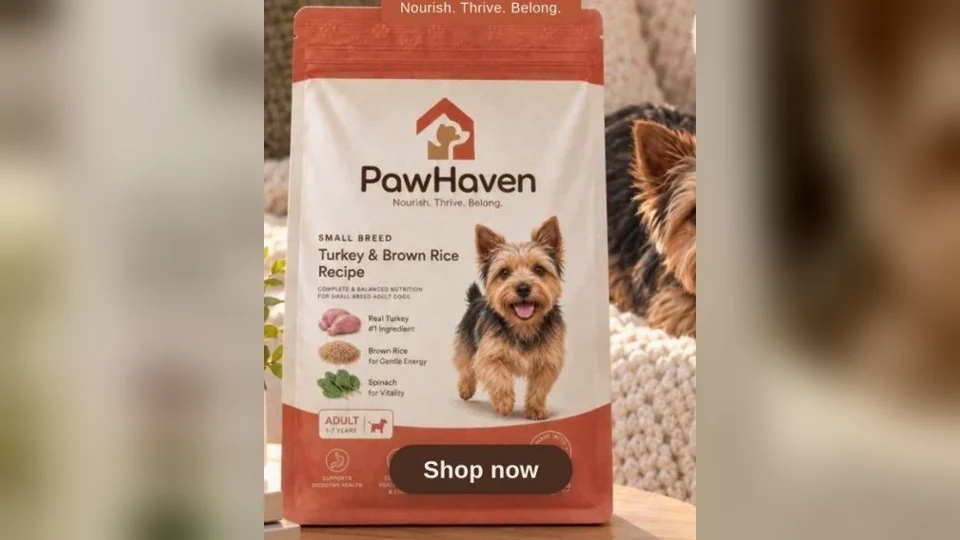
Change the music and make the CTA 'Shop now'
The one-line edit
New music, and the end card now says “Shop now.”
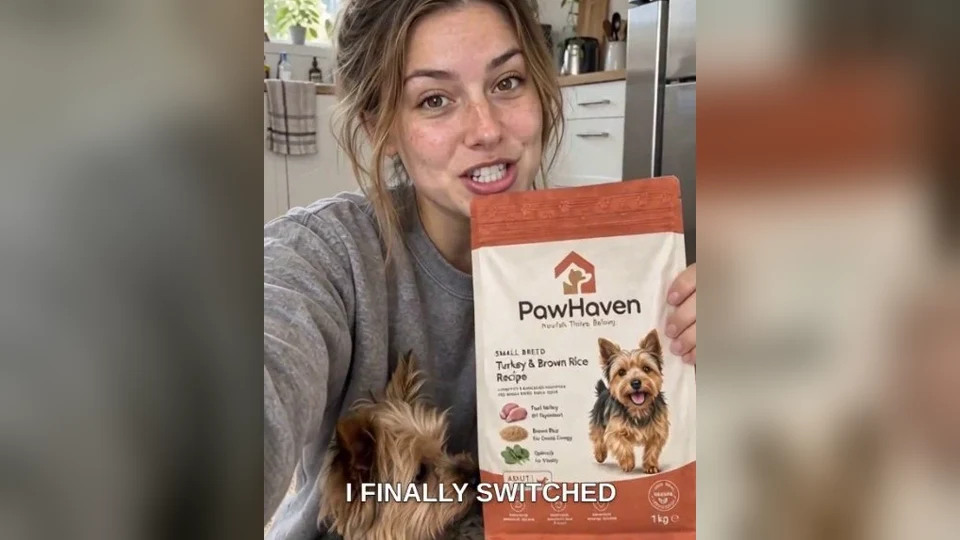
Make a UGC version
The UGC version
The same product, told by one of your avatars.
Made for real ads
Your packshot, untouched
Your original product photo is kept for the closing card, so packaging and label stay exact.
Checked before you see it
Every cut passes layout and audio checks — text stays clear of the subject.
Every placement
Vertical 9:16 for Reels and TikTok, widescreen 16:9 for YouTube, square 1:1 for feed.
Search ‘Creatify’ in ChatGPT Plugins
Add Creatify Ad Agent and make your first video ad in the next chat.