
FLUX 3 Max is the video model from Black Forest Labs, the team behind the FLUX image models. Veo 3.1 is Google's. Both turn a prompt or a photo into a clip with sound made in the same render, both can land on a last frame you choose, and both are aimed squarely at the kind of short, polished footage ads are made of.
If you are deciding between them for product work, the useful questions are how long a clip can run, which frame shapes you get, how much you can steer the shot, and what each second costs. This post goes through those points using the settings and credit prices each model has in Creatify today, with real clips from each model's Creatify page.
FLUX 3 Max vs Veo 3.1 at a glance
| FLUX 3 Max | Veo 3.1 | |
|---|---|---|
| Made by | Black Forest Labs | |
| Length | Any length from 5 to 20 seconds | 4, 6 or 8 seconds, plus a 7-second extend |
| Resolution | 720p or 1080p | 720p or 1080p |
| Aspect ratios | 21:9, 2:1, 16:9, 4:3, 1:1, 3:4, 9:16 | 16:9, 9:16 |
| Native audio | Yes, can be switched off | Yes, can be switched off |
| Start and end frame | Yes | Yes |
| Reference images | No (up to 10 keyframes in AdFlow) | Up to 3 (8-second clips) |
| Prompt controls | Reasoning level (low or high), seed | Negative prompt, seed |
| Work on a clip you have | No (FLUX 3 can extend or edit one) | Extend it by 7 seconds |
| Plan in Creatify | Standard and above | Standard and above |
Starting from your product photo
For product ads, image to video is often the mode that matters most: your packshot is the first frame, so the product looks the way it does in real life before the model moves anything. Both models do this, and both let you add a second image as the last frame so the clip ends on a set shot.
FLUX 3 Max from one photo of a desk lamp: the camera barely pushes in while dusk turns to blue hour outside and the lamp glows warmer, its oak base and green arm unchanged.
Veo 3.1 from a first and a last frame: stars wheel and sand blows behind a perfume bottle that never moves, ending on the sunrise frame with a one-line voiceover.
The difference is what comes next. Veo 3.1 has a reference mode that takes up to 3 images of a product, person or place for an 8-second clip. FLUX 3 Max has no reference-image mode in Model Playground. In AdFlow, Creatify's node-based canvas, it also has a keyframes mode that pins up to 10 images to points in the clip, which is a different kind of control: you set where the shot passes, not just what it contains.
Length and frame shapes
FLUX 3 Max makes any whole number of seconds from 5 to 20 in one generation, so a 15- or 20-second product story can be one clip. Veo 3.1 makes 4, 6 or 8 seconds, and its extend mode adds 7 more to a clip you already have.
Shapes are the other gap. Veo 3.1 renders 16:9 or 9:16. FLUX 3 Max adds 1:1 and 3:4 for feeds, 4:3, and the wide 2:1 and 21:9 for YouTube, web banners and anything cinematic.
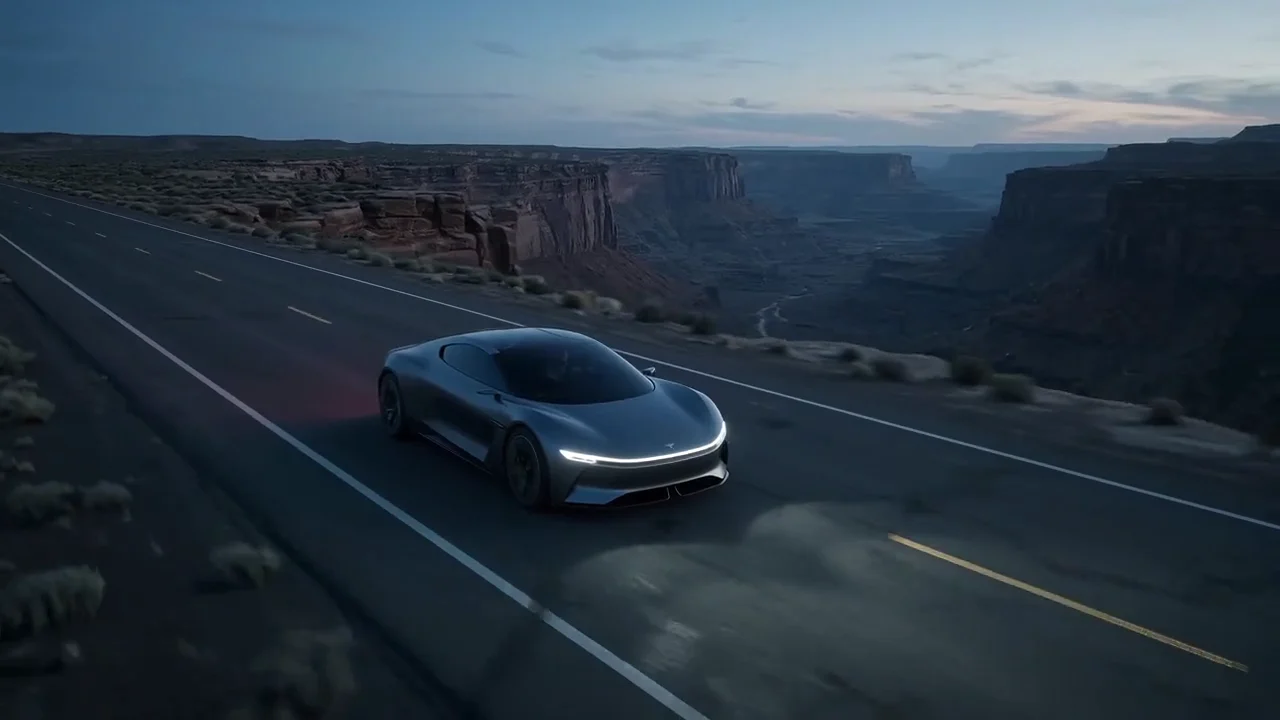
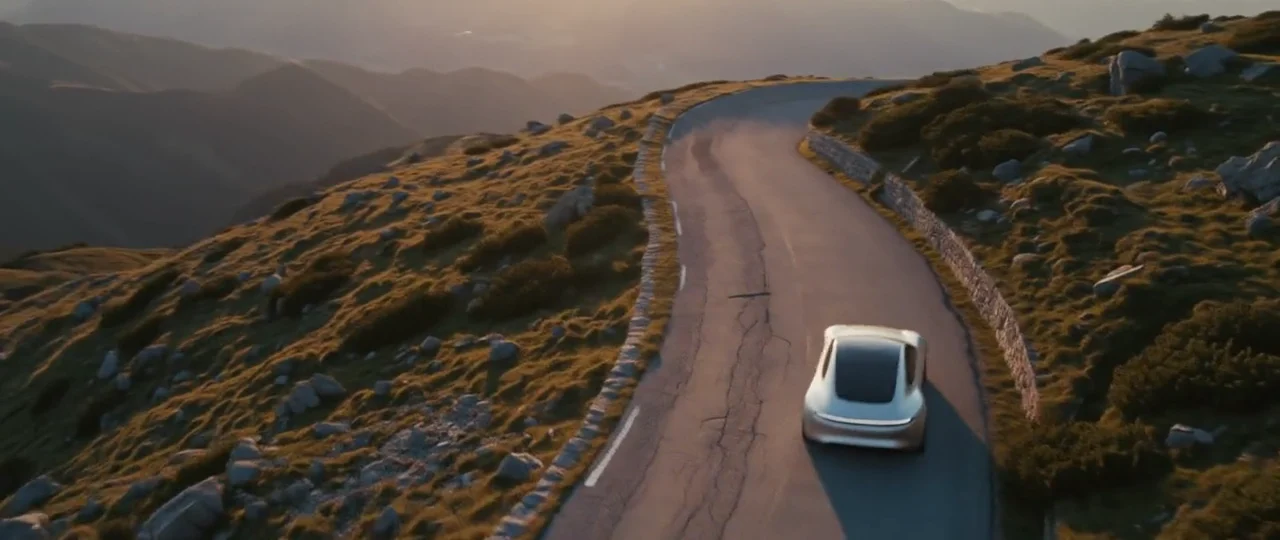
FLUX 3 Max at 21:9: an unbadged concept coupe winds over a mountain pass at golden hour, with tyre noise, wind and a rising electric whine from the same render.
Talking to camera
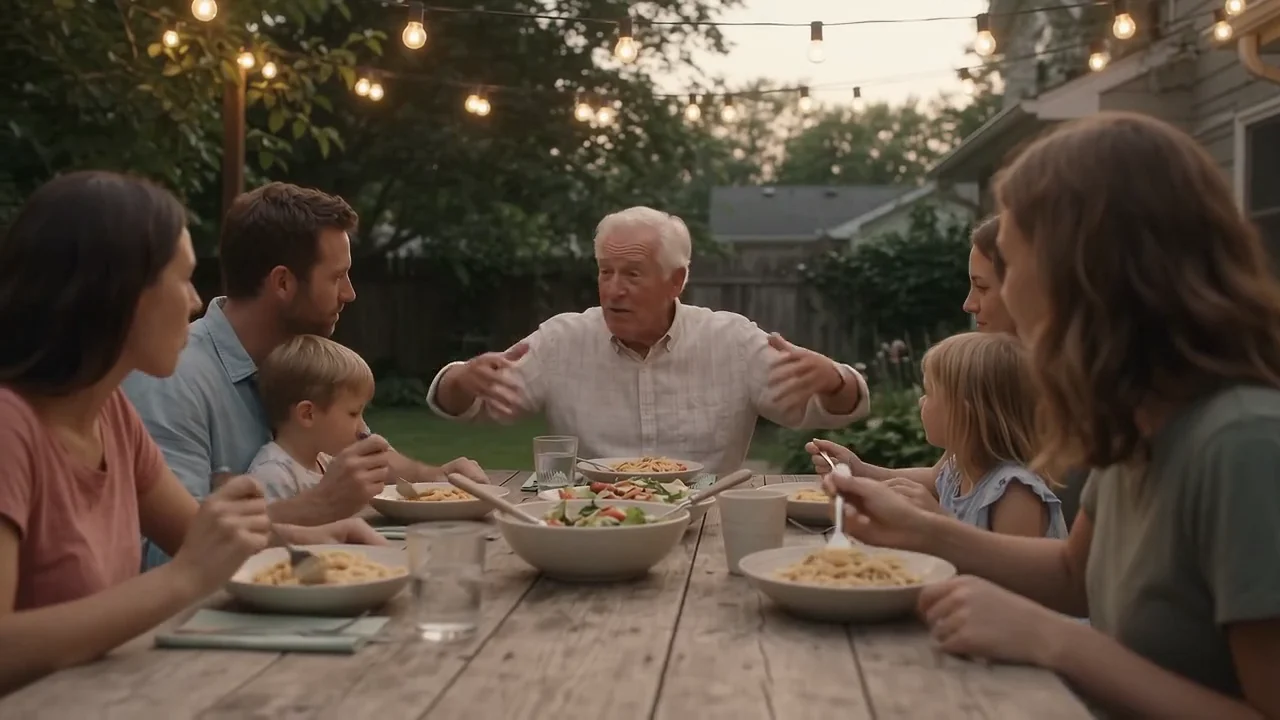
Both models will have someone say a line you write in quotes. These two clips come from different prompts, so take them as a feel for each model, not a head-to-head test.
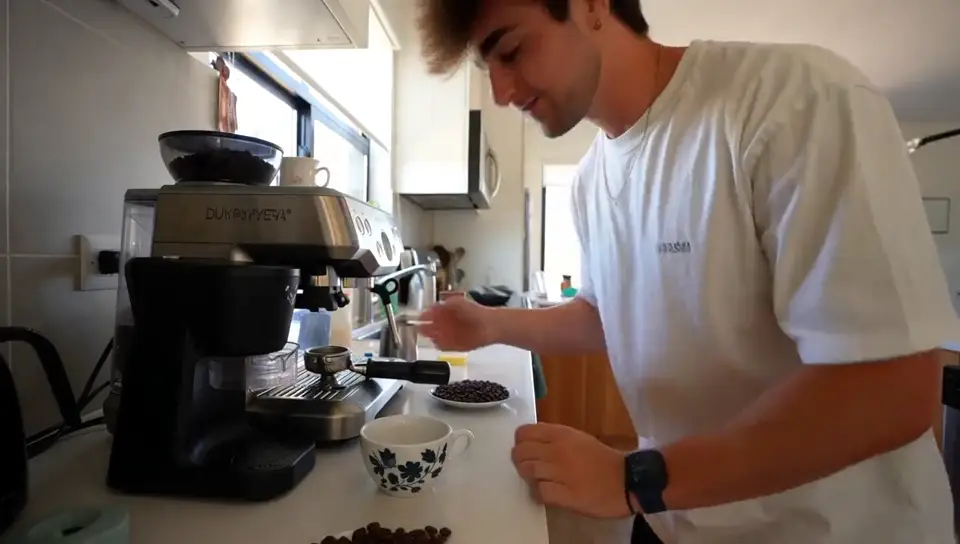
FLUX 3 Max, vertical, 15 seconds at 1080p: a phone-style testimonial in three beats, ending on "My barber asked what I changed."
Veo 3.1: a handheld sunrise clip on a hotel balcony, where she turns back and says "We almost didn't book this place." with gulls and waves behind her.
In our examples, FLUX 3 Max holds a longer piece to camera with several lines, and Veo 3.1 gives a short line a full, natural soundscape. FLUX 3 Max also lets you choose how hard it works on your prompt: a high reasoning level spends more effort expanding the prompt before rendering, and low is quicker. Veo 3.1 takes a negative prompt instead, a short list of things to keep out of the shot.
Price per second in Creatify
Credits as each model is priced in Creatify today, for an 8-second clip, which both can make. Sound is included on both, and FLUX 3 Max costs the same from text or from an image.
| Model | Credits per second | An 8-second clip |
|---|---|---|
| FLUX 3 Max (720p) | 1.7 | 14 |
| FLUX 3 Max (1080p) | 2.9 | 23.5 |
| Veo 3.1 (720p or 1080p) | 4 | 32 |
| Veo 3.1 Fast | 1.5 | 12 |
| Veo 3.1 Lite (720p) | 0.5 | 4 |
FLUX 3 Max is priced by resolution: 1.7 credits a second at 720p and 2.9 at 1080p. Veo 3.1 is 4 credits a second at either resolution, so at full quality FLUX 3 Max is the cheaper of the two. Veo 3.1 Fast (1.5 a second) and Lite come in lower. Both still stop at 8 seconds.
Which one should you pick?
- Pick FLUX 3 Max for clips longer than 8 seconds, square, 3:4 or 21:9 frames, or a longer piece to camera.
- Pick Veo 3.1 for a short cinematic shot with a rich soundscape, a product kept on model with reference images, or a clip you plan to extend.
- Pick Veo 3.1 Fast or Lite to try lots of 4- to 8-second hooks cheaply in 16:9 or 9:16.
To run either model yourself, open FLUX 3 Max or Veo 3.1 in Creatify's Model Playground.
Or skip the choice and describe the ad
A good product clip is the start of an ad, not the end. You still need a hook and a script, shots that keep your label readable, a voiceover, music, captions and an edit, and each of those is another model and another set of settings.
Creatify's Ad Agent does that work for you. Describe the ad in plain words, like "a 15-second Facebook ad for my desk lamp, cozy evening mood, with a voiceover", or paste your product page. The agent writes the script, picks the models each shot, voice and music track needs, checks every take and redoes the weak ones, then edits everything into one finished video. You review the ad, not the model settings.