
Online Twitter Video Tools
Create fascinating Twitter videos from texts, posts, or scripts fast & easily. Featuring AI avatars and an online editor to create AI UGC for maximum performance.
 Rated 4.8/5 on G2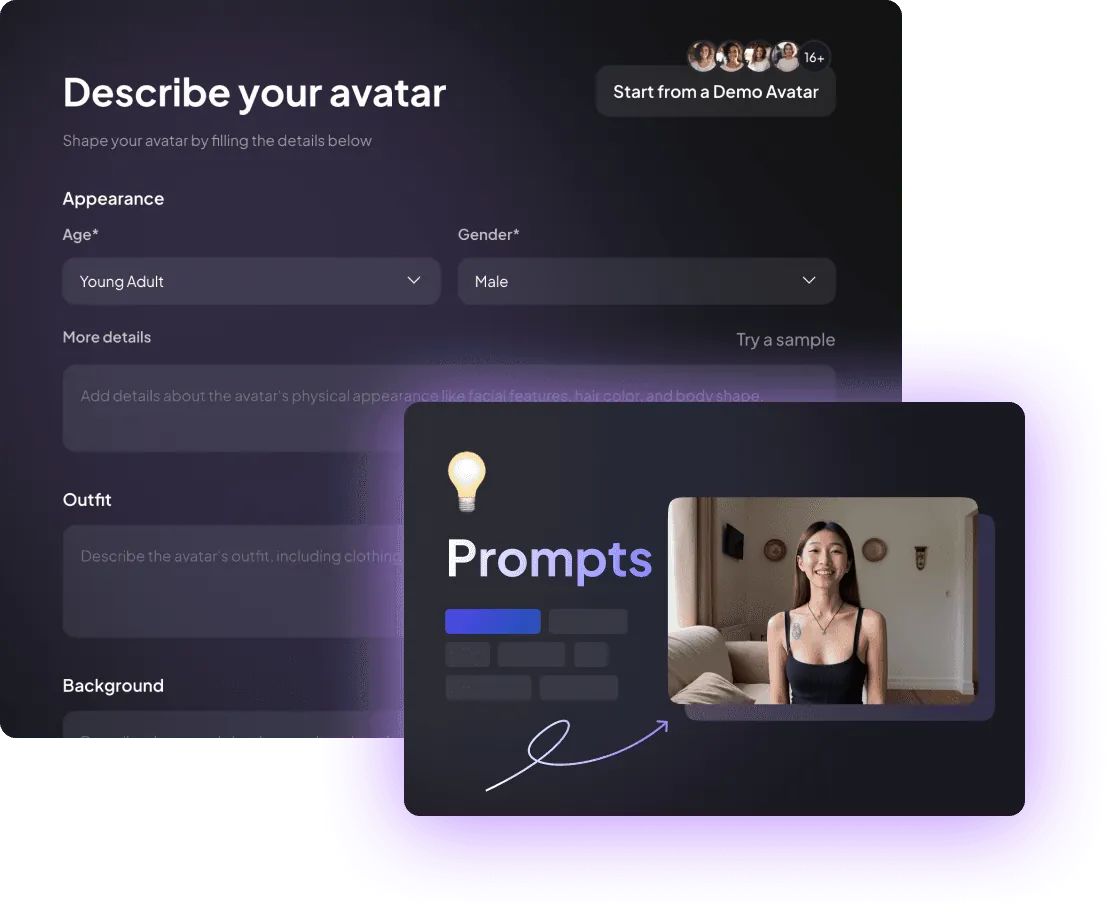
Why Use Twitter Video Tools?
Posting videos on Twitter is an effective way to engage with your audience and grow your account, in a research conducted by Mack Media, 82% of Twitter users regularly watch videos on twitter.
Creatify offers several Twitter video tools such as short video generator, online video editor and AI avatars. Adopting these features can significantly increase your productivity and create more engaging video clips.
Create & Edit Engaging X Videos
We offer various powerful online tools for your Twitter video generation, either you want to create videos based on text or use an online editor to add customization to your videos, we got you covered.
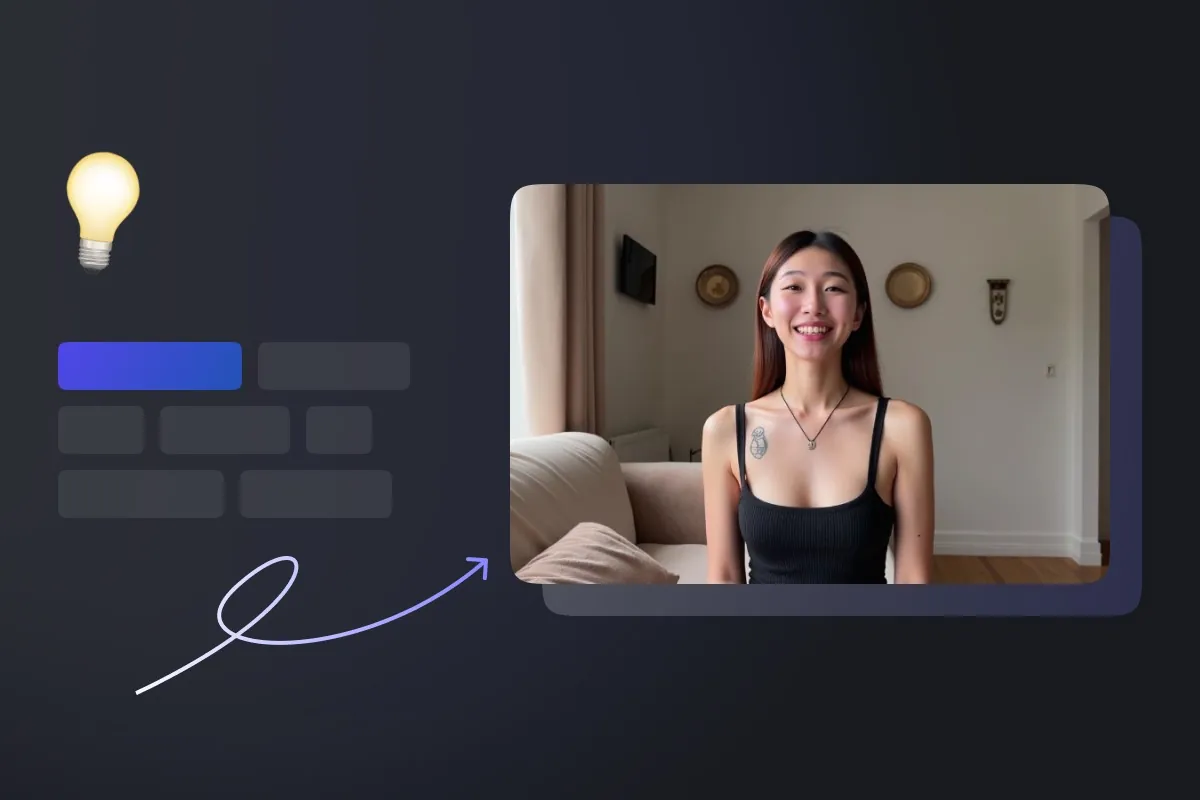
Online Video Editor + AI Avatars
Upload & edit your assets such as text, images, and videos in our online editor, and add a human touch to your video with our industrial-leading AI avatar feature. Create engaging Twitter videos, and take the advantage of the latest AI technology to boost your productivity.
- AI-powered video editor
- Support all main stream video length & ratio
- Over 500+ ultra realistic AI avatars
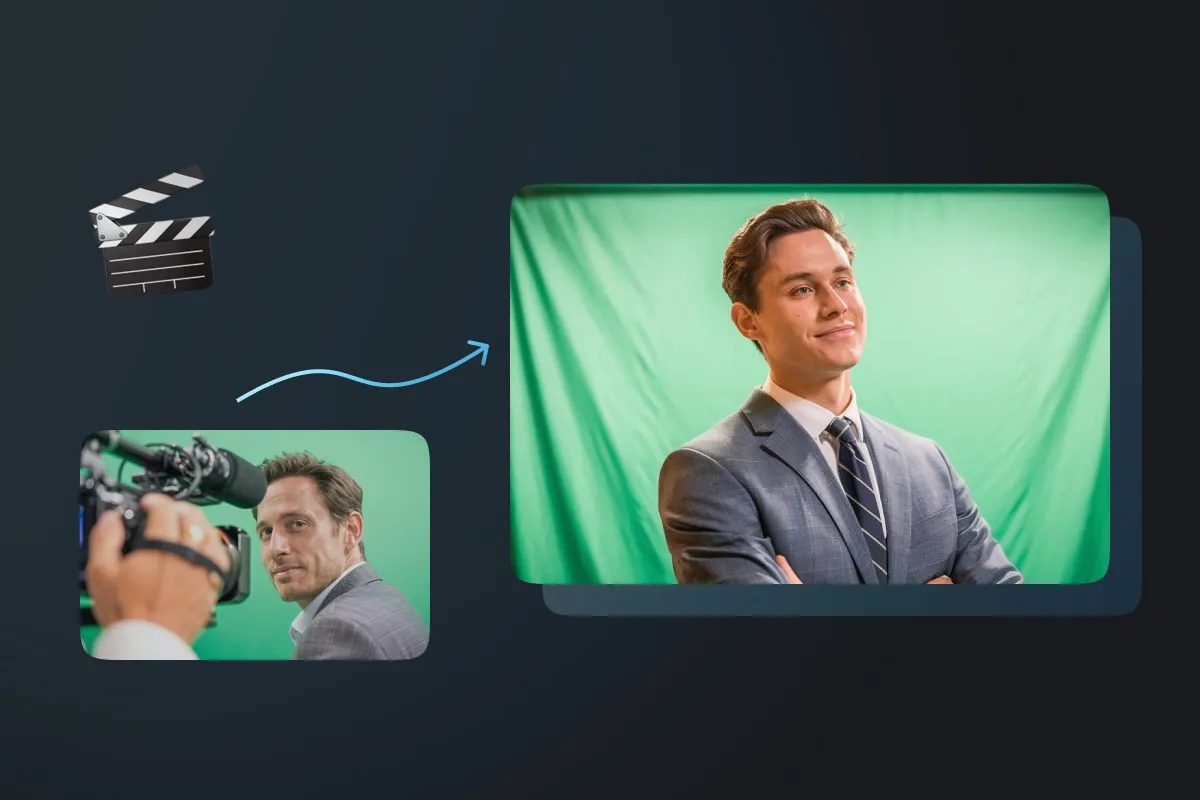
Text to video creator
Our text to video feature allows you to use text content from existing posts and custom script for video creation, simply copy & paste the content, choose the avatar and click “render” button, your Twitter video will be ready in minutes.
- AI-powered video generation process
- Large library of stock assets
- One-click video creation solution
How to create X/Twitter videos?
Step 1
Upload text for your video
Use text content from a post or create your own script, then click "upload".
Step 2
Select the right avatar
Select the ideal avatar for your video and hit the "submit" button
Step 3
Review & Edit
Review the generated preview video samples and choose your preferred version or edit it.
Step 4
Render
Once you are satisfied with your Twitter video, click the render button and download the video.
Why use Creatify to create videos for X

Create videos in minutes
Creatify AI helps you to create videos in minutes, instead of spending thousands of dollars and days to create a video, what Creatify offers is a one-stop solution that helps you create Twitter videos in minutes, without breaking the bank.

AI spokesperson
Want the video to be more engaging but are camera shy? Consider choosing digital avatar to be your online spokesperson. Creatify has the most realistic AI avatars on the market.

Powerful online editor
Add customization to your video clips with Creatify’s online editor, replacing assets, or change background music and more, check it out now.


Ready to create your first X video?
Join our community with over 900K+ power users and start making avatar videos for free.
CREATE AN AI HUMAN NOWAI ethics & safety standards
At Creatify AI, we are committed to the ethical development, deployment, and use of artificial intelligence technologies. As we continue to push the boundaries of generative AI, we remain steadfast in our belief that the impact of AI should always prioritize the well-being and interests of people. Our approach to AI ethics is grounded in the principle of empowering humans.
Commonly asked questions