

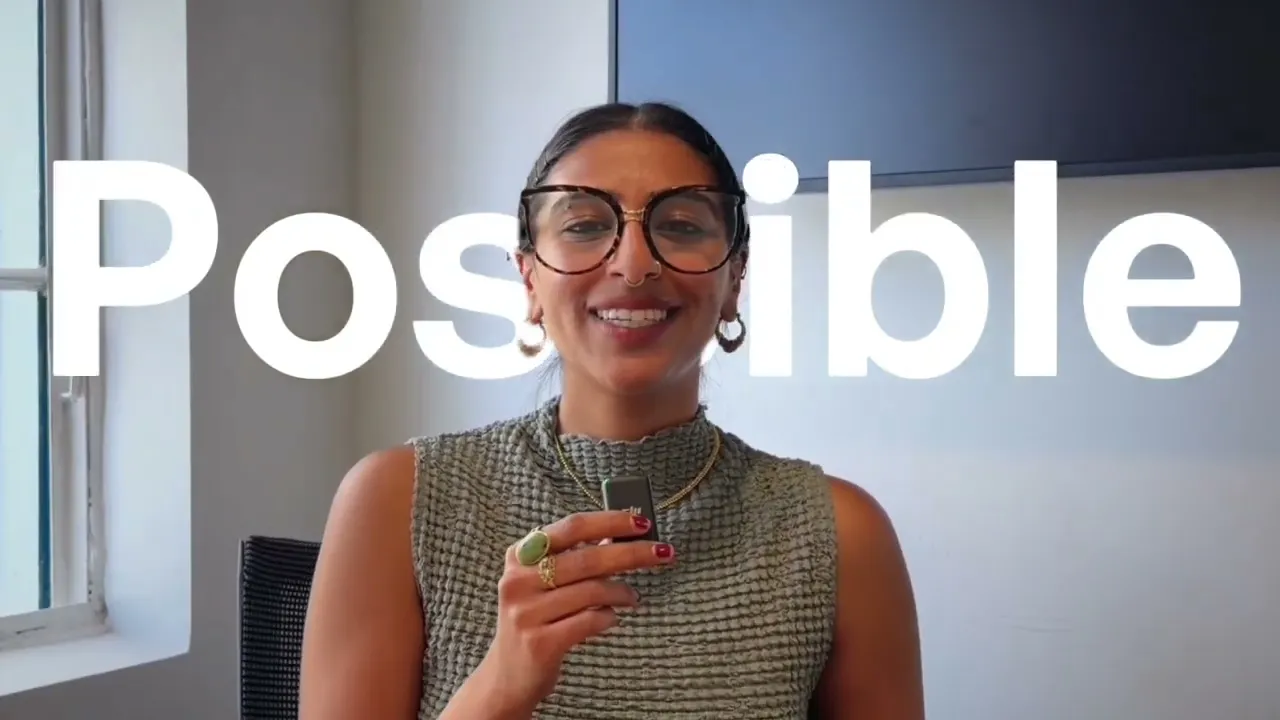
実際にコンバージョンする広告を制作するためにCreatifyのエージェントを活用する方法
実際にコンバージョンする広告を制作するためにCreatifyのエージェントを活用する方法

Creatify チーム
シェア


この記事では
ほとんどのAIツールは、実際に使う気になれないような汎用的で質の低い動画を量産しますが、Creatify Agentは違います。このウォークスルーでは、Agentの「Auto」モードと「Flow」モードを使って、コンバージョン率の高い広告をゼロから2つ作成します。クリエイティブチームがいなくても、製品リンクから完成した広告ができるまでのプロセスを正確にご覧いただけます。
学べる内容:
✅ なぜAgentは1,500万本以上の広告と10億$以上の広告費でトレーニングされたのか、そしてそれがどのようにクリエイティブに反映されるのか
✅ AutoモードとFlowモードの本当の違い、そしてそれぞれをいつ使うべきか
✅ Autoモードで、1つの製品URLから完全なストーリーボード、音楽、そして完成した広告を作成する方法
✅ Flowモードで、特定のフック、トーン、ストーリーラインを持つUGCスタイルの広告を構築する方法
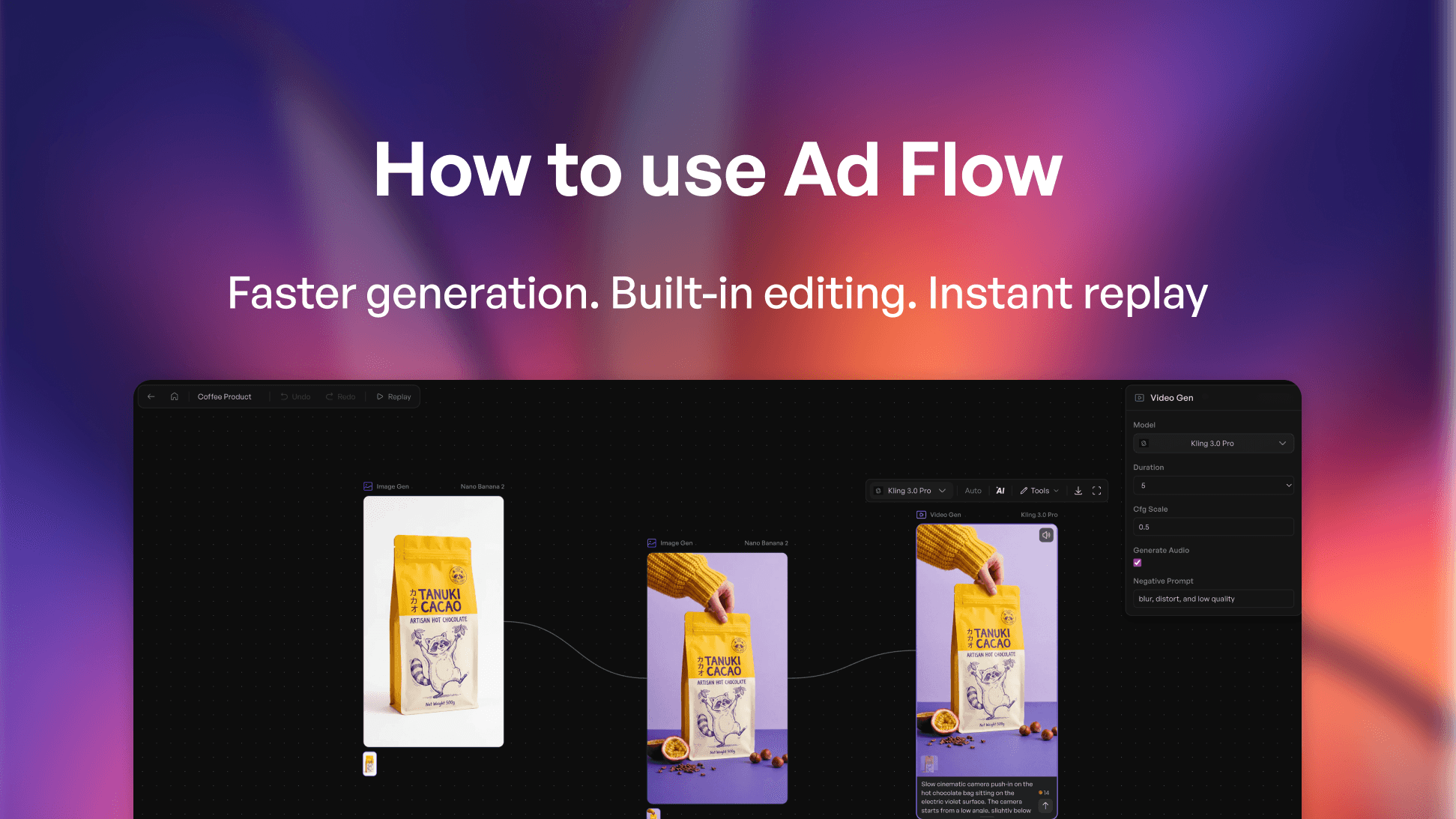
✅ ノードベースのキャンバスにより、モデルの入れ替え、アスペクト比の変更、任意のシーンの編集をどう行うか
✅ 内蔵コネクターを使って、LinkedInやFacebookなどへ直接配信する方法
この動画を見れば、クリエイティブチームがいなくても、あらゆる製品リンクをコンバージョン率の高い広告に変える方法、そして自分の求めるコントロールレベルに合わせて最適なモードを選択する方法が理解できます。
チームなしでクリエイティブを配信するDTCマーケター、ソロプレナー、スタートアップの創業者に最適です。
#aivideoads #DTCMarketing #PerformanceMarketing #AIAds #creativeautomation
⏱️ チャプター
0:00 なぜほとんどのAI広告ツールは期待外れなのか
0:42 Autoモード vs Flowモード
1:03 Agentインターフェースの紹介
2:37 Autoモードでのサービス広告作成
4:30 自動ストーリーボード&シーンの内側
5:09 完成したサービス広告
5:46 UGC広告用のFlowモードへの切り替え
7:34 ノードキャンバスでのシーン編集
9:05 完成したUGC広告 + ネイティブエディタ
9:57 Auto vs Flow:それぞれの使い分け
👉 Creatifyを無料で試す → https://app.creatify.ai/auth/login?ut=16
ほとんどのAIツールは、実際に使う気になれないような汎用的で質の低い動画を量産しますが、Creatify Agentは違います。このウォークスルーでは、Agentの「Auto」モードと「Flow」モードを使って、コンバージョン率の高い広告をゼロから2つ作成します。クリエイティブチームがいなくても、製品リンクから完成した広告ができるまでのプロセスを正確にご覧いただけます。
学べる内容:
✅ なぜAgentは1,500万本以上の広告と10億$以上の広告費でトレーニングされたのか、そしてそれがどのようにクリエイティブに反映されるのか
✅ AutoモードとFlowモードの本当の違い、そしてそれぞれをいつ使うべきか
✅ Autoモードで、1つの製品URLから完全なストーリーボード、音楽、そして完成した広告を作成する方法
✅ Flowモードで、特定のフック、トーン、ストーリーラインを持つUGCスタイルの広告を構築する方法
✅ ノードベースのキャンバスにより、モデルの入れ替え、アスペクト比の変更、任意のシーンの編集をどう行うか
✅ 内蔵コネクターを使って、LinkedInやFacebookなどへ直接配信する方法
この動画を見れば、クリエイティブチームがいなくても、あらゆる製品リンクをコンバージョン率の高い広告に変える方法、そして自分の求めるコントロールレベルに合わせて最適なモードを選択する方法が理解できます。
チームなしでクリエイティブを配信するDTCマーケター、ソロプレナー、スタートアップの創業者に最適です。
#aivideoads #DTCMarketing #PerformanceMarketing #AIAds #creativeautomation
⏱️ チャプター
0:00 なぜほとんどのAI広告ツールは期待外れなのか
0:42 Autoモード vs Flowモード
1:03 Agentインターフェースの紹介
2:37 Autoモードでのサービス広告作成
4:30 自動ストーリーボード&シーンの内側
5:09 完成したサービス広告
5:46 UGC広告用のFlowモードへの切り替え
7:34 ノードキャンバスでのシーン編集
9:05 完成したUGC広告 + ネイティブエディタ
9:57 Auto vs Flow:それぞれの使い分け
👉 Creatifyを無料で試す → https://app.creatify.ai/auth/login?ut=16

あなたもお気に召すかもしれません


マーケティングを加速する準備はできましたか?
AIが生成した動画広告で新製品のアイデアを数分でテストしましょう

マーケティングを加速する準備はできましたか?
AIが生成した動画広告で新製品のアイデアを数分でテストしましょう
マーケティングを加速する準備はできましたか?
AIが生成した動画広告で新製品のアイデアを数分でテストしましょう
マーケティングを加速する準備はできましたか?
AIが生成した動画広告で新製品のアイデアを数分でテストしましょう



ユースケース
インスタグラム
フェイスブック
YouTube
Snapchat
Shopify
AIアバターを作成
OTT & CTV
リードジェネレーション
