
Wan 3.0, from Alibaba's Wan series, and Kling 3.0 from Kuaishou both make video with sound in the same render, from a text prompt or a photo, and both can fly between a first and a last frame you choose. On the surface they do the same job.
Underneath, they make different trade-offs. Wan 3.0 makes clips up to 30 seconds, takes images, videos and even audio as references, and is open on every plan, including Free. Kling 3.0 stops at 15 seconds but can cut between shots inside one clip and gives you a few more controls. Here's how they compare on the settings and credit prices each has in Creatify today, with real clips from both.
Wan 3.0 vs Kling 3.0 in one table
| Wan 3.0 | Kling 3.0 | |
|---|---|---|
| Made by | 阿里巴巴 | Kuaishou |
| 时长 | Any length from 2 to 30 seconds | Any length from 3 to 15 seconds |
| 分辨率 | 480P, 720P or 1080P | Up to 1080p (Pro) |
| Aspect ratios | 16:9, 9:16, 1:1, 4:3, 3:4 or adaptive | 16:9, 9:16, 1:1 |
| 原生音频 | 是 | 是 |
| Multi-shot from one prompt | 未列出 | 是 |
| Start and end frame | 是 | 是 |
| 参考图片 | 最多 10 张图片 | Up to 4 images, up to 3 elements |
| Reference videos and audio | Up to 5 videos and 5 audio clips | One 3- to 10-second video (Kling O3) |
| Other tiers | Wan 3.0 Prime (faster) | Kling 3.0 Standard, Kling 3.0 Turbo |
| 计划 | 免费 | Pro (Standard is on Starter) |
Twice the length, or cuts inside the clip
Wan 3.0 takes any whole number of seconds from 2 to 30. That is long enough for a full 30-second spot as one camera move, with no stitching and no light changing between clips. Kling 3.0 makes 3 to 15 seconds, and it makes up for the shorter limit with multi-shot: write Shot 1, Shot 2 and Shot 3 in the prompt and you get the cuts in one clip.
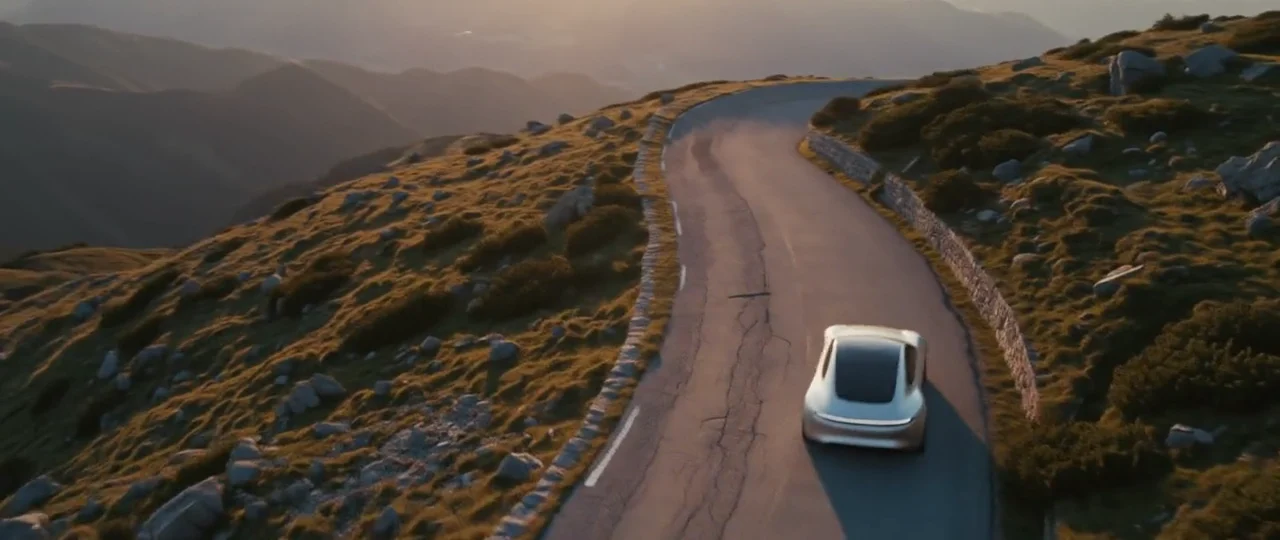
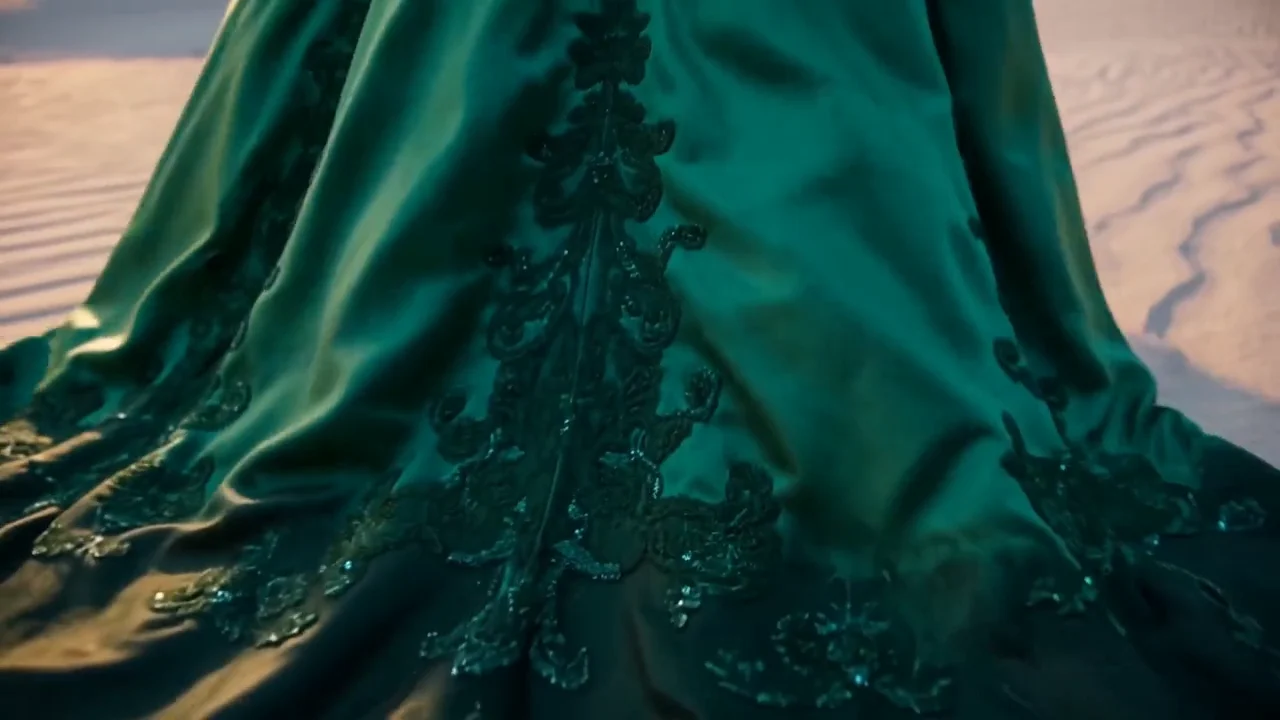
Wan 3.0, one unbroken 30-second take: an emerald silk gown walks from sunrise dunes through a stone arch onto a rainy rooftop, then through falling rose petals to a sunset cliff.
Wan 3.0's settings don't list a multi-shot mode, and its examples are written as single takes in timed beats. So the rough rule: one long move, Wan 3.0; a short sequence with cuts, Kling 3.0.
Frames, shapes and resolution
Wan 3.0 lets you pick 480P, 720P or 1080P, and makes 16:9, 9:16, 1:1, 4:3 or 3:4, or an adaptive shape the model picks from the prompt. From a photo, it keeps the photo's shape. Kling 3.0 makes 16:9, 9:16 and 1:1, and Kling 3.0 Pro renders at 1080p with no resolution setting.
Both take a start frame and an optional end frame, so you can set where a product shot begins and where it lands.
References: your product, kept the same
Wan 3.0's reference mode takes up to 10 images, 5 videos and 5 audio clips, called in the prompt as @image1 or @video1. Audio references need at least one image or video with them, and reference videos count toward the 30-second total: their length plus the new clip can't go over 30 seconds.
Kling 3.0 uses elements: up to 3 characters or objects set up once and called by name. Kling O3 Pro, its reference sibling, adds up to 4 reference images and can copy the motion of a 3- to 10-second video. Both pages have a product clip made from one reference photo:
Wan 3.0 (reference to video), from one photo of a running shoe as @image1: the shoe floats in a black void, drops onto a salt flat with a shockwave of salt dust, then a runner sprints across the plain in it.
Kling O3 Pro, from one photo of a watch as @Image1: gears and parts float in zero gravity and click together into the watch, which lands on black volcanic rock.
Sound and dialogue
Both write the sound with the picture, and both let you switch it off. Wan 3.0 costs the same either way. Kling 3.0's voices are English or Chinese, and other languages are translated to English. Wan 3.0's prompts can be written in English or Chinese, and Creatify doesn't list which spoken languages it handles, so test a line before you plan around it.
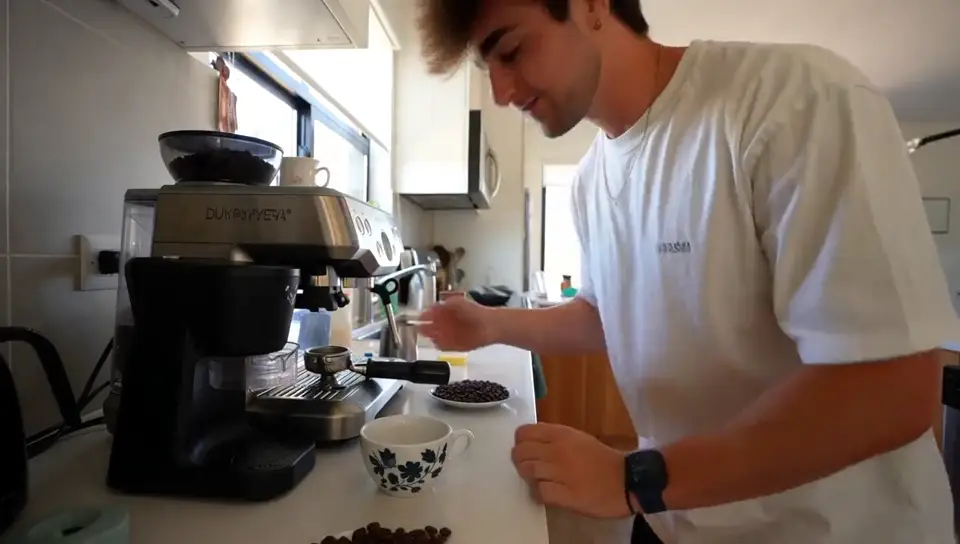
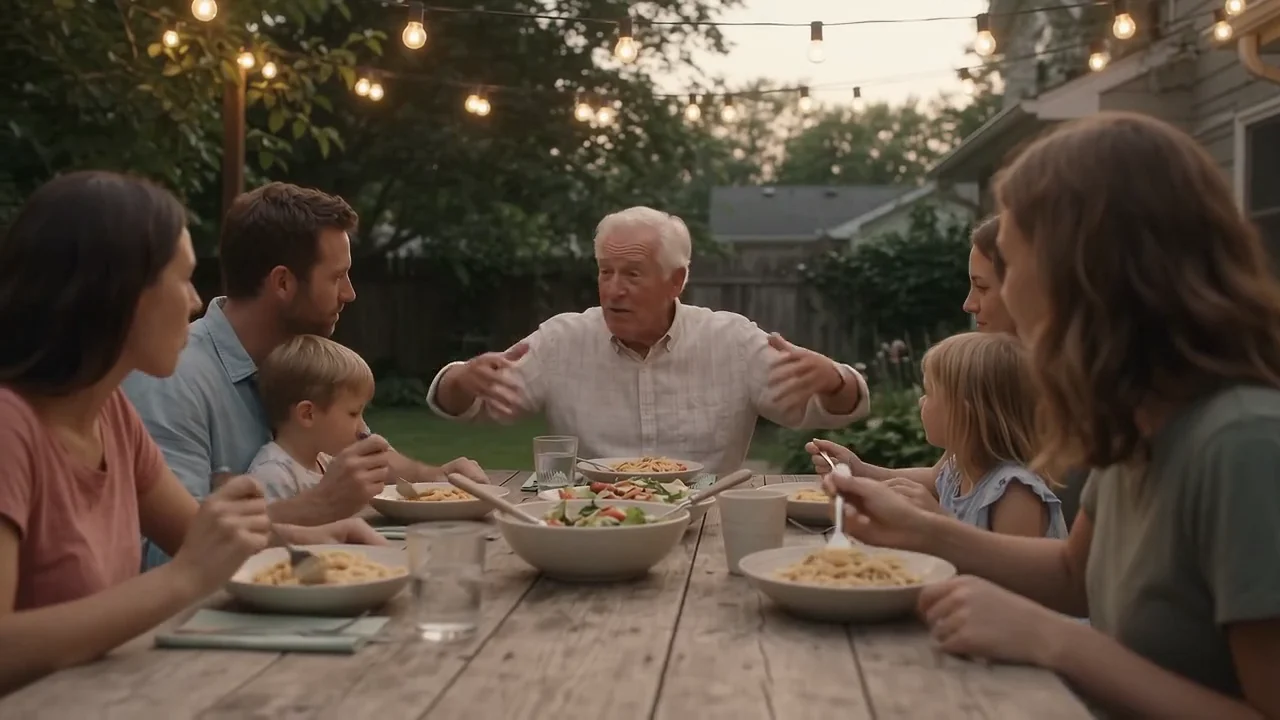
Two phone-style clips of friends, each from its own page. The briefs are close (friends laughing, one turns to camera with a line, no music), but the prompts aren't the same, so read this as a feel for each model.
Wan 3.0: "We come here every Friday. Every single Friday." Cups clinking, background chatter and a bicycle bell.
Kling 3.0 Pro: "Best decision we made all year," with wind noise and the ferry engine under the line.
What 15 seconds costs
Credits as each model is priced in Creatify today, for a 15-second clip, the longest Kling 3.0 makes. Wan 3.0 bills by length and resolution; Kling 3.0 by length.
| 模型 | Credits per second | A 15-second clip |
|---|---|---|
| Wan 3.0 (480P) | 0.28 | 4.5 |
| Wan 3.0 (720P) | 0.55 | 8.5 |
| Wan 3.0 (1080P) | 1.1 | 16.5 |
| Wan 3.0 Prime (1080P) | 1.53 | 23 |
| Kling 3.0 专业版 | 1.68 | 25.5 |
| 可灵 3.0 Standard | 1.26 | 19 |
| Kling 3.0 Turbo (720p, silent) | 1.12 | 17 |
Wan 3.0 is not automatically the cheaper one. At 1080P it costs less per second than Kling 3.0 Pro (1.1 vs 1.68 credits), and at 720P it costs less than Kling 3.0 Standard. Where Wan 3.0 pulls ahead is the low end: a 480P draft is 0.28 credits a second, with sound, and a full 30-second 480P clip is 8.5 credits. Wan 3.0 Prime, the faster tier, costs more per second than Wan 3.0 at the same resolution. Kling 3.0 Turbo is cheap as well, but per Creatify's Kling page it makes silent video.
Which one should you pick?
- Pick Wan 3.0 for clips longer than 15 seconds, 4:3 or 3:4 frames, reference videos or audio, cheap 480P drafts with sound, or if you're on the Free plan.
- Pick Kling 3.0 for several shots with cuts from one prompt, reusable elements for a character or product, or a lower price per second at 1080p.
- Draft on Wan 3.0 at 480P or Kling 3.0 Standard, then render the version that works at full quality.
To run them yourself, open Wan 3.0 or Kling 3.0 in Creatify's Model Playground.
Or skip the choice and describe the ad
Comparing models is the easy part of an ad. After it come the script, the shot list, a voiceover, music, captions and a cut for every placement you run.
Creatify's Ad Agent handles that from a single request. Tell it what you want, like "a 15-second TikTok ad for my sneakers, street style, high energy", or paste your product link. It writes the script, picks the models each shot, voice and music track needs, checks every take and redoes the ones that miss, and edits it into one finished video.