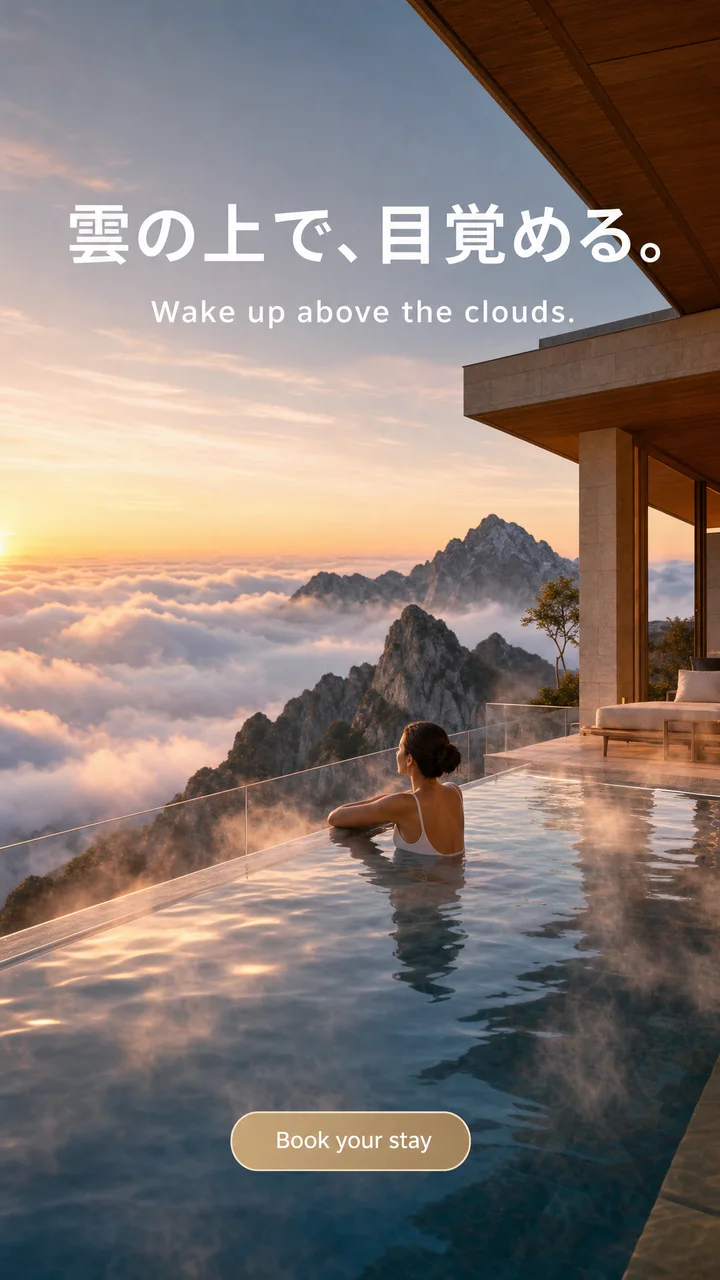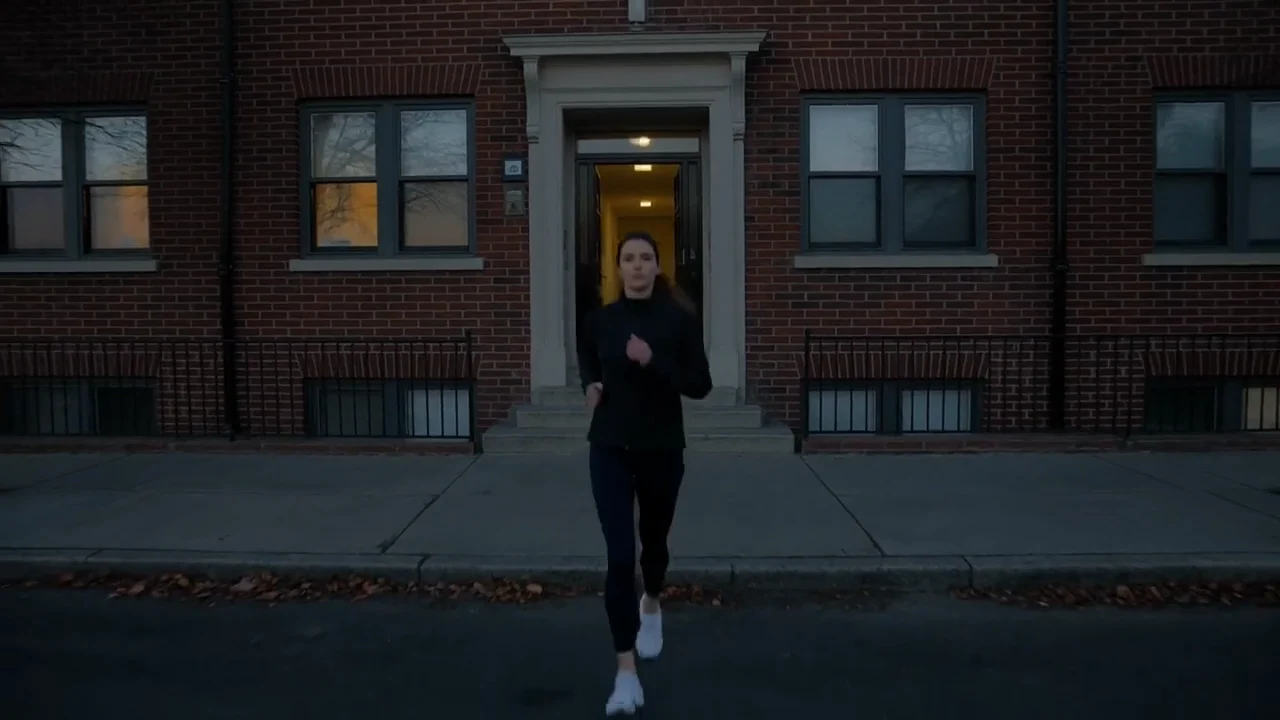

Boreal-H3 is Creatify's own video model, built for ads. Veo 3.1 is Google's. Both make a clip with sound from a prompt, a first frame or a few reference images, and both can end on a frame you choose. We make one of them, so this comparison sticks to what each model's settings, prices and Creatify pages show, and says where Veo 3.1 is the better pick.
The short version: Boreal-H3 is aimed at product-critical ad shots and fast, cheap iteration, with longer clips and more frame shapes. Veo 3.1 has the more cinematic reputation, a fuller soundscape in our examples and an extend mode, at a higher price and on a higher plan. The details are below, with real clips from each model's page.
Boreal-H3 vs Veo 3.1 at a glance
| Boreal-H3 | Veo 3.1 | |
|---|---|---|
| Made by | Creatify | |
| 时长 | Any length from 1 to 15 seconds | 4, 6 or 8 seconds, plus a 7-second extend |
| 分辨率 | 768p, 1080p or 2K | 720p 或 1080p |
| Aspect ratios | 21:9, 16:9, 4:3, 1:1, 4:5, 3:4, 9:16 (from an image, the image’s shape) | 16:9, 9:16 |
| 原生音频 | 是 | 是 |
| Start and end frame | 是 | 是 |
| 参考素材 | Up to 9 images, 3 videos and 3 audio clips | Up to 3 images (8-second clips) |
| Work on a clip you have | 不支持 | Extend it by 7 seconds |
| Plan in Creatify | Every plan, including Free | Standard and above |
Keeping the product right
Boreal-H3 was built around one job: keep your product's label text, shape and details accurate, starting from an approved frame or from a set of references. Its reference mode takes up to 9 images, 3 video clips and 3 audio clips, which you call in the prompt as Image 1, Video 1 and so on, so a front and a back view of the same product can both go into one shot.
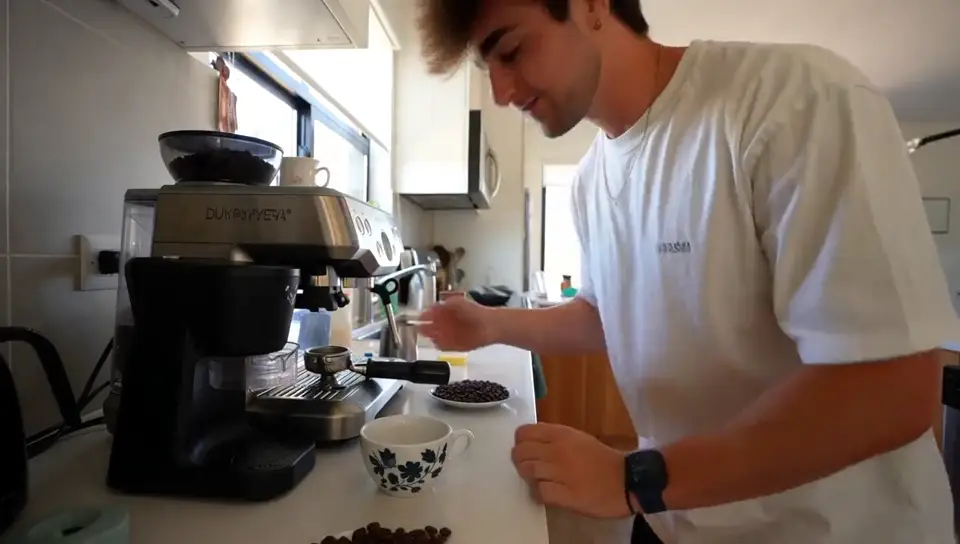
Boreal-H3, image to video, listed on its page as "A probiotic bottle on a morning kitchen counter." The bottle stays the bottle.
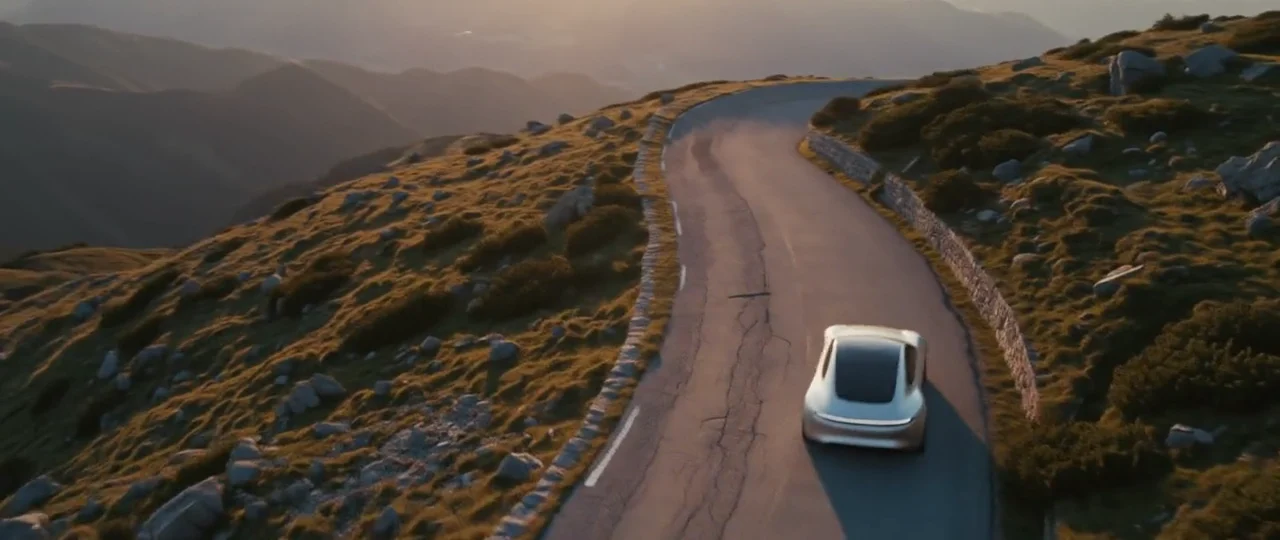
Boreal-H3 Reference, from a front view and a back view: one product shot where the pattern, the striped reverse, the trim and the tassels stay.
Veo 3.1 takes up to 3 reference images for an 8-second clip, and it has a first and last frame mode that is very good at holding a still product while the world moves around it.
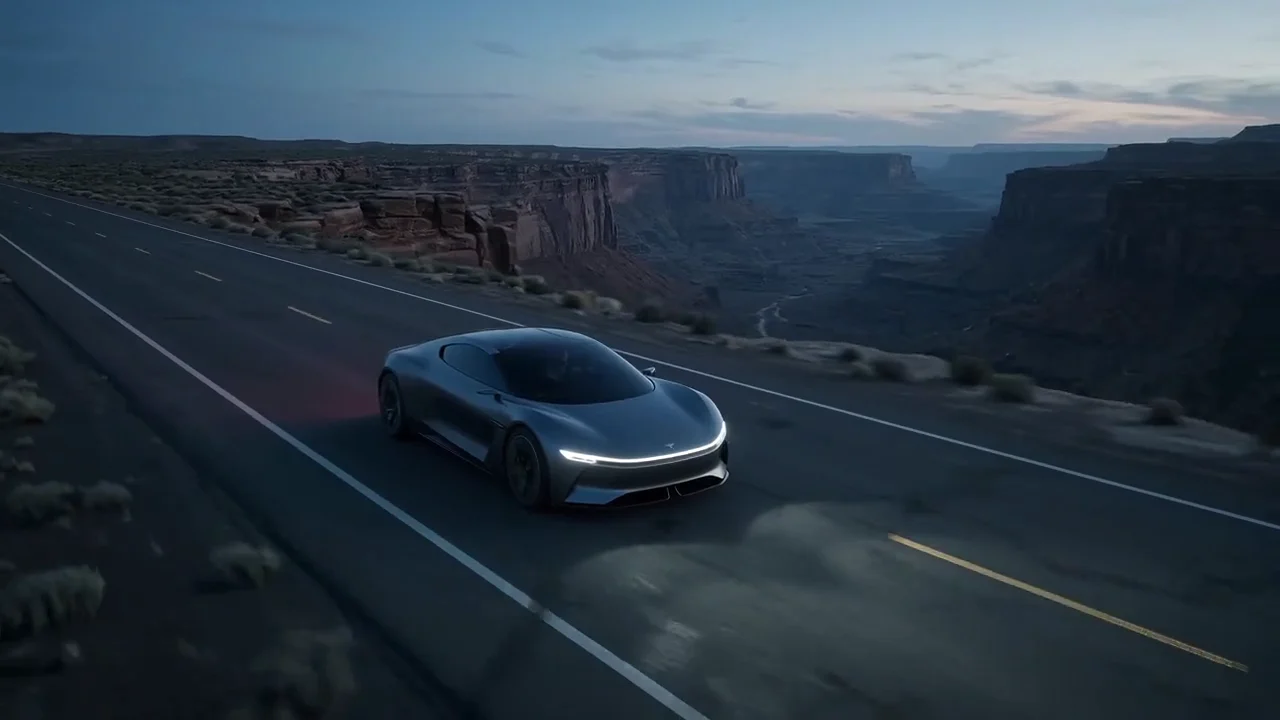
Veo 3.1 from a first and last frame: a perfume bottle that never moves while the desert goes from night to sunrise, with a one-line voiceover.
Boreal-H3's page is also clear about its limits: very small print on a pack can garble at 1080p, long chains of complex motion can drift, and voices can sound studio-clean rather than matched to the room (a reference audio clip helps). If your shot is tiny label text or a long, busy action sequence, test both.
Sound and look
Both models make sound with the picture, and both will speak a line you write. Boreal-H3 is tuned for UGC-style talking heads and two-person dialogue. Veo 3.1 is the one we would reach for when the whole scene has to sound alive: in our examples it layers ambience, cutlery, music and overlapping voices well.
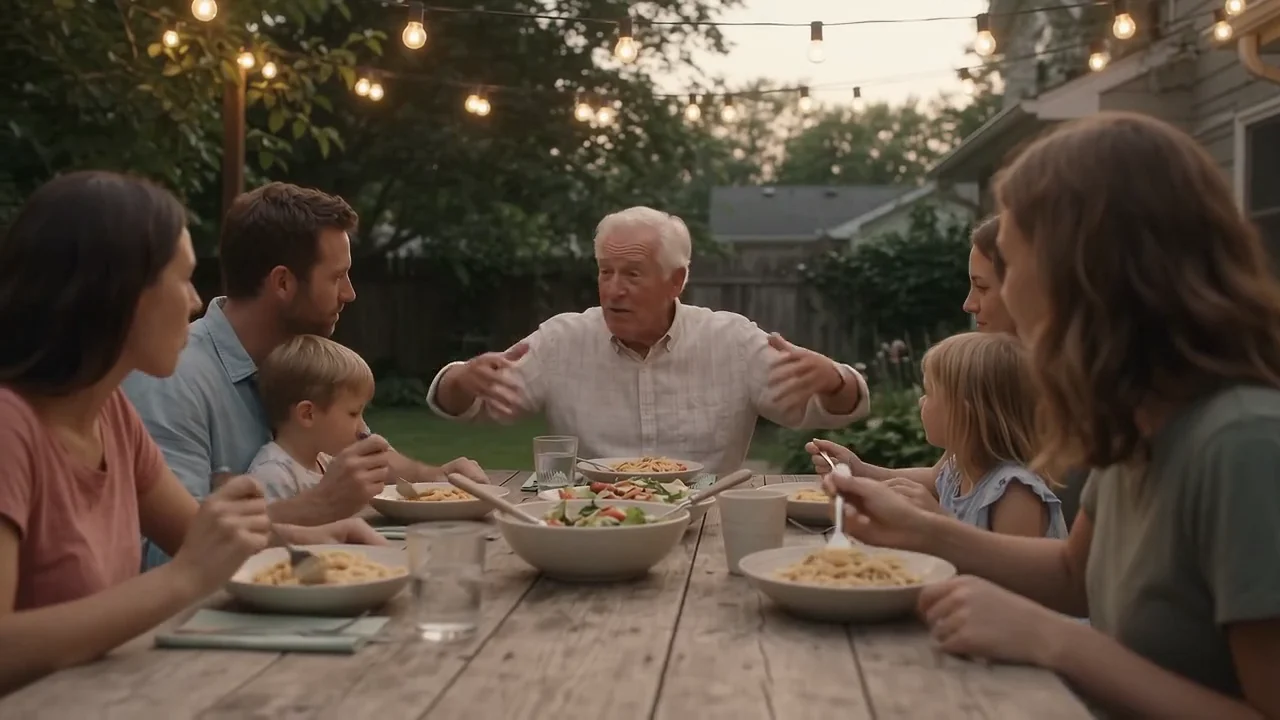
Veo 3.1 at 1080p: a slow dolly along a garden dinner table, with cutlery, overlapping conversation and laughter in the same render.
Veo 3.1 also takes a negative prompt, and its extend mode adds 7 seconds to a clip you already have. Boreal-H3 has neither. Instead it makes up to 15 seconds in one generation, and by default it rewrites your prompt with Creatify's ads prompt skill before rendering; you can switch that off to send the prompt exactly as written.
Price per second in Creatify
Credits as each model is priced in Creatify today, for an 8-second clip, which both can make. Sound is included on both.
| 模型 | Credits per second | An 8-second clip |
|---|---|---|
| Boreal-H3 (768p) | 0.13 | 1.5 |
| Boreal-H3 (1080p) | 0.27 | 2.5 |
| Boreal-H3 (2K) | 0.53 | 4.5 |
| Veo 3.1 (720p or 1080p) | 4 | 32 |
| Veo 3.1 快速版 | 1.5 | 12 |
| Veo 3.1 Lite (720p) | 0.5 | 4 |
Price is where the two are furthest apart. Boreal-H3 is 0.13 credits a second at 768p and 0.27 at 1080p, against 4 for Veo 3.1 at either resolution. Veo 3.1 Lite, the cheapest Veo tier, is 0.5 credits a second, and only at 720p and up to 8 seconds. That gap is the point of Boreal-H3: it is cheap enough that you can render several takes of a shot and keep the best one. In reference mode, the first 5 reference images are free and extra images and reference video seconds are billed on top.
Which one should you pick?
- Pick Boreal-H3 when the product has to look exactly like your photos, for clips up to 15 seconds, square, 4:5 or 21:9 frames, lots of reference material, or many takes on a small budget, including on the Free plan.
- Pick Veo 3.1 for a cinematic single moment with a full, room-matched soundscape, a negative prompt, or a clip you want to extend.
- Test both when the shot depends on very small label text or long, complex motion, which Boreal-H3's own page lists as weak spots.
To run either model yourself, open Boreal-H3 or Veo 3.1 in Creatify's Model Playground.
Or skip the choice and describe the ad
Most ads are more than one shot. They need a script, keyframes that show your real product, a voiceover, music, captions and an edit that ties it together.
Creatify's Ad Agent makes your video with Boreal-H3, and you only have to describe the ad. Say something like "a 15-second TikTok ad for my protein bars, a creator talking to camera", or paste your product link. The agent writes the script, plans the shots, renders them with Boreal-H3, adds voice and music with the models those parts need, checks every take and redoes the ones that miss, then edits it all into a finished video.
On Pro, you can flip the Seedance 2.5 switch beside the message box before you send, and the agent renders with Seedance 2.5 instead. Ad Agent doesn't use Veo 3.1, so if you want Veo footage, make it in Model Playground.