

1.
开启开发者模式
在 ChatGPT 设置中,启用开发者模式。
2。
https://api.creatify.ai/mcp
3。
连接并登录
授权您的 Creatify 账号,然后在聊天中添加 Creatify 并请求制作视频广告。
适用于 Web 应用:
适用于 ChatGPT/Codex 应用:
1.
复制并粘贴此提示词
Read github.com/creatify-ai/Creatify-agent-plugin to install the Creatify plugin and create my first ad
1.
打开设置 → 连接器
在 Claude 桌面端或 claude.ai 中,前往“设置” (Settings),然后选择“连接器” (Connectors)。
2。
添加自定义连接器
将其命名为 Creatify 并粘贴链接:
https://api.creatify.ai/mcp
3。
连接并登录
点击“Add”(添加),然后点击“Connect”(连接),并登录您的 Creatify 账号。现在,只需让 Claude 制作视频广告即可。
Start from a preset
Ready-made prompts for the work you already do.
URL to video ads
Product page in, three 15-second Meta cuts out.
video-ad-generator
Paid ads
Hook multiplier
Keep one body and build six different openings for a clean split test.
ai-ad-prompt-guide
Creative testing
Static concepts
Eight statics from proven templates, filled with your offer.
static-ad-concept-generator
Creative production
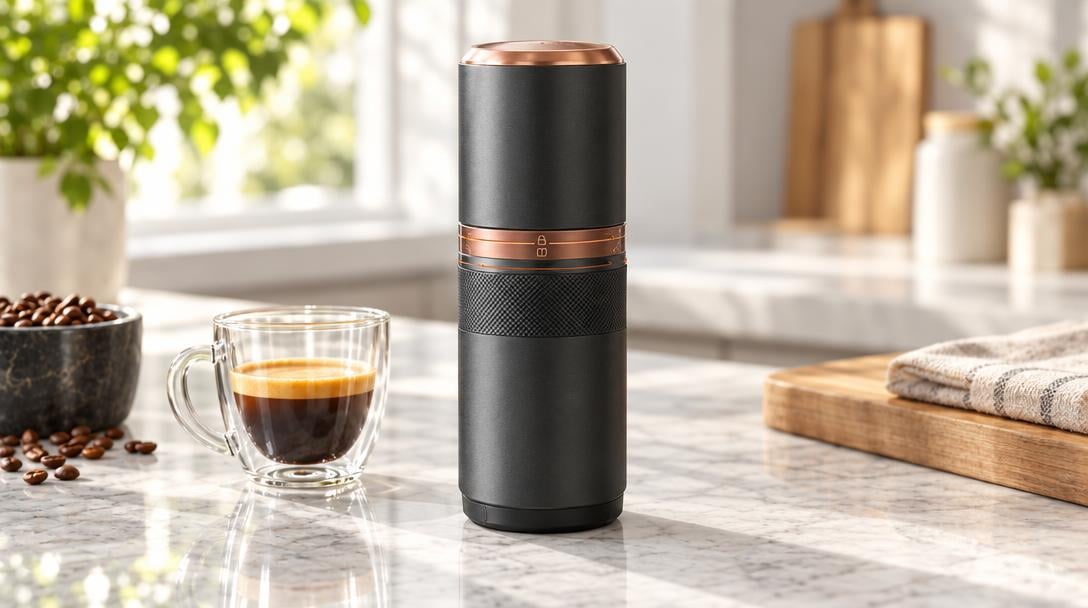
Product demo
Voiceover walkthrough from screenshots and a feature list.
Preset prompt
Creative production
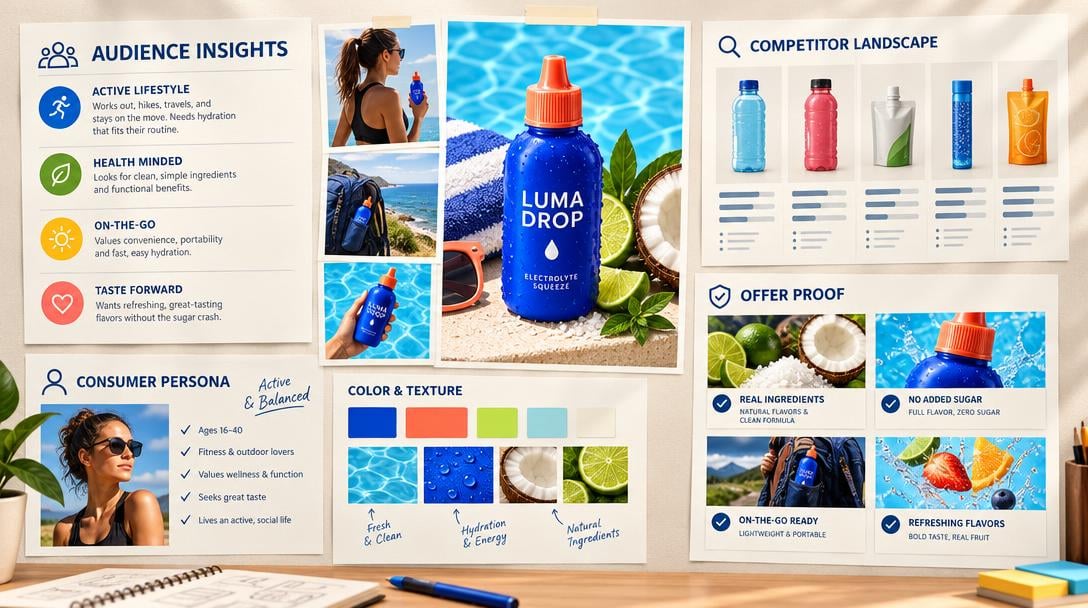
Ad strategist
Angles, audiences and a test plan from one brief.
video-ad-generator
Campaign optimization
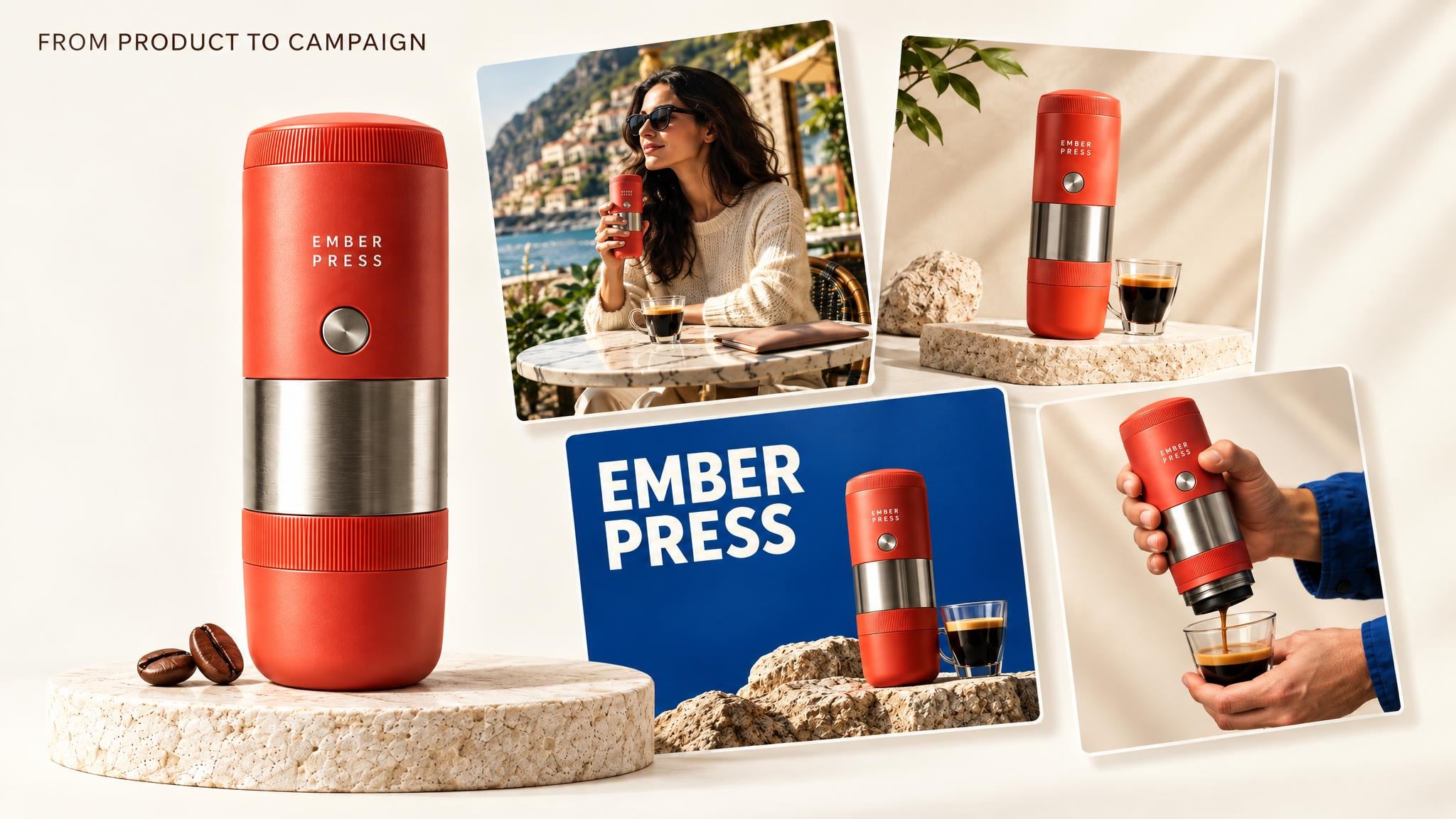
Product launch kit
One product in, a ready-to-test launch campaign out.
Preset prompt
Paid ads
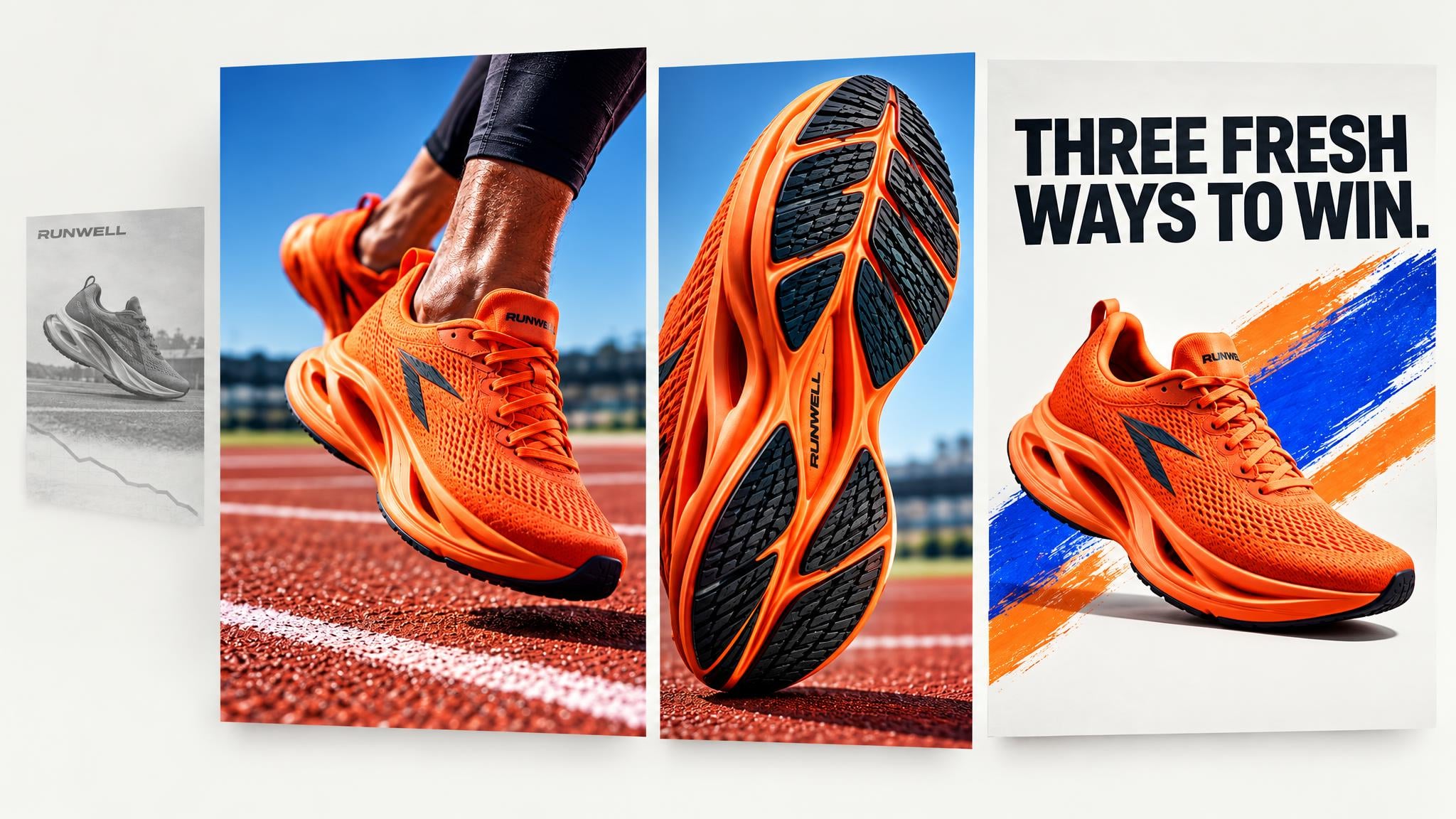
Creative fatigue refresh
Turn a declining winner into three fresh executions without losing its angle.
Preset prompt
Campaign optimization

Seasonal remix
Adapt one winning creative into a campaign for every season.
Preset prompt
Creative production
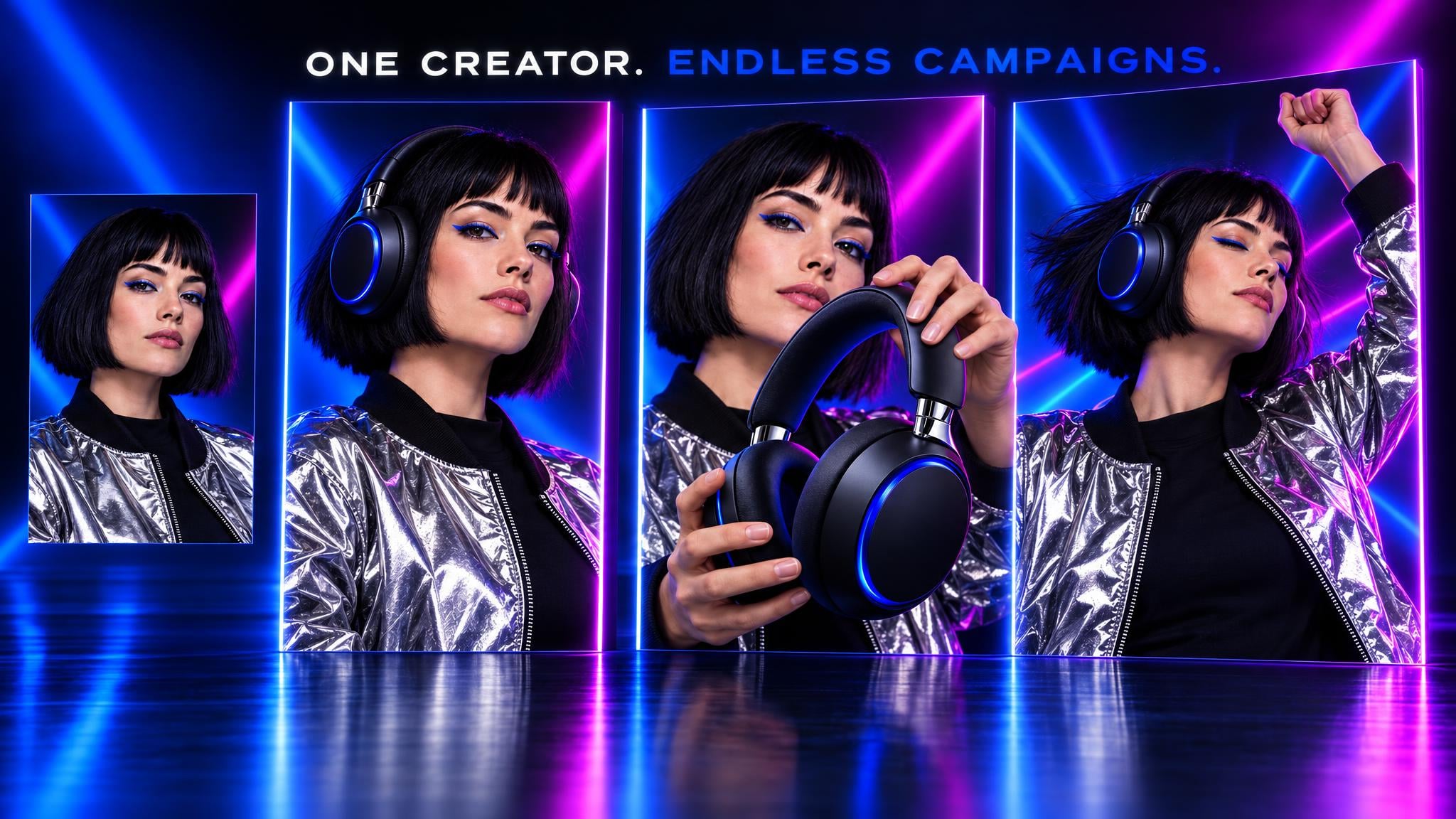
Custom avatar launch
Turn one source portrait into a reusable on-brand creator.
Preset prompt
Creative production
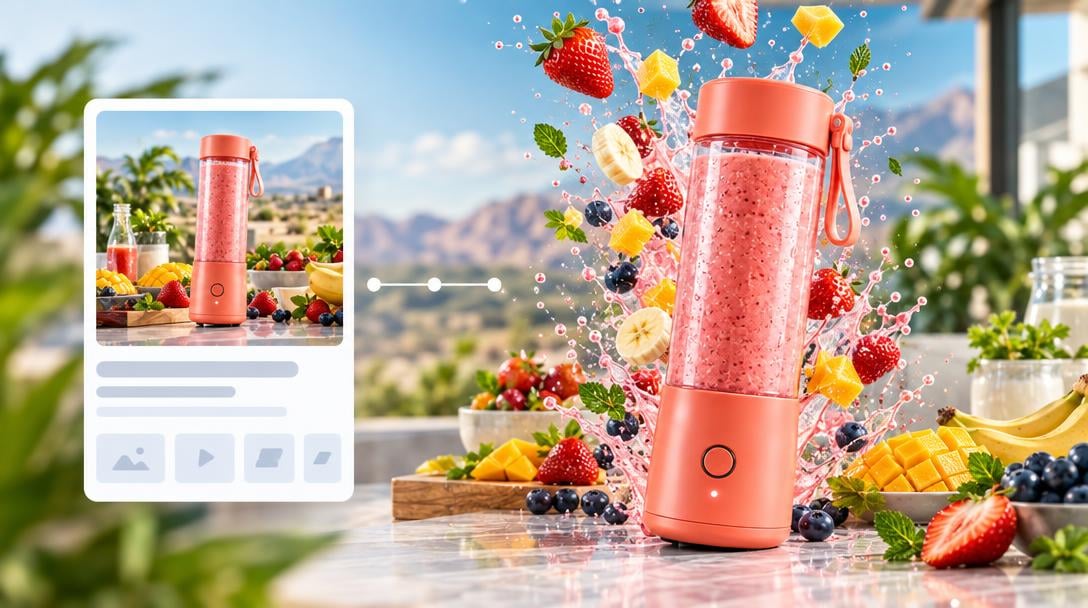
Ad recreator
Rebuild a reference ad’s persuasion structure for your product.
video-ad-reverse-engineer
Paid ads
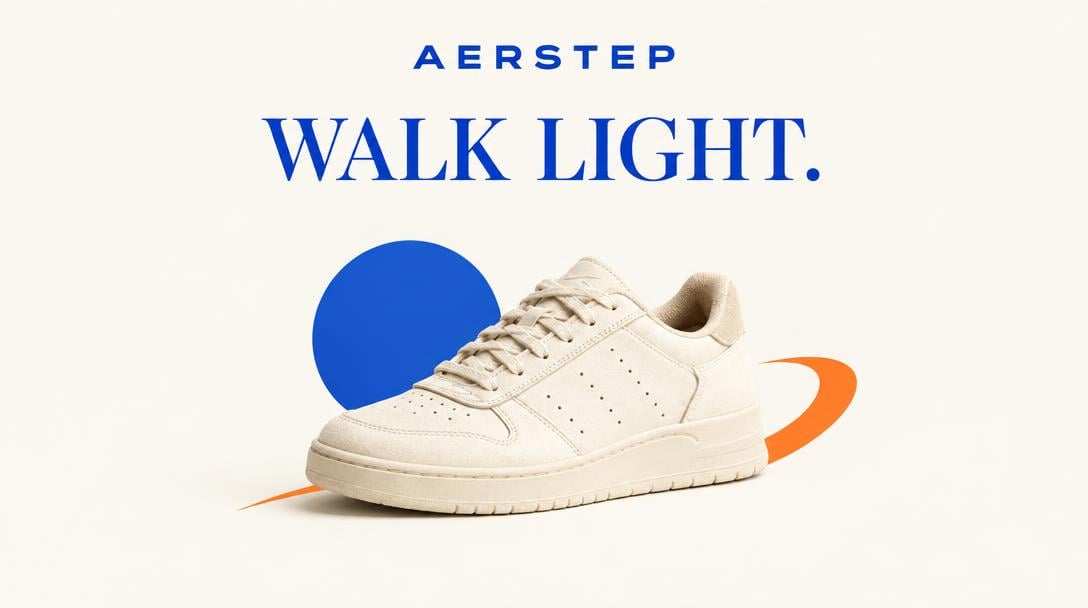
Headline multiplier
Keep the visual fixed and turn one promise into six testable headlines.
Preset prompt
Creative testing
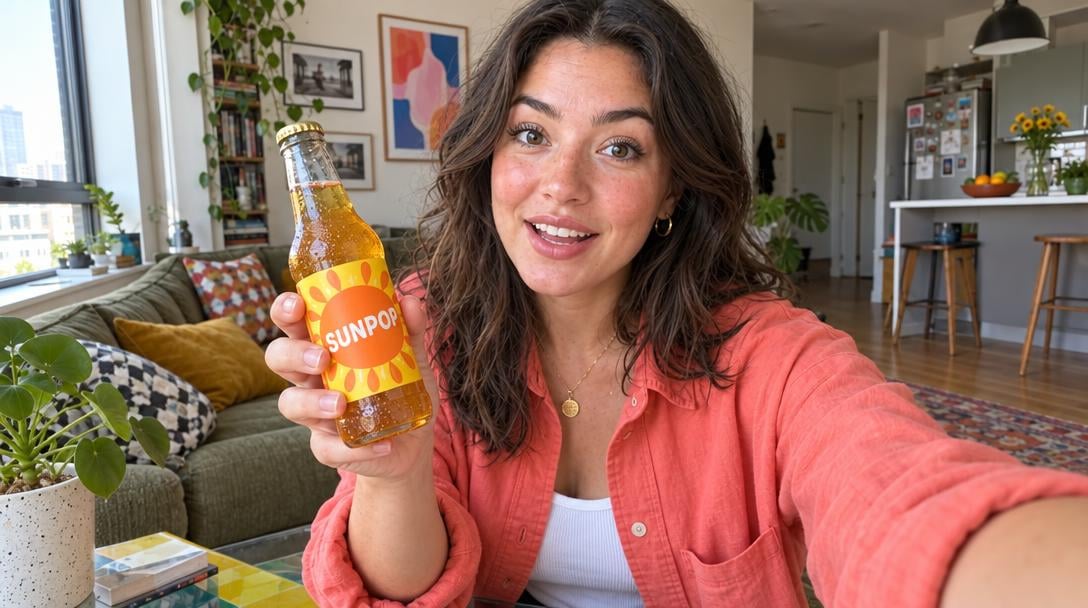
UGC testimonials
Five creator-style reviews, one per buyer persona.
video-ad-generator
Creative production
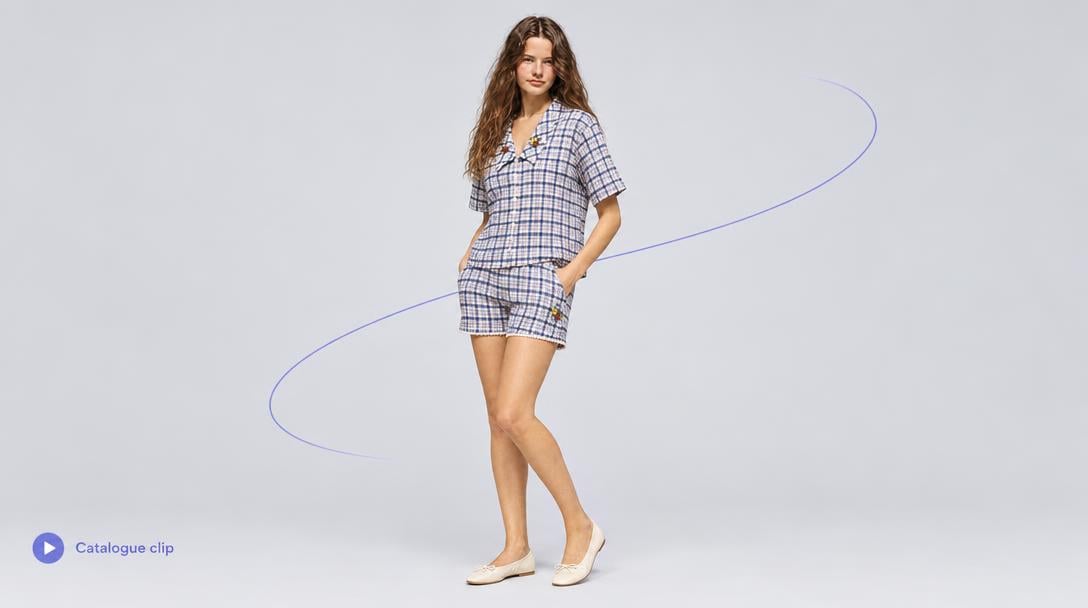
Product to clip
Product photo in, approved studio frame, catalogue clip out.
Preset prompt
Creative production
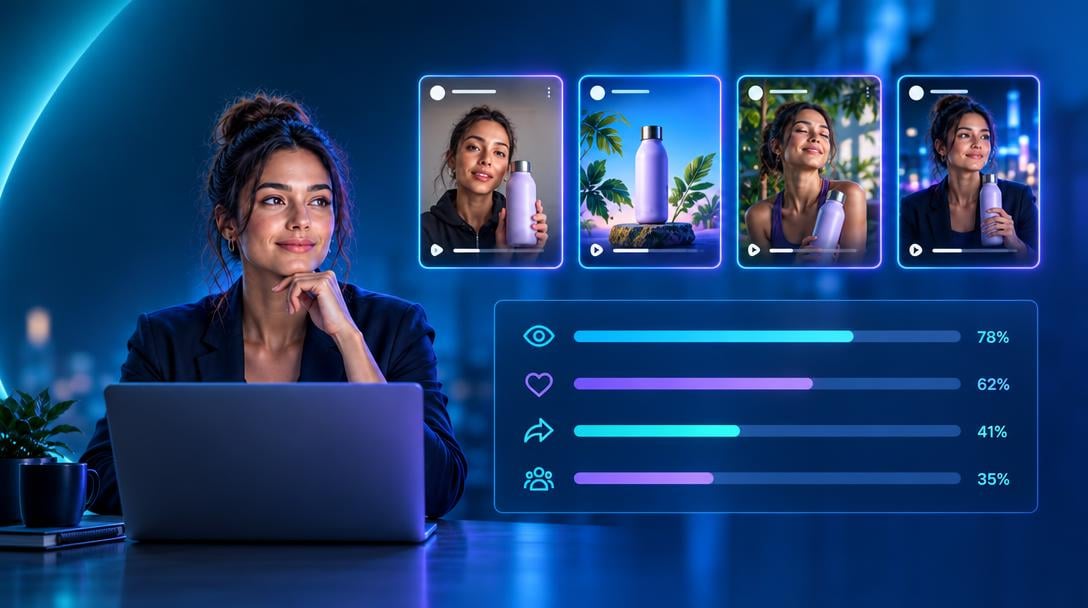
Campaign analyst
Read last week’s results and name the next test.
Preset prompt
Campaign optimization
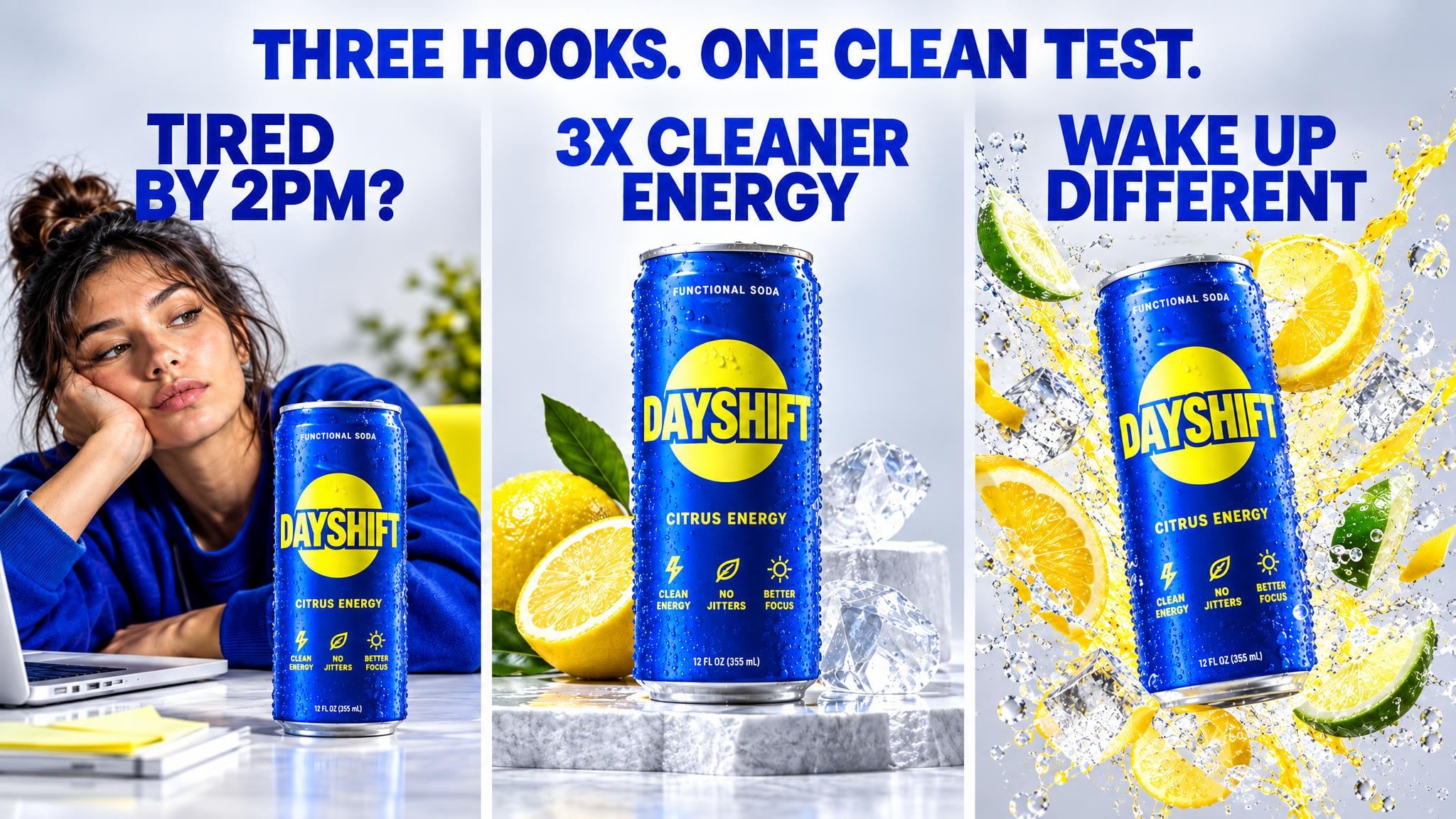
First-frame tester
One winning ad body, three opening frames for a clean thumb-stop test.
Preset prompt
Creative testing

Founder voice UGC
Turn a founder story and voice into reusable creator-style ads.
Preset prompt
Creative production
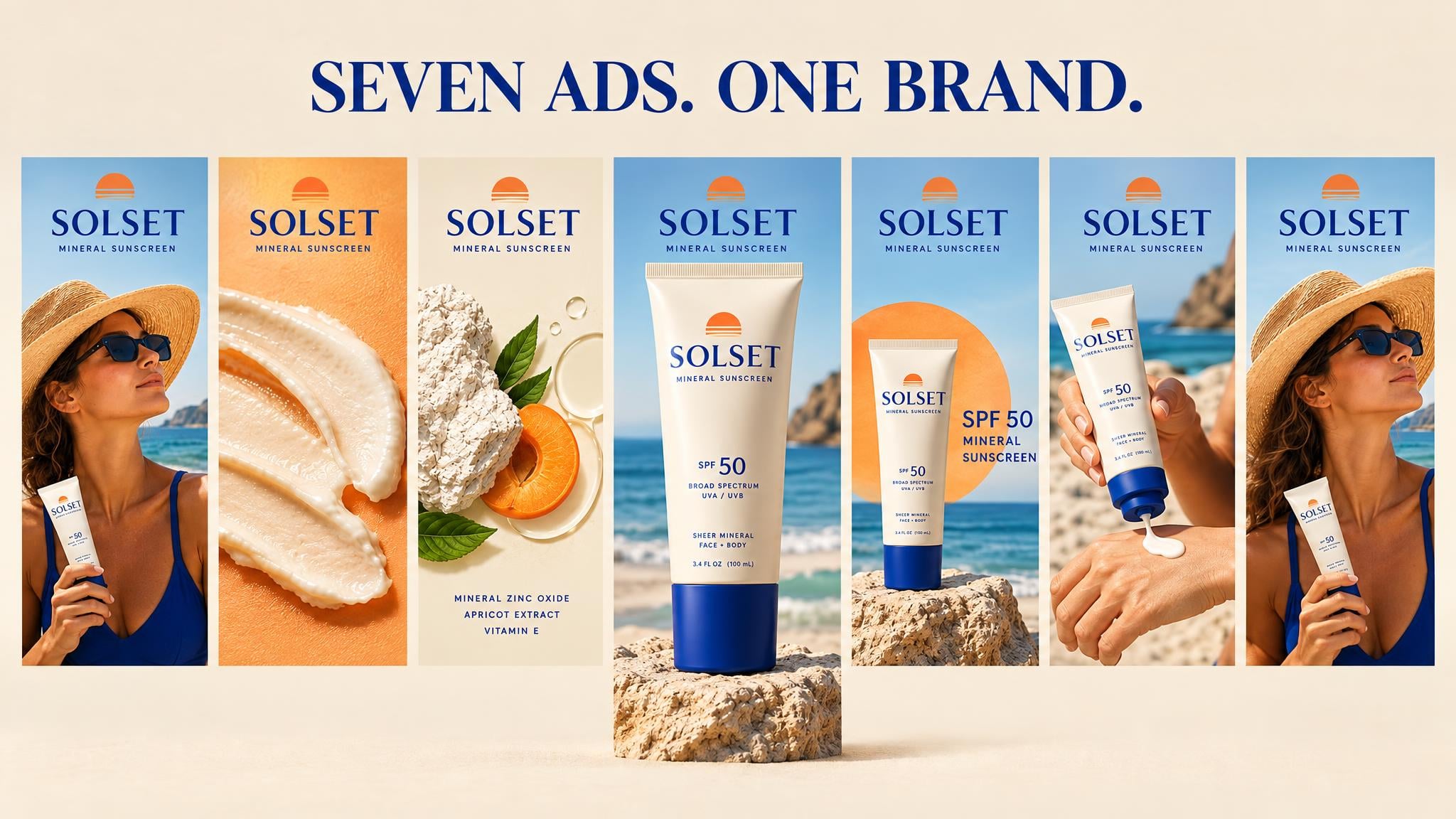
Brand-safe batch
Generate a full ad batch while keeping every brand rule locked.
Preset prompt
Creative production
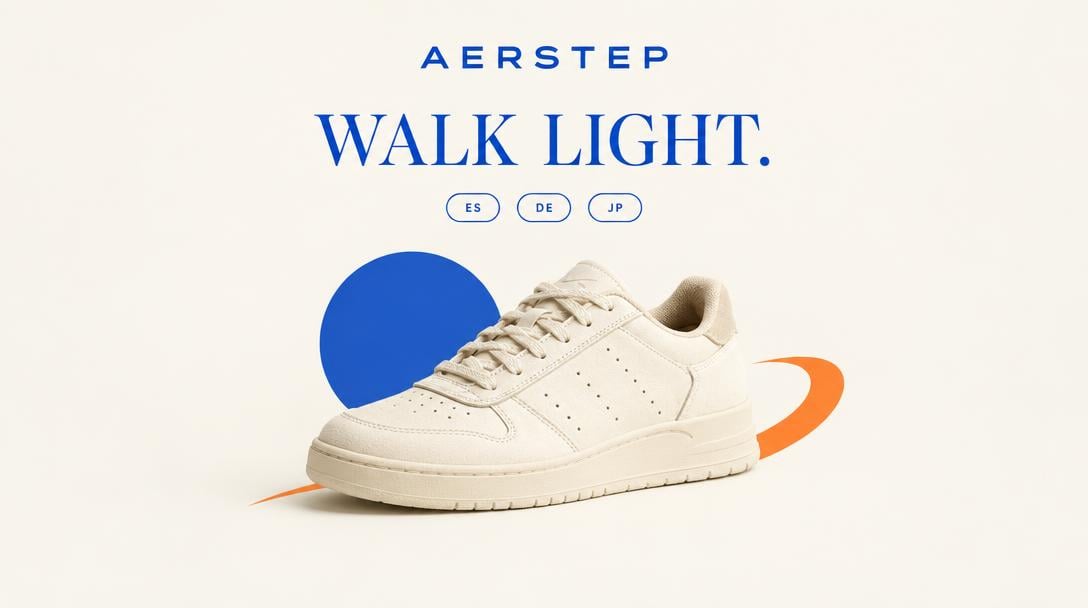
Ad localizer
Translate and adapt a winning ad for new markets.
Preset prompt
Paid ads
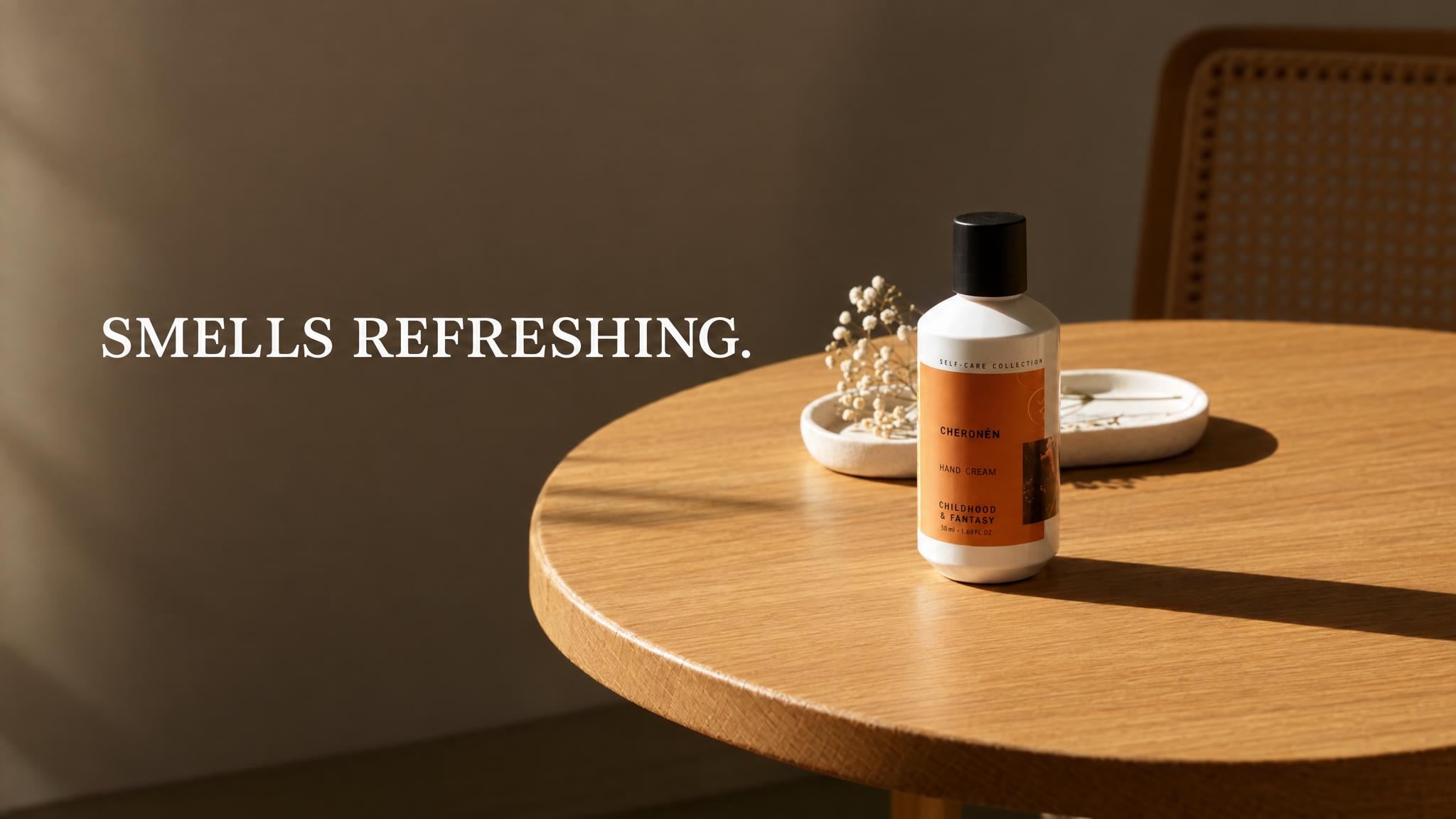
Ad resizer
One master cut to 9:16, 1:1, 4:5 and 16:9.
Preset prompt
Paid ads
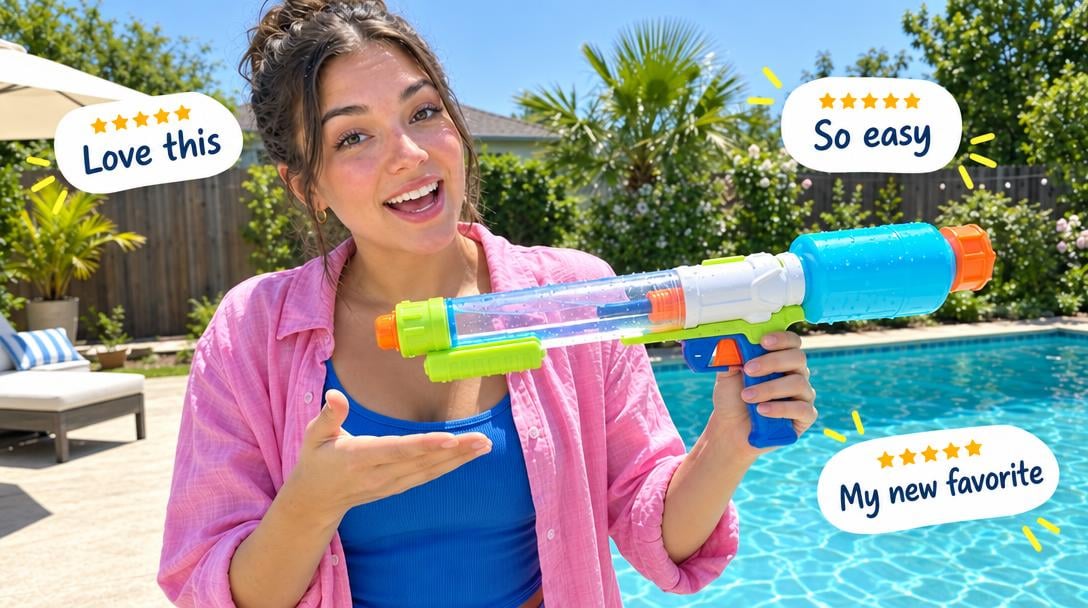
Customer voice ads
Turn real reviews into scripts avatars can deliver.
Preset prompt
Creative production

Faceless explainer series
Five b-roll and voiceover episodes from one topic.
ai-ad-prompt-guide
Creative production
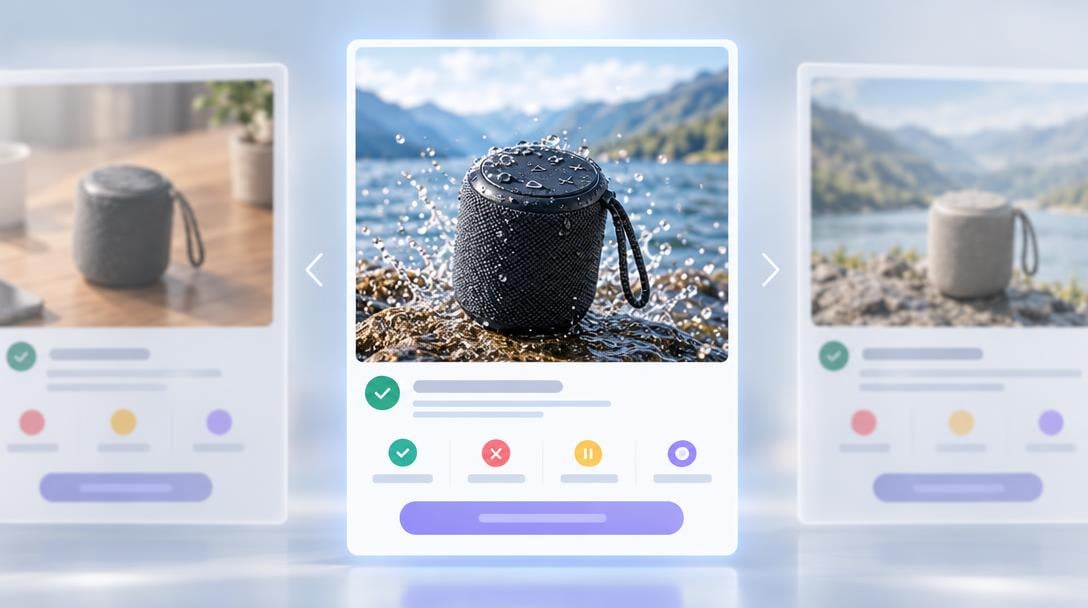
Score before you spend
Three-persona panel grades the cut and names the fix.
ad-creative-evaluator
Creative testing

Creator casting
One script, three creator matches for different buyer personas.
Preset prompt
Creative production
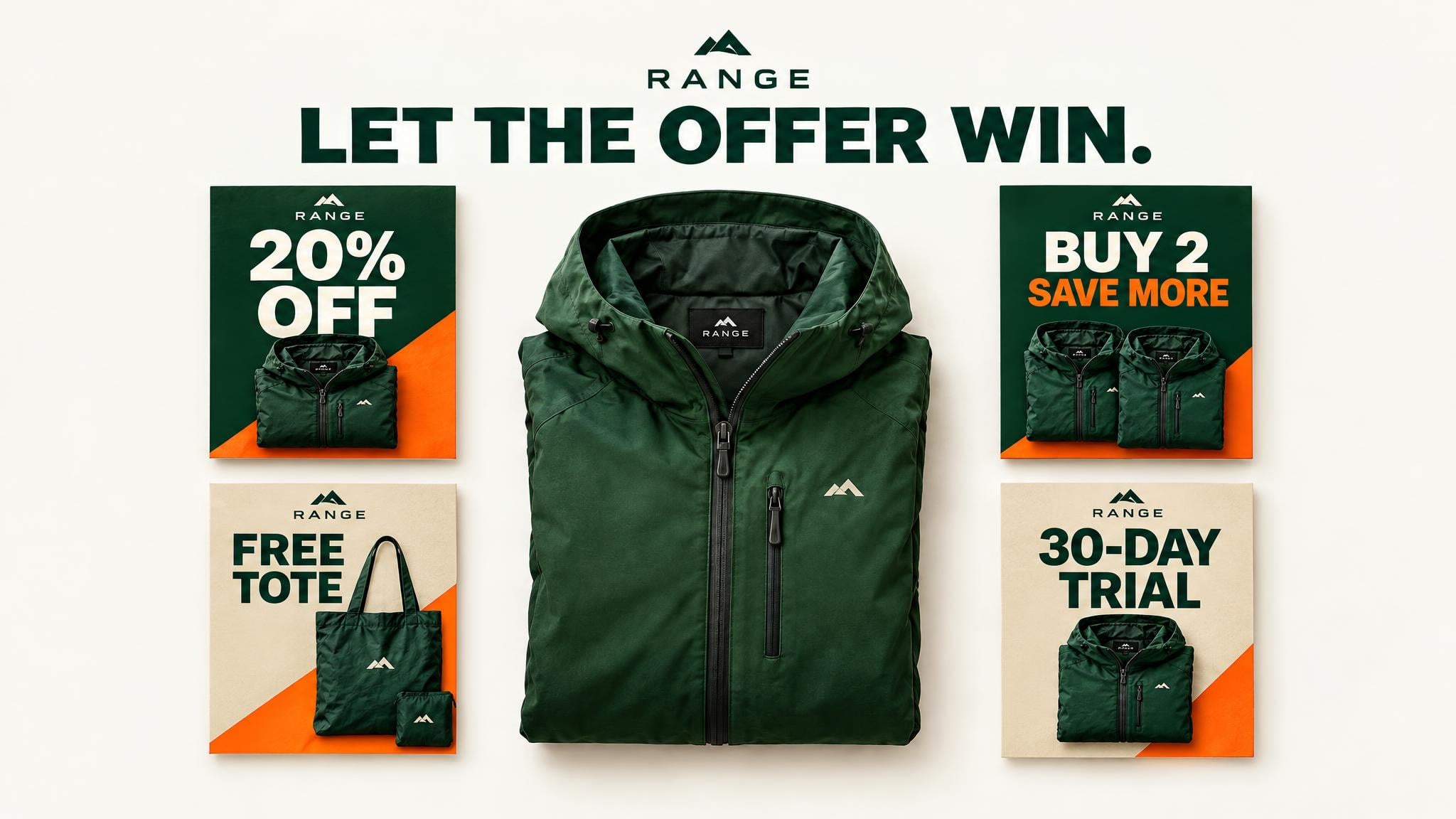
Offer multiplier
Keep the creative fixed and test four ways to package the offer.
Preset prompt
Creative testing
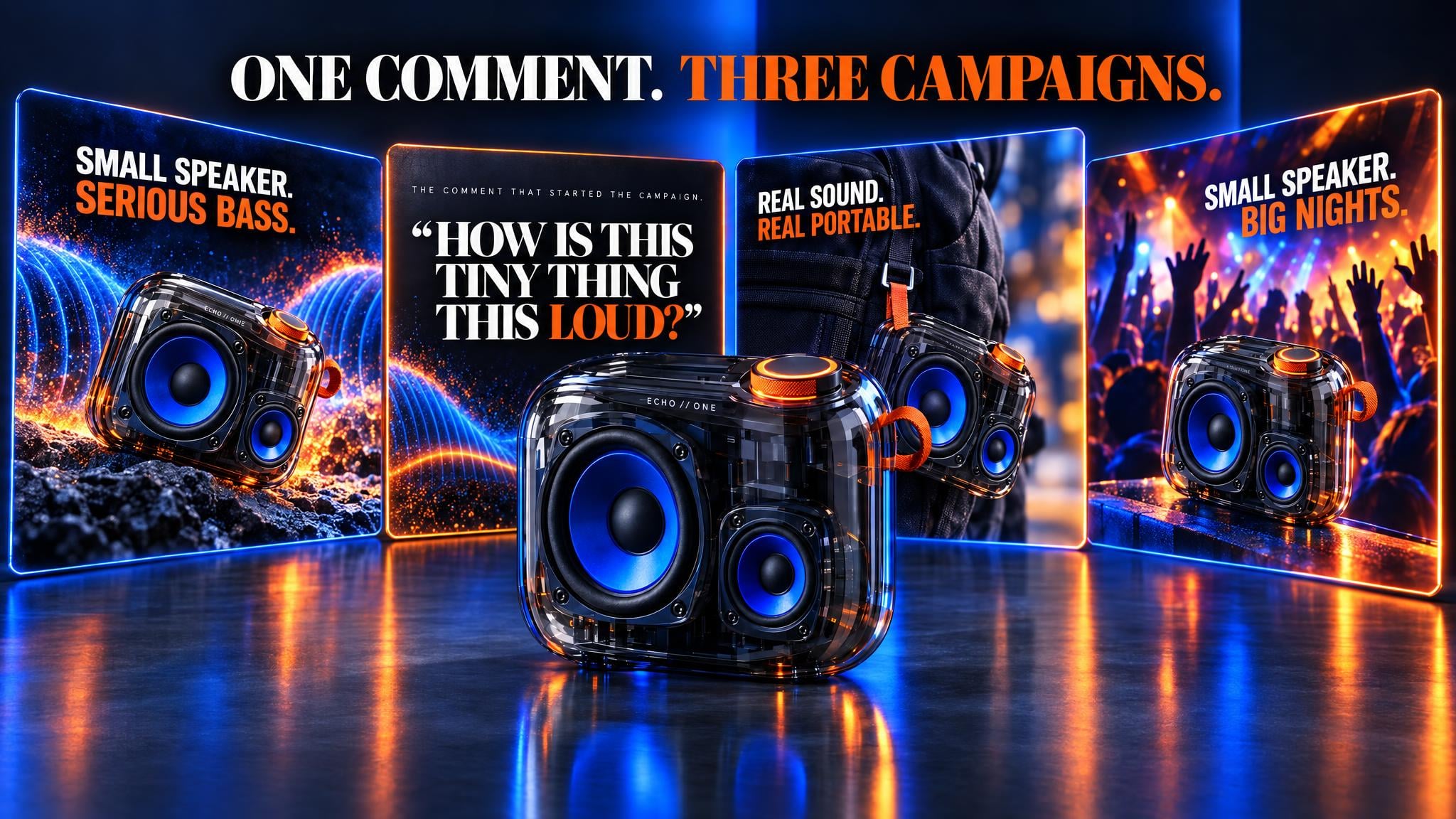
Comment-to-ad
Turn one real customer comment into three distinct ad angles.
Preset prompt
Creative production
URL to video ads
Product page in, three 15-second Meta cuts out.
video-ad-generator
Paid ads
Ad localizer
Translate and adapt a winning ad for new markets.
Preset prompt
Paid ads
Headline multiplier
Keep the visual fixed and turn one promise into six testable headlines.
Preset prompt
Creative testing
Static concepts
Eight statics from proven templates, filled with your offer.
static-ad-concept-generator
Creative production
Customer voice ads
Turn real reviews into scripts avatars can deliver.
Preset prompt
Creative production
Product to clip
Product photo in, approved studio frame, catalogue clip out.
Preset prompt
Creative production
Ad strategist
Angles, audiences and a test plan from one brief.
video-ad-generator
Campaign optimization
Score before you spend
Three-persona panel grades the cut and names the fix.
ad-creative-evaluator
Creative testing
First-frame tester
One winning ad body, three opening frames for a clean thumb-stop test.
Preset prompt
Creative testing
Creative fatigue refresh
Turn a declining winner into three fresh executions without losing its angle.
Preset prompt
Campaign optimization
Offer multiplier
Keep the creative fixed and test four ways to package the offer.
Preset prompt
Creative testing
Brand-safe batch
Generate a full ad batch while keeping every brand rule locked.
Preset prompt
Creative production
Custom avatar launch
Turn one source portrait into a reusable on-brand creator.
Preset prompt
Creative production
Ad recreator
Rebuild a reference ad’s persuasion structure for your product.
video-ad-reverse-engineer
Paid ads
Hook multiplier
Keep one body and build six different openings for a clean split test.
ai-ad-prompt-guide
Creative testing
Ad resizer
One master cut to 9:16, 1:1, 4:5 and 16:9.
Preset prompt
Paid ads
UGC testimonials
Five creator-style reviews, one per buyer persona.
video-ad-generator
Creative production
Product demo
Voiceover walkthrough from screenshots and a feature list.
Preset prompt
Creative production
Faceless explainer series
Five b-roll and voiceover episodes from one topic.
ai-ad-prompt-guide
Creative production
Campaign analyst
Read last week’s results and name the next test.
Preset prompt
Campaign optimization
Product launch kit
One product in, a ready-to-test launch campaign out.
Preset prompt
Paid ads
Creator casting
One script, three creator matches for different buyer personas.
Preset prompt
Creative production
Founder voice UGC
Turn a founder story and voice into reusable creator-style ads.
Preset prompt
Creative production
Seasonal remix
Adapt one winning creative into a campaign for every season.
Preset prompt
Creative production
Comment-to-ad
Turn one real customer comment into three distinct ad angles.
Preset prompt
Creative production
URL to video ads
Product page in, three 15-second Meta cuts out.
video-ad-generator
Paid ads
Ad recreator
Rebuild a reference ad’s persuasion structure for your product.
video-ad-reverse-engineer
Paid ads
Ad localizer
Translate and adapt a winning ad for new markets.
Preset prompt
Paid ads
Hook multiplier
Keep one body and build six different openings for a clean split test.
ai-ad-prompt-guide
Creative testing
Headline multiplier
Keep the visual fixed and turn one promise into six testable headlines.
Preset prompt
Creative testing
Ad resizer
One master cut to 9:16, 1:1, 4:5 and 16:9.
Preset prompt
Paid ads
Static concepts
Eight statics from proven templates, filled with your offer.
static-ad-concept-generator
Creative production
UGC testimonials
Five creator-style reviews, one per buyer persona.
video-ad-generator
Creative production
Customer voice ads
Turn real reviews into scripts avatars can deliver.
Preset prompt
Creative production
Product demo
Voiceover walkthrough from screenshots and a feature list.
Preset prompt
Creative production
Product to clip
Product photo in, approved studio frame, catalogue clip out.
Preset prompt
Creative production
Faceless explainer series
Five b-roll and voiceover episodes from one topic.
ai-ad-prompt-guide
Creative production
Ad strategist
Angles, audiences and a test plan from one brief.
video-ad-generator
Campaign optimization
Campaign analyst
Read last week’s results and name the next test.
Preset prompt
Campaign optimization
Score before you spend
Three-persona panel grades the cut and names the fix.
ad-creative-evaluator
Creative testing
Product launch kit
One product in, a ready-to-test launch campaign out.
Preset prompt
Paid ads
First-frame tester
One winning ad body, three opening frames for a clean thumb-stop test.
Preset prompt
Creative testing
Creator casting
One script, three creator matches for different buyer personas.
Preset prompt
Creative production
Creative fatigue refresh
Turn a declining winner into three fresh executions without losing its angle.
Preset prompt
Campaign optimization
Founder voice UGC
Turn a founder story and voice into reusable creator-style ads.
Preset prompt
Creative production
Offer multiplier
Keep the creative fixed and test four ways to package the offer.
Preset prompt
Creative testing
Seasonal remix
Adapt one winning creative into a campaign for every season.
Preset prompt
Creative production
Brand-safe batch
Generate a full ad batch while keeping every brand rule locked.
Preset prompt
Creative production
Comment-to-ad
Turn one real customer comment into three distinct ad angles.
Preset prompt
Creative production
Custom avatar launch
Turn one source portrait into a reusable on-brand creator.
Preset prompt
Creative production
URL to video ads
Product page in, three 15-second Meta cuts out.
video-ad-generator
Paid ads
Ad recreator
Rebuild a reference ad’s persuasion structure for your product.
video-ad-reverse-engineer
Paid ads
Ad localizer
Translate and adapt a winning ad for new markets.
Preset prompt
Paid ads
Hook multiplier
Keep one body and build six different openings for a clean split test.
ai-ad-prompt-guide
Creative testing
Headline multiplier
Keep the visual fixed and turn one promise into six testable headlines.
Preset prompt
Creative testing
Ad resizer
One master cut to 9:16, 1:1, 4:5 and 16:9.
Preset prompt
Paid ads
Static concepts
Eight statics from proven templates, filled with your offer.
static-ad-concept-generator
Creative production
UGC testimonials
Five creator-style reviews, one per buyer persona.
video-ad-generator
Creative production
Customer voice ads
Turn real reviews into scripts avatars can deliver.
Preset prompt
Creative production
Product demo
Voiceover walkthrough from screenshots and a feature list.
Preset prompt
Creative production
Product to clip
Product photo in, approved studio frame, catalogue clip out.
Preset prompt
Creative production
Faceless explainer series
Five b-roll and voiceover episodes from one topic.
ai-ad-prompt-guide
Creative production
Ad strategist
Angles, audiences and a test plan from one brief.
video-ad-generator
Campaign optimization
Campaign analyst
Read last week’s results and name the next test.
Preset prompt
Campaign optimization
Score before you spend
Three-persona panel grades the cut and names the fix.
ad-creative-evaluator
Creative testing
Product launch kit
One product in, a ready-to-test launch campaign out.
Preset prompt
Paid ads
First-frame tester
One winning ad body, three opening frames for a clean thumb-stop test.
Preset prompt
Creative testing
Creator casting
One script, three creator matches for different buyer personas.
Preset prompt
Creative production
Creative fatigue refresh
Turn a declining winner into three fresh executions without losing its angle.
Preset prompt
Campaign optimization
Founder voice UGC
Turn a founder story and voice into reusable creator-style ads.
Preset prompt
Creative production
Offer multiplier
Keep the creative fixed and test four ways to package the offer.
Preset prompt
Creative testing
Seasonal remix
Adapt one winning creative into a campaign for every season.
Preset prompt
Creative production
Brand-safe batch
Generate a full ad batch while keeping every brand rule locked.
Preset prompt
Creative production
Comment-to-ad
Turn one real customer comment into three distinct ad angles.
Preset prompt
Creative production
Custom avatar launch
Turn one source portrait into a reusable on-brand creator.
Preset prompt
Creative production
连接成功后
你可以提出哪些需求
你可以提出哪些需求
像和助理沟通一样与 Creatify 交流。无需仪表板,无需导出。
像和助理沟通一样与 Creatify 交流。无需仪表板,无需导出。
像和助理沟通一样与 Creatify 交流。无需仪表板,无需导出。
以及更多
不仅是渲染
不仅是渲染
Creatify 还会处理围绕视频的设置工作,因此您无需每次都重复解释您的品牌。
像和助理沟通一样与 Creatify 交流。无需仪表板,无需导出。
像和助理沟通一样与 Creatify 交流。无需仪表板,无需导出。
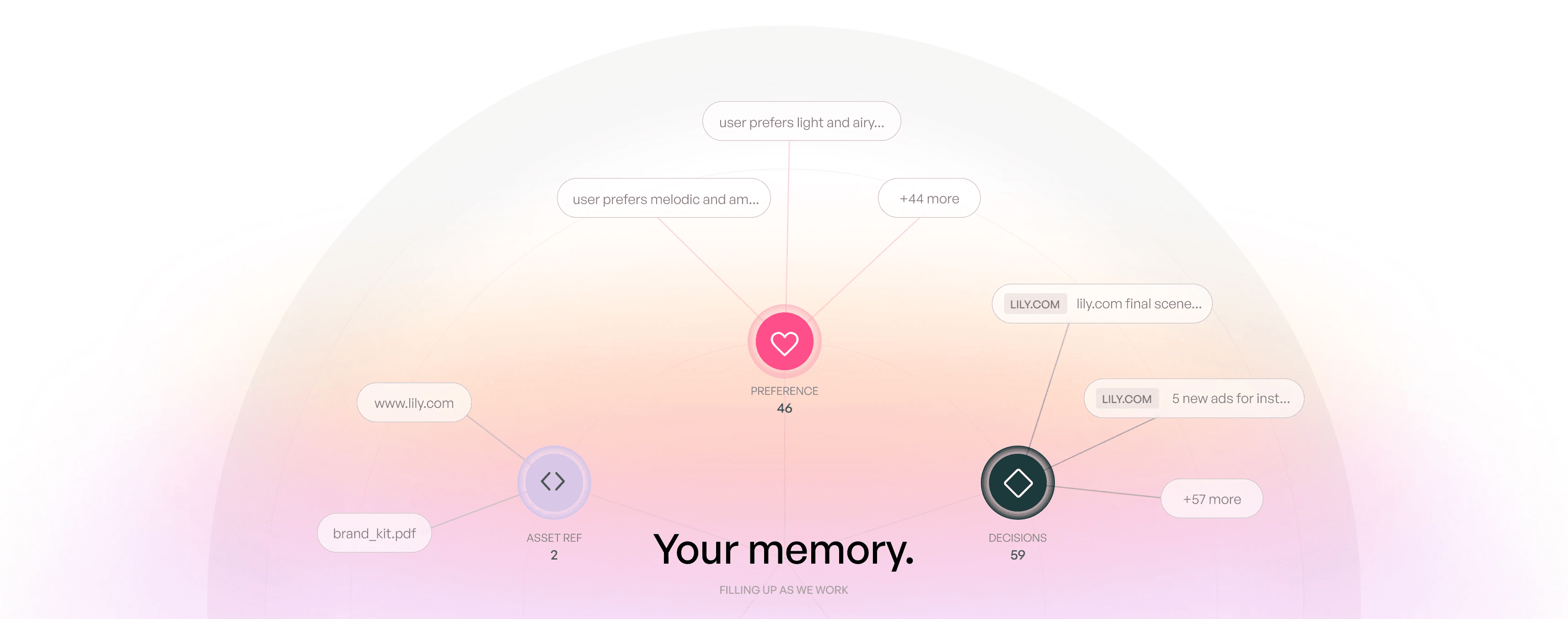
记住你的品牌
只需保存一次您的偏好,Creatify 就会在以后的对话中记住它们,让您无需重复自己。

管理您的产品
只需输入产品 URL,即可抓取并提取品牌信息(如配色方案和 Logo 选项),确保每则广告都完美契合品牌调性。
常见问题
解惑,答疑
解惑,答疑
这适用于哪些智能体(Agents)?
这适用于哪些智能体(Agents)?
为什么我连接后,Creatify 工具没有显示出来?
为什么我连接后,Creatify 工具没有显示出来?
一个视频需要制作多久?
一个视频需要制作多久?
有哪些生成模式?
有哪些生成模式?
额度是如何额度扣除的?
额度是如何额度扣除的?