
Kling 4.0 is the newest model in Kuaishou's Kling family, and if you already make clips with Kling 3.0, the obvious question is whether it is worth switching. The short answer: Kling 4.0 is a big step up in length, resolution and reference control, and in Creatify it is not the expensive option you might expect.
This post walks through what actually changed between the two, using the settings and credit prices each model has in Creatify today, plus real clips each one made. Where Kling 3.0 still has the edge, we say so.
What changed, in one table
| Kling 4.0 | Kling 3.0 | |
|---|---|---|
| 时长 | Any length from 3 to 30 seconds | Any length from 3 to 15 seconds |
| 分辨率 | 720p, 1080p, 2K or 4K | Up to 1080p (Pro) |
| Aspect ratios | 16:9, 9:16, 1:1, 21:9 | 16:9, 9:16, 1:1 |
| 原生音频 | Yes, always on | Yes, can be switched off |
| Multi-shot from one prompt | 未列出 | 是 |
| Start and end frame | 是 | 是 |
| 参考图片 | 最多 10 张图片 | Up to 4 images, up to 3 elements |
| Reference videos | Up to 5, 30 seconds combined | One 3- to 10-second clip (Kling O3) |
| Edit a video you have | 3 to 30 seconds | 3 to 10 seconds (Kling O3) |
| 计划 | 初创者 | Pro (Standard is on Starter) |
For Kling 3.0, the reference and edit features come from its sibling Kling O3, which is how Creatify groups them. Kling 4.0 does all of it under one name.
Twice the length, in one take
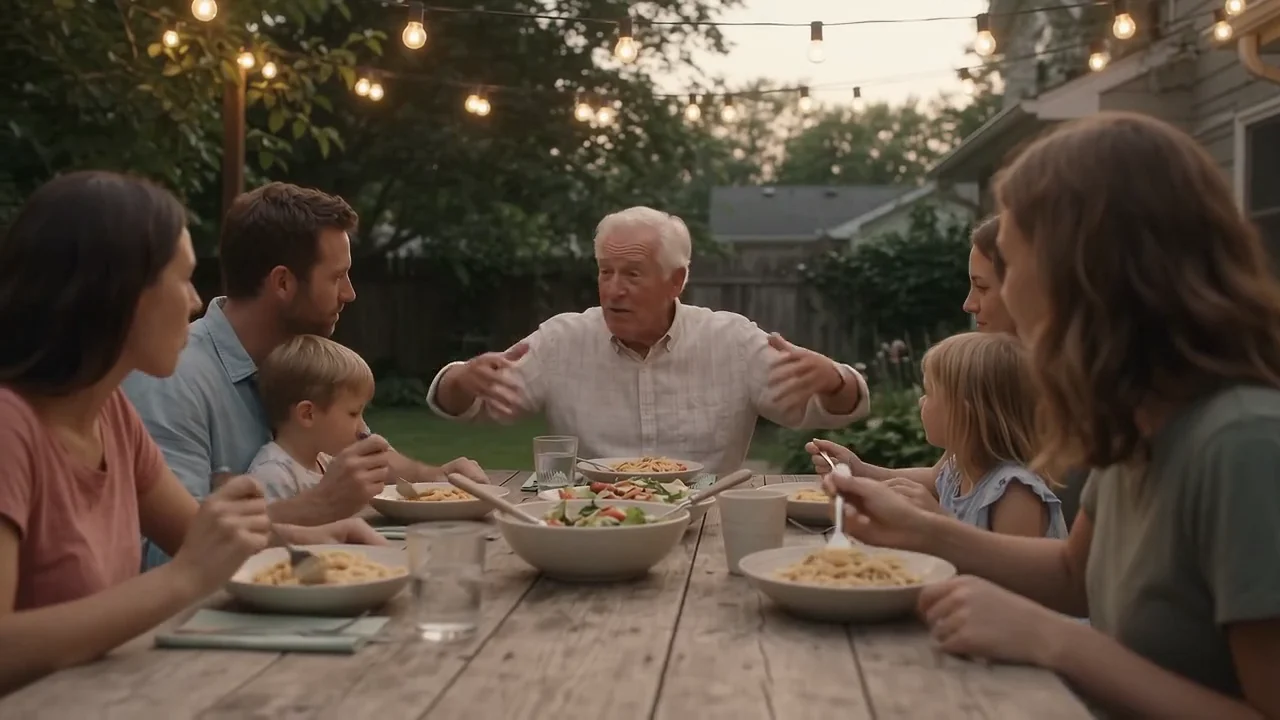
Kling 3.0 makes any length from 3 to 15 seconds. Kling 4.0 goes to 30. That matters more than it sounds for ads: a 30-second spot no longer has to be two or three generations that you hope will match in light, wardrobe and pace. You write the whole thing as timed beats in one prompt and get one continuous clip back.
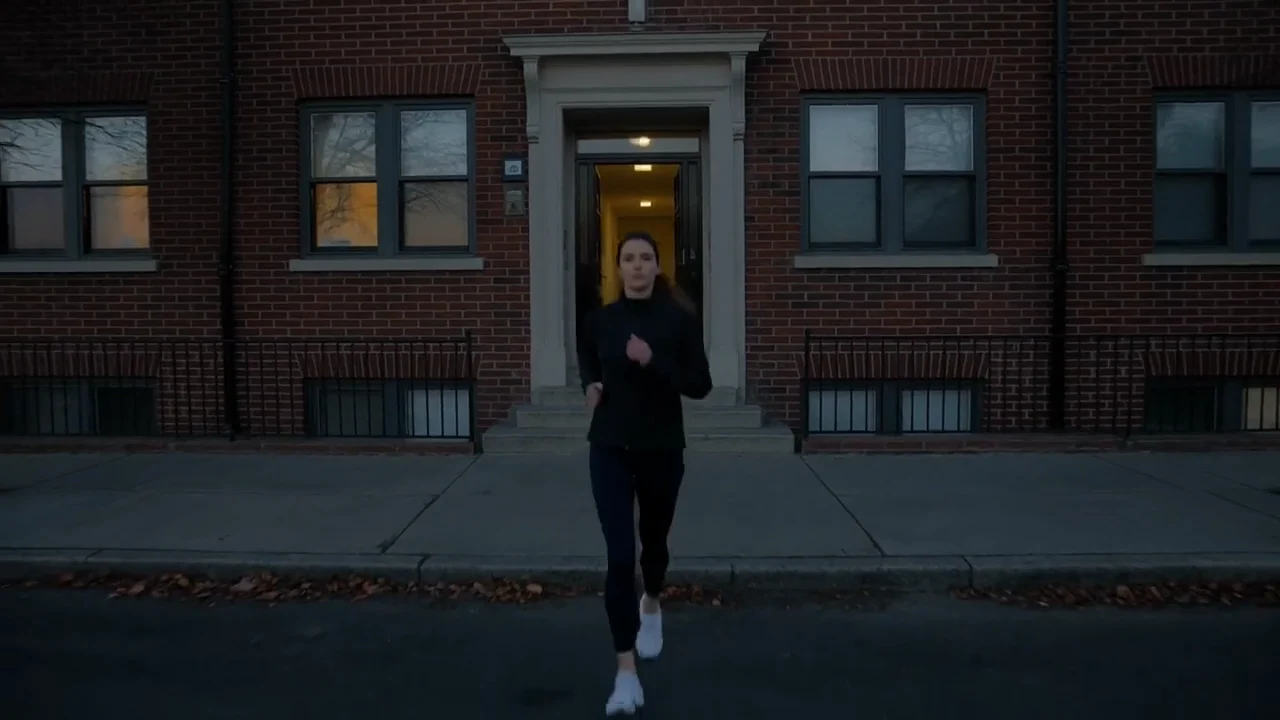
Kling 4.0, 30 seconds, one take: a runner leaves her building at blue hour, follows the river as the street lamps go off and stops on a bridge at sunrise to say "Same route. Every morning."
One thing Kling 4.0 does not advertise is Kling 3.0's multi-shot mode, where you ask for cuts between a wide shot, a tracking shot and a close-up inside one clip. If your style is fast cuts within a single generation, Kling 3.0 is still the model built for it.
Resolution and frame shapes
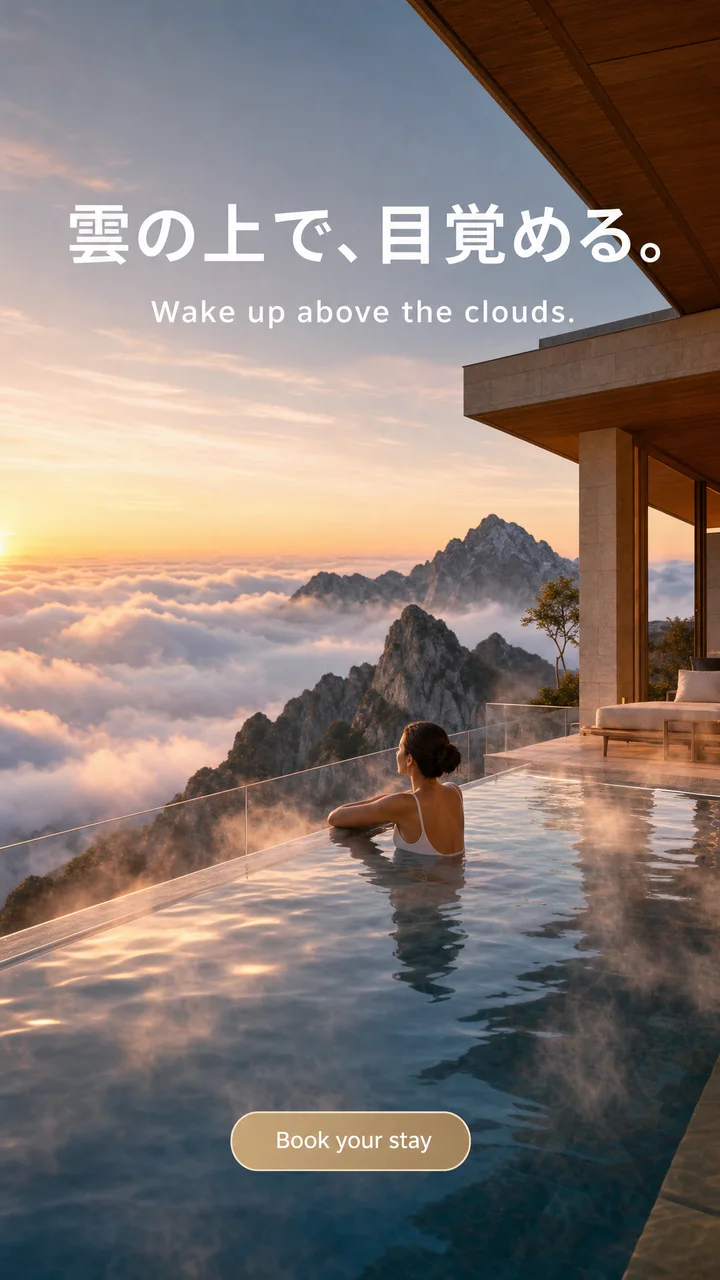
Kling 3.0 Pro renders at 1080p and has no resolution setting. Kling 4.0 lets you choose 720p, 1080p, 2K or 4K, and adds a cinema-wide 21:9 frame alongside 16:9, 9:16 and 1:1. In practice, 720p is the cheap draft setting and 4K is for the final cut of a hero shot or anything going on a big screen.
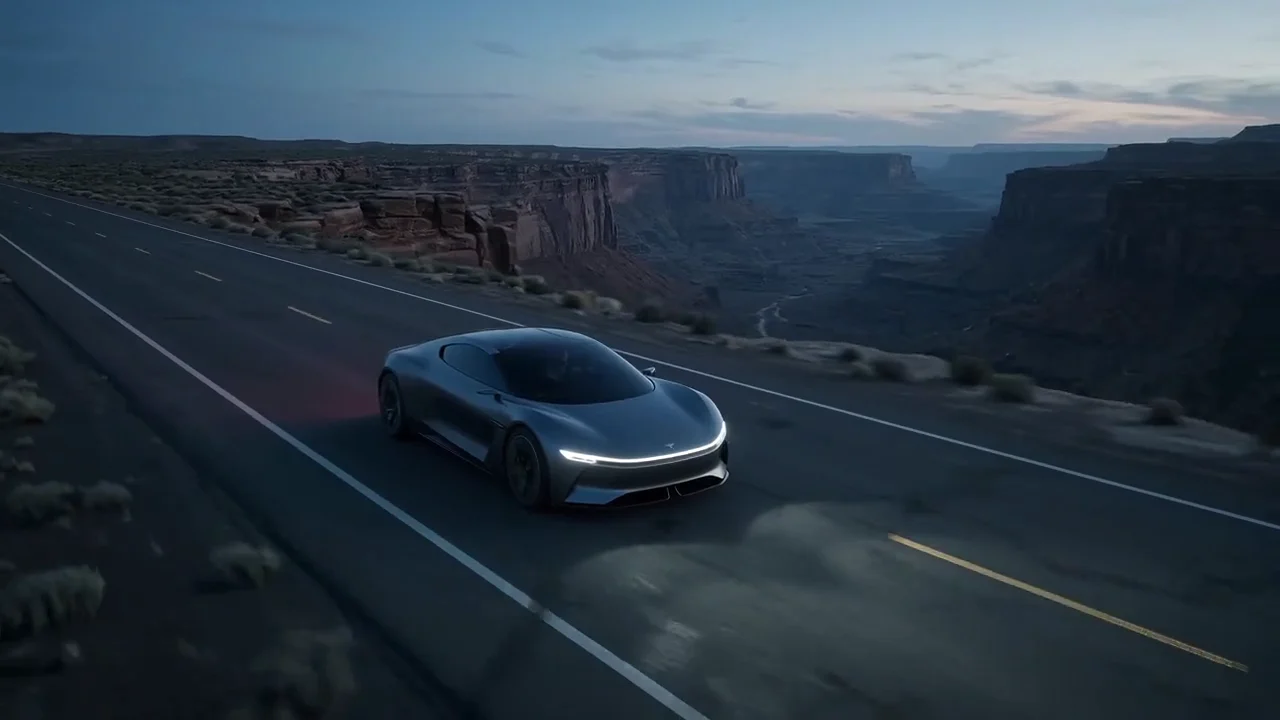
Kling 4.0, framed 21:9 and rendered in 4K: a concept grand tourer on a coast road at dawn, with the engine building on the soundtrack.
References: keeping your product the same
This is the change product brands will feel most. Kling 3.0 takes up to 3 elements (a character or object set up once and called by name), and its sibling Kling O3 adds up to 4 reference images and one short video to copy motion from. Kling 4.0's reference mode takes up to 10 images and up to 5 videos, called in the prompt as @Image1 or @Video1, at any length up to 30 seconds.
Both clips below started from the same studio photo of a watch. The prompts are different (a rooftop at night vs. a zero-gravity assembly), so compare how each holds the dial and case, not the scene.
Kling 4.0 (reference to video), one photo as @Image1: the watch on a man's wrist on a rooftop terrace, pushing in until the dial fills the frame.
Kling O3 Pro (reference to video), the same photo as @Image1: gears and parts spiral together into the watch and land on volcanic rock.
Kling 4.0 can also edit or re-create a video you upload, from 3 to 30 seconds, with reference images if you want them. Kling O3's edit mode takes 3 to 10 seconds.
声音
Both models make dialogue, effects and ambience in the same render, at no extra cost. The difference is control: Kling 3.0 has an audio switch, so you can get silent footage for a separate voiceover. Kling 4.0's sound is always on. Kling 3.0's voice output is English or Chinese, with other languages translated to English; Creatify's settings for Kling 4.0 don't say which languages it speaks, so test a line before you plan a non-English script around it.
Is it worth the credits?
Credits as each model is priced in Creatify today, for a 10-second clip. Both bill by the second, and Kling 4.0 also by resolution.
| 模型 | Credits per second | A 10-second clip |
|---|---|---|
| Kling 4.0 (720p) | 0.7 | 7 |
| Kling 4.0 (1080p) | 1.05 | 10.5 |
| Kling 4.0 (4K) | 2.1 | 21 |
| Kling 3.0 专业版 | 1.68 | 17 |
| 可灵 3.0 Standard | 1.26 | 13 |
| Kling 3.0 Turbo (720p) | 1.12 | 11.5 |
Creatify currently prices Kling 4.0 at a discount from its list rate, so these numbers may change. At today's rates, Kling 4.0 at 1080p costs less per second than Kling 3.0 Pro (1.05 vs 1.68 credits), and a full 30-second clip at 720p is 21 credits. 4K is where the cost climbs: 2.1 credits a second.
Kling 4.0 is also on the Starter plan, while Kling 3.0 Pro needs Pro. Adding reference videos changes how a Kling 4.0 clip is priced, so check the credit estimate in the playground before you run one.
Who should upgrade
- Switch to Kling 4.0 for 16- to 30-second takes, 2K or 4K output, 21:9 framing, more than 4 reference images, reference videos, or editing clips longer than 10 seconds.
- Stay on Kling 3.0 for multi-shot clips with cuts from one prompt, or when you want silent footage to lay your own voiceover on.
- Use Kling 3.0 Standard or Turbo, or Kling 4.0 at 720p, to test hooks cheaply before you render the winner at full quality.
To try them side by side, open Kling 4.0 or Kling 3.0 in Creatify's Model Playground and run the same prompt on both.
Or skip the choice and describe the ad
An upgrade decision is still a decision about one clip. A finished ad needs a script, several shots that match, a voiceover, music, captions and an edit, and each of those comes with its own model and its own settings to get right.
Creatify's Ad Agent takes that off your plate. Say what you want, something like "a 20-second Instagram ad for my skincare line, filmed like a friend's phone video", or paste a product link. The agent writes the script, picks the models each shot, voice and music track needs, checks every take and remakes the weak ones, then edits it all into a finished video. You give notes on the ad, not on resolution and duration.