
Gemini Omni Flash and Veo 3.1 are both Google video models, and both make clips with dialogue, effects and ambience in the same render. Since they come from the same company, the question isn't which lab is ahead. It's which of the two fits the work you do.
The short version: Gemini Omni Flash 1.1 is the cheaper, more flexible everyday model, with resolutions up to 4K and an edit mode. Veo 3.1 costs more and gives you more ways to control the motion. Here are the details from Creatify today, with the specs and credit prices from the app and real clips from each model's page.
Gemini Omni Flash 1.1 vs Veo 3.1 at a glance
| Gemini Omni Flash 1.1 | Veo 3.1 | |
|---|---|---|
| 时长 | Any length from 3 to 10 seconds | 4, 6 or 8 seconds, plus a 7-second extend |
| 分辨率 | 360p, 720p, 1080p or 4K | 720p 或 1080p |
| Aspect ratios | 16:9, 9:16 | 16:9, 9:16 |
| 原生音频 | Yes, always on | Yes, can be switched off |
| Start and end frame | 不支持 | 是 |
| 参考素材 | Up to 10 images and 3 videos | Up to 3 images (8-second clips) |
| Edit a clip by describing the change | 是 | No (extend instead) |
| Faster, cheaper tiers | 360p drafts | Veo 3.1 Fast, Veo 3.1 Lite |
| Plan in Creatify | 免费 | Standard and above |
Who should use Gemini Omni Flash 1.1
Gemini Omni Flash 1.1 is the one to start with if you make a lot of clips. It is on Creatify's Free plan, it lets you try a prompt at 360p for very few credits and then run the same prompt at 1080p or 4K, and its length runs from 3 to 10 seconds in single-second steps, so you can match a clip to a beat in your edit.
It is also the better pick when you have plenty of material. Reference mode takes up to 10 images and 3 videos, and you tag each one in the prompt (the first image is <IMAGE_REF_0>) to say whether it is the product, the person, the place, the motion or the style.
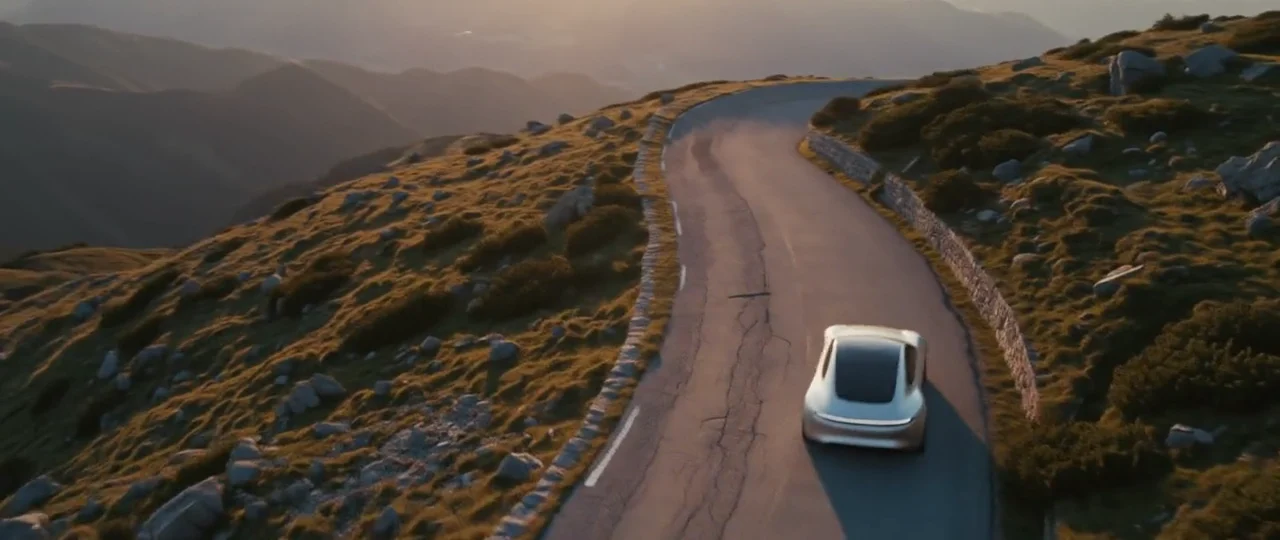
Gemini Omni Flash 1.1 at 4K: a concept car reaches a canyon edge as a stone bridge assembles in front of it, with a voiceover spoken word for word.
The edit mode is the feature Veo doesn't have. Upload a clip of at least 3 seconds, write one instruction describing the change, and end it with "Keep everything else the same." The edit can't change a voice, and it costs the same whatever the clip's length: 10 credits at 720p and 30 at 4K. So fixing a 10-second clip costs the same as fixing a 3-second one, and you keep the parts of the shot that already work.
Who should use Veo 3.1
Veo 3.1 is for shots where you want to set the start and the end yourself. It can fly between a first and a last frame you choose, which Gemini Omni Flash can't, so you control where the shot starts and where it ends up. It also takes a negative prompt, and its extend mode adds 7 seconds that continue a clip you like.
Veo 3.1 from a first and last frame: the stars wheel and the sun rises behind a still perfume bottle, ending on a soft voiceover.
The trade-off is cost and flexibility. Veo 3.1 is on Standard, makes 4, 6 or 8 seconds, and tops out at 1080p. Veo 3.1 Fast and Lite use fewer credits.
Price per second in Creatify
Credits as each model is priced in Creatify today, with sound included in every price.
| 模型 | Credits per second | An 8-second clip |
|---|---|---|
| Gemini Omni Flash 1.1 (360p) | 0.3 | 2.5 |
| Gemini Omni Flash 1.1 (720p) | 1 | 8 |
| Gemini Omni Flash 1.1 (1080p) | 1.5 | 12 |
| Gemini Omni Flash 1.1 (4K) | 3 | 24 |
| Veo 3.1 (720p or 1080p) | 4 | 32 |
| Veo 3.1 快速版 | 1.5 | 12 |
| Veo 3.1 Lite (720p) | 0.5 | 4 |
At the same 1080p, an 8-second Gemini Omni Flash 1.1 clip is 12 credits and a Veo 3.1 clip is 32. Even at 4K, Gemini Omni Flash 1.1 costs 3 credits per second against Veo 3.1's 4. You pay for Veo 3.1 when you need its frame control or its extend, not for resolution.
Same scene, two Google models
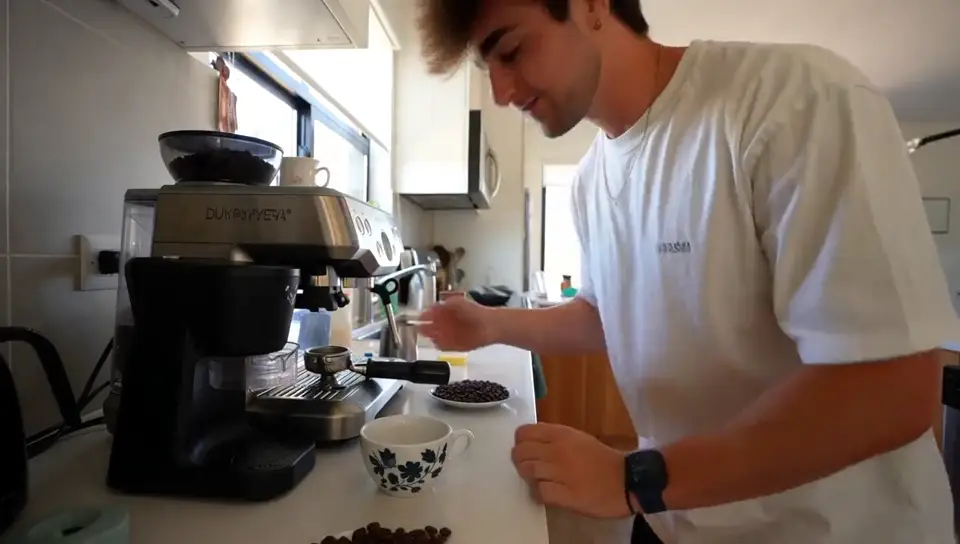
Each model's page has a family dinner under string lights, which makes a handy comparison. The prompts were written separately (Gemini's is shot handheld with a line to camera, Veo's is a slow dolly with no dialogue), so read this as a feel for each model rather than a benchmark.
Gemini Omni Flash 1.1: three generations laughing at a patio table, then a teenager tells the camera, "This happens every single Sunday."
Veo 3.1 at 1080p: a slow dolly along the table past laughing faces, with overlapping conversation and cutlery in the mix.
In these two, Gemini Omni Flash leans toward the look of real phone footage and Veo 3.1 toward a polished commercial. Both prompts asked for exactly that, so it says as much about the brief as about the model.
Which one should you pick?
- Pick Gemini Omni Flash 1.1 if you're on Free, want 4K, need clips of 3, 5, 7, 9 or 10 seconds, have lots of reference images or videos, or want to fix a clip by describing the change.
- Pick Veo 3.1 when the opening and closing frames are fixed, when you want to extend a take, or when you need a negative prompt and the option to turn sound off.
- Use both: draft ideas cheaply on Gemini Omni Flash 1.1, then make the hero shots on Veo 3.1.
To run either model yourself, open Gemini Omni Flash or Veo 3.1 in Creatify's Model Playground.
Or skip the choice and describe the ad
Even after you pick a model, a finished ad still needs a script, shots that keep your product on brand, a voiceover, music, captions and an edit. That is a lot of prompts and settings for one video.
Creatify's Ad Agent takes care of it. Tell it the ad you want, such as "a 30-second YouTube ad for my meal kit, family dinner feel", or paste a product link. The agent writes the script, picks the models each shot, voice and music part needs, checks the takes and redoes the weak ones, then edits the whole thing into a video you can download.