
Seedance 2.5 from ByteDance and Veo 3.1 from Google both make video with its sound already in it, from a prompt, a photo or a few reference images. If you only look at a single polished shot, they can be hard to tell apart.
The differences show up in the brief: how long the shot has to run, what shape it has to be, how much material you want to feed the model, and what you're willing to pay per second at your target resolution. This post compares them on those points, using the settings and credit prices each model has in Creatify today and real clips from each model's Creatify page.
Seedance 2.5 vs Veo 3.1 at a glance
| Seedance 2.5 | Veo 3.1 | |
|---|---|---|
| Made by | ByteDance | |
| 时长 | Any length from 4 to 30 seconds | 4, 6 or 8 seconds, plus a 7-second extend |
| 分辨率 | 480p, 720p, 1080p or 4k | 720p 或 1080p |
| Aspect ratios | 21:9, 16:9, 4:3, 1:1, 3:4, 9:16 | 16:9, 9:16 |
| 原生音频 | 是 | 是 |
| Start and end frame | 是 | 是 |
| 参考素材 | Up to 30 images, 10 videos and 10 audio files | Up to 3 images (8-second clips) |
| Cheap preview | 480p draft you can re-render at 1080p | Veo 3.1 Fast and Veo 3.1 Lite |
| Plan in Creatify | 专业版 | Standard and above |
One long take or a short, finished shot
Length is where these two are furthest apart. Seedance 2.5 takes any length from 4 to 30 seconds in one generation, or Auto to let the model decide. You can write a whole scene in timed beats and get it back as one continuous piece, with the sound running through it.
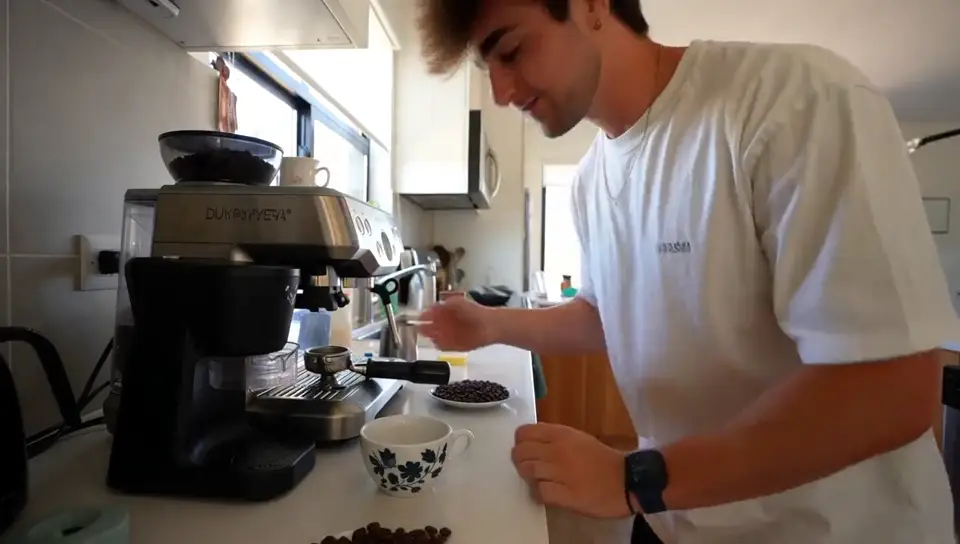
Seedance 2.5: one continuous 30-second take, from a crane shot over the city to a lip-synced line and fireworks at the end.
Veo 3.1 makes 4, 6 or 8 seconds. That suits a hook, a product moment or a single beat of a longer edit, and if you need more, Veo's extend mode adds 7 seconds that continue the clip. For a 30-second ad you will still be cutting several Veo clips together, which is normal for most ad edits anyway.
Shape, references and control
Veo 3.1 renders 16:9 or 9:16, which covers YouTube, TikTok, Reels and Shorts. Seedance 2.5 adds 21:9, 4:3, 1:1 and 3:4, so a square feed ad or a cinematic letterbox comes straight out of the model instead of being cropped.
References are the other big gap. Seedance 2.5's reference mode takes up to 30 images, 10 videos and 10 audio files, and you call them by name in the prompt ("@image1 on the counter of @image2"). Veo 3.1 takes up to 3 reference images, always for an 8-second clip. If you need a product, a person and a location to all stay on model, Seedance gives you more to work with. If one product shot and a face are enough, Veo's three slots will do.
Both can start from your photo and land on a last frame you choose. Veo 3.1 also takes a negative prompt, a short list of what you don't want in the shot.
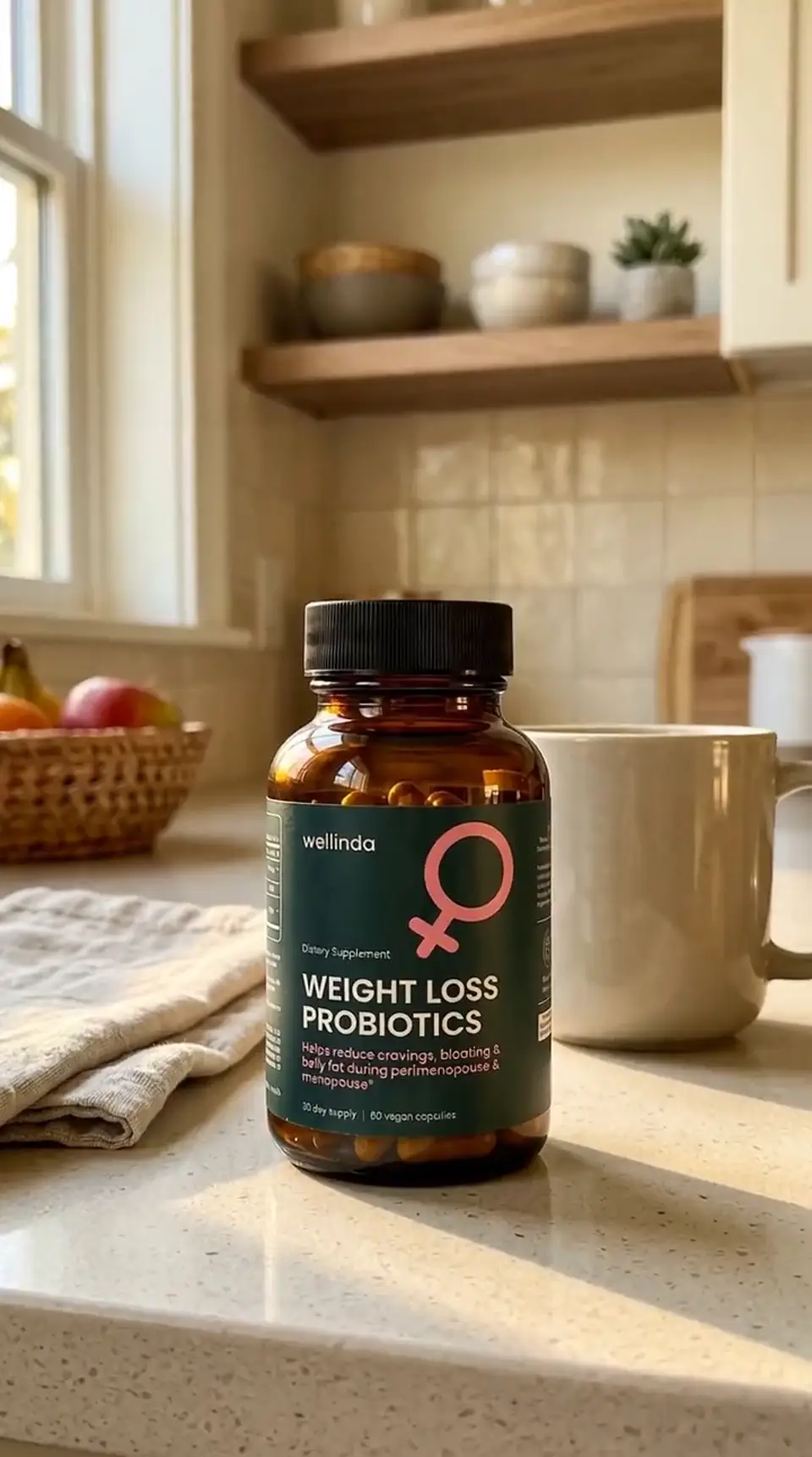
Veo 3.1 from a first and last frame: the desert night turns to sunrise behind a still perfume bottle, with a soft voiceover.
Price per second in Creatify
Credits as each model is priced in Creatify today. Seedance 2.5 is priced by length and resolution. Veo 3.1 costs the same at 720p and 1080p, and sound is included on both.
| 模型 | Credits per second | An 8-second clip |
|---|---|---|
| Seedance 2.5 (480p) | 1.03 | 8.25 |
| Seedance 2.5 (720p) | 2.31 | 18.5 |
| Seedance 2.5 (1080p) | 5.69 | 45.75 |
| Veo 3.1 (720p or 1080p) | 4 | 32 |
| Veo 3.1 快速版 | 1.5 | 12 |
| Veo 3.1 Lite (720p) | 0.5 | 4 |
So the cheaper model depends on the resolution. At 480p and 720p, Seedance 2.5 costs less per second than Veo 3.1 (1.03 and 2.31 credits vs 4). At 1080p it flips: Seedance 2.5 is 5.69 credits per second, more than Veo 3.1. Seedance also has a draft mode that renders a cheap 480p take and lets you re-render that exact take at 1080p within 7 days, so you only pay for full resolution on the take you keep. On the Veo side, the cheaper Veo 3.1 Fast and Lite tiers are the way to draft.
Same kind of brief, two models
Both models' pages include a luxury fragrance spot, which is a useful side-by-side. The prompts are different, so treat this as a feel for each model, not a benchmark.
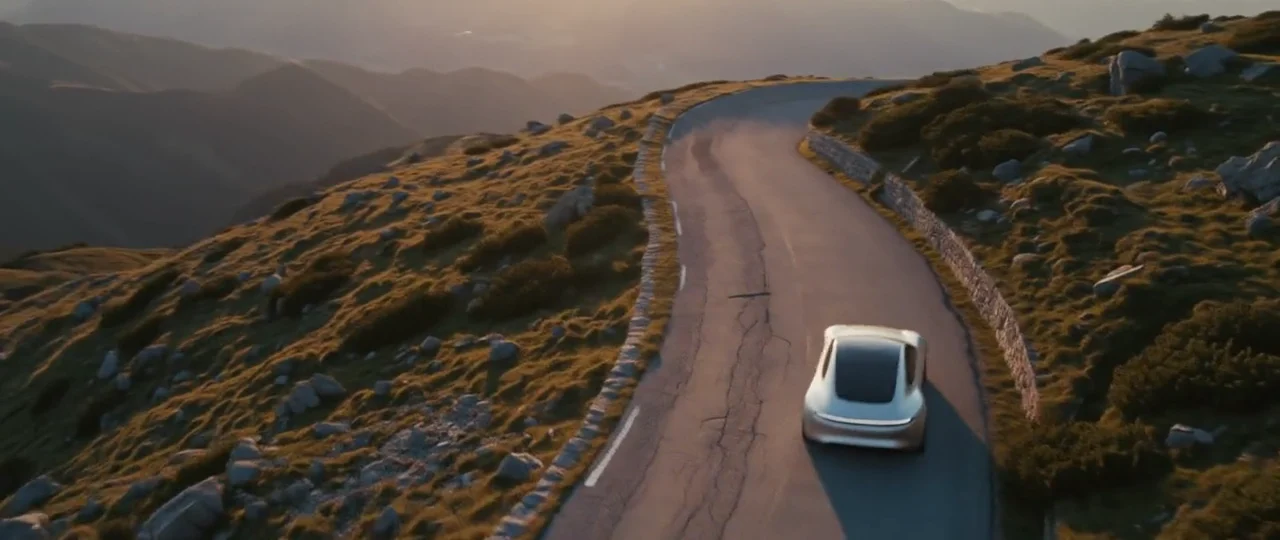
Seedance 2.5, from a text prompt timed to 10 seconds: the bottle shatters in slow motion, the liquid swirls into a flower and flows back into the bottle, with a sub-bass swell and a chime on landing.
Seedance 2.5 handled a three-beat transformation, timed in brackets, inside one clip. The Veo 3.1 clip above takes a quieter approach: a fixed bottle, a time-lapse sky and one spoken line, steered by the two frames it was given. In our examples, Seedance leans toward big, effects-driven motion and Veo toward controlled, filmic light and a clean soundtrack, but both can do either with the right prompt.
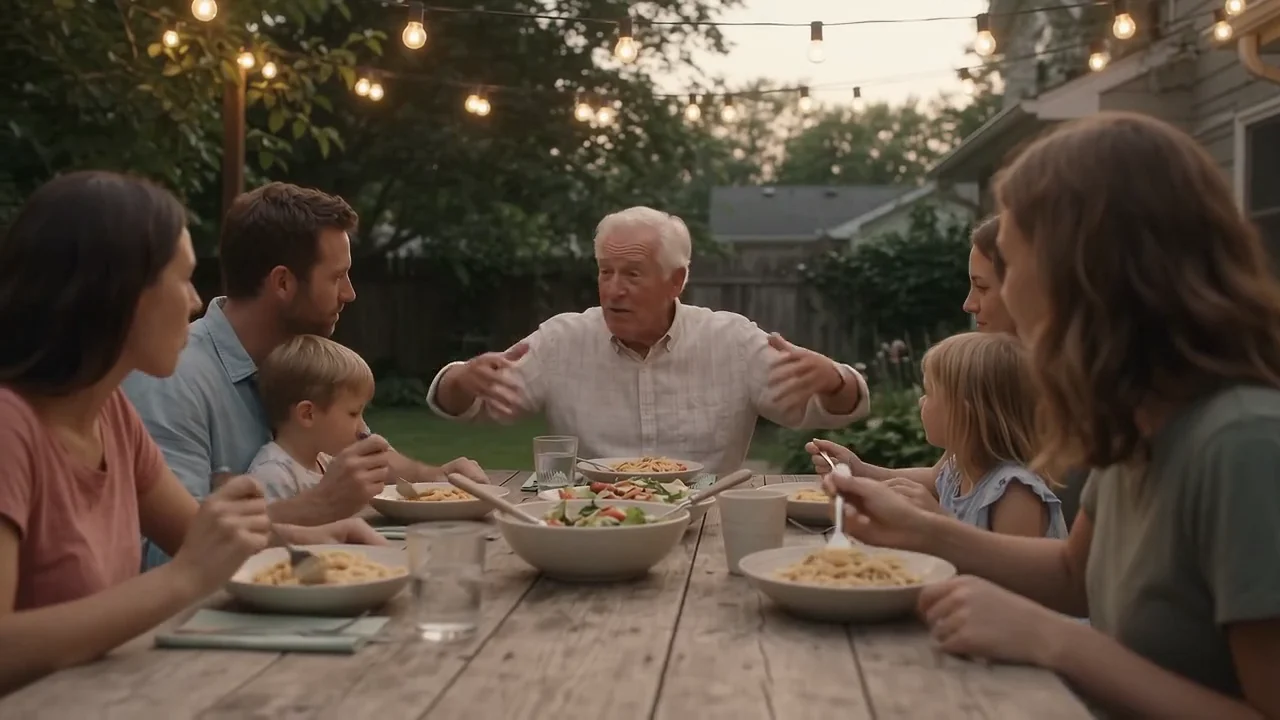
Veo 3.1 at 1080p: a slow dolly along a garden dinner table, with cutlery, overlapping conversation and laughter made in the same render.
Which one should you pick?
- Pick Seedance 2.5 for anything longer than 8 seconds in one take, a 1:1, 4:3 or 21:9 frame, lots of reference material, or cheap 480p and 720p drafts.
- Pick Veo 3.1 for short 1080p shots (where it costs less per second), a clip you plan to extend, or a cinematic single moment with a full soundscape.
- Pick Veo 3.1 Fast or Lite to test lots of hooks before rendering the winner.
To run either model yourself, open Seedance 2.5 or Veo 3.1 in Creatify's Model Playground.
Or let Ad Agent make the video with Seedance 2.5
A clip is one piece of an ad. You still need a script, product shots that keep your label readable, a voiceover, music, captions and an edit that holds it all together, and each of those has its own models and settings.
Creatify's Ad Agent handles that for you. Describe the ad, for example "a 20-second Instagram ad for my coffee subscription, warm and cozy, with a voiceover", or paste your product page. The agent writes the script, picks the models each shot, voice and music track needs, reviews every take and remakes the weak ones, then edits everything into a finished video. You decide on the ad, not the settings.
Ad Agent renders video with Boreal-H3, Creatify's own model, by default. On Pro and up, turn on the Seedance 2.5 switch beside the message box and every shot is rendered with Seedance 2.5, with the prompting and settings handled for you.