
MiniMax H3, also called Hailuo-03, and Google's Veo 3.1 are both text and image to video models that put sound in the same render as the picture. Write a line in quotes and someone says it, with the room sound around them.
On paper they suit different jobs. MiniMax H3 offers longer clips in 2K at a low price per second. Veo 3.1 makes short shots and gives you an extend mode and a negative prompt to steer them. Below is how they compare in Creatify today, with the specs and credit prices from the app and real clips from each model's page.
MiniMax H3 vs Veo 3.1 at a glance
| MiniMax H3 | Veo 3.1 | |
|---|---|---|
| Made by | MiniMax | |
| 时长 | Any length from 4 to 15 seconds | 4, 6 or 8 seconds, plus a 7-second extend |
| 分辨率 | 768P 或 2K | 720p 或 1080p |
| Aspect ratios | 21:9, 16:9, 4:3, 1:1, 3:4, 9:16 (from an image, the image’s shape) | 16:9, 9:16 |
| 原生音频 | 是 | 是 |
| Start and end frame | 是 | 是 |
| 参考素材 | Up to 9 images, 3 videos and 3 audio clips | Up to 3 images (8-second clips) |
| Faster, cheaper tiers | MiniMax H3 Max (480P or 768P) | Veo 3.1 Fast, Veo 3.1 Lite |
| Plan in Creatify | Standard and above | Standard and above |
Length: 15 seconds in one shot vs 8 plus an extend
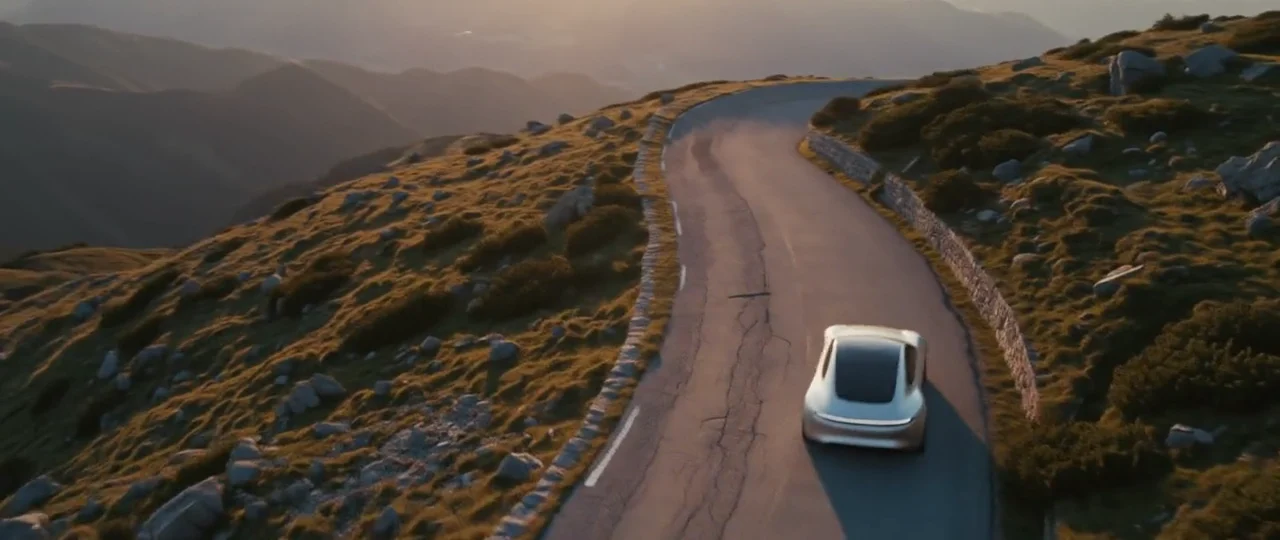
MiniMax H3 takes any whole number of seconds from 4 to 15. That is long enough for a complete short ad in one take, with no cuts to match up. Veo 3.1 makes 4, 6 or 8 seconds, and its extend mode adds 7 seconds that pick up where the clip ended.
MiniMax H3: one unbroken 15-second take. The model walks from desert dunes through snow and a rainy rooftop to a sunrise beach, and the gown changes color in each.
Resolution and frame shape
MiniMax H3 renders at 768P or 2K. Veo 3.1 renders at 720p or 1080p. If you plan to crop, reframe or punch in during the edit, H3's 2K gives you more pixels to work with.
Shape matters just as much for ads. From text, H3 offers six ratios from 21:9 to 9:16, so it covers square feed ads and widescreen spots as well as vertical. From an image, its clip takes the image's shape. Veo 3.1 sticks to 16:9 and 9:16, which is fine for YouTube and vertical social, but a 1:1 placement means cropping.
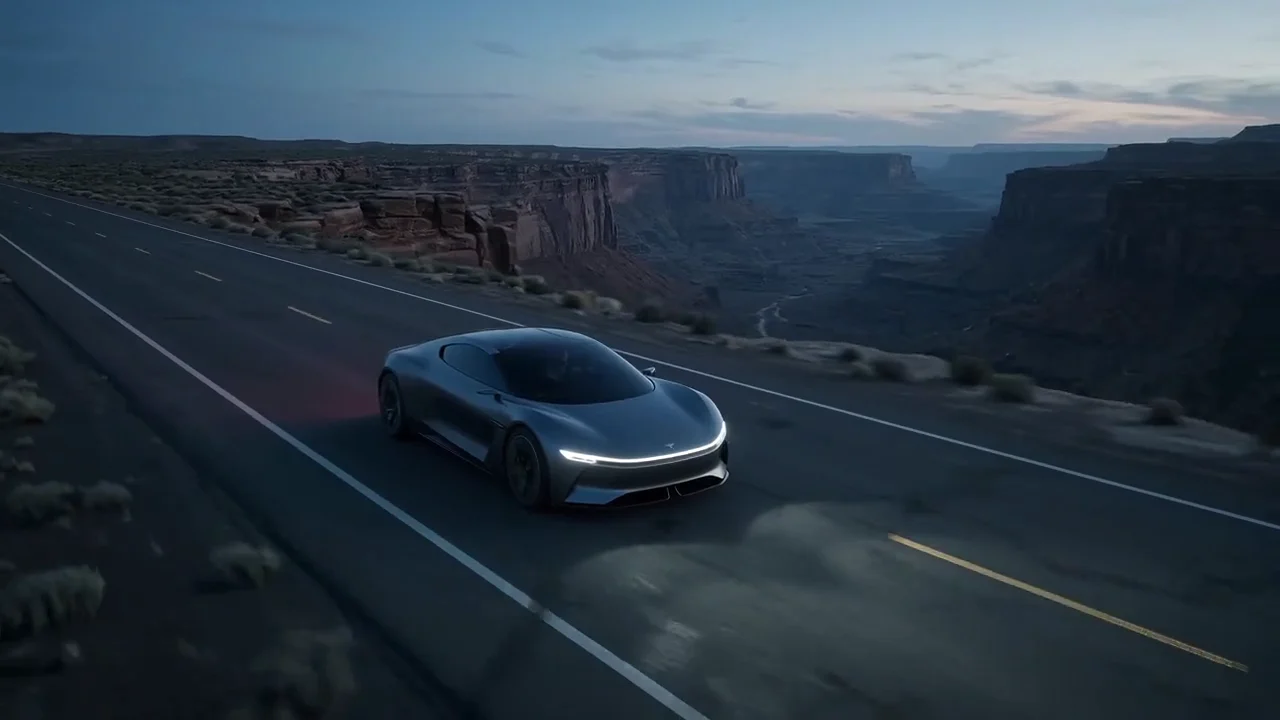
MiniMax H3 in 2K, 21:9: a coupe races a thunderstorm across a mirror salt lake, with the engine, thunder and tire hiss made in the same render.
References and control
Both models can start from a photo and end on a last frame you pick. For keeping a product or a person consistent, H3's reference mode takes up to 9 images, 3 video clips and 3 audio clips, and you point to them in the prompt as Image 1, Video 1 and so on. Veo 3.1 takes up to 3 reference images for an 8-second clip. Veo 3.1 also accepts a negative prompt, to list what should stay out of the shot.
h2>Price per second in CreatifyCredits as each model is priced in Creatify today. Both charge by the second, and the price includes sound.
| 模型 | Credits per second | An 8-second clip |
|---|---|---|
| MiniMax H3 (2K) | 1.3 | 10.5 |
| MiniMax H3 (768P) | 0.8 | 6.5 |
| MiniMax H3 Max (768P) | 0.8 | 6.5 |
| MiniMax H3 Max (480P) | 0.5 | 4 |
| Veo 3.1 (720p or 1080p) | 4 | 32 |
| Veo 3.1 快速版 | 1.5 | 12 |
| Veo 3.1 Lite (720p) | 0.5 | 4 |
This is the clearest difference between them. MiniMax H3 in 2K costs 1.3 credits per second, against 4 for Veo 3.1, so for the credits of one 8-second Veo 3.1 clip you can make about 3 H3 clips of the same length in 2K. A full 15-second H3 clip in 2K is 19.5 credits. Even Veo 3.1 Fast costs more per second than H3 in 2K; only Veo 3.1 Lite comes in under it. If you test many variations of a hook, that difference adds up fast.
A line said to camera, two models
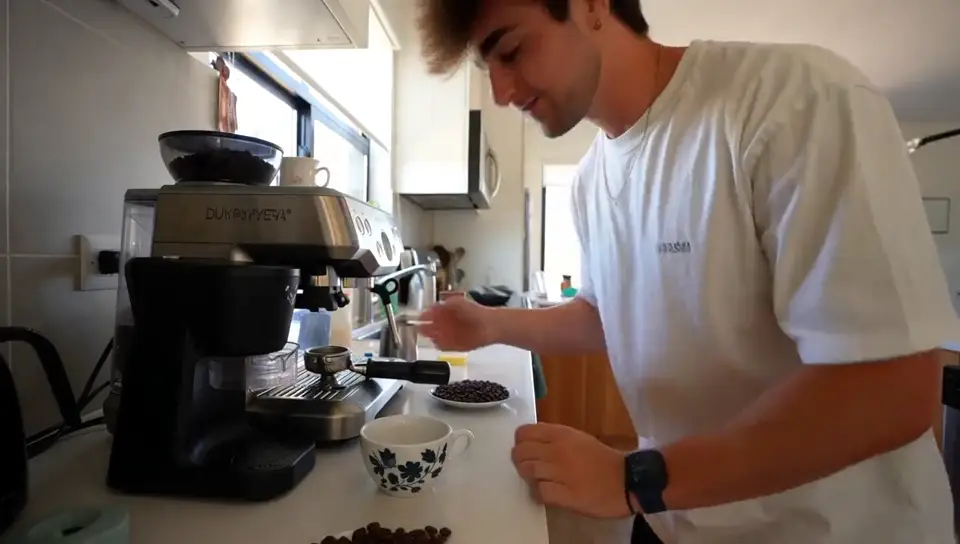
Both pages include a handheld, shot-on-a-phone clip where one person says a line to camera, written with almost the same style notes. The scenes differ, so take this as a feel for each model, not a benchmark.
MiniMax H3 in 2K: "He thinks he can cook better than me." The laugh, the line and the kitchen clock all come out of one render.
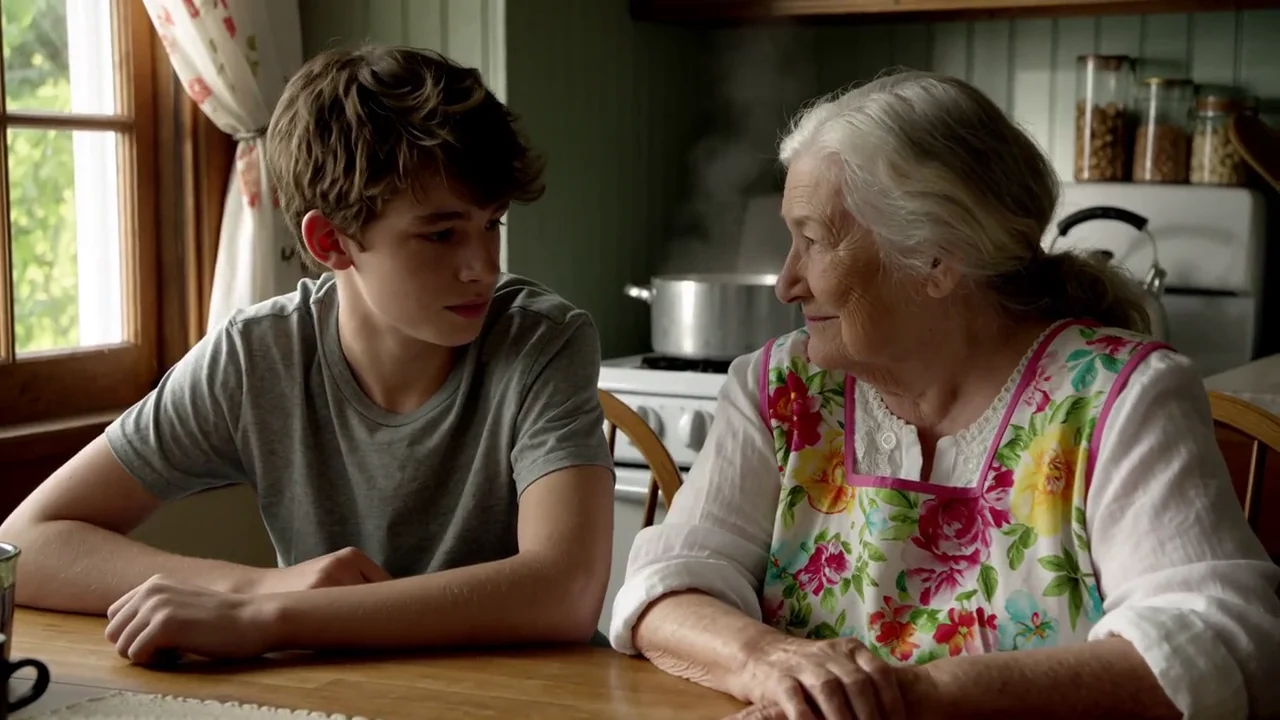
Veo 3.1: a handheld sunrise on a hotel balcony, ending on "We almost didn't book this place."
Judging from these clips, both handle natural, unpolished footage and lip-synced speech well. Veo 3.1 tends to feel a little more cinematic in its light and sound; MiniMax H3 gives you more seconds and more pixels for far fewer credits. For most ad work, the brief decides more than the model.
Which one should you pick?
- Pick MiniMax H3 for clips up to 15 seconds, 2K output, 1:1 or 21:9 frames, lots of reference material, or a low price per second when you're testing many versions.
- Pick Veo 3.1 for a short, cinematic shot with a full soundscape, a clip you want to extend, or when you need a negative prompt to keep things out.
- Pick H3 Max or Veo 3.1 Fast or Lite for quick drafts, then render the winner on the full model.
To run either model yourself, open MiniMax H3 or Veo 3.1 in Creatify's Model Playground.
Or skip the choice and describe the ad
Comparing models is a lot of homework for one ad, and the clip is only part of it. You'll still need a script, shots that keep your product looking right, a voiceover, music, captions and the final edit.
Creatify's Ad Agent skips that homework. Say what you want, like "a 15-second vertical ad for my skincare serum, testimonial style", or paste your product link. The agent writes the script, picks the models each shot, voice and music cue needs, checks every take and redoes the ones that miss, and edits the result into one video ready to download.