Nano Banana Pro and Nano Banana 2 are two image models from Google's Nano Banana family, and both sit side by side in Creatify. The names cause a lot of confusion. "Pro" sounds like the top of the line and "2" sounds like the next version, so it's natural to wonder which one replaced the other. In Creatify, neither did: they are two separate models with their own settings and their own prices.
So the useful question isn't which one is newer, it's which one fits the images you need to make. This post compares what each model lets you do in Creatify today, what an image costs on each, and shows real images Nano Banana 2 made there.
Nano Banana Pro vs Nano Banana 2 at a glance
| Nano Banana Pro | Nano Banana 2 | |
|---|---|---|
| Made by | ||
| 解像度 | 1K, 2K or 4K | 0.5K, 1K, 2K or 4K |
| Aspect ratios | 21:9, 16:9, 3:2, 4:3, 5:4, 1:1, 4:5, 3:4, 2:3, 9:16 | 21:9, 16:9, 3:2, 4:3, 5:4, 1:1, 4:5, 3:4, 2:3, 9:16 |
| Edits your image | あり | あり |
| Photos per edit | Up to 7 | Up to 7 |
| Keep the input photo’s shape | Yes, with Auto when editing | No, pick a ratio |
| Images per request | Up to 4 | Up to 4 |
| Output formats | PNG, JPEG or WebP | PNG, JPEG or WebP |
| Cheaper option | None | Nano Banana 2 Lite |
| Creatify plan | Starter and up | Starter and up |
Most of that table is identical. Same maker, same ten shapes, the same photo limit when you edit, up to four images per run, the same file formats and the same plan. Creatify even describes both models with the same line: ultra-consistent characters with commercial-grade quality. The differences come down to three things: the sizes you can render, how an edit handles shape, and price.
What's actually different
Sizes
Both go up to 4K. Nano Banana 2 adds a 0.5K size below 1K, which Creatify's Nano Banana page suggests for a first draft before you run the same prompt at 4K. Pro starts at 1K. In Creatify the 0.5K draft costs the same as 1K right now, so it is a draft size, not a way to save credits.
Editing and aspect ratio
Both edit photos you upload: change the background, put a product in a new scene, or dress a model in your piece. Creatify's Nano Banana page lists 1 to 7 photos per edit for both. The one editing extra on Pro is an Auto aspect ratio that keeps the shape of the photo you upload. With Nano Banana 2 you choose one of the ten ratios yourself, which is fine when you already know the placement (9:16 for Stories, 4:5 for the feed) and a small chore when you're editing a batch of photos with mixed shapes.
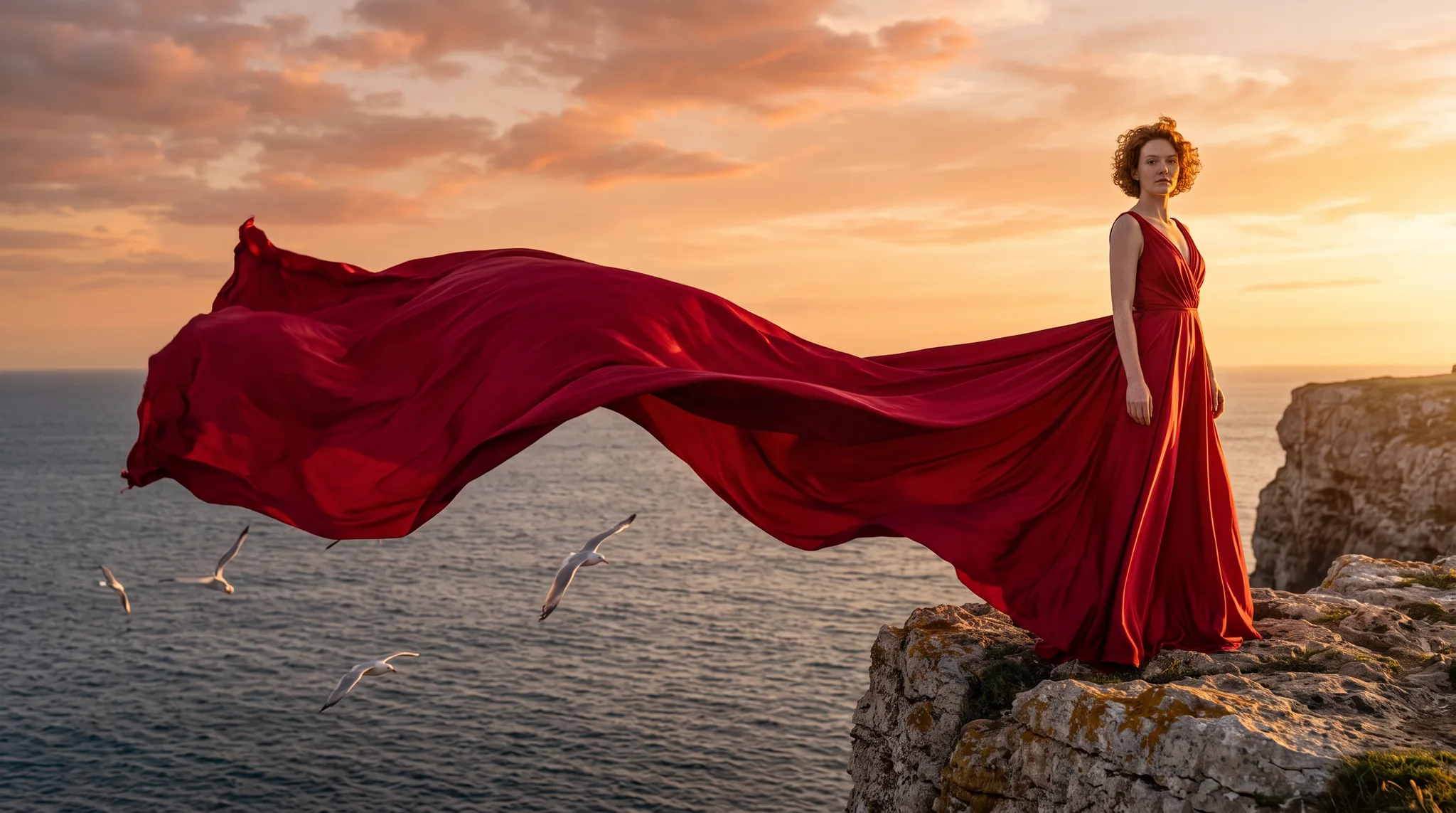
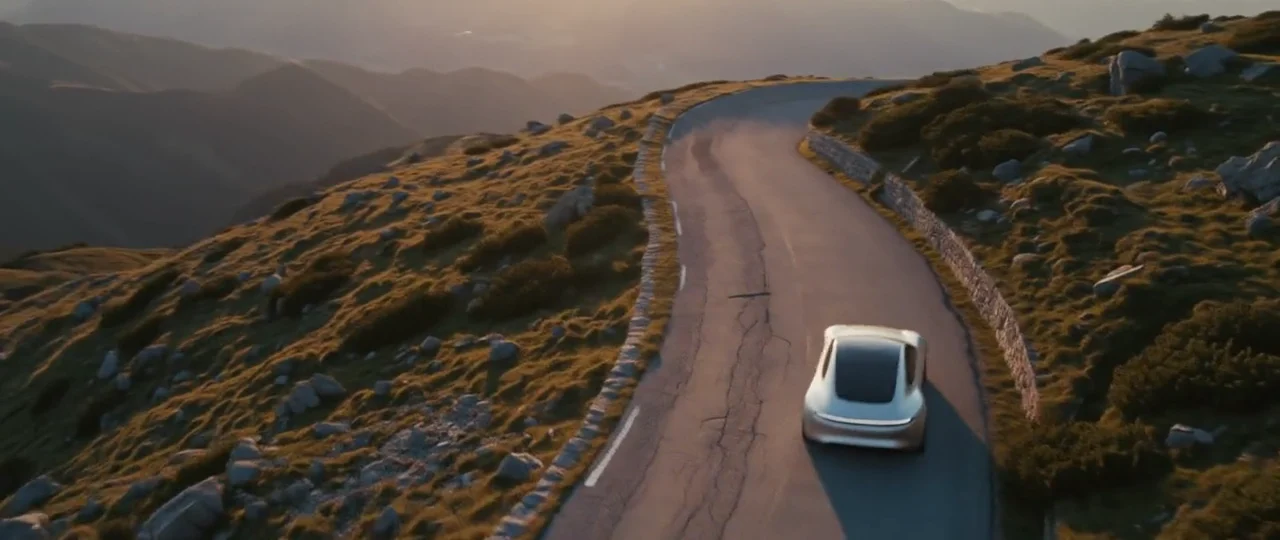
Nano Banana 2, edit from one portrait: the same woman, copper curls and freckles kept, in a crimson gown whose train becomes a long ribbon of silk over the sea.
Quality
We can't point you to a documented quality gap. Creatify's configs describe the two the same way, and Creatify has no examples page for Pro, so there's nothing to set side by side. If you already like how one of them handles your product or your faces, that's a better reason to stay than the name. If you're starting fresh, run the same prompt on both in Model Playground and compare at 1K before you spend on 4K.
Price per image in Creatify
Credits per image from text, as each model is priced in Creatify today. Both are priced by resolution.
| モデル | Credits per image |
|---|---|
| Nano Banana 2 Lite (1K) | 0.5 |
| Nano Banana 2 (0.5K) | 1 |
| Nano Banana 2 (1K) | 1 |
| Nano Banana 2 (2K) | 1.5 |
| Nano Banana 2 (4K) | 2 |
| Nano Banana Pro (1K) | 1.5 |
| Nano Banana Pro (2K) | 1.5 |
| Nano Banana Pro (4K) | 3 |
At 1K, Nano Banana 2 is 1 credit and Pro is 1.5. At 2K the two cost the same, 1.5 credits each. At 4K the gap is largest: 2 credits for Nano Banana 2 against 3 for Pro. That sounds small per image, but ad work is rarely one image. A set of 20 4K creatives is 40 credits on Nano Banana 2 and 60 on Pro. If you only need drafts, Nano Banana 2 Lite at 1K is the cheapest way into the family at 0.5 credits.
What Nano Banana 2 looks like in Creatify
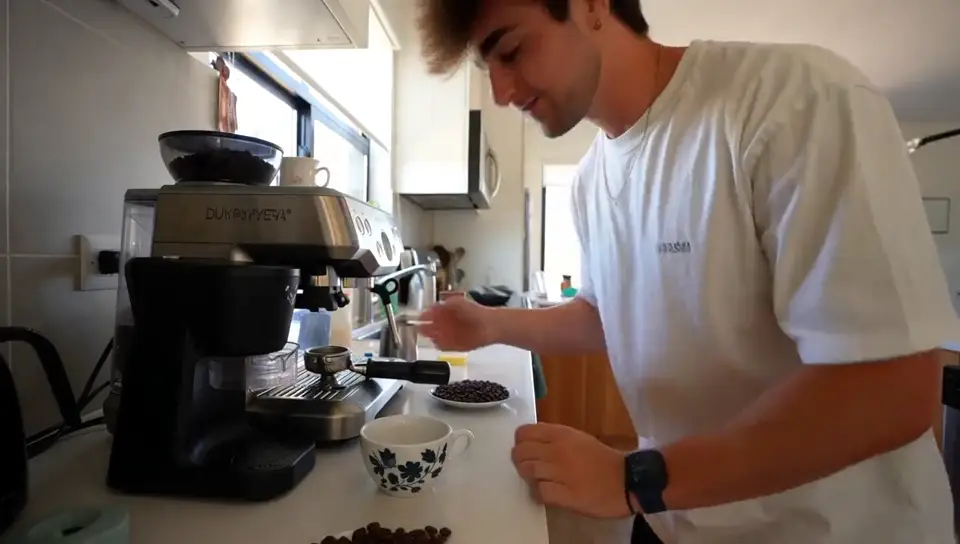
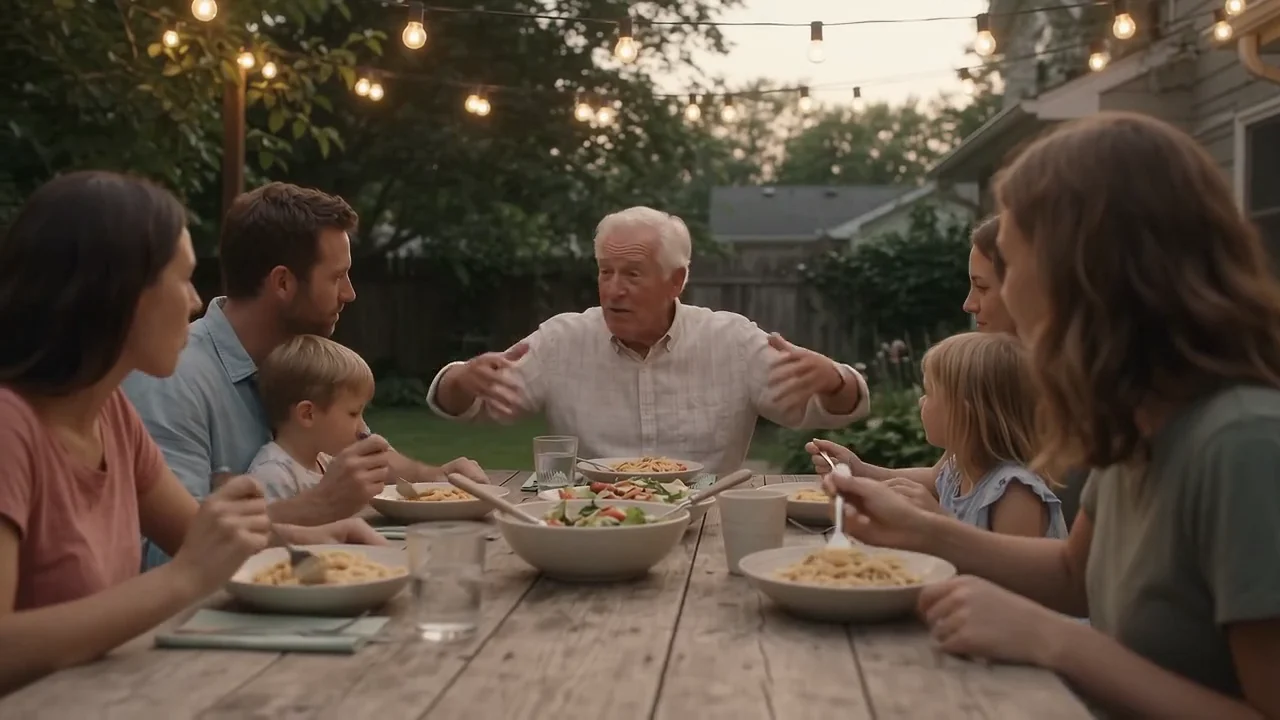
Every image on Creatify's Nano Banana page came out of Nano Banana 2 with the prompt shown there. Its strength on that page is photos that look shot, not rendered: real skin, natural light, ordinary moments. Here is one from a text prompt alone.
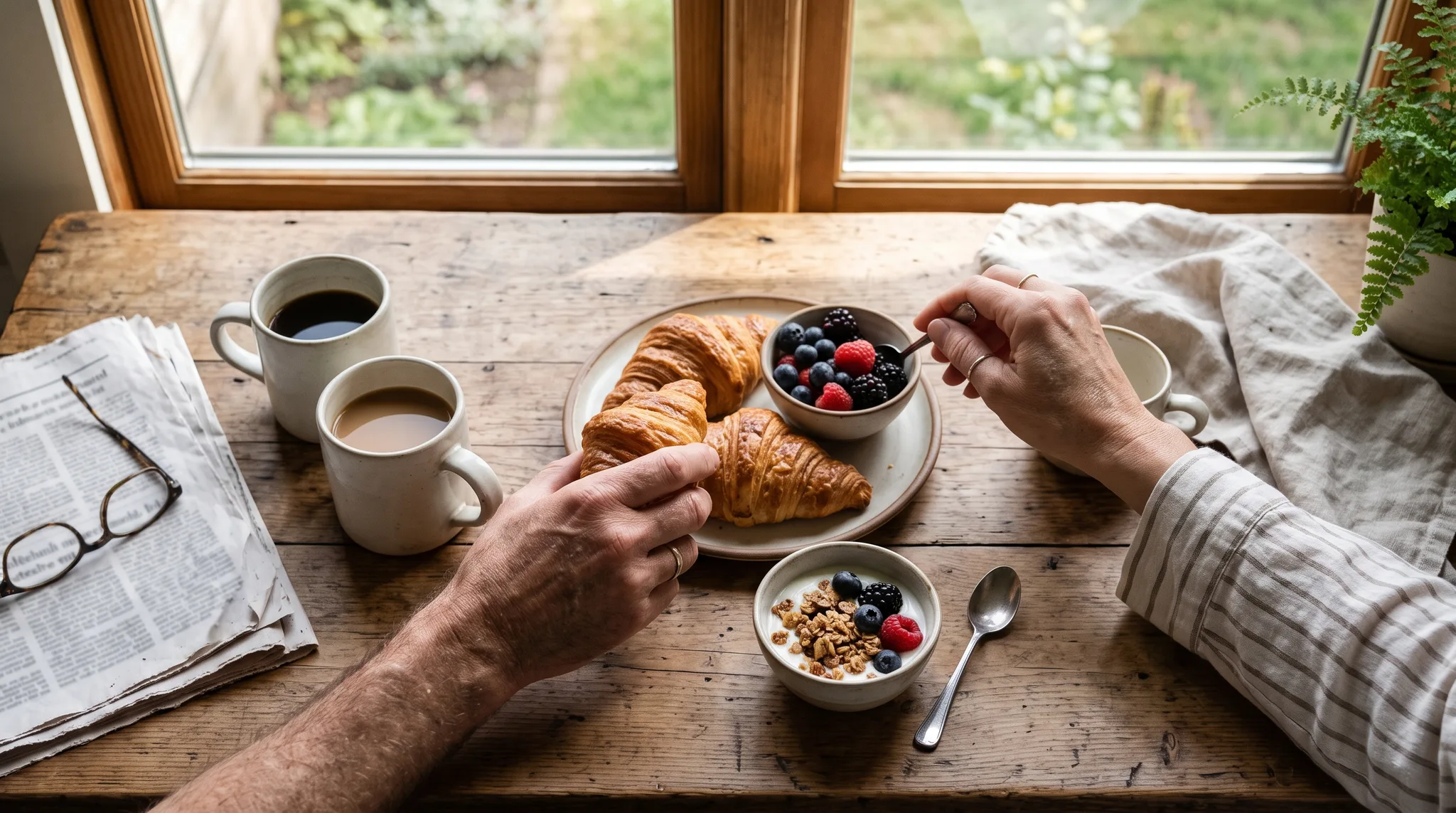
Nano Banana 2, from text: an overhead weekend breakfast by a window, two pairs of hands reaching in, the newspaper print blurred on purpose.
We don't have Pro outputs from Creatify to show next to these, and we'd rather show nothing than borrow someone else's image. Treat the pair above as a look at one model, not a verdict on the other.
Which one should you pick?
- Pick Nano Banana 2 for most ad work: it costs less at 1K and 4K, it has a 0.5K draft size, and it has a Lite version for cheap tests.
- Pick Nano Banana Pro when you edit a lot of photos with different shapes and want the output to keep each one's ratio, or when you've tested both on your product and prefer Pro's results.
- Test both at 1K with the same prompt before a big 4K batch. The cost of the test is small next to the cost of the batch.
To run either one yourself, open Nano Banana or the Model Playground in Creatify.
Or skip the choice and describe the ad
Choosing between two Nano Banana models is a small decision inside a bigger job. A campaign needs a concept, a set of images in every placement size, your product looking the same in all of them, and often a video cut from the same shots.
Creatify's Ad Agent handles that job. Say what you want, like "five feed and story images for my linen shirt, summer in the city, plus a short video", or paste a product link. The agent writes the concept, picks the image models each creative needs, keeps your product consistent, makes the images and keyframes, and turns them into a finished video ad. You pick from the results instead of comparing settings.