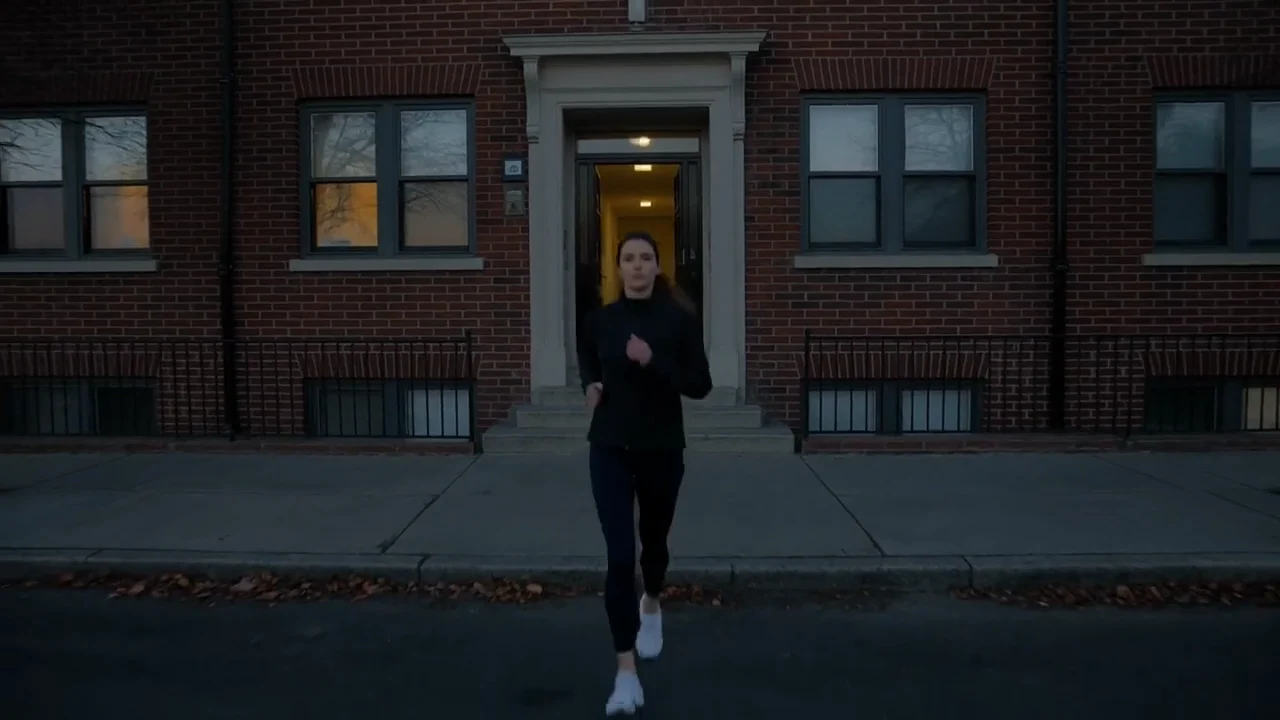
GPT Image 2 from OpenAI and Seedream 5.0 from ByteDance are both pitched at people who make ads. Both take up to ten reference photos, both edit an image you already have, and both list text inside the image among the things they do. If you're building product ads, either one can get you most of the way.
The real differences are resolution, how much the top settings cost, which plan you need, and how much each model has shown it can do with a headline. This comparison uses the settings and credit prices both models have in Creatify today, and real images each model made there.
GPT Image 2 vs Seedream 5.0 at a glance
| GPT Image 2 | Seedream 5.0 | |
|---|---|---|
| Made by | OpenAI | ByteDance |
| 解像度 | 1K, 2K or 4K | 1Kまたは2K |
| Lite version | None (use low quality) | Seedream 5.0 Lite, 2K or 3K |
| Aspect ratios | 9, from 16:9 to 9:16 | 1:1, 4:3, 16:9, 3:4, 9:16 |
| Edits your image | あり | あり |
| Input images | Up to 10 | Up to 10 |
| Images per request | Up to 4 | Up to 6 |
| Quality setting | Low, medium or high | 非対応 |
| Output formats | PNG or JPEG | JPEG or PNG |
| Creatify plan | Pro and up | Starter and up |
Headlines inside the image
Both models claim this one. OpenAI's model is described as having strong prompt adherence, and its Creatify page is built around ads with the copy already set: write the exact words in quotes, say where they go, and they come back in the image. Every example on that page carries its own headline, one of them in Japanese.
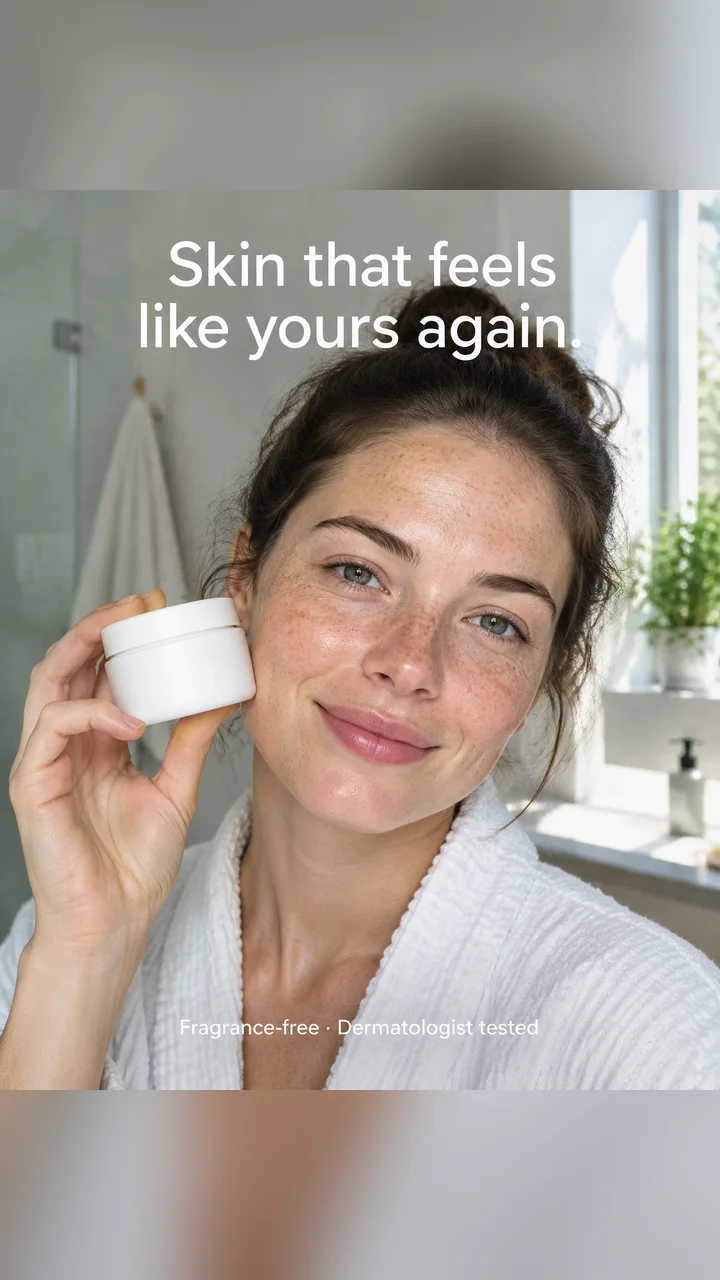
GPT Image 2: "Skin that feels like yours again." at the top and "Fragrance-free · Dermatologist tested" at the bottom, both from the prompt.
ByteDance lists professional typography among Seedream 5.0's strengths, and its Creatify page says a headline in quotes is set inside the image. But none of the examples on that page carry text; they're all photos that ask for no readable text. So GPT Image 2 has more to show here. If your ad copy has to live in the image, try both with your own headline, keep lines short, and check the spelling before you publish.
Realistic photos and consistent faces
Seedream 5.0 Pro's page leans the other way: photos that pass for real, and the same face kept across a whole campaign. One portrait went in as a reference and came back in two different scenes, a pool above the clouds and a jewelry shot.
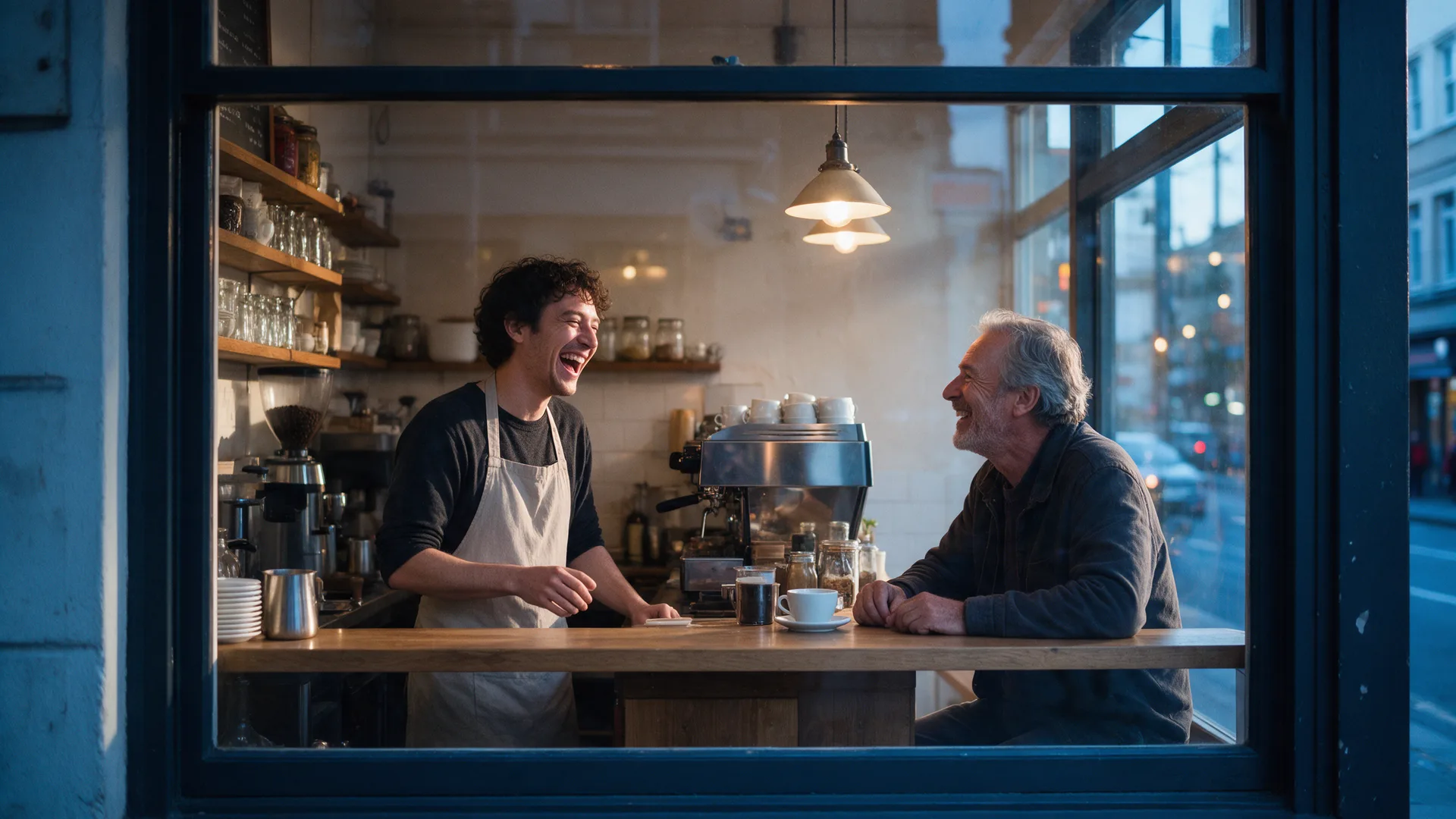
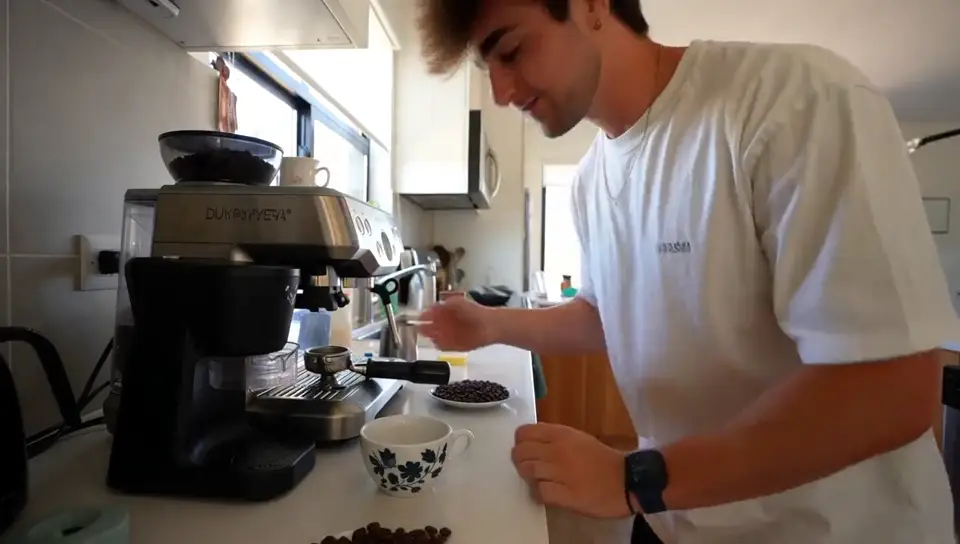
Seedream 5.0 Pro, from text: a barista and a regular laughing at the counter, shot through the café window at dawn.
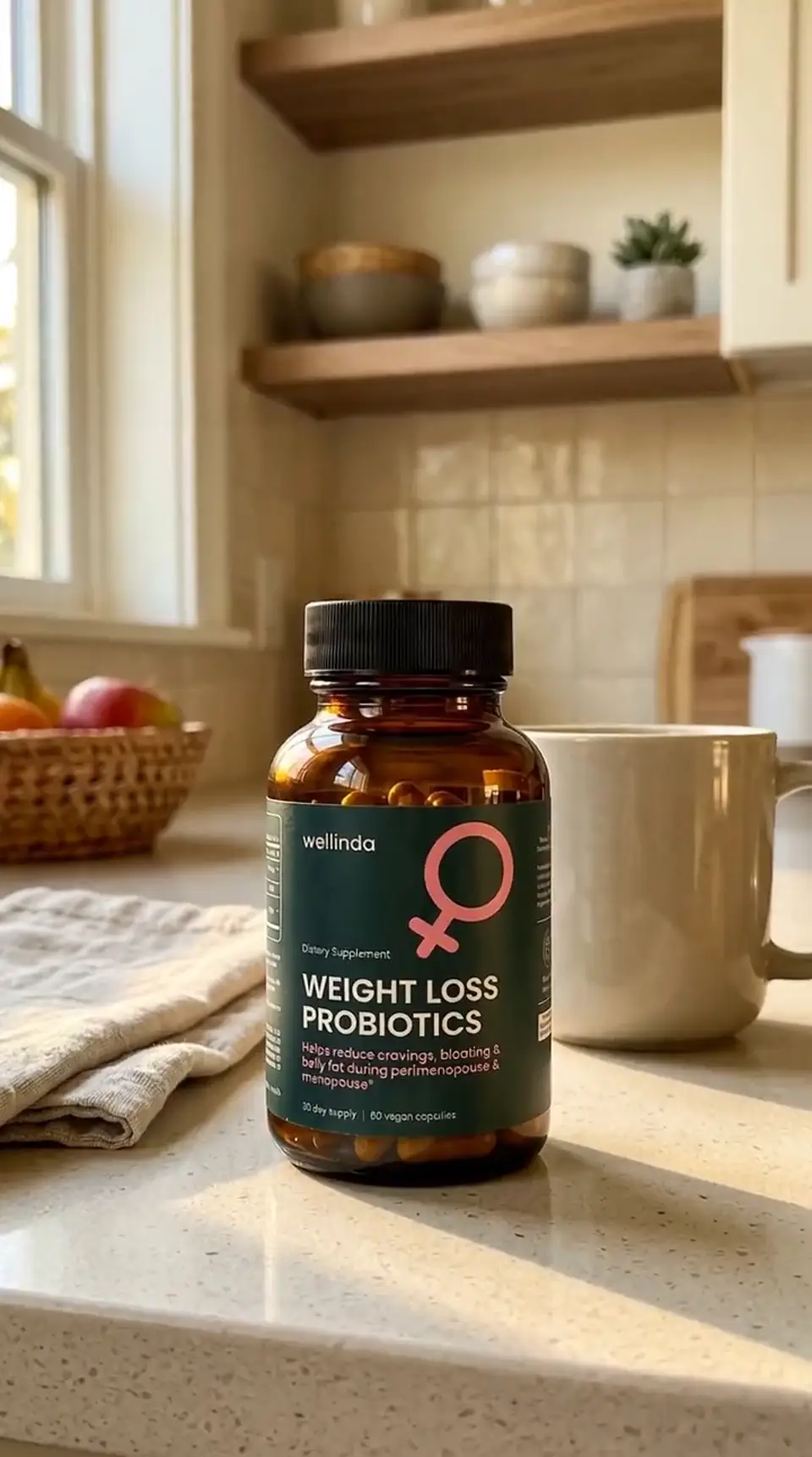
GPT Image 2 makes realistic scenes too (the skincare ad above was prompted as a real photo shoot), and its page shows it keeping a product exactly as it is in a new scene.
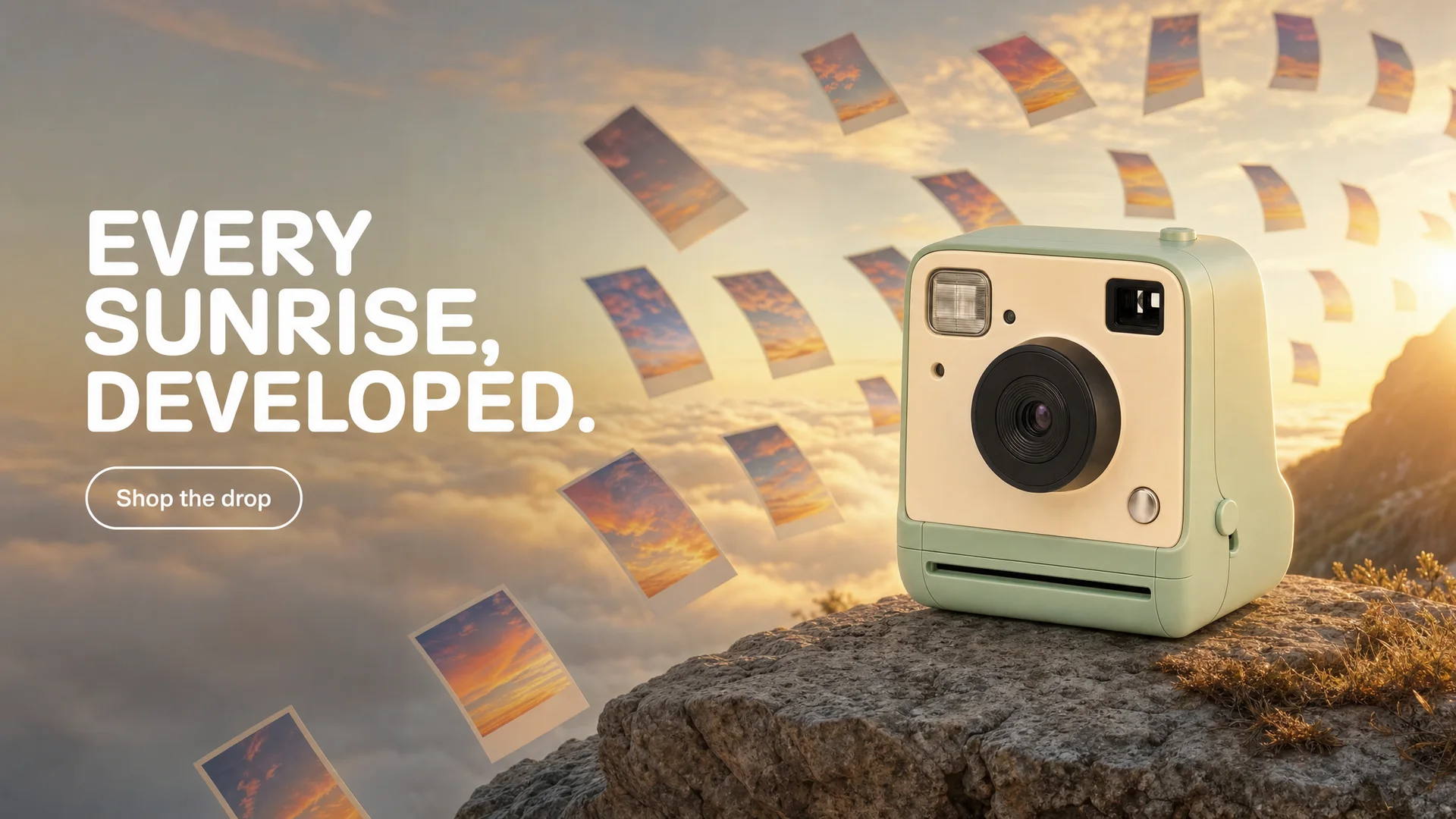
GPT Image 2, edit from one product photo: the same mint camera on a cliff at sunrise, with the headline and button set in the image.
Editing and references
Here they are close. Both take up to ten images in one edit. Seedream 5.0 accepts each photo up to 30 MB and 36 megapixels and a prompt of up to 5,000 characters. GPT Image 2 adds an input fidelity setting, low or high, when you edit. Neither model has a transparent-background option in Creatify; for that, the GPT Image 2 page points to GPT-image-1.5 and GPT-image-2.5.
Resolution and shapes
GPT Image 2 goes to 4K (a 16:9 image at 4K is 3840×2160) and offers nine ratios, including 4:5 and 2:3 portraits. Seedream 5.0 Pro stops at 2K with five ratios. Seedream 5.0 Lite renders at 2K or 3K, so it's the larger of the two Seedream versions. Seedream makes up to six images per request; GPT Image 2 makes up to four.
Price per image in Creatify
Credits per image as each model is priced in Creatify today, from text. GPT Image 2 is priced by quality and resolution together; Seedream 5.0 Pro by resolution; Seedream 5.0 Lite is a flat rate.
| モデル | Credits per image |
|---|---|
| GPT Image 2 (low, 1K) | 0.5 |
| GPT Image 2 (medium, 1K) | 1 |
| GPT Image 2 (medium, 2K) | 1.5 |
| GPT Image 2 (high, 2K) | 4.5 |
| GPT Image 2 (medium, 4K) | 2.5 |
| GPT Image 2 (high, 4K) | 9 |
| Seedream 5.0 Lite (2K or 3K) | 0.5 |
| Seedream 5.0 Pro (1K) | 0.5 |
| Seedream 5.0 Pro (2K) | 1 |
At the sizes both make, Seedream is the cheaper of the two. A 2K image is 1 credit on Seedream 5.0 Pro, 1.5 on GPT Image 2 at medium and 4.5 at high. At 1K it's 0.5 credits against 1 at medium, though GPT Image 2 at low quality matches it at 0.5. GPT Image 2's top setting, high at 4K, costs 9 credits, a size Seedream doesn't offer.
Same kind of scene, two models
Both pages include a woman in an infinity pool above a sea of clouds at sunrise. The prompts were written separately: GPT Image 2 was asked for a finished vertical ad with a Japanese headline and a button, from text; Seedream 5.0 Pro was asked for a wide campaign photo with no text, from a reference portrait. So compare the feel, not the details.
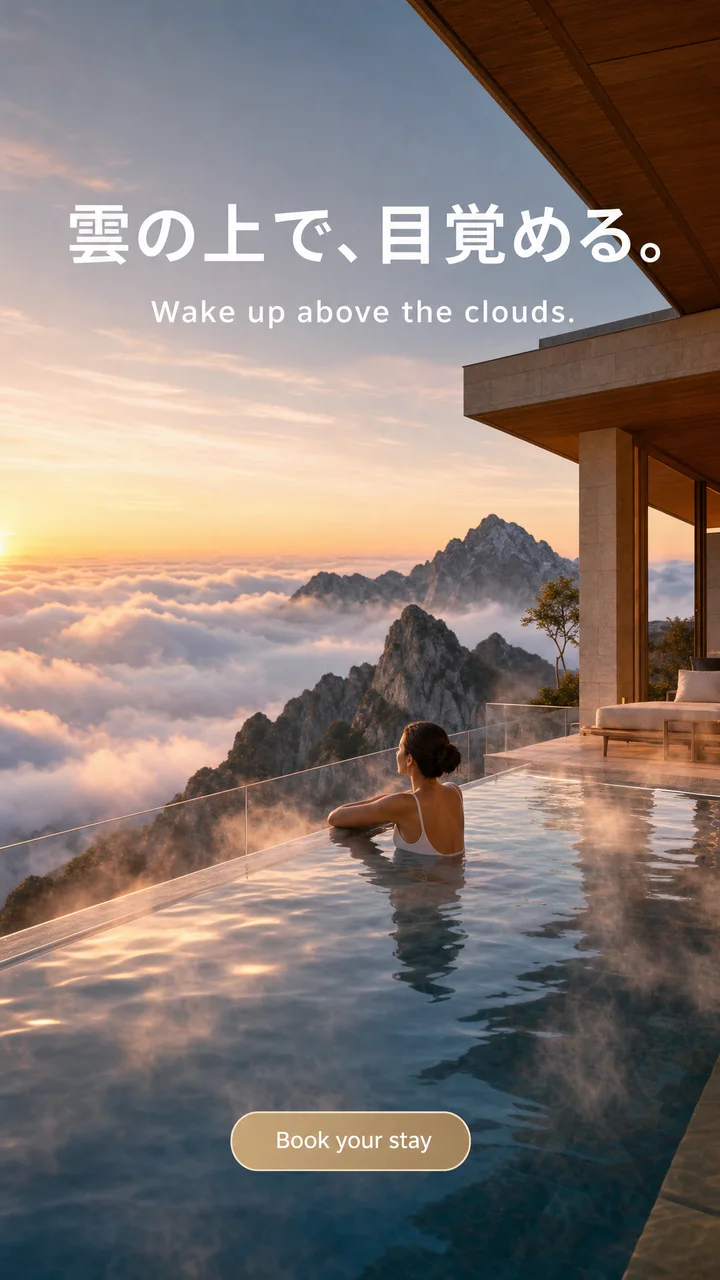
GPT Image 2: a story ad with "雲の上で、目覚める。", "Wake up above the clouds." and a "Book your stay" button.
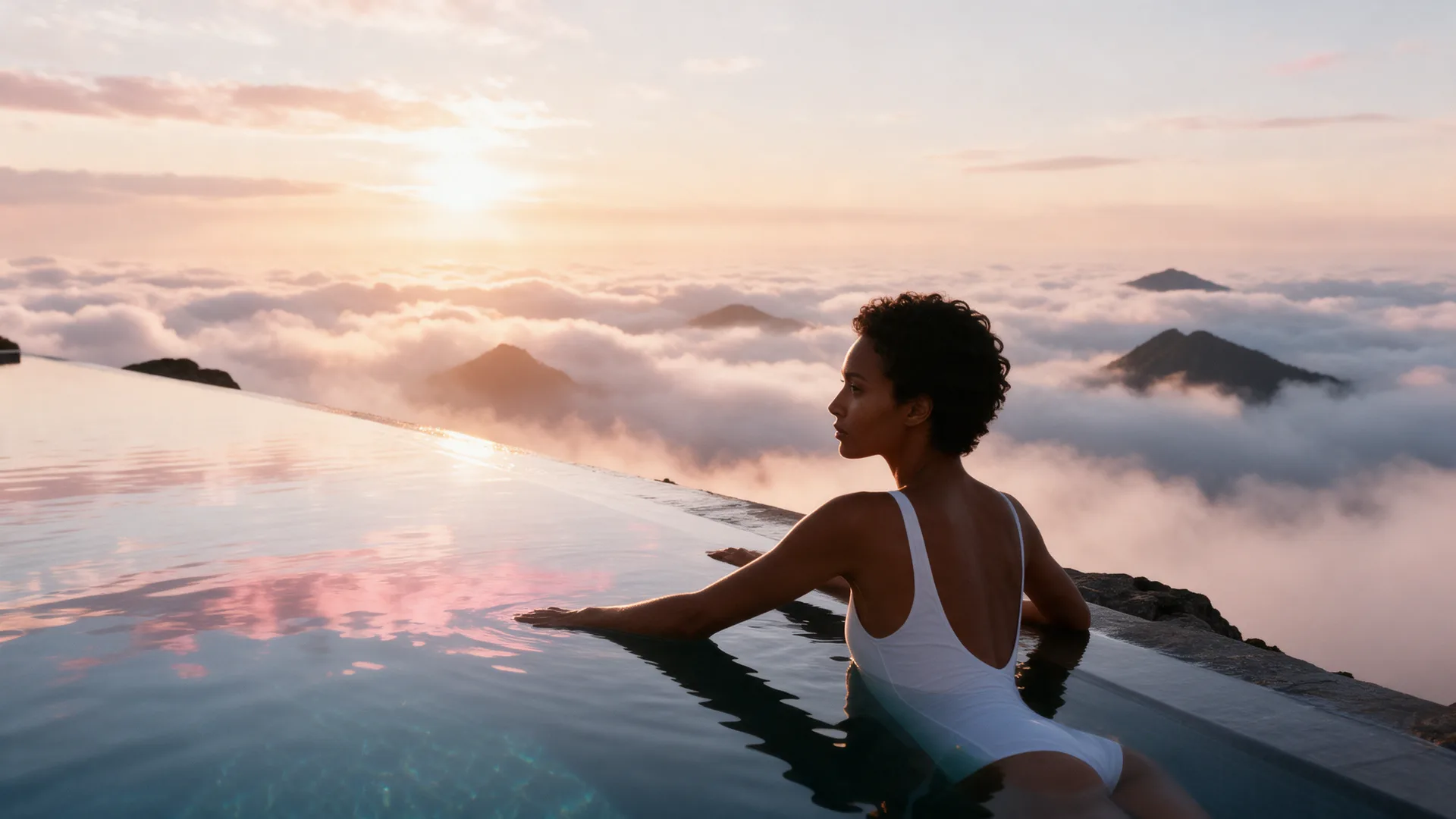
Seedream 5.0 Pro: the face from the reference portrait, resting at the pool's edge above the clouds.
Which one should you pick?
- Pick GPT Image 2 when the headline and button must be in the image, when you need 4K, or for 4:5 and 2:3 formats. It's on the Pro plan.
- Pick Seedream 5.0 Pro for realistic photos and one face across a campaign at a lower price per image, on the Starter plan.
- Pick a cheaper option (GPT Image 2 at low quality, or Seedream 5.0 Lite) to test concepts before you render the keepers.
To run either model yourself, open GPT Image 2 or Seedream in Creatify's Model Playground.
Or skip the choice and describe the ad
Whichever model wins your test, an ad still needs more than one image: versions for every placement, the product and its label kept the same in each, and usually a video built from them. That's a lot of prompting to do by hand.
Creatify's Ad Agent does it from one description. Say something like "holiday ads for my candle shop, cozy and warm, a few images and a short video", or paste your product link. The agent writes the concept, picks the image models each creative needs, keeps your product label readable, makes the images and keyframes, and can turn them into a finished video ad. You review the ads, not the settings.