



Build ads visually, on one canvas
Every step of your ad is a node you can see, swap and rerun, from product photo to finished image or video ad. Start from a template or describe it.
Start from a template
Start from a template
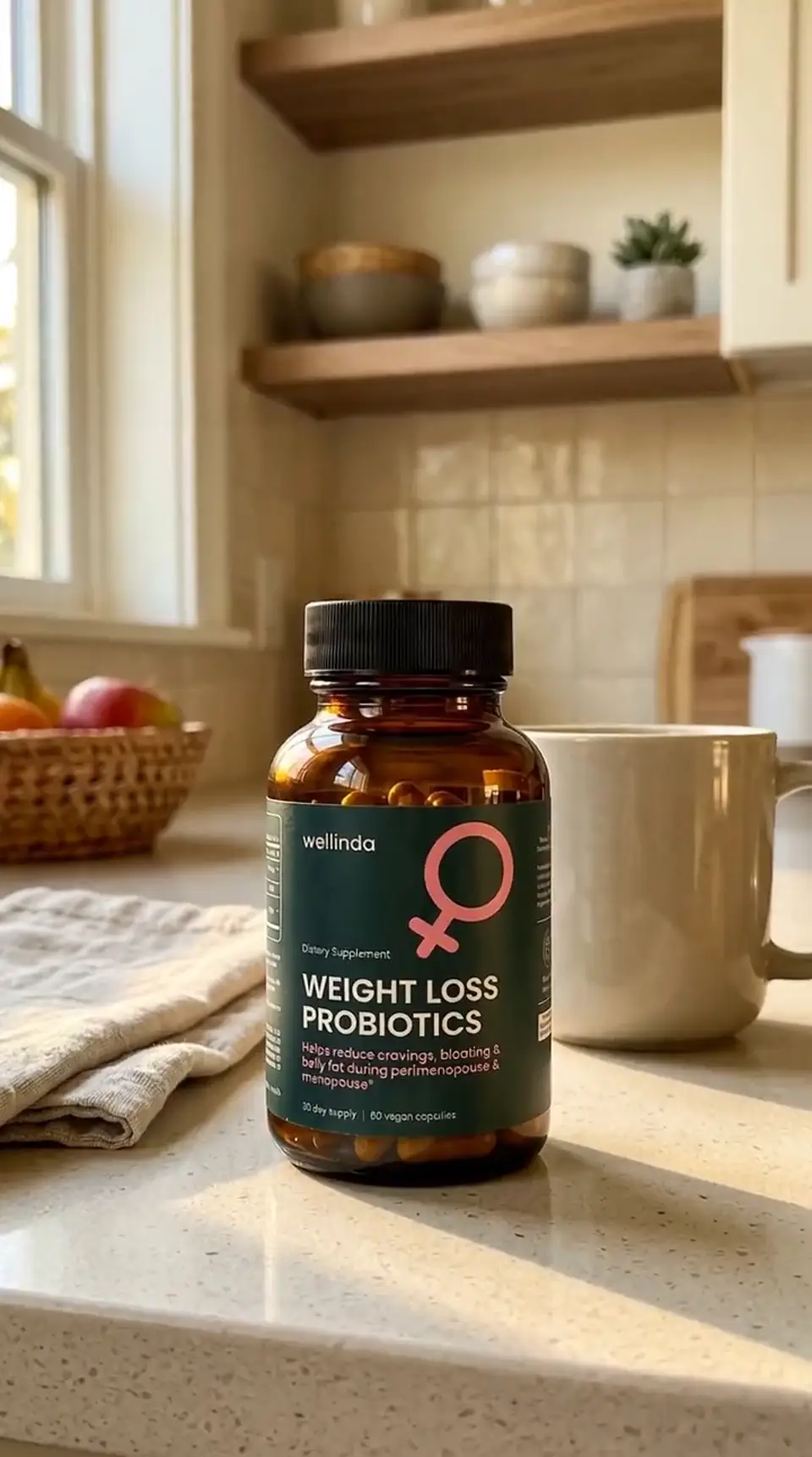
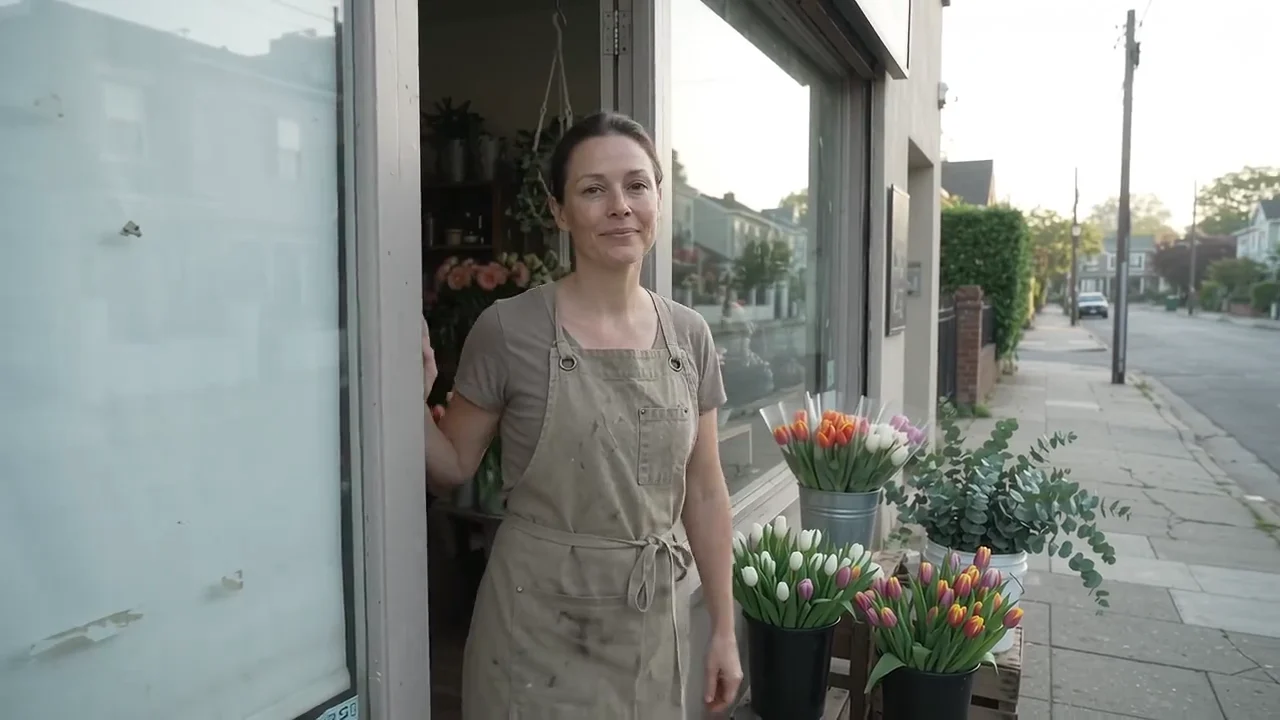
Real-looking creators review, unbox and talk up your product
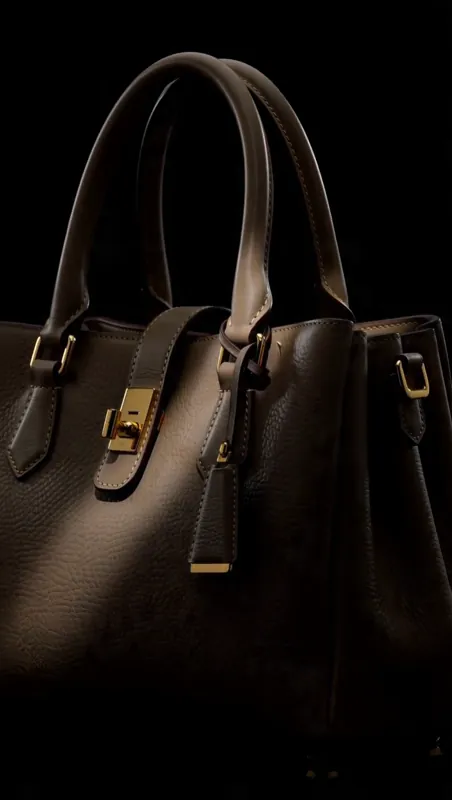
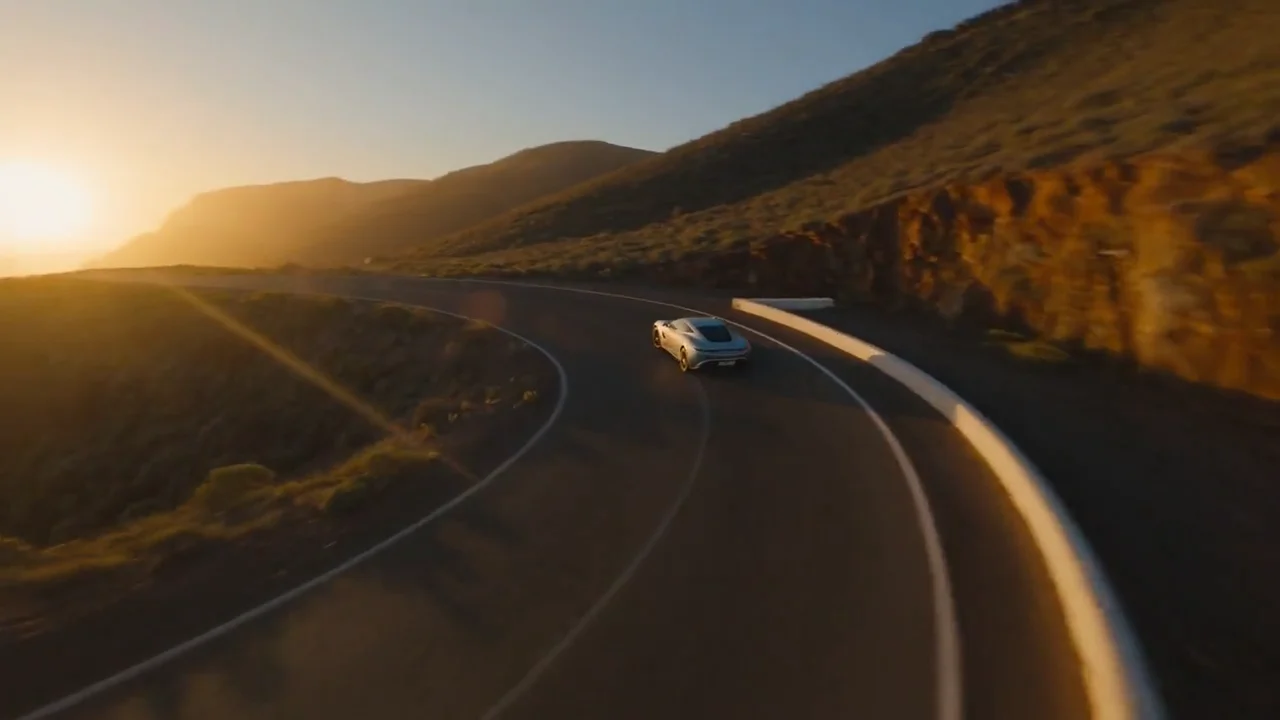
Cinematic, studio-grade spots for your hero product
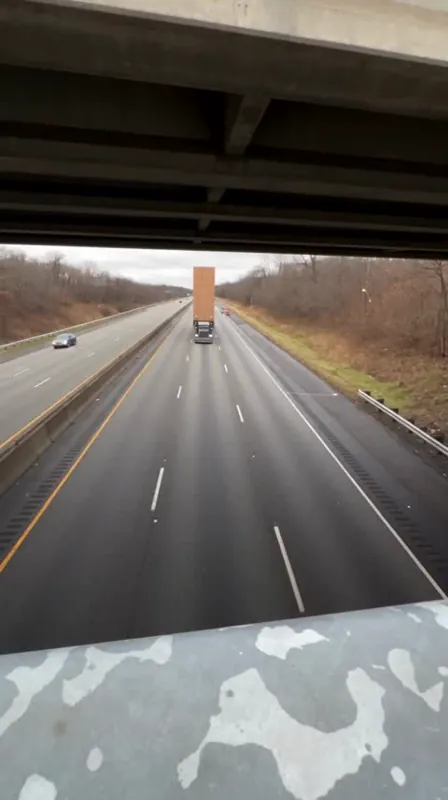
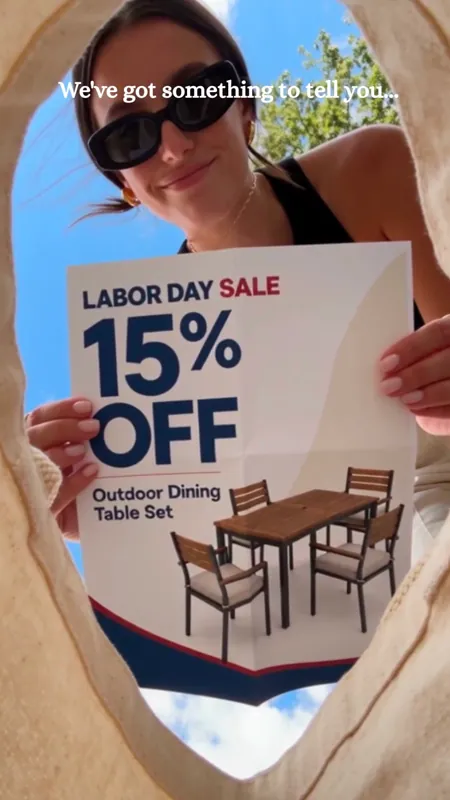
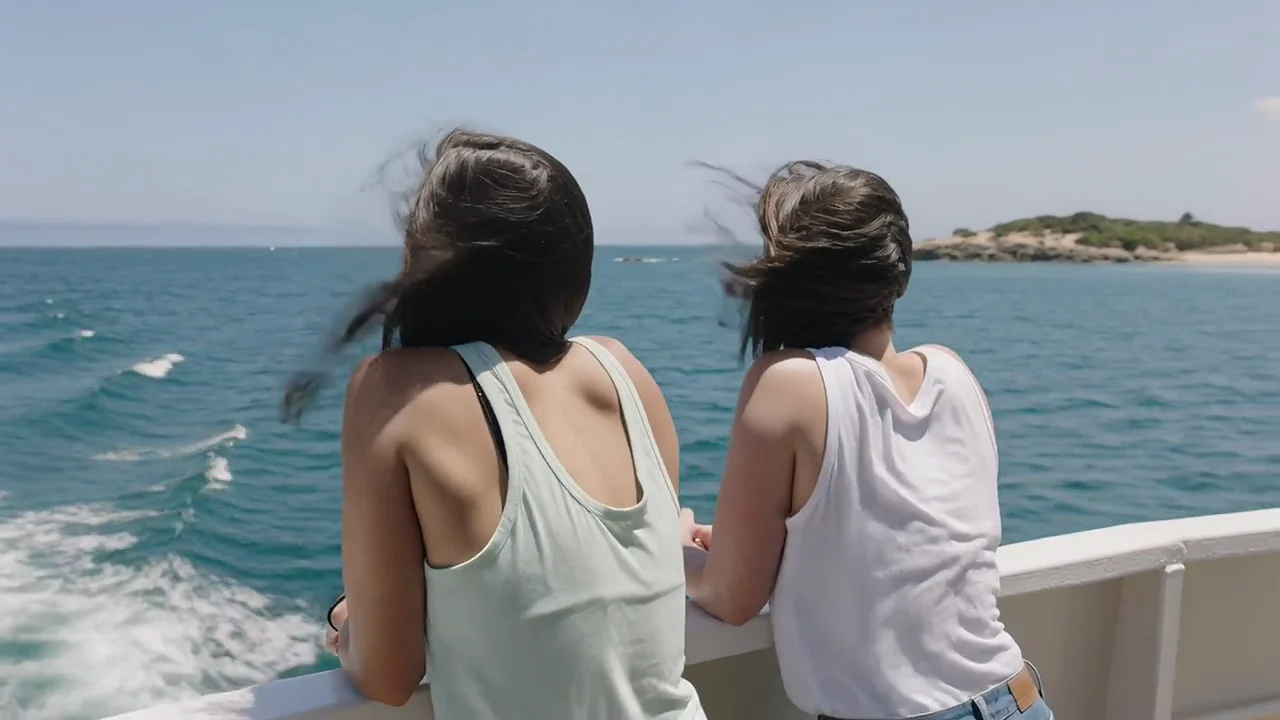
Scroll-stopping openers: POVs, pranks and viral trends
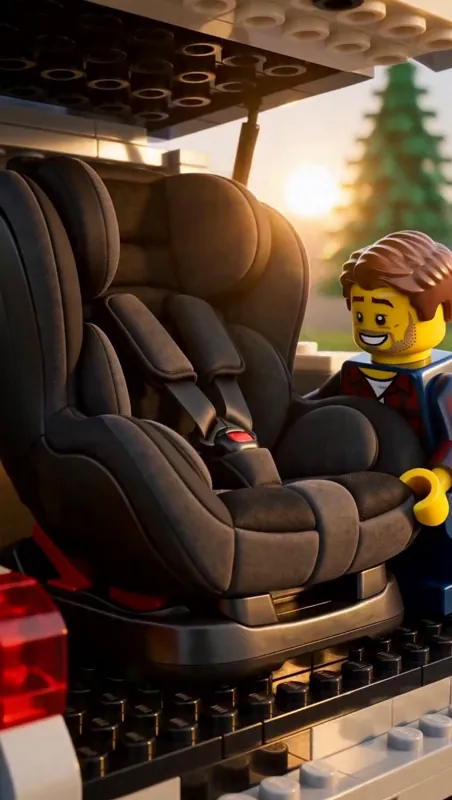
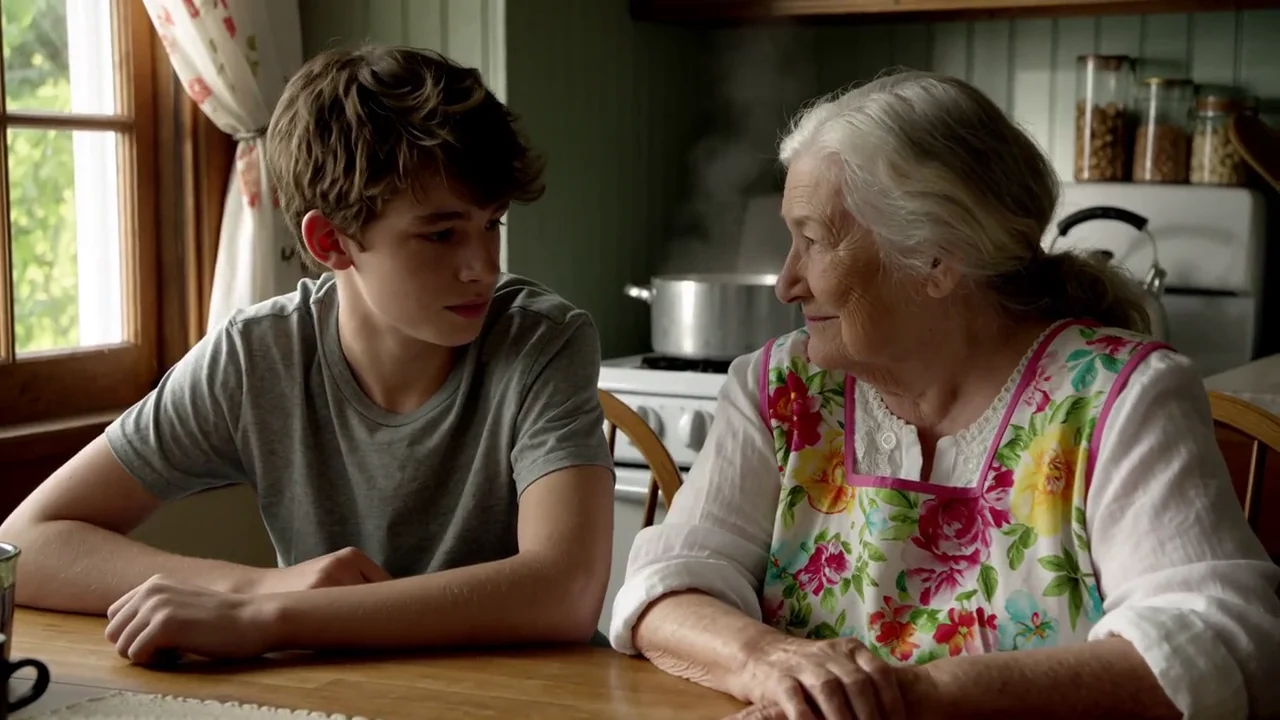
Clay, anime, LEGO and cartoon stories starring your product
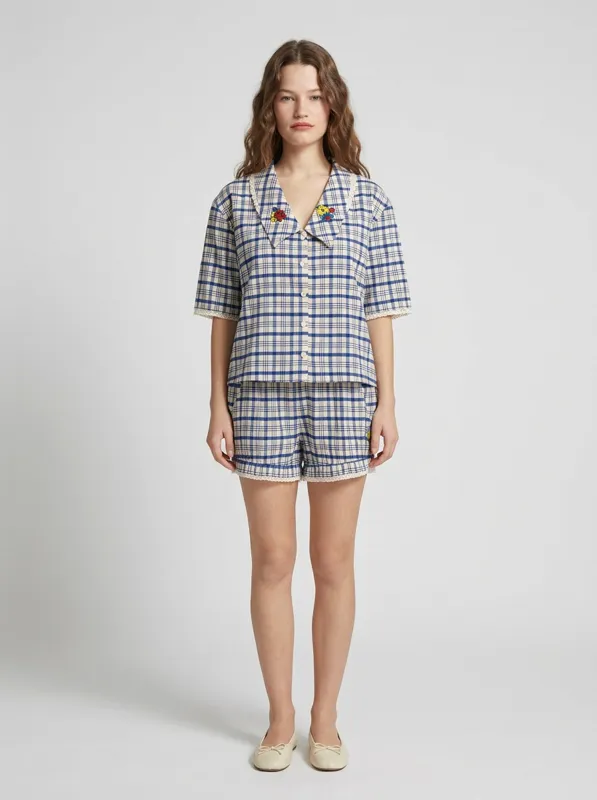
Try-ons and lookbooks for clothing, shoes and accessories
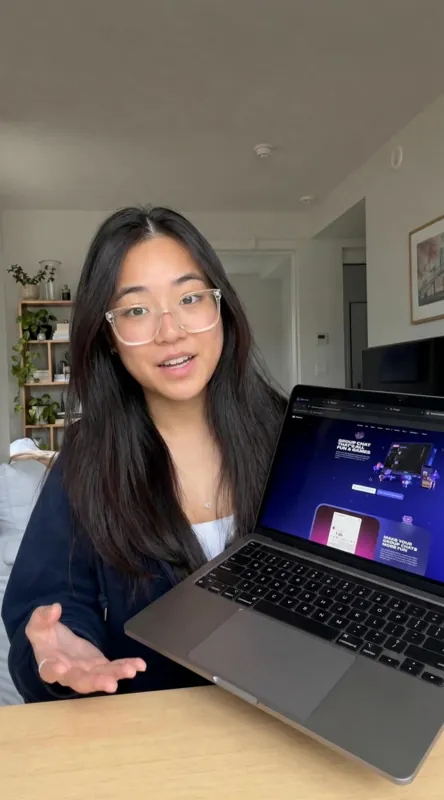
Show off your app, SaaS or website on real screens
One product photo in, a short shot out, ready to stitch into your ad
Static ads, sale posters and promo animations
Every step is a node
Describe the ad to Copilot and it builds the flow. Change any node and rerun just that step.
Make a lookbook clip from this product photo.
Copilot
I’ll keep your photo as the reference, write a short motion prompt for a slow studio turn, and turn both into a video clip.
Image Asset
Text Gen
A slow turn on a white studio set, soft daylight, ending on the shorts.
Video Gen
Or describe it to Copilot
Copilot reads your brief, proposes a creative angle with its reasoning, and builds the flow once you confirm.
Plan y execute an anuncio para this game
Describe what you want
A product URL, a campaign brief or a simple instruction is enough.
- Proposed a hook and a creative angle
- Wrote the copy for each scene
- Labeled each beat presenter, visual or CTA
Shape the plan in chat
It proposes the hook, the scenes and the copy for each. Ask for a different angle until it’s right.
Confirm & Build
Copilot lays out the nodes, connections and assets on the canvas, ready to run and fine-tune.
Build once, scale every variant
The flow is the asset. Change one node and everything downstream stays exactly as it was.
Change one node, keep the rest
Swap the hook, the voice or the model and rerun just that piece. No rebuild, no export.
Branch into variants
Test three calls to action from the same base: one change per branch, all generated together.
Swap the product
Run the same ad for another SKU. The voiceover, motion and edit stay intact.
Up to 2x faster
Every version generates at up to twice the speed of standard generation, so variants never become the bottleneck.
Images and video, one canvas
Stills, clips, voiceovers and music side by side, finished in the built-in editor.
Replay every step
Anyone on the team can see exactly how an ad was built: which nodes, which models, which decisions.
La confianza de marcas, agencias y plataformas.





Pick the model for every node
Image and video nodes run on Creatify’s own models and the leading ones, from Nano Banana to Kling.







Ad Flow FAQ
Start with one product and one flow
Build one ad end to end, see how the canvas works, then branch into variants.