
Kling 4.0 from Kuaishou and Veo 3.1 from Google are two of the most capable video models you can run in Creatify. Both make video with its sound in the same render, both take a start and end frame, and both can keep a product or a face the same from reference images.
Past that, they are built for different jobs. Veo 3.1 is a short-shot specialist: up to 8 seconds, polished, with a rich soundtrack. Kling 4.0 is a long-take model: up to 30 seconds, up to 4K, with far more room for references. Here is how they compare on the settings and credit prices each has in Creatify today, with real clips from both.
Kling 4.0 vs Veo 3.1 at a glance
| Kling 4.0 | Veo 3.1 | |
|---|---|---|
| Made by | Kuaishou | Google DeepMind |
| Panjang | Any length from 3 to 30 seconds | 4, 6 or 8 seconds, plus a 7-second extend |
| Resolusi | 720p, 1080p, 2K or 4K | 720p atau 1080p |
| Aspect ratios | 16:9, 9:16, 1:1, 21:9 | 16:9, 9:16 |
| Audio bawaan | Yes, always on | Yes, can be switched off |
| Start and end frame | Ya | Ya |
| Reference images | Hingga 10 gambar | Up to 3 images |
| Reference videos | Up to 5, 30 seconds combined | Tidak |
| Work on a clip you have | Edit or re-create it (3 to 30 seconds) | Extend it by 7 seconds |
| Cheaper tiers | Lower resolution (720p) | Veo 3.1 Fast, Veo 3.1 Lite |
| Paket | Standard and above | Standard and above |
Length: one long take or one great shot
The gap here is wide. Veo 3.1 makes 4, 6 or 8 seconds per generation, and its extend mode adds 7 seconds that continue from the end of a clip. Kling 4.0 takes any whole number of seconds from 3 to 30.
For a 6-second bumper or a single hook shot, Veo 3.1's lengths are all you need. For a 15- or 30-second spot that should feel like one continuous scene, Kling 4.0 gets there in one generation instead of a chain of clips and extends.
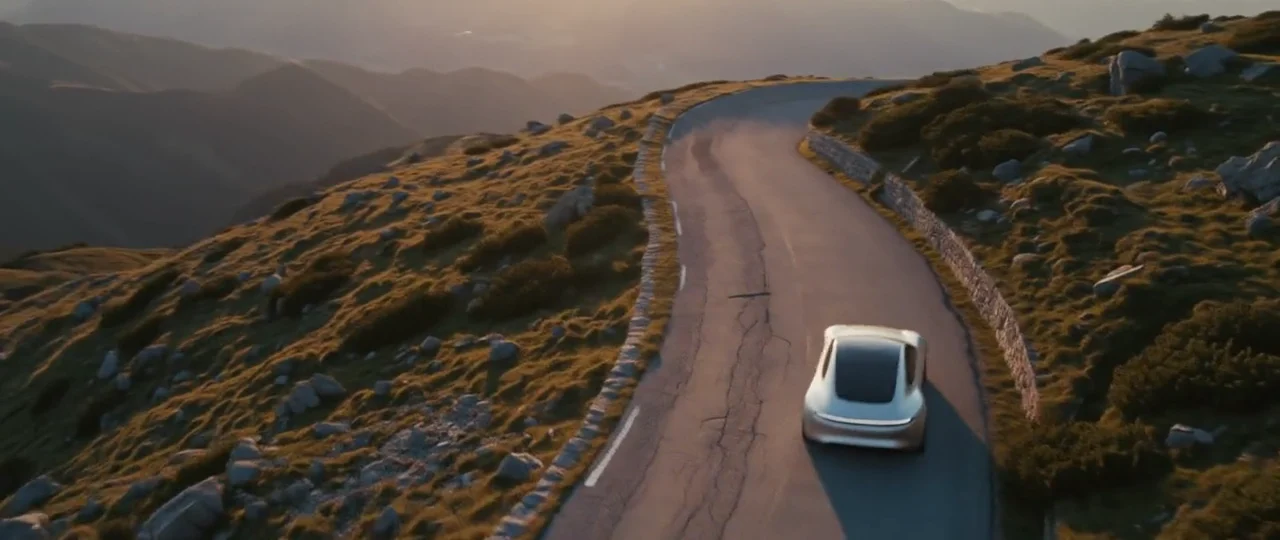
Kling 4.0, 30 seconds in one take: out the front door at blue hour, along the river as the lamps go off, and a line to camera on a footbridge at sunrise.
Resolution and aspect ratio
Veo 3.1 renders 720p or 1080p, in 16:9 or 9:16. That covers YouTube and vertical social, but there is no square option. Kling 4.0 offers 720p, 1080p, 2K and 4K, in 16:9, 9:16, 1:1 or 21:9. If you need a square feed ad, a cinema-wide frame or a 4K master, Kling 4.0 is the one of these two that makes it.
Dialogue and sound
Both models write the sound along with the picture: put a line in quotes and someone says it, describe the ambience and it is there. Veo 3.1's Creatify page puts its soundscapes first, with sound effects, ambience, overlapping conversation and music matched to the scene, and it lets you switch audio off. Kling 4.0's audio is always on, which is fine when you want the sound, and a small cost if you only need silent footage.
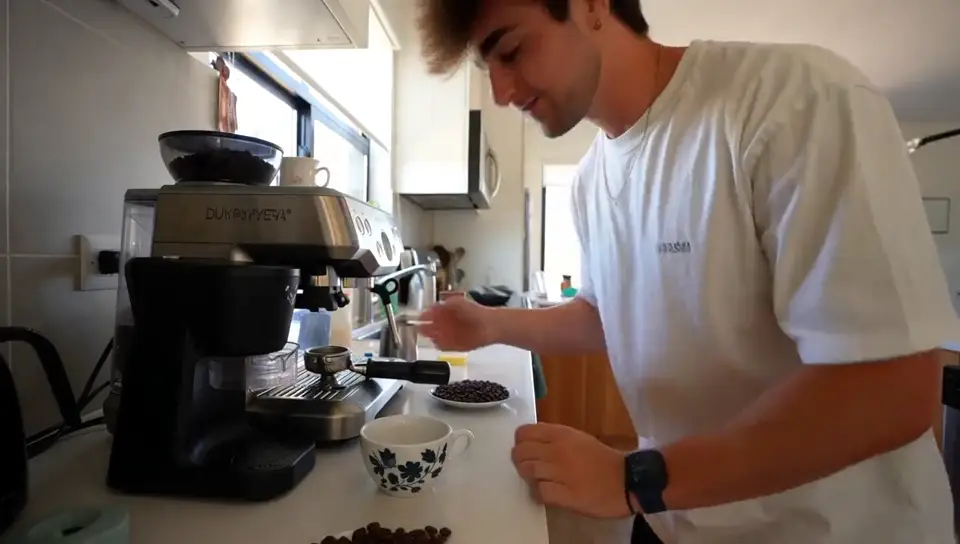
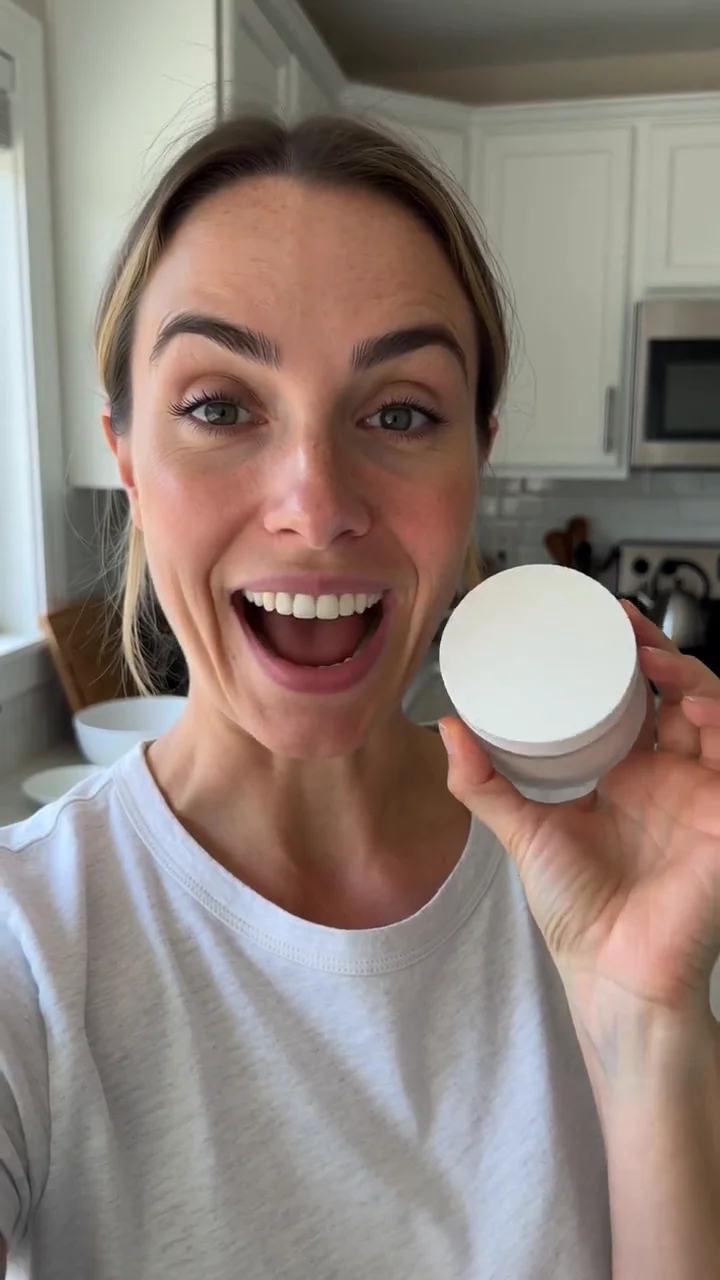
Here are two talk-to-camera clips. They come from different prompts on each model's own page (a kitchen testimonial and a hotel balcony), so treat them as a feel for each model, not a head-to-head test.
Kling 4.0: a 15-second selfie-style testimonial with three spoken lines, a kettle boiling in the background.
Veo 3.1: an 8-second handheld clip; she turns to camera and says "We almost didn't book this place."
Frames, references and control
Both models can animate from your opening image and land on a closing one you choose. Veo 3.1 is good at the in-between: give it two frames and a mood, and it makes the motion and sound that join them.
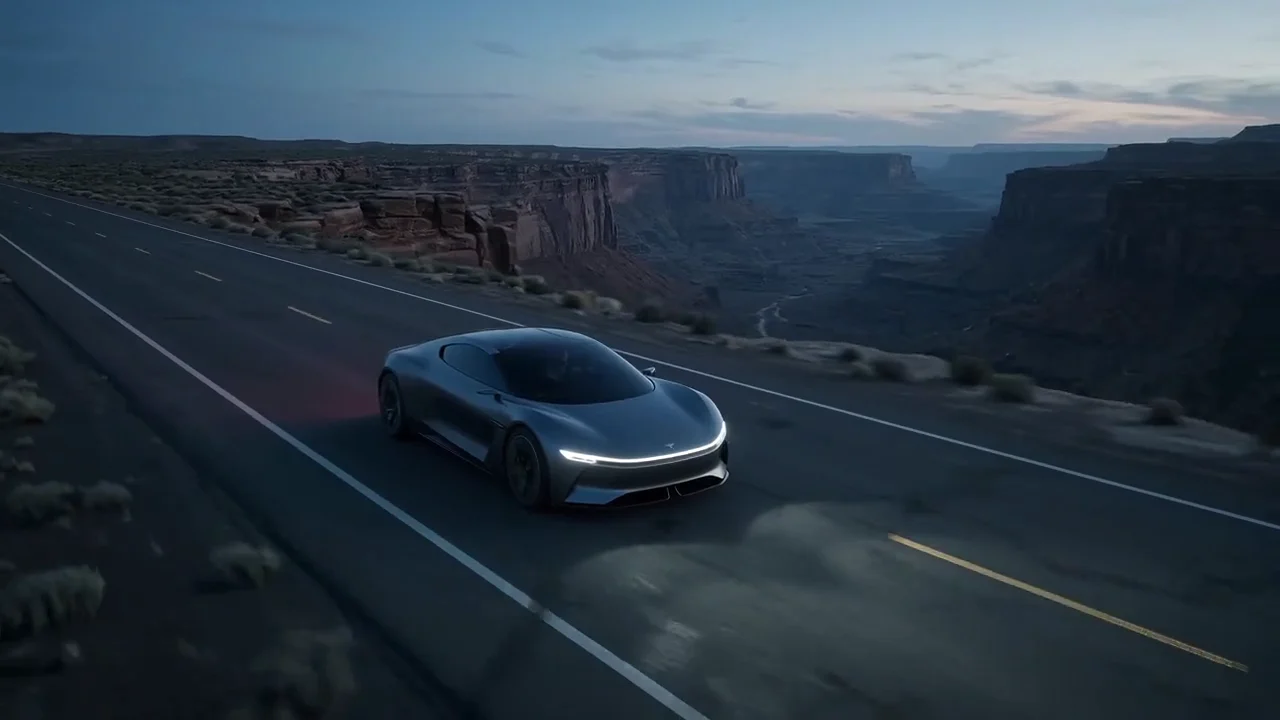
Veo 3.1 from a first and last frame: stars wheel over a perfume bottle in the desert until the sun breaks behind the glass.
On references, Kling 4.0 gives you much more room. Veo 3.1 takes up to 3 reference images, and its reference clips are always 8 seconds. Kling 4.0 takes up to 10 images and up to 5 reference videos, called by name in the prompt (@Image1, @Video1), at any length up to 30 seconds. It can also edit or re-create a 3- to 30-second video you upload. Veo 3.1's way of working with an existing clip is to extend it.
Price per second in Creatify
Credits as each model is priced in Creatify today, for an 8-second clip (the longest Veo 3.1 makes in one go).
| Model | Credits per second | An 8-second clip |
|---|---|---|
| Kling 4.0 (720p) | 0.7 | 6 |
| Kling 4.0 (1080p) | 1.05 | 8.5 |
| Kling 4.0 (4K) | 2.1 | 17 |
| Veo 3.1 | 4 | 32 |
| Veo 3.1 Cepat | 1.5 | 12 |
| Veo 3.1 Lite (720p) | 0.5 | 4 |
Veo 3.1 costs the same at 720p and 1080p. At today's rates, Kling 4.0 at 1080p costs about 26% of Veo 3.1 per second (1.05 vs 4 credits), and a full 30-second Kling 4.0 clip at 1080p is 31.5 credits. Creatify currently prices Kling 4.0 at a discount from its list rate, so that gap may narrow later. Veo 3.1 Fast and Lite bring Veo's price down a lot for drafts, at some cost in detail.
Which one should you pick?
- Pick Veo 3.1 for a short, polished shot with a full soundscape, a move between two frames you have designed, or silent footage when you plan your own voiceover.
- Pick Kling 4.0 for anything longer than 8 seconds, 2K or 4K output, square or 21:9 frames, more than 3 reference images, reference videos, or editing a clip you already have.
- Pick Veo 3.1 Fast or Lite, or Kling 4.0 at 720p, to test several hooks cheaply, then render the one that works at full quality.
To run either one yourself, open Kling 4.0 or Veo 3.1 in Creatify's Model Playground.
Or skip the choice and describe the ad
Whichever model wins, one good clip is not an ad yet. You still need a script, matching shots, a voice, music, captions and an edit that holds it together, and that is a lot of prompts across a lot of tools.
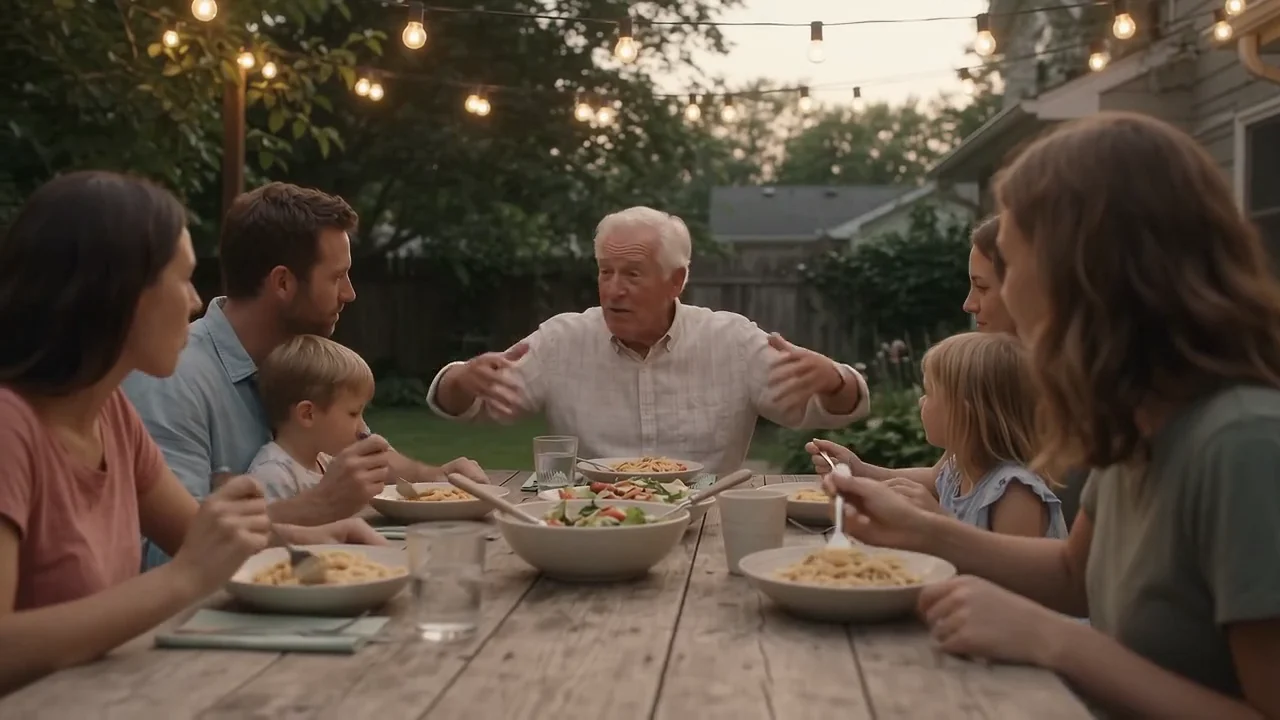
Creatify's Ad Agent does it from one request. Tell it the ad you want, for example "a 30-second YouTube pre-roll for our meal kit, warm family dinner feel", or paste your product page. It writes the script, picks the models each shot, voiceover and soundtrack needs, reviews every take and redoes the ones that miss, and hands you an edited video ready to download.