Gemini Omni Flash 1.1 from Google and Kling 4.0 from Kuaishou have more in common than most pairs of video models. Both render up to 4K, both make sound in the same pass with no off switch, both take up to 10 reference images, and both can change a clip you already have.
So the question isn't which one is more capable. It's which limits matter for your ad: Gemini Omni Flash 1.1 stops at 10 seconds and two frame shapes but runs on the Free plan, while Kling 4.0 goes to 30 seconds, adds square and cinema-wide frames, and needs Starter. Here's the detail, from the settings and credit prices each has in Creatify today, with real clips from both.
Gemini Omni Flash 1.1 vs Kling 4.0 at a glance
| Gemini Omni Flash 1.1 | Kling 4.0 | |
|---|---|---|
| Made by | Kuaishou | |
| Panjang | Any length from 3 to 10 seconds | Any length from 3 to 30 seconds |
| Resolusi | 360p, 720p, 1080p or 4K | 720p, 1080p, 2K or 4K |
| Aspect ratios | 16:9, 9:16 | 16:9, 9:16, 1:1, 21:9 |
| Audio bawaan | Yes, always on | Yes, always on |
| Start and end frame | Tidak | Ya |
| Reference images | Hingga 10 gambar | Hingga 10 gambar |
| Reference videos | Up to 3 | Up to 5, 30 seconds combined |
| Edit a clip you have | Describe one change, keep the rest | Restyle or re-create 3 to 30 seconds |
| Paket | Gratis | Pemula |
Both go to 4K
This is the first thing these two share. Gemini Omni Flash 1.1 offers 360p, 720p, 1080p and 4K. Kling 4.0 offers 720p, 1080p, 2K and 4K. Gemini's 360p setting is the cheaper way to try a prompt; Kling's 2K sits between full HD and 4K when you want a sharper master without paying 4K rates.
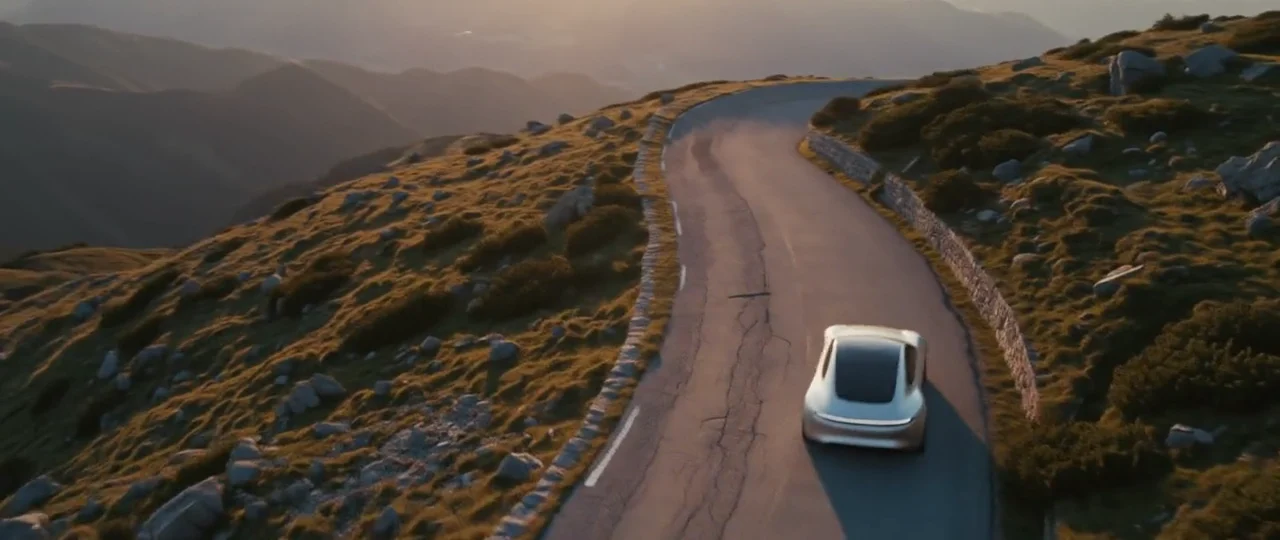
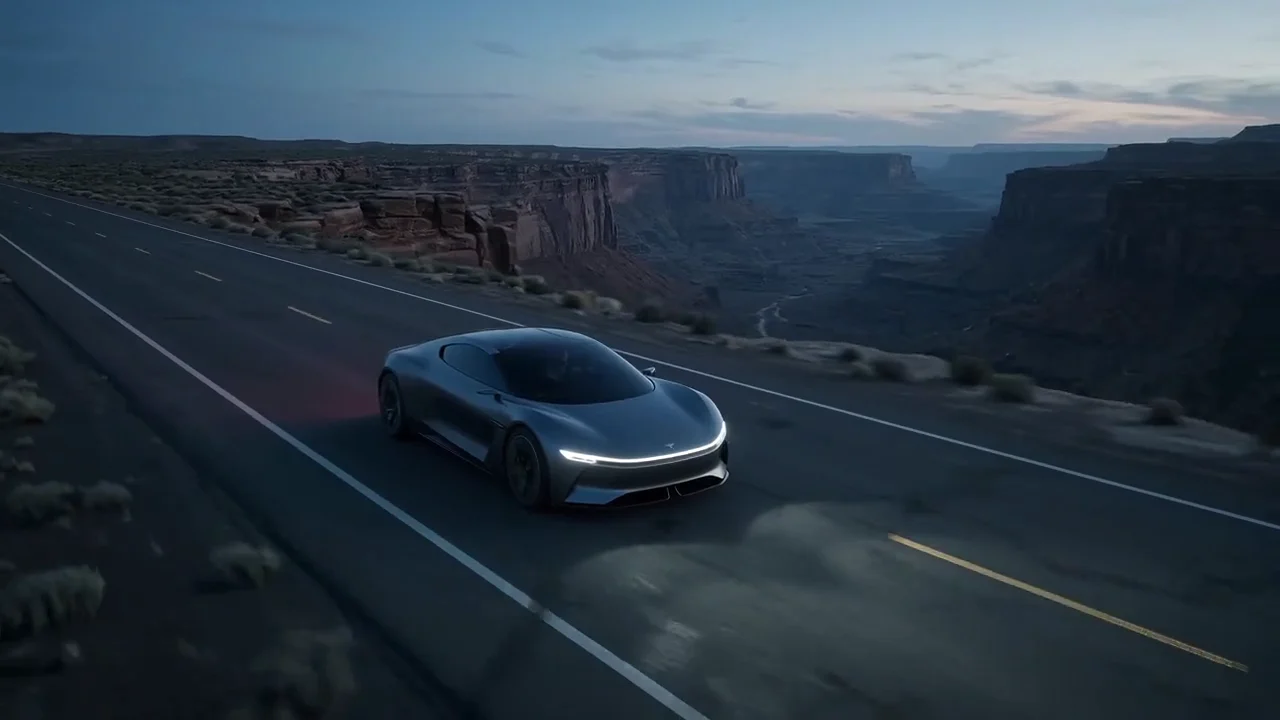
Gemini Omni Flash 1.1 at 4K (3840×2160): a concept car reaches a canyon edge as a stone bridge rises out of the mist, with a spoken voiceover, "Some roads are found. Others, you build."
Kling 4.0 at 4K in 21:9: a green concept car on a coastal road at dawn. Different prompt and frame shape from the Gemini clip, so compare the feel, not the details.
Length and frame shape
Here the two part ways. Gemini Omni Flash 1.1 makes 3 to 10 seconds, in 16:9 or 9:16. That covers a hook, a bumper or one product moment for Reels, TikTok or YouTube. Kling 4.0 makes 3 to 30 seconds, in 16:9, 9:16, 1:1 or 21:9, so a full 30-second spot, a square feed ad or a cinema-wide frame comes out in one generation.
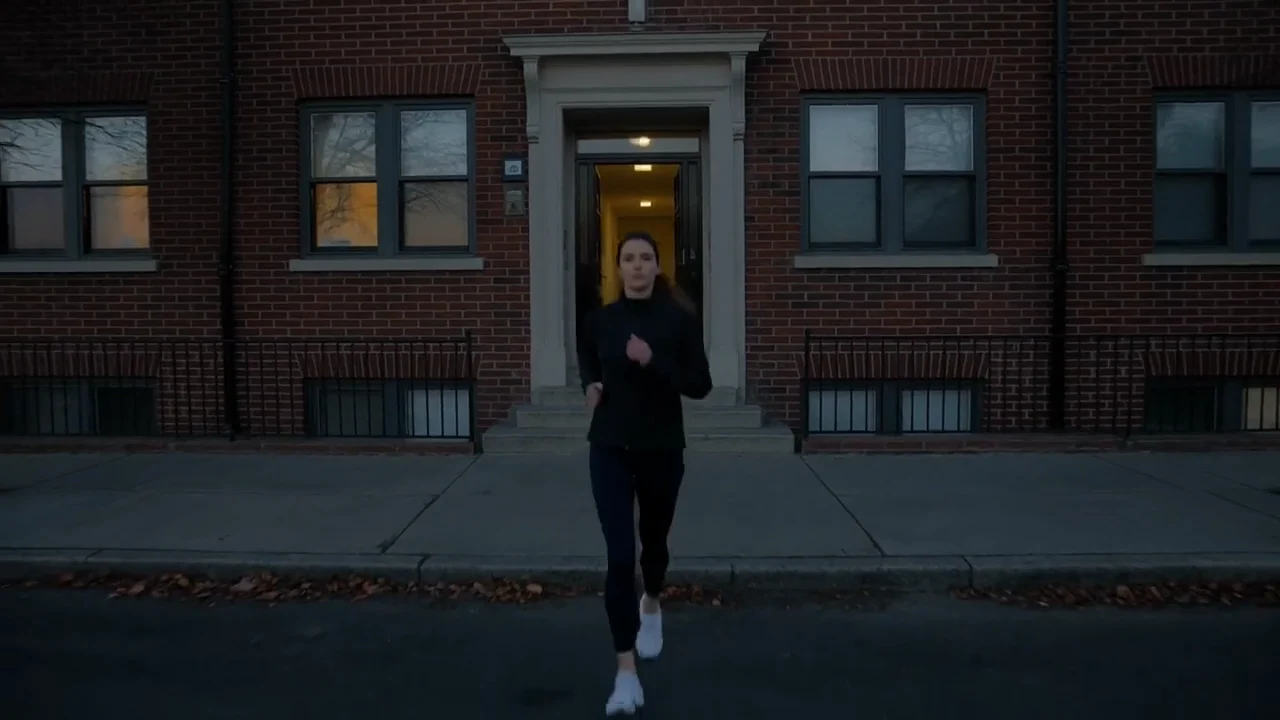
Kling 4.0, 30 seconds as one take: a runner leaves her building at blue hour, runs the river path and says "Same route. Every morning." on a footbridge at sunrise.
With Gemini Omni Flash 1.1, a 30-second ad means three or more clips edited together. That works well when the ad is a series of cuts anyway, and less well when you want one unbroken move.
Starting frames and references
Kling 4.0 takes a start frame and an optional end frame, so you can design where a shot begins and lands. Gemini Omni Flash 1.1 animates from a start image, but its settings have no end frame.
On references they're close. Both take up to 10 images. Gemini Omni Flash 1.1 adds up to 3 videos, tagged in the prompt as <IMAGE_REF_0> or <VIDEO_REF_0>, and its page suggests saying what each one is for: the product, the person, the place, the motion or the style. Kling 4.0 takes up to 5 videos, 30 seconds combined, called as @Image1 or @Video1.
Changing a clip you already have
Both can work on an existing video, in different ways. Gemini Omni Flash 1.1's edit mode takes one plain instruction ("make it night") and keeps everything else the same if you ask it to, and you can edit the result again to keep refining. It can't change a voice. An edit costs the same whatever the clip's length: 3 credits at 360p, 10 at 720p, 15 at 1080p and 30 at 4K.
Kling 4.0's edit mode restyles or re-creates a 3- to 30-second video, with up to 10 reference images, and is billed by length and resolution. It suits bigger changes, like a new look for a whole clip, while Gemini's edit is closer to a quick fix.
Price per second in Creatify
Credits as each model is priced in Creatify today, for a 10-second clip, the longest Gemini Omni Flash 1.1 makes. Both bill by length and resolution, with sound included.
| Model | Credits per second | A 10-second clip |
|---|---|---|
| Gemini Omni Flash 1.1 (360p) | 0.3 | 3 |
| Gemini Omni Flash 1.1 (720p) | 1 | 10 |
| Gemini Omni Flash 1.1 (1080p) | 1.5 | 15 |
| Gemini Omni Flash 1.1 (4K) | 3 | 30 |
| Kling 4.0 (720p) | 0.7 | 7 |
| Kling 4.0 (1080p) | 1.05 | 10.5 |
| Kling 4.0 (4K) | 2.1 | 21 |
At today's rates, Kling 4.0 costs less per second than Gemini Omni Flash 1.1 at 1080p, and less at 4K. Creatify currently prices Kling 4.0 at a discount from its list rate, so that may change. Gemini's 360p draft is the cheapest way to try an idea: 3 credits for 10 seconds.
Same kind of moment: someone talks to camera
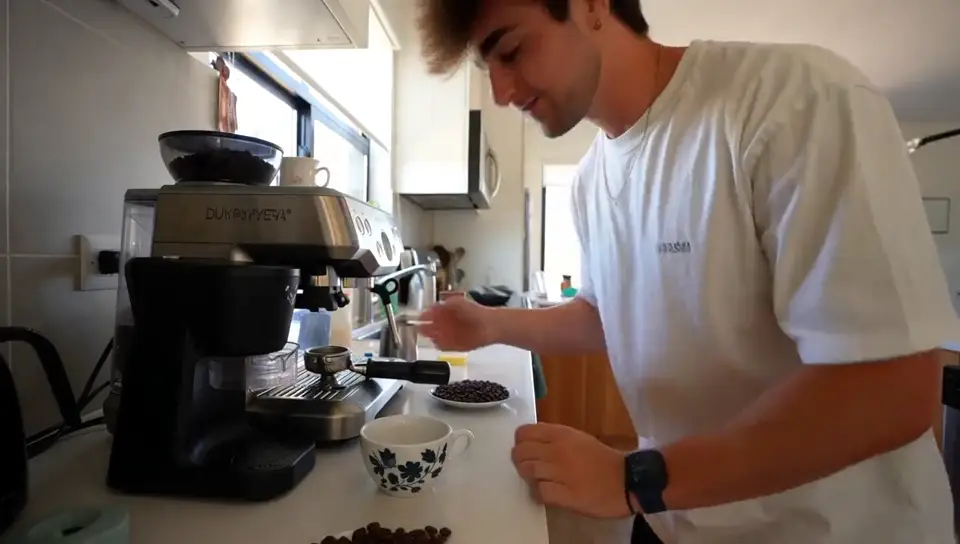
Gemini Omni Flash 1.1's page has a short phone-style testimonial, a florist at her shop door at dawn. Its line comes out word for word, with birdsong and street sound underneath. Compare it with the Kling 4.0 runner above, whose line comes at the end of a 30-second take: one model is built around the short beat, the other around the long one.
Gemini Omni Flash 1.1: "Twelve years, and I still love opening this door." Handheld, natural light, birds and a distant bicycle.
Which one should you pick?
- Pick Gemini Omni Flash 1.1 if you're on the Free plan, your clips are 10 seconds or less in 16:9 or 9:16, you want 360p drafts, or you want to fix a clip by describing one change.
- Pick Kling 4.0 for clips longer than 10 seconds, 1:1 or 21:9 frames, a set first and last frame, more reference videos, or re-creating a whole clip.
- Use both: try hooks on Gemini Omni Flash 1.1 at 360p, then make the long hero take on Kling 4.0.
To run them yourself, open Gemini Omni Flash 1.1 or Kling 4.0 in Creatify's Model Playground.
Or skip the choice and describe the ad
Even with the right model, one clip is a part, not the ad. You still need a script, shots that match, a voiceover, music, captions and an edit sized for each placement.
Creatify's Ad Agent does all of that from a short request. Describe the ad, for example "a 20-second TikTok ad for my florist shop, real and warm", or paste your product link. It writes the script, picks the models each shot, voice and music track needs, checks every take and redoes the misses, and edits it into a video you can download.