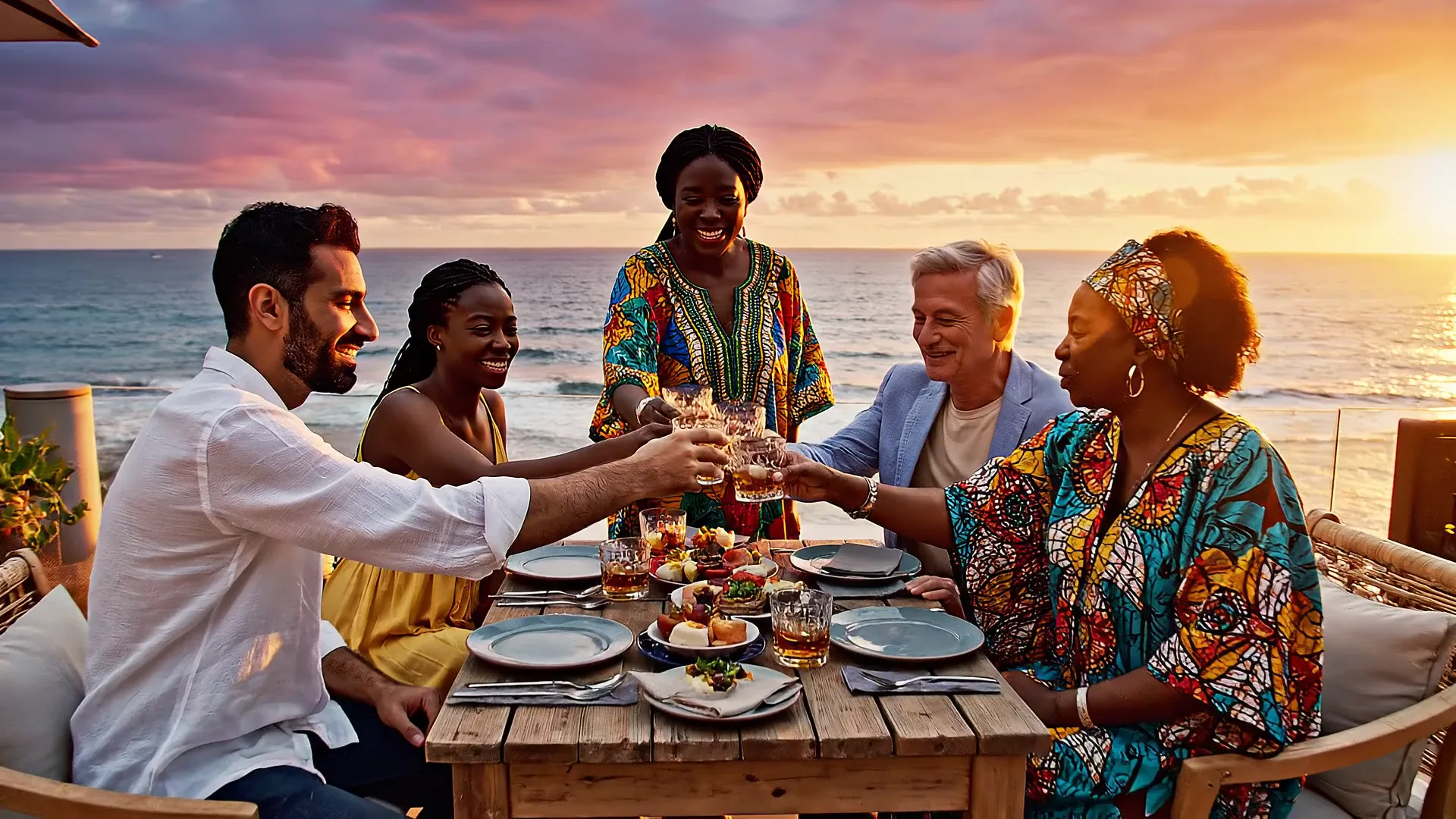

Veo 3.1 from Google and Kling 3.0 from Kuaishou are the two AI video models marketers ask about most. Both turn a text prompt or a photo into a clip with its sound already in it, both do 9:16 for Reels and TikTok, and both are good enough that the gap between them is smaller than the gap between a good prompt and a bad one.
Where they really differ is clip length, how much control you get over a shot, and what a second of video costs. This comparison uses the settings and prices both models have in Creatify today, and real clips each model made.
Veo 3.1 vs Kling 3.0 at a glance
| Veo 3.1 | Kling 3.0 | |
|---|---|---|
| Made by | Google DeepMind | Kuaishou |
| Duración | 4, 6 or 8 seconds, plus a 7-second extend | Any length from 3 to 15 seconds |
| Resolución | 720p o 1080p | Up to 1080p (Pro) |
| Aspect ratios | 16:9, 9:16 | 16:9, 9:16, 1:1 |
| Audio nativo | Sí | Sí |
| Multi-shot | One shot per clip | Several shots with cuts from one prompt |
| Start and end frame | Sí | Sí |
| Imágenes de referencia | Up to 3 images | Up to 4 images, up to 3 elements |
| Faster, cheaper tiers | Veo 3.1 Fast, Veo 3.1 Lite | Kling 3.0 Standard, Kling 3.0 Turbo |
Clip length and multi-shot
This is the biggest practical difference. Veo 3.1 makes one continuous shot of 4, 6 or 8 seconds. That is plenty for a hook or a single product moment, and the extend mode adds 7 more seconds that pick up where the clip ends.
Kling 3.0 takes any length from 3 to 15 seconds, and it can cut between shots inside one clip: a wide shot, a tracking shot and a close-up from a single prompt. For a 15-second ad that needs a little story, that saves you stitching three clips together and hoping they match.
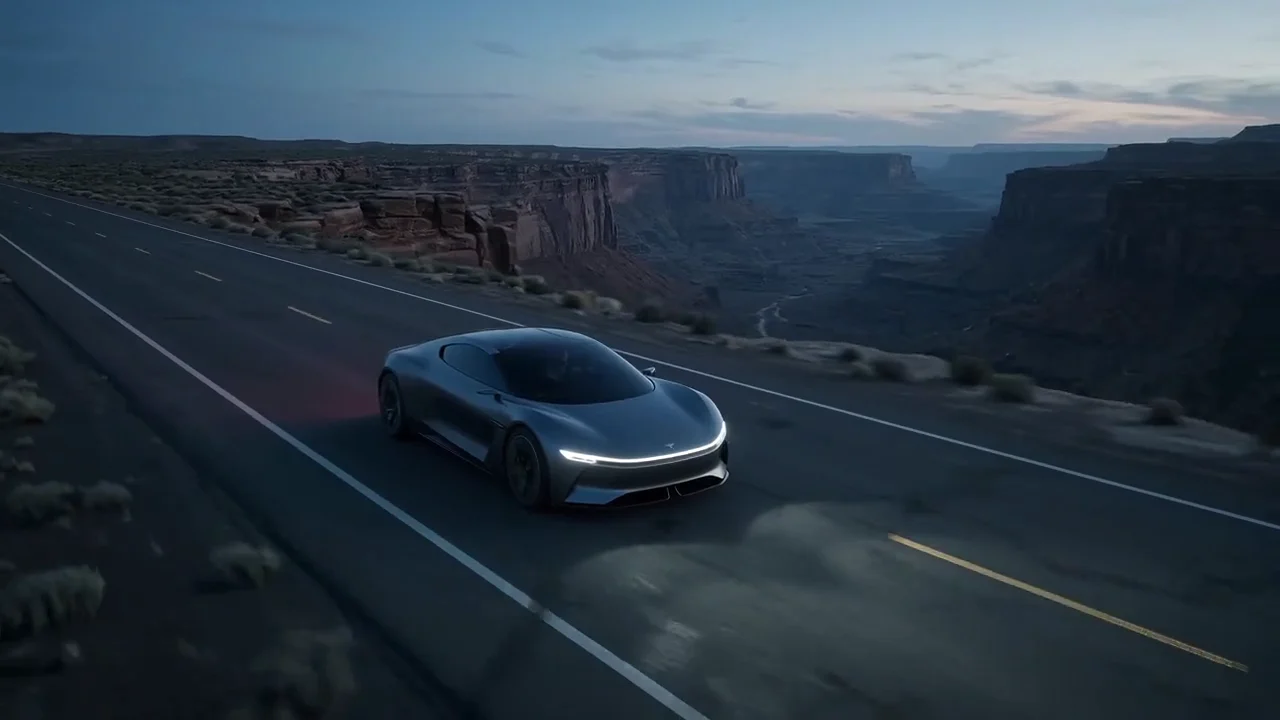
Kling 3.0 Pro, one prompt, three shots with cuts: a wide shot in the hall, a low tracking shot of the train and a whispered line in close-up.
Audio and dialogue
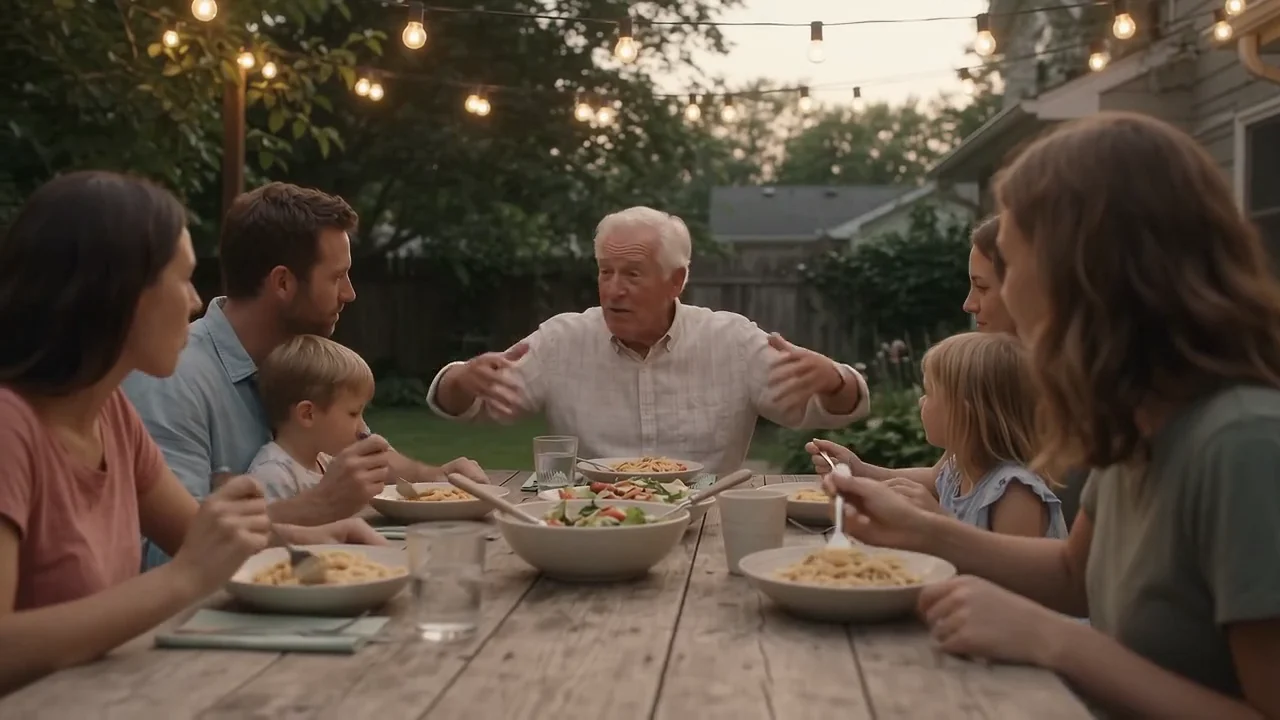
Both models write the sound against the picture, so footsteps, waves and voices land where they should with no separate audio pass. Veo 3.1 shines at a scene's full soundscape: overlapping chatter, cutlery, ambience and music under it. Kling 3.0 speaks English and Chinese and translates other languages to English, so for a line in Spanish or Japanese, plan on a separate voiceover.
Veo 3.1: waves, gulls, clinking glasses and overlapping laughter, all generated with the picture.
Image to video, frames and references
Both models can start from your photo, and both can fly between a first and a last frame you choose. They part ways on references. Veo 3.1 takes up to three reference images to keep a person or product the same across an 8-second clip. Kling's O3 models take up to four reference images and up to three elements (a character or object set up once and called by name in the prompt), at any length from 3 to 15 seconds, and they can restyle or edit a video you already have.
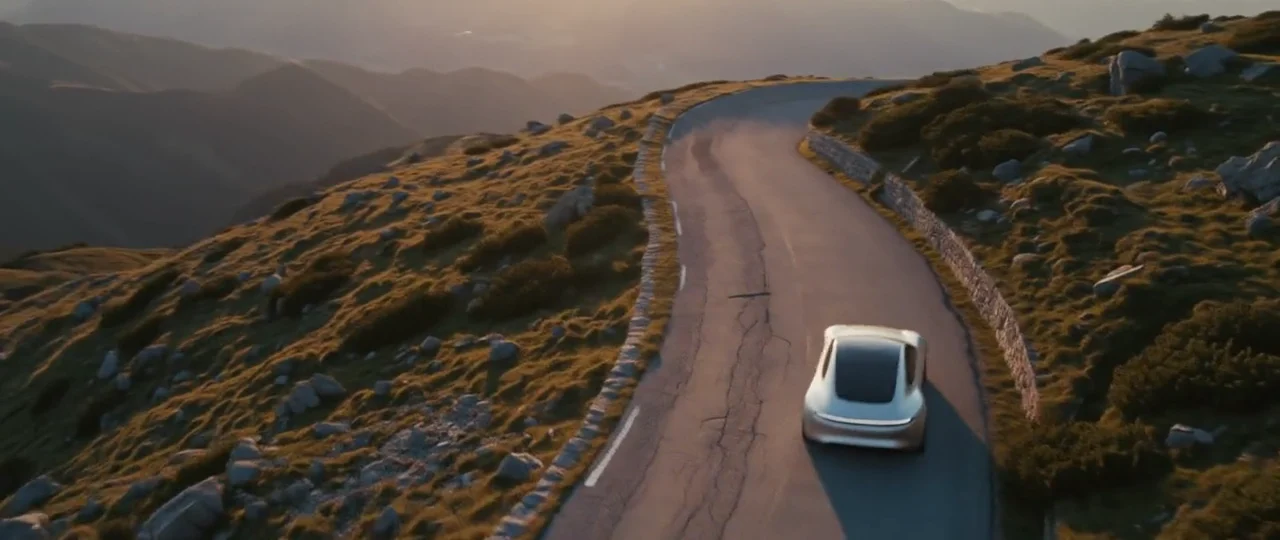
Kling 3.0 Pro from a start frame: one continuous drone move from the pool's edge to the whole villa.
Price per second in Creatify
Credits as each model is priced in Creatify today. Both models bill by the second, so a longer clip costs proportionally more.
| Modelo | Credits per second | An 8-second clip |
|---|---|---|
| Veo 3.1 | 4 | 32 |
| Veo 3.1 Rápido | 1.5 | 12 |
| Veo 3.1 Lite (720p) | 0.5 | 4 |
| Kling 3.0 Pro | 1.68 | 13.5 |
| Kling 3.0 Estándar | 1.26 | 10.5 |
Second for second, Kling 3.0 Pro costs about 42% of Veo 3.1 (1.68 vs 4 credits), and it goes up to 15 seconds. Veo 3.1 Fast and Lite close that gap for drafts and volume testing, at some cost in detail.
Same kind of shot, two models
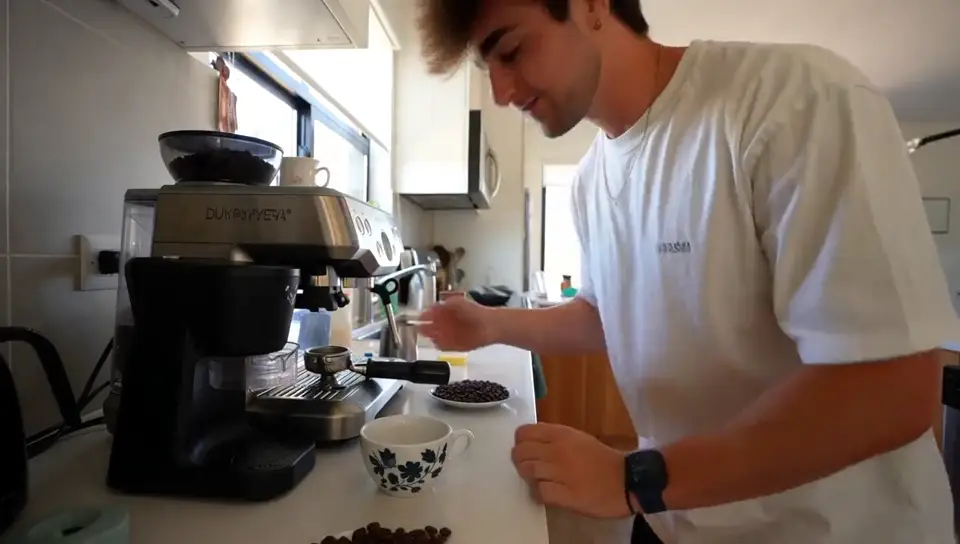
Here are two handheld travel clips written to the same brief: shot on a phone, natural light, real skin, a line said to camera and no music. The prompts aren't word for word the same, so read this as a feel for each model, not a benchmark.
Veo 3.1: "We almost didn't book this place." Eight seconds, one take.
Kling 3.0 Pro: "Best decision we made all year." Wind noise and the ferry engine under the line.
Veo 3.1 tends to look more like a film: softer light, smoother camera, richer sound. Kling 3.0 holds faces and fast motion well and gives you more seconds to work with. Neither one wins every shot, which is why most teams end up using both.
Which one should you pick?
- Pick Veo 3.1 for a cinematic single shot with a full soundscape, or a clip you plan to extend.
- Pick Kling 3.0 for clips longer than 8 seconds, several shots from one prompt, a 1:1 feed ad, a product kept consistent with reference images, or a lower price per second.
- Pick a Fast, Lite or Standard tier to test hooks and angles cheaply, then render the winner on the full model.
To run either model yourself, open Veo 3.1 or Kling in Creatify's Model Playground.
Or skip the choice and describe the ad
Picking a model is only the first decision. A finished ad also needs a script, keyframes that keep your product's label readable, voiceover, music, captions and an edit, and every one of those is another tool and another prompt.
Creatify's Ad Agent does that part for you. Tell it what you want in plain words, like "a 15-second TikTok ad for my running shoes, UGC style, upbeat", or paste your product link. The agent writes the script, picks the video, image, voice and music models each part needs, checks every take and redoes the ones that miss, then edits it all into one video you can download. You review the result instead of the settings.