
Seedance 2.5 from ByteDance and Kling 4.0 from Kuaishou are the two models in Creatify that can make a full 30-second clip in one generation, with dialogue and sound in the same render. If you want a whole spot as one continuous take instead of three short clips stitched together, these are the two to look at.
Since length doesn't separate them, the choice comes down to everything else: how sharp the picture can get, how much reference material each one accepts, whether you can edit a clip you already have, which plan you need, and the credits. Below is the comparison, using the settings and prices each model has in Creatify today and real clips each one made.
The two 30-second models side by side
| Seedance 2.5 | Kling 4.0 | |
|---|---|---|
| Made by | ByteDance | Kuaishou |
| Duración | Any length from 4 to 30 seconds | Any length from 3 to 30 seconds |
| Resolución | 480p, 720p or 1080p | 720p, 1080p, 2K or 4K |
| Aspect ratios | 21:9, 16:9, 4:3, 1:1, 3:4, 9:16 | 16:9, 9:16, 1:1, 21:9 |
| Audio nativo | Yes, can be switched off | Yes, always on |
| Start and end frame | Sí | Sí |
| Imágenes de referencia | Up to 30 images | Hasta 10 imágenes |
| Reference videos and audio | Up to 10 videos and 10 audio files | Up to 5 videos, no audio |
| Edit a clip you have | No | Yes, 3 to 30 seconds |
| Cheap first pass | 480p draft, re-render the same take at 1080p | Render at 720p |
| Plan | Pro | Inicial |
Resolution: a 1080p ceiling or 4K
This is the clearest split. Seedance 2.5 renders at 480p, 720p or 1080p. Kling 4.0 starts at 720p and goes to 2K and 4K. For most social feeds, 1080p is enough. If you need a master for a big screen, a crop from a wide frame, or footage that holds up next to camera originals, Kling 4.0 is the one of these two that renders it.
Both make 16:9, 9:16, 1:1 and cinema-wide 21:9. Seedance 2.5 adds 4:3 and 3:4, which suit some feed placements and product pages.
Kling 4.0, framed 21:9 and rendered in 4K: a green concept car comes round a coastal bend at dawn, with the engine and the waves on the soundtrack.
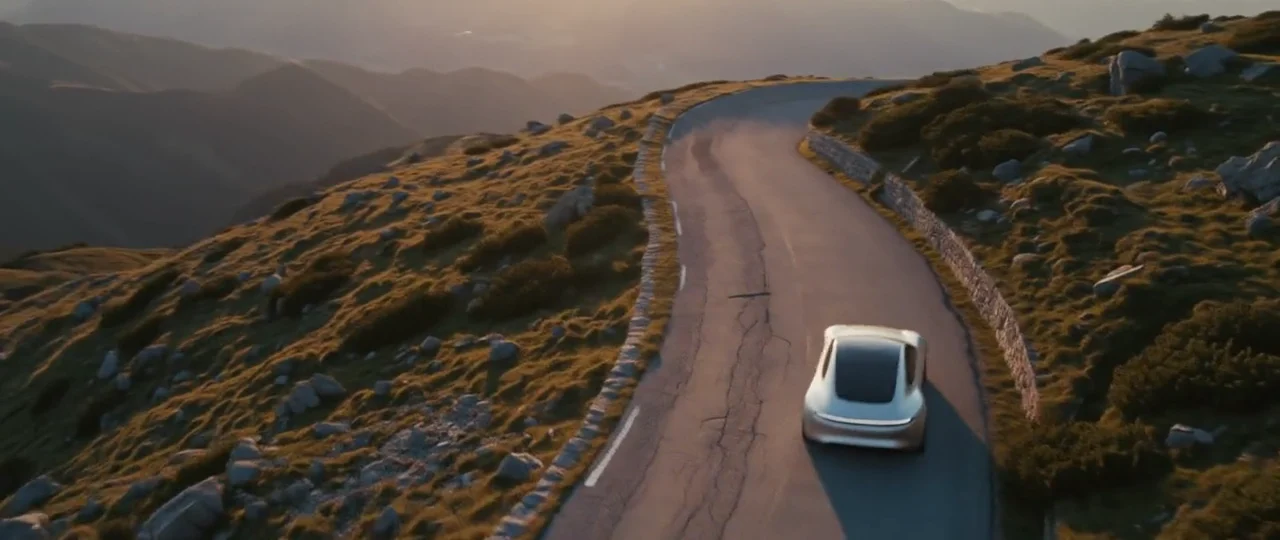
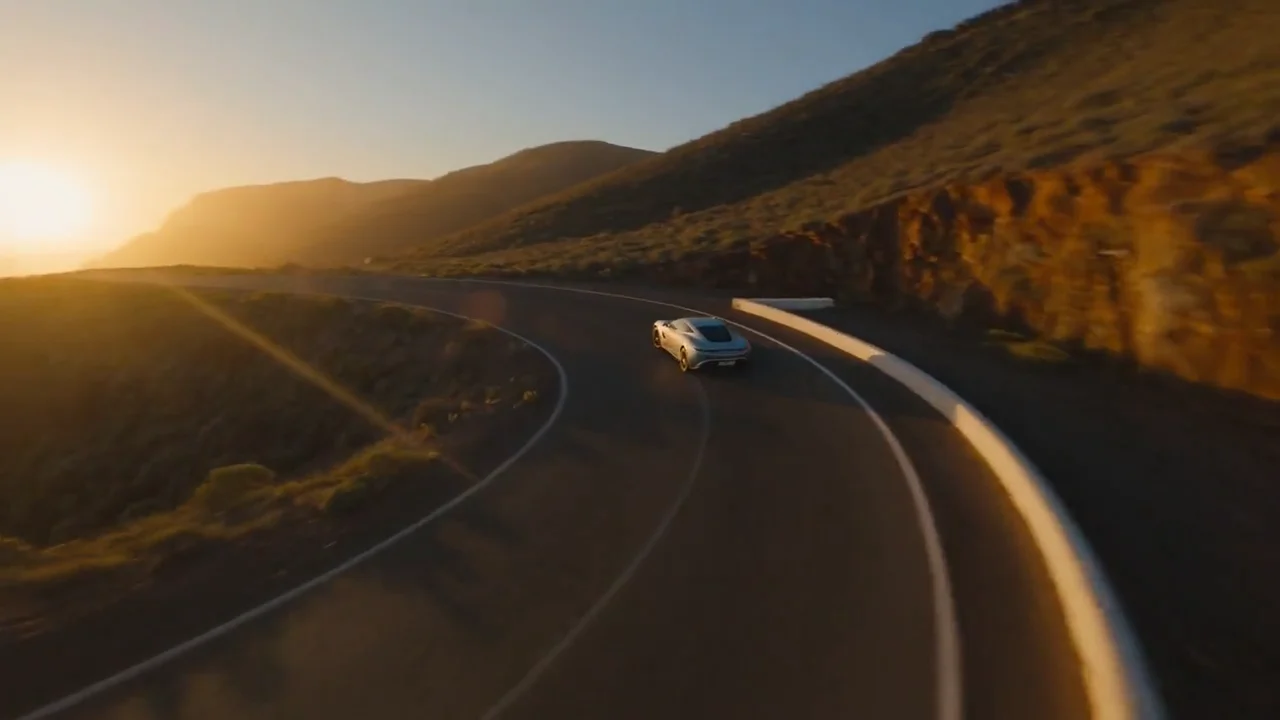
Seedance 2.5: a silver coupe on a cliff road, written as three timed beats (drone shot, low tracking shot, tunnel exit) with the engine roar and a boom on the cut to sunlight. A different prompt from the Kling clip, so compare the feel, not the details.
References: who takes more, and of what
Seedance 2.5 takes far more material than Kling 4.0: up to 30 images, 10 videos and 10 audio files in one clip, each called by name in the prompt. Audio references are the unusual part. You can hand it a sound or a rhythm to follow, as long as at least one image or video goes with it.
Kling 4.0 takes up to 10 images and up to 5 videos (30 seconds combined), called as @Image1 or @Video1. That covers a product from a few angles plus a presenter, which is most ad briefs. It has no audio references.
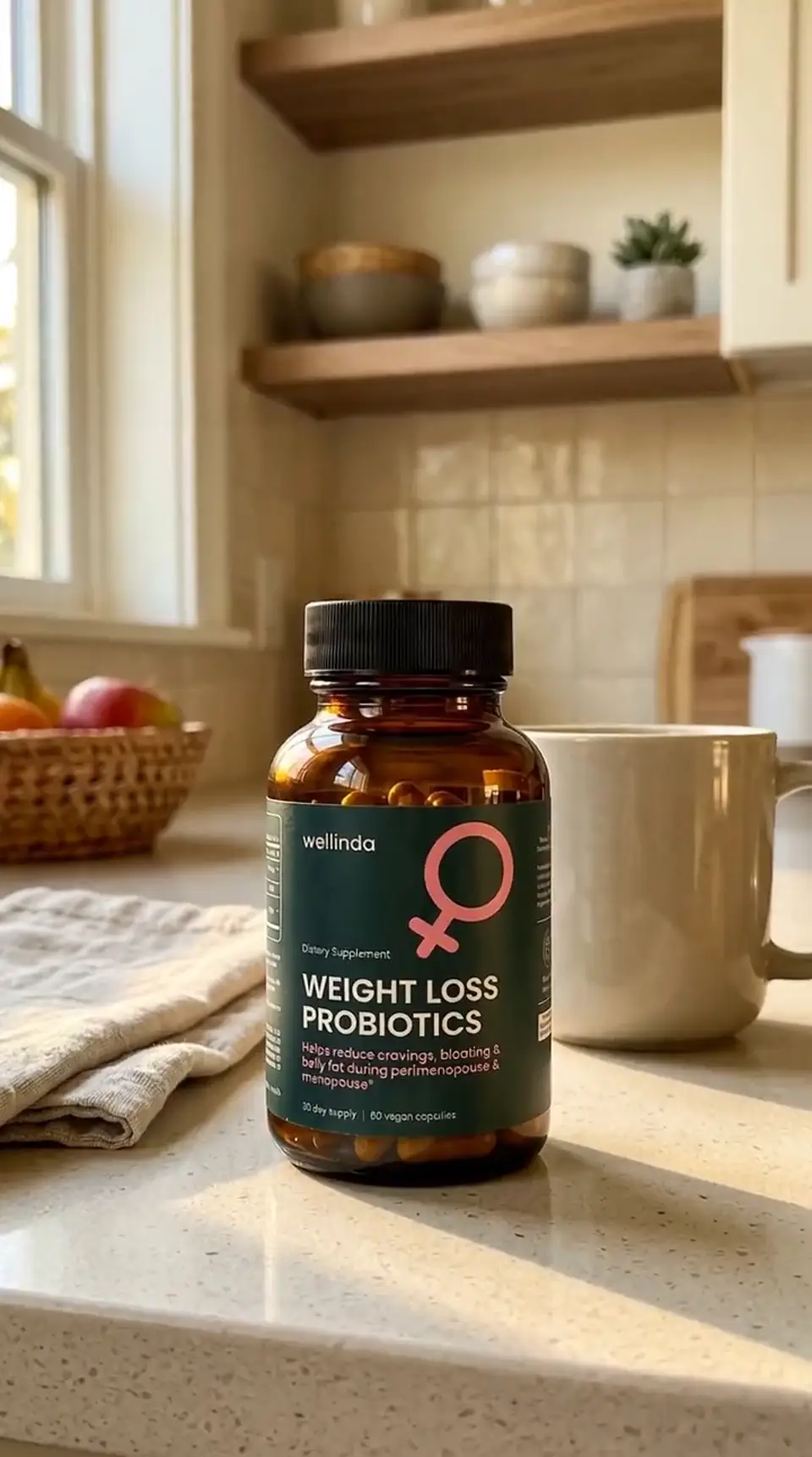
Kling 4.0 from one studio photo of a watch as @Image1: the watch on a man's wrist on a rooftop at night, dial and case kept as in the photo.
Editing a clip you already have
Kling 4.0 has an edit mode: upload a 3- to 30-second video, describe the change, and add reference images if you want. It restyles or re-creates the clip with the same sound-on output. Seedance 2.5 in Creatify makes new clips from text, a first frame (with an optional last frame) or references, but doesn't list an edit mode. If your workflow is "shoot something rough, then fix it," that favors Kling 4.0.
Sound and spoken lines
Both write the sound with the picture: put a line in quotes and someone says it, describe the room and you hear it. The practical difference is the switch. Seedance 2.5 lets you turn audio off, which is handy when you plan to lay your own voiceover and music on top. Kling 4.0's audio is always on, so for a silent plate you would strip the track afterwards.
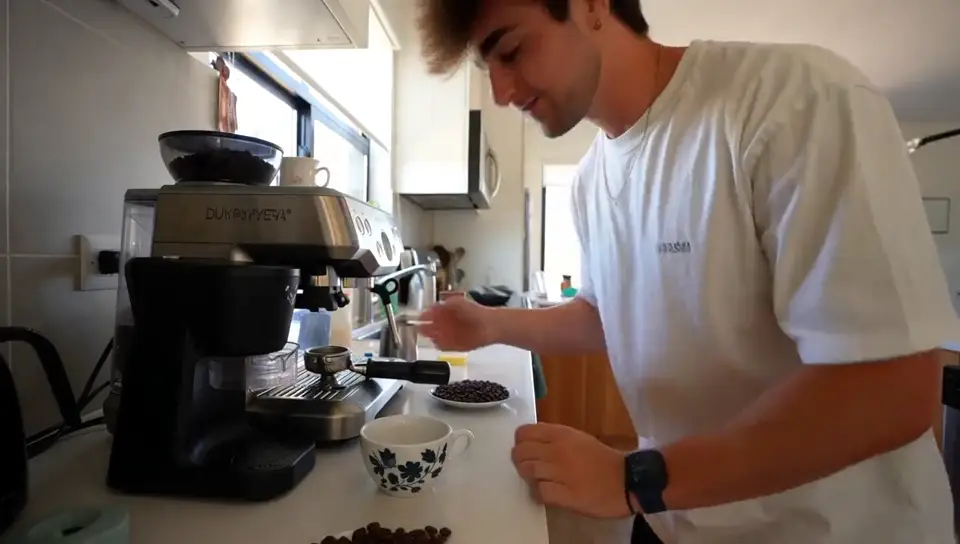
Two talk-to-camera clips from each model's own page. The prompts are different (a chef at a wok and a skincare testimonial), so treat them as a feel for each model, not a benchmark.
Seedance 2.5: a chef tosses vegetables in a flaming wok, grins and says, "Ninety seconds, one wok, and it tastes like a vacation."
Kling 4.0: a 15-second selfie-style testimonial with three spoken lines and a kettle boiling in the background.
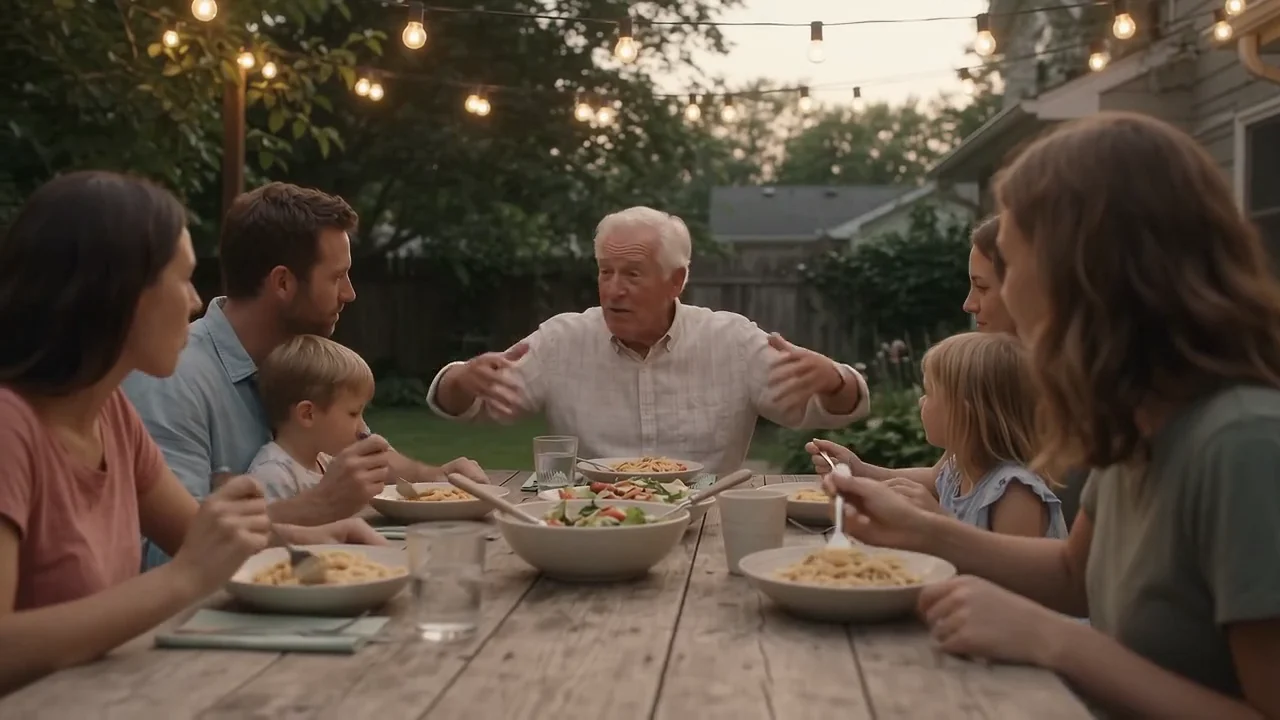
In our clips, Seedance 2.5 leans toward a polished, commercial look, while Kling 4.0 handles the handheld phone feel well. That is a tendency, not a rule, and the prompt matters more than the model.
What a 30-second clip costs
Credits as each model is priced in Creatify today, for a full 30-second clip. Both bill by length and resolution, with sound included.
| Modelo | Credits per second | A 30-second clip |
|---|---|---|
| Seedance 2.5 (480p) | 1.03 | 31 |
| Seedance 2.5 (720p) | 2.31 | 69.5 |
| Seedance 2.5 (1080p) | 5.69 | 170.75 |
| Kling 4.0 (720p) | 0.7 | 21 |
| Kling 4.0 (1080p) | 1.05 | 31.5 |
| Kling 4.0 (2K) | 1.26 | 38 |
| Kling 4.0 (4K) | 2.1 | 63 |
At 1080p, Seedance 2.5 costs about 5.4 times as much per second as Kling 4.0 (5.69 vs 1.05 credits). Kling 4.0 at 4K costs less per second than Seedance 2.5 at 1080p. Creatify currently prices Kling 4.0 at a discount from its list rate, so that gap may narrow later.
Seedance 2.5's 480p draft mode is how it stays affordable for testing: a 30-second draft is 31 credits, and you have 7 days to render that same take at 1080p if it works. Kling 4.0's cheapest route is simply 720p, 21 credits for 30 seconds.
Which one should you pick?
- Pick Seedance 2.5 when the brief comes with lots of material (many product photos, several clips, a sound to match), when you need 4:3 or 3:4, or when you want silent footage for your own audio. You'll need a Pro plan.
- Pick Kling 4.0 for 2K or 4K output, for editing a clip you already have, for a lower price per second at 1080p, or if you're on Starter.
- Draft first on either: a Seedance 2.5 480p draft you can re-render at 1080p, or Kling 4.0 at 720p, then spend the credits on the take that works.
To run them yourself, open Seedance 2.5 or Kling 4.0 in Creatify's Model Playground.
Or skip the choice and describe the ad
A 30-second take is a strong start, but it isn't the ad yet. Someone still has to write the script, decide which moments need a close-up, record the voiceover, pick the music, add captions and cut it to length for each placement.
Creatify's Ad Agent takes that whole job from one sentence. Say something like "a 30-second YouTube ad for my skincare line, warm and personal", or paste your product page. The agent writes the script, makes the shots, the voiceover and the music, checks every take and redoes the weak ones, then edits everything into a finished video. It renders footage with Boreal-H3, Creatify's own video model, by default.
If you like the Seedance 2.5 look, you can keep it: on a Pro plan or above, turn on the Seedance 2.5 switch beside the message box and Ad Agent renders every shot with Seedance 2.5. You give notes on the ad, not on settings.