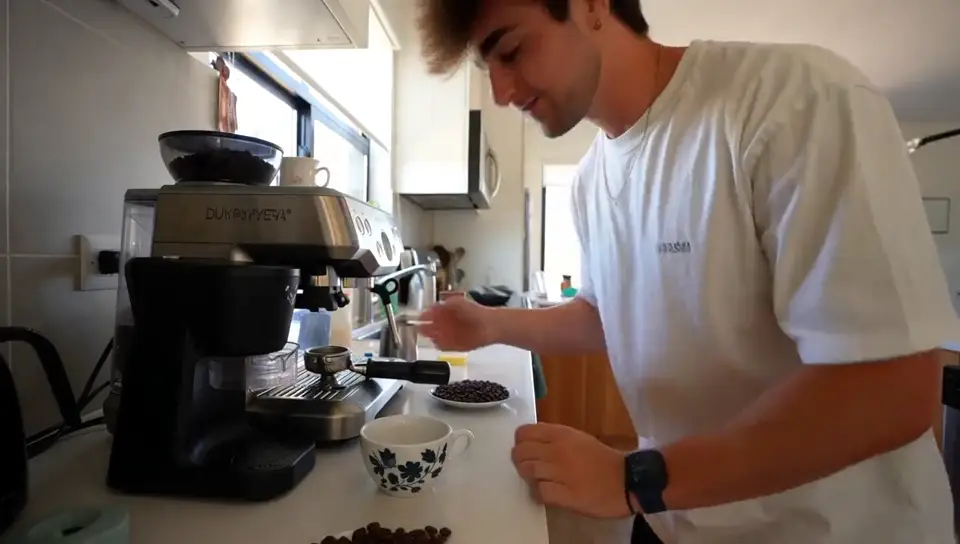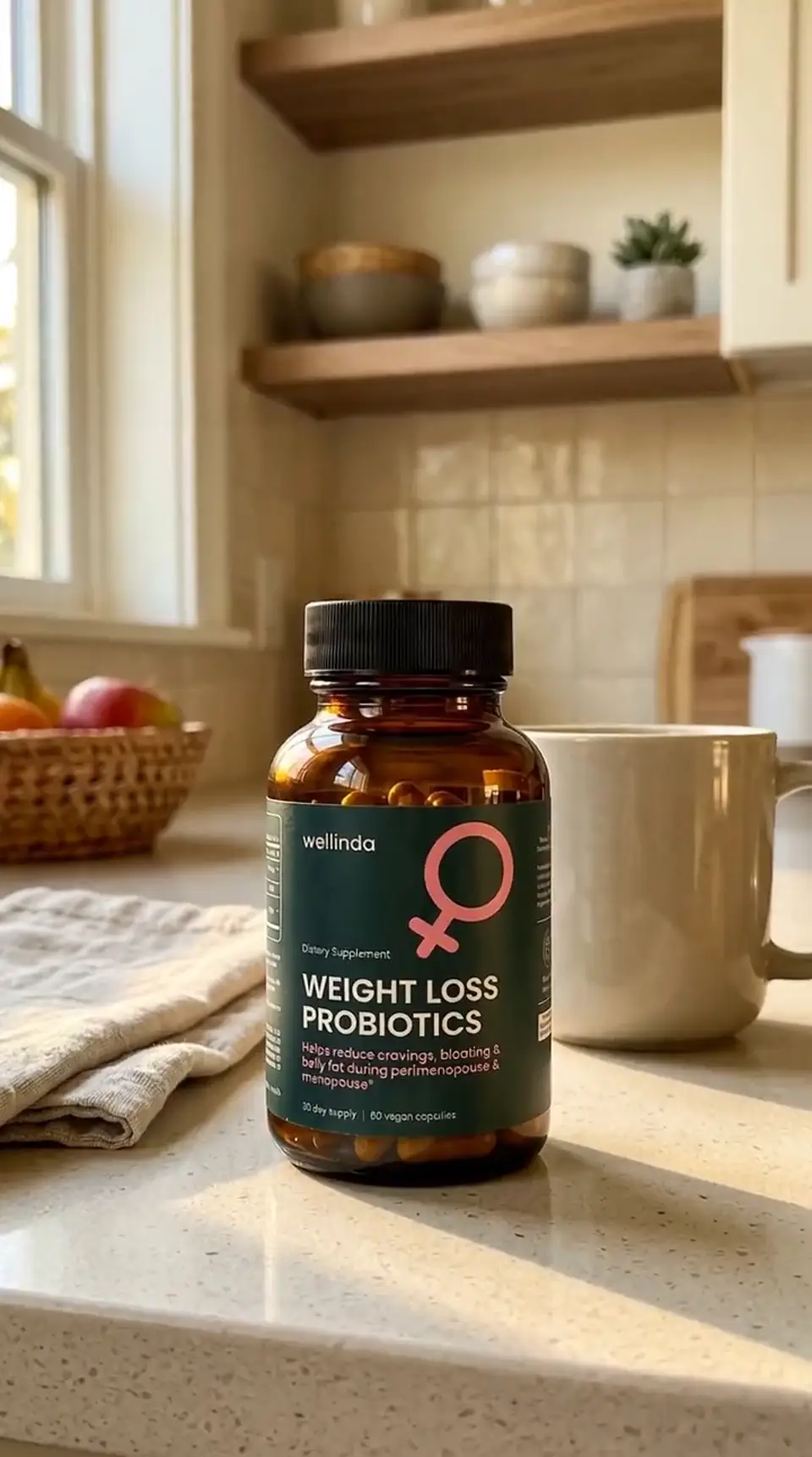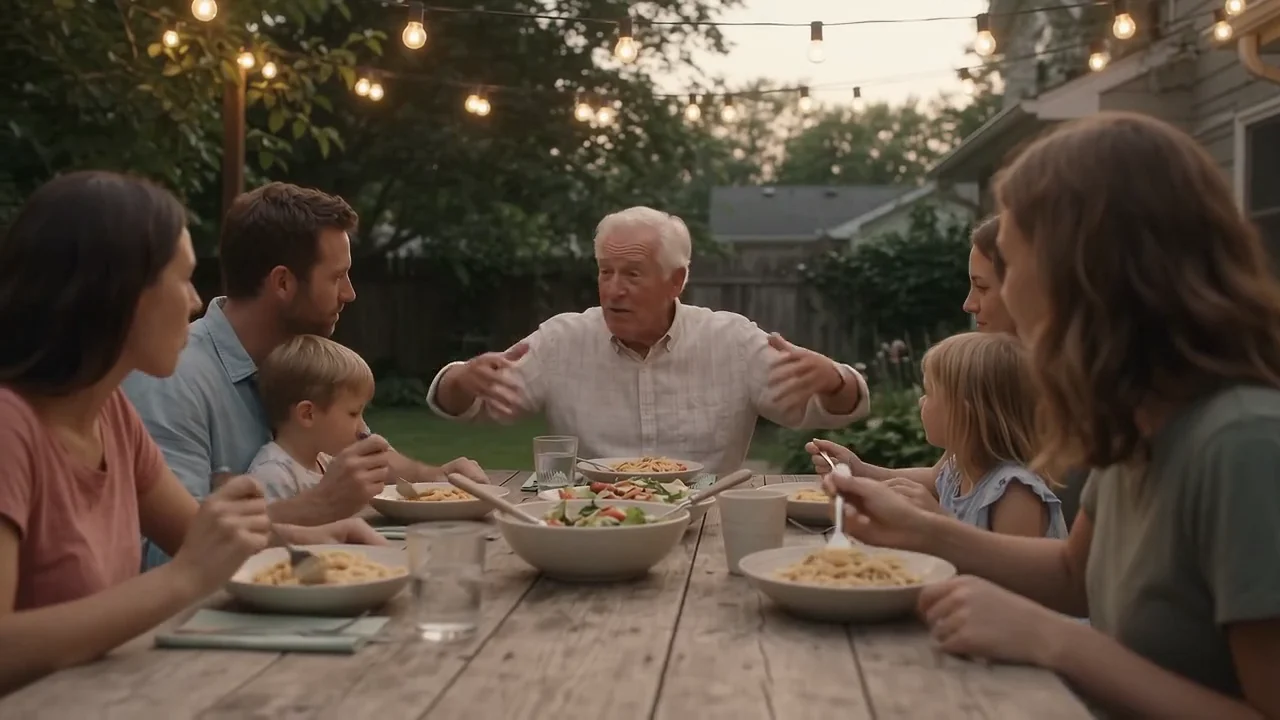
Nano Banana 2 from Google and GPT Image 2 from OpenAI are two of the image models people reach for when they need ad visuals fast. Both make an image from a text prompt, both edit photos you upload, and both go up to 4K. On paper they look close, and at the default settings they even cost the same in Creatify.
They pull apart on a few things that matter for ads: putting a headline inside the image, how many photos one edit can take, the shapes you can export, and what the top quality costs. This comparison uses the settings and credit prices both models have in Creatify today, and real images each model made there.
Nano Banana 2 vs GPT Image 2 at a glance
| Nano Banana 2 | GPT Image 2 | |
|---|---|---|
| Made by | OpenAI | |
| Auflösung | 0.5K, 1K, 2K or 4K | 1K, 2K or 4K |
| Aspect ratios | 10, from 21:9 to 9:16 | 9, from 16:9 to 9:16 |
| Edits your image | Ja | Ja |
| Photos per edit | Up to 7 | Up to 10 |
| Images per request | Up to 4 | Up to 4 |
| Quality setting | Nein | Low, medium or high |
| Output formats | PNG, JPEG or WebP | PNG or JPEG |
| Cheaper options | Nano Banana 2 Lite | Low quality |
| Creatify plan | Starter and up | Pro and up |
Headlines and words inside the image
This is the clearest difference. GPT Image 2's Creatify page is built around it: you write the exact words in quotes, say where they go, and the model sets them in the picture. Every headline and button on that page, including a Japanese one, came from the prompt, with no layout tool afterward. For a banner or a story ad, that can save a trip to a design app.
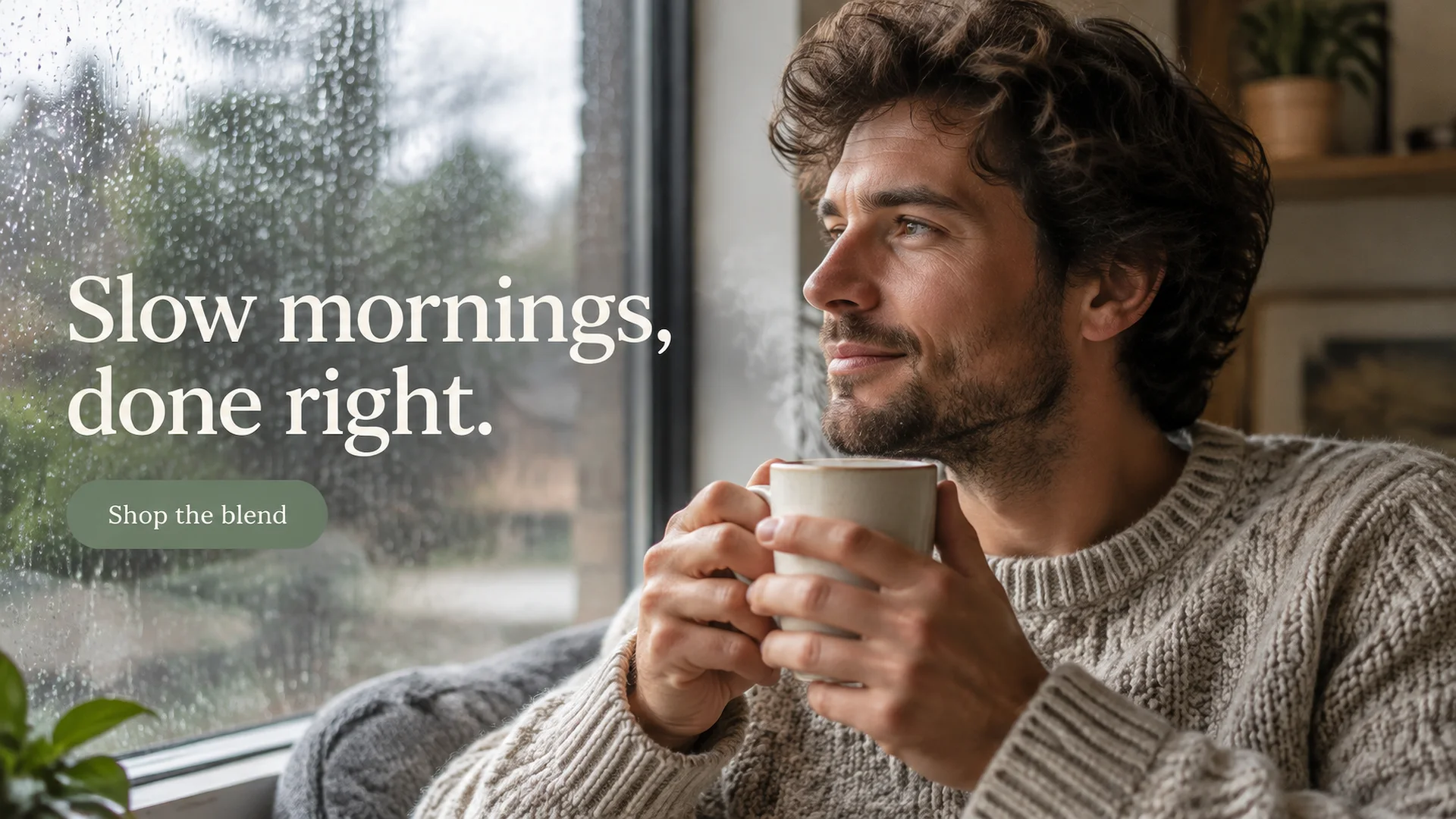
GPT Image 2: "Slow mornings, done right." and the "Shop the blend" button were both written into the prompt.
Nano Banana 2's Creatify page doesn't pitch text at all. Its examples are photos, and their prompts ask for no readable text anywhere. That doesn't mean it can't render a word, but we have no example to show you, so if the headline has to be in the image, test it before you plan a campaign around it. Either way, keep lines short and check the spelling before you publish.
Editing your own photos
Both models have an image to image mode: upload photos, describe the change, and they build a new image around them. In Creatify's Model Playground, Nano Banana 2 takes 1 to 7 photos per edit (up to 20 MB and about 4 megapixels each). GPT Image 2 takes up to 10.
The way each page uses that is telling. Nano Banana 2's examples combine a product and a person: a phone photo of a pendant plus a plain portrait, and out comes the same woman wearing the same emerald in a new scene. GPT Image 2's examples put a product photo into a finished ad, headline and all.
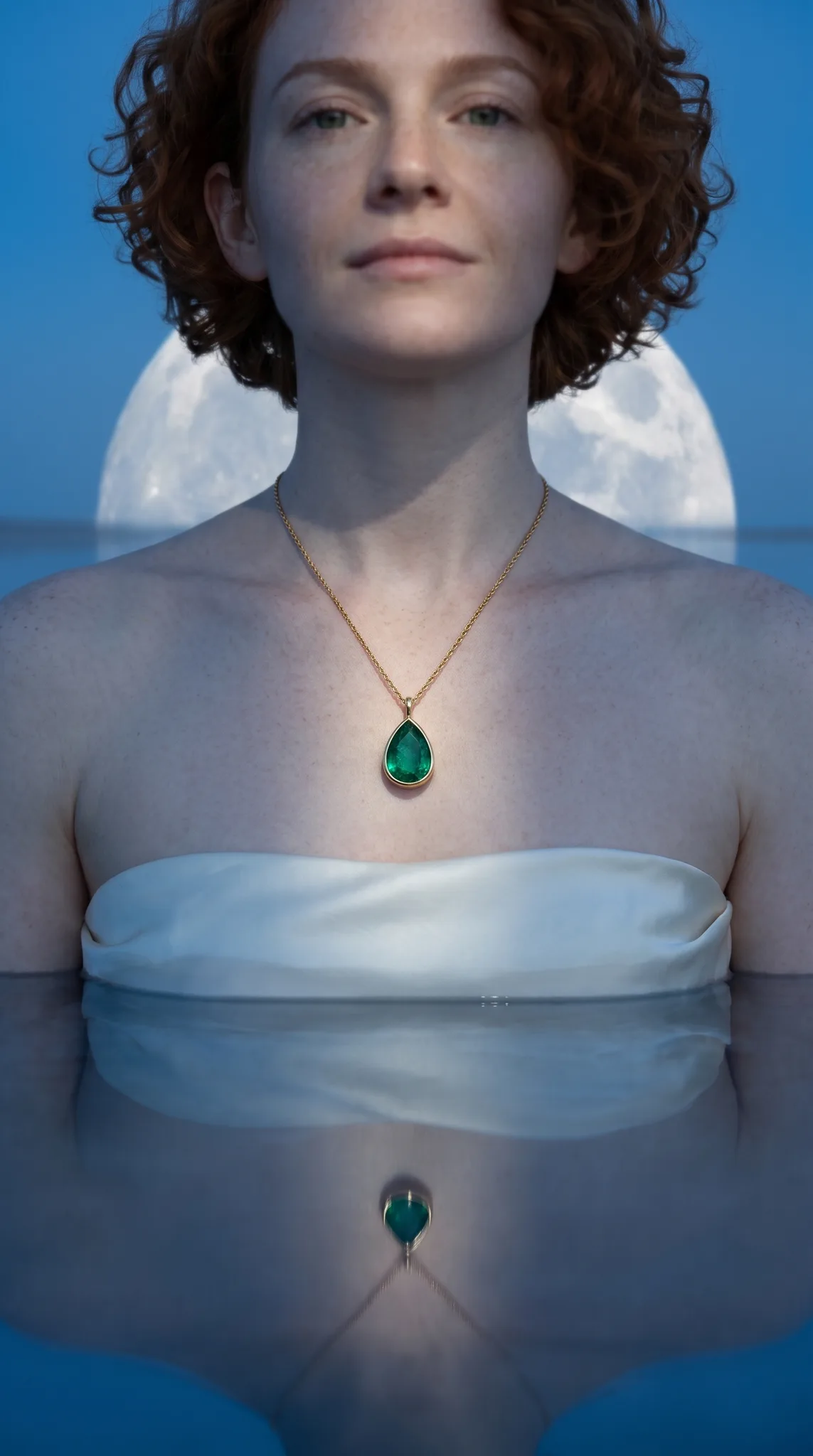
Nano Banana 2, edit from two photos: the pendant from the first, the woman from the second, placed on a salt lake under a giant moon.
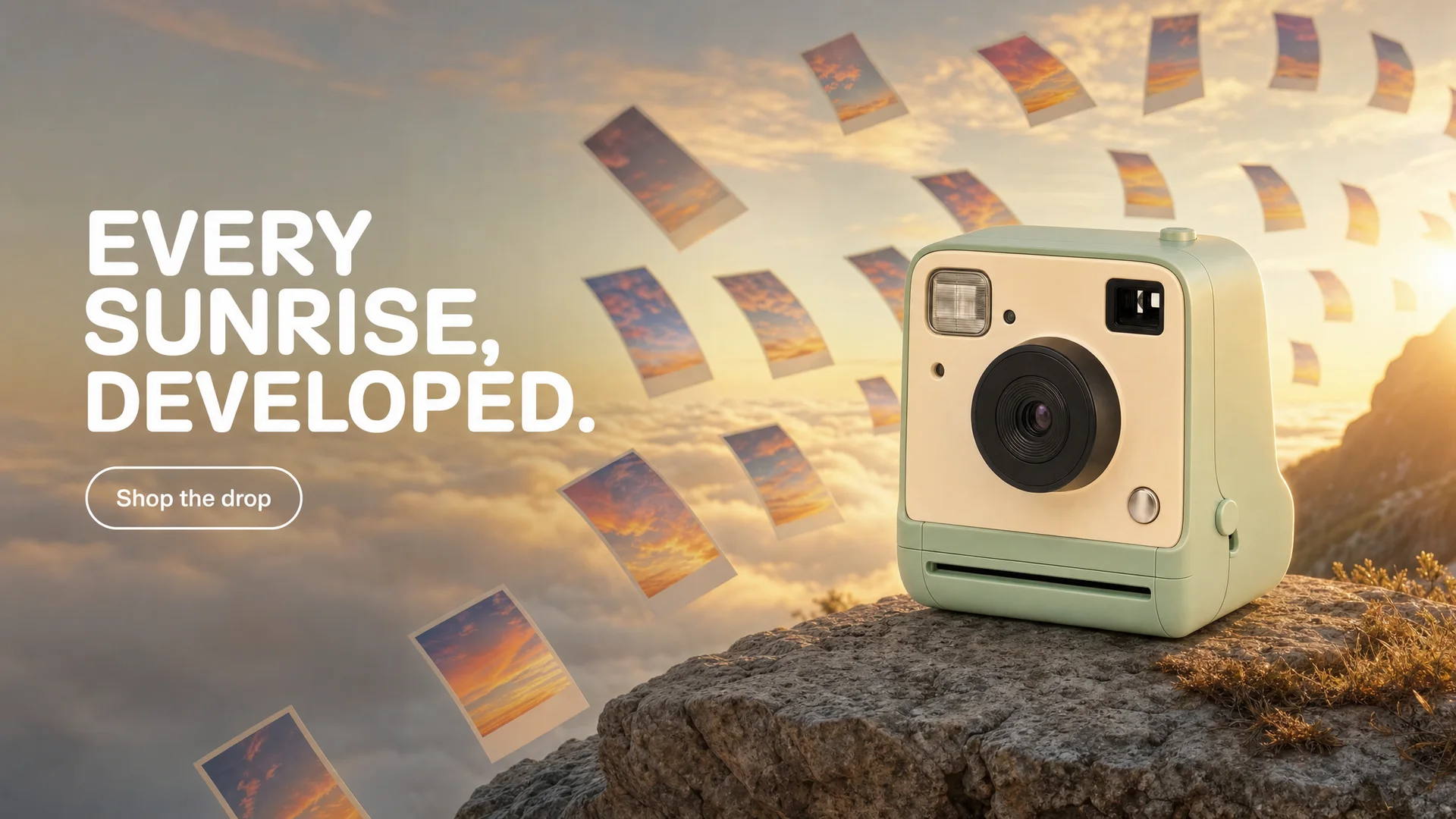
GPT Image 2, edit from one product photo: the same mint camera on a cliff at sunrise, with "EVERY SUNRISE, DEVELOPED." and "Shop the drop" set in the image.
Resolution and shapes
Both go from 1K to 4K. Nano Banana 2 also has a 0.5K size for quick drafts, though in Creatify it costs the same as 1K. GPT Image 2 has no draft size, but it has a quality setting (low, medium or high) that changes detail and price at any resolution.
For shapes, Nano Banana 2 offers ten ratios, including an ultra-wide 21:9 for website headers. GPT Image 2 offers nine, from 16:9 to 9:16, which covers feed, story and banner formats. Both make up to four images per request, and each image is charged.
Price per image in Creatify
Credits per image as each model is priced in Creatify today, from text. Nano Banana 2 is priced by resolution; GPT Image 2 by quality and resolution together.
| Modell | Credits per image |
|---|---|
| Nano Banana 2 Lite (1K) | 0.5 |
| Nano Banana 2 (0.5K) | 1 |
| Nano Banana 2 (1K) | 1 |
| Nano Banana 2 (2K) | 1.5 |
| Nano Banana 2 (4K) | 2 |
| GPT Image 2 (low, 1K) | 0.5 |
| GPT Image 2 (medium, 1K) | 1 |
| GPT Image 2 (medium, 2K) | 1.5 |
| GPT Image 2 (medium, 4K) | 2.5 |
| GPT Image 2 (high, 1K) | 2.5 |
| GPT Image 2 (high, 4K) | 9 |
At the defaults the two cost the same: 1 credit for Nano Banana 2 at 1K and 1 for GPT Image 2 at medium 1K. The gap opens at the top. A 4K image is 2 credits on Nano Banana 2, 2.5 on GPT Image 2 at medium and 9 at high. GPT Image 2's low quality at 1K is the cheapest option here at 0.5 credits, matching Nano Banana 2 Lite at 1K.
Same kind of scene, two models
Both Creatify pages happen to include a hotel infinity pool above a sea of clouds at sunrise. The prompts were written separately: the GPT Image 2 one asks for a story ad with a Japanese headline and a button, the Nano Banana 2 one asks for a clean key visual with no text. So read this as a feel for each model, not a benchmark.
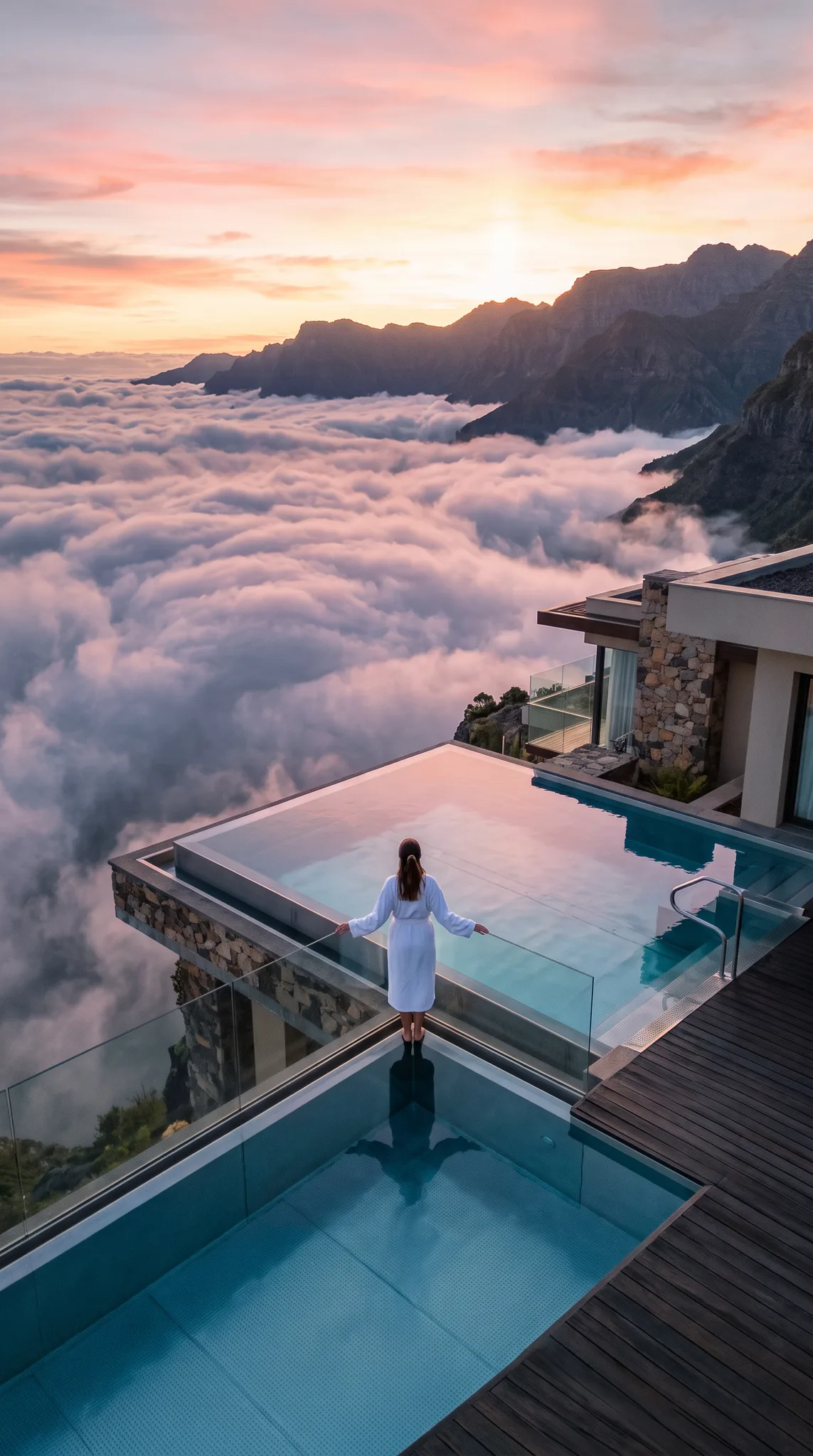
Nano Banana 2: a wide aerial view of a cliff-top villa pool at sunrise, no text.
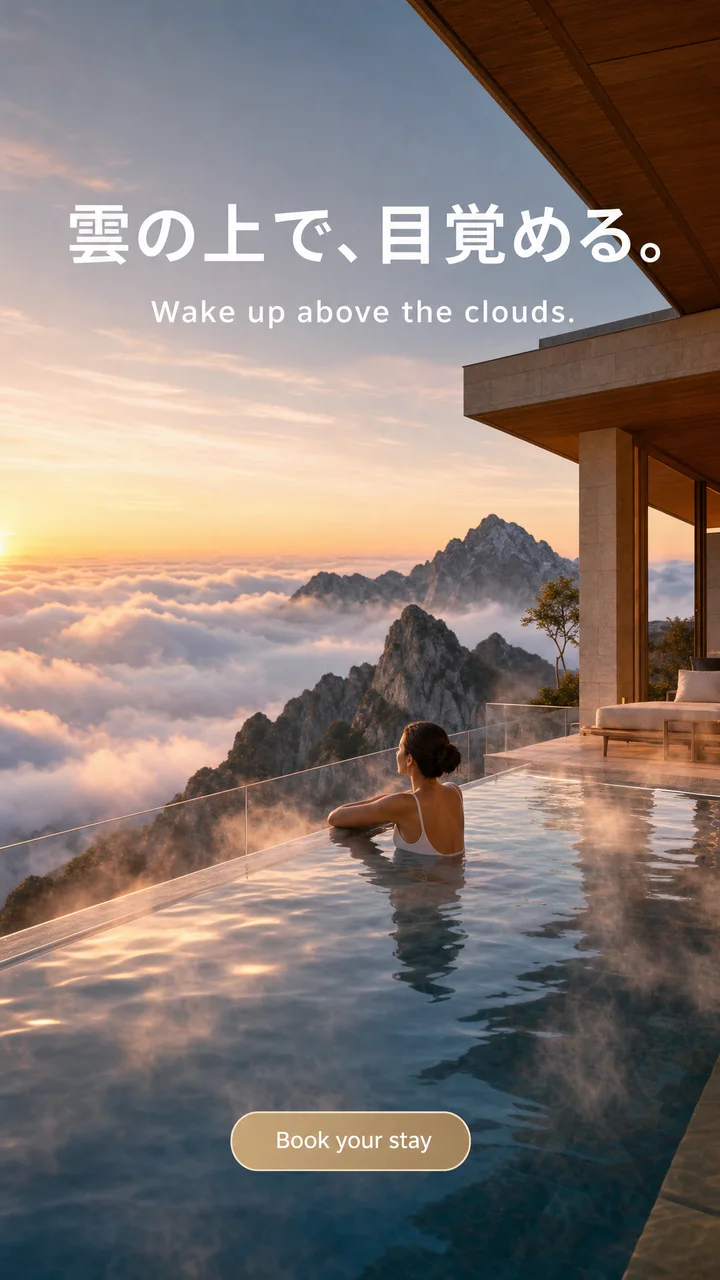
GPT Image 2: the same idea as a finished vertical ad, with a Japanese headline, an English line and a "Book your stay" button.
Nano Banana 2 tends toward photos that look shot rather than rendered, which suits lifestyle and product imagery. GPT Image 2 follows layout instructions closely, which suits an ad that has to carry its own copy. Many teams use both: one for the scene, one for the version with words.
Which one should you pick?
- Pick Nano Banana 2 for realistic lifestyle photos, a product combined with a model, an ultra-wide 21:9 header, or a lower price at 4K. It's on the Starter plan.
- Pick GPT Image 2 when the headline or button must be in the image, when an edit needs more than 7 photos, or when you want to trade quality for price with the low, medium and high setting.
- Pick a cheaper tier (Nano Banana 2 Lite, or GPT Image 2 at low quality) to test ideas, then render the winner at full size.
To run either model yourself, open Nano Banana or GPT Image 2 in Creatify's Model Playground.
Or skip the choice and describe the ad
An image model gives you one picture. An ad campaign needs a set of them in every size, each one on brand, with your product's label still readable, and usually a video version too. That's a lot of prompts and a lot of settings.
Creatify's Ad Agent does that part for you. Tell it what you want in plain words, like "launch creatives for my new cold brew, warm and cozy, with a short video for Reels", or paste your product link. The agent writes the concept, picks the image models each creative needs, keeps your product and its label consistent, makes the images and keyframes, and can turn them into a finished video ad. You review the results instead of the settings.