
How to Test 50+ Ad Creatives Without a Production Team

How to Test 50+ Ad Creatives Without a Production Team

Verfasst von

Creatify-Team

How to Test 50+ Ad Creatives Without a Production Team
Creatify logo

Creatify-Team

TEILEN

LinkedIn-Icon
X-Symbol
Facebook-Symbol

IN DIESEM ARTIKEL

👉🏻 Try Creatify for free: https://creatify.ai/?utm_source=yt&utm_medium=sm_organic&utm_campaign=vs&utm_content=53

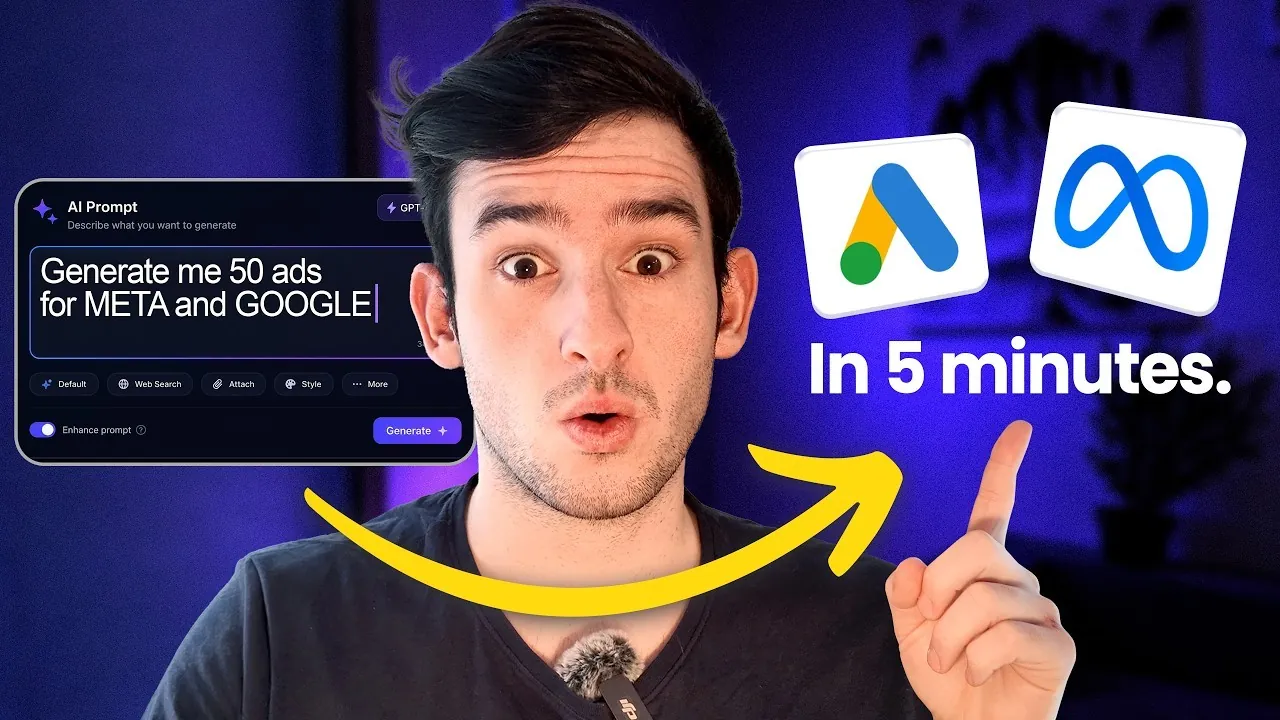
If you own an ecom brand or you're a marketer stuck waiting weeks to produce ads to test, this workflow fixes that. I start with one creative brief, drop it into one AI tool, and mass produce a full batch of over 50 ad creatives in a single session.

The tool I use is Creatify Agent. I give the agent one brief, it maps out the creative angles on a canvas, and it generates every ad, headline, layout, and variation for me automatically. I can watch each scene render, tweak any image, swap a background color, or rewrite a title without rerunning the whole thing.

I also break down how to write the brief so the agent gives you more specific results, and how to check credit usage before you generate so you never burn credits by surprise. This is the same flow built for brands, agencies, and studios running creative testing at scale.

What you'll learn in this video:
✅ How to turn a single creative brief into up to 50+ testable ads using Creatify agent flow mode
✅ How to check and control credit usage before you generate anything
✅ How to tweak headlines, CTAs, backgrounds, and product images without starting over
✅ Which creative variations you should prioritize testing first, and why

This workflow works for ecom brands, DTC startups, marketers, and media buyers. Any team that needs to scale ad creative without burning time and money.

Thank you for watching!

— Joel

Time-stamps:
00:00 - Intro
01:13 - Start with Creatify Agent (flow mode)
01:53 - Step 1: Start with one creative brief
04:01 - Step 2: Turn it into multiple creative angles
04:47 - Step 3: Generate ad variations at scale
06:02 - Step 4: Export ready-to-test ads
06:54 - Why this AI ad workflow matters
07:30 - Outro

#AIAds #CreativeTesting #CreatifyAgent
👉🏻 Try Creatify for free: https://creatify.ai/?utm_source=yt&utm_medium=sm_organic&utm_campaign=vs&utm_content=53

If you own an ecom brand or you're a marketer stuck waiting weeks to produce ads to test, this workflow fixes that. I start with one creative brief, drop it into one AI tool, and mass produce a full batch of over 50 ad creatives in a single session.

The tool I use is Creatify Agent. I give the agent one brief, it maps out the creative angles on a canvas, and it generates every ad, headline, layout, and variation for me automatically. I can watch each scene render, tweak any image, swap a background color, or rewrite a title without rerunning the whole thing.

I also break down how to write the brief so the agent gives you more specific results, and how to check credit usage before you generate so you never burn credits by surprise. This is the same flow built for brands, agencies, and studios running creative testing at scale.

What you'll learn in this video:
✅ How to turn a single creative brief into up to 50+ testable ads using Creatify agent flow mode
✅ How to check and control credit usage before you generate anything
✅ How to tweak headlines, CTAs, backgrounds, and product images without starting over
✅ Which creative variations you should prioritize testing first, and why

This workflow works for ecom brands, DTC startups, marketers, and media buyers. Any team that needs to scale ad creative without burning time and money.

Thank you for watching!

— Joel

Time-stamps:
00:00 - Intro
01:13 - Start with Creatify Agent (flow mode)
01:53 - Step 1: Start with one creative brief
04:01 - Step 2: Turn it into multiple creative angles
04:47 - Step 3: Generate ad variations at scale
06:02 - Step 4: Export ready-to-test ads
06:54 - Why this AI ad workflow matters
07:30 - Outro

#AIAds #CreativeTesting #CreatifyAgent

Symbol
Symbol

Bereit, Ihr Produkt in ein fesselndes Video zu verwandeln?

Bereit, Ihr Marketing zu beschleunigen?

Testen Sie Ihre neuen Produktideen innerhalb von Minuten mit KI-generierten Videoanzeigen

Pfeilsymbol.
Gradient

Bereit, Ihr Marketing zu beschleunigen?

Testen Sie Ihre neuen Produktideen innerhalb von Minuten mit KI-generierten Videoanzeigen

Pfeilsymbol.
Gradient

Bereit, Ihr Marketing zu beschleunigen?

Testen Sie Ihre neuen Produktideen innerhalb von Minuten mit KI-generierten Videoanzeigen

Pfeilsymbol.
Gradient

Bereit, Ihr Marketing zu beschleunigen?

Testen Sie Ihre neuen Produktideen innerhalb von Minuten mit KI-generierten Videoanzeigen

Pfeilsymbol.
Gradient
Gradient