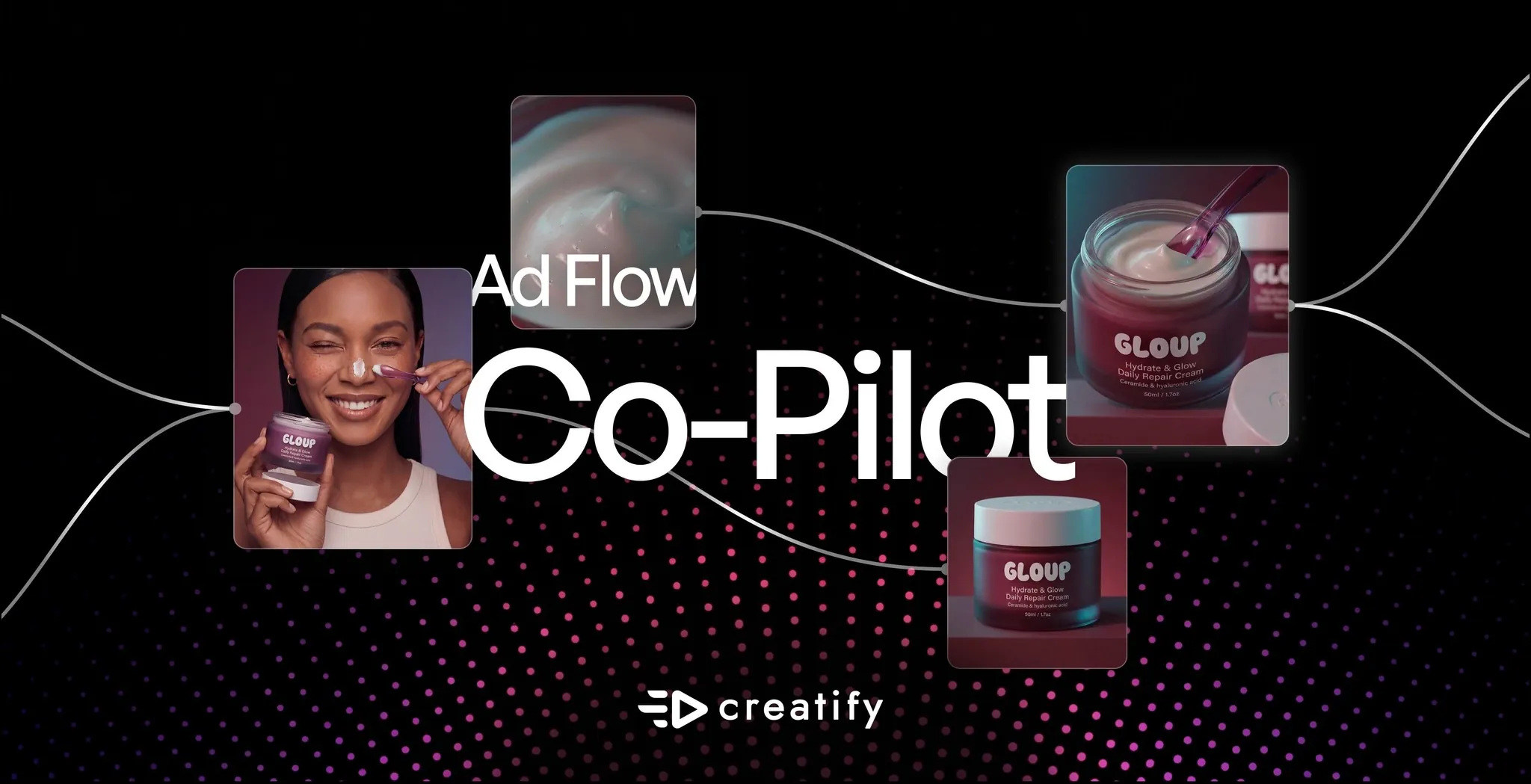

AdFlow memberikan kendali penuh kepada tim kreatif atas setiap langkah produksi iklan. Tantangannya selama ini adalah membangun pipeline node membutuhkan pengetahuan tentang letak masing-masing elemen.
AdFlow Co-Pilot menghilangkan hambatan tersebut. Cukup deskripsikan iklan yang Anda inginkan dengan teks biasa, dan Co-Pilot tidak hanya membangun sebuah pipeline — ia bertindak sebagai ahli strategi kreatif. Co-Pilot akan membaca brief Anda, mengusulkan sudut pandang kreatif beserta alasannya, menulis naskah adegan demi adegan, dan menunggu masukan dari Anda sebelum membangun apa pun. Anda berada dalam sebuah percakapan, bukan sekadar memberikan perintah.
Apa yang dilakukan AdFlow Co-Pilot untuk Anda
Co-Pilot adalah antarmuka obrolan di dalam AdFlow yang menggabungkan arahan kreatif dengan eksekusi pipeline.
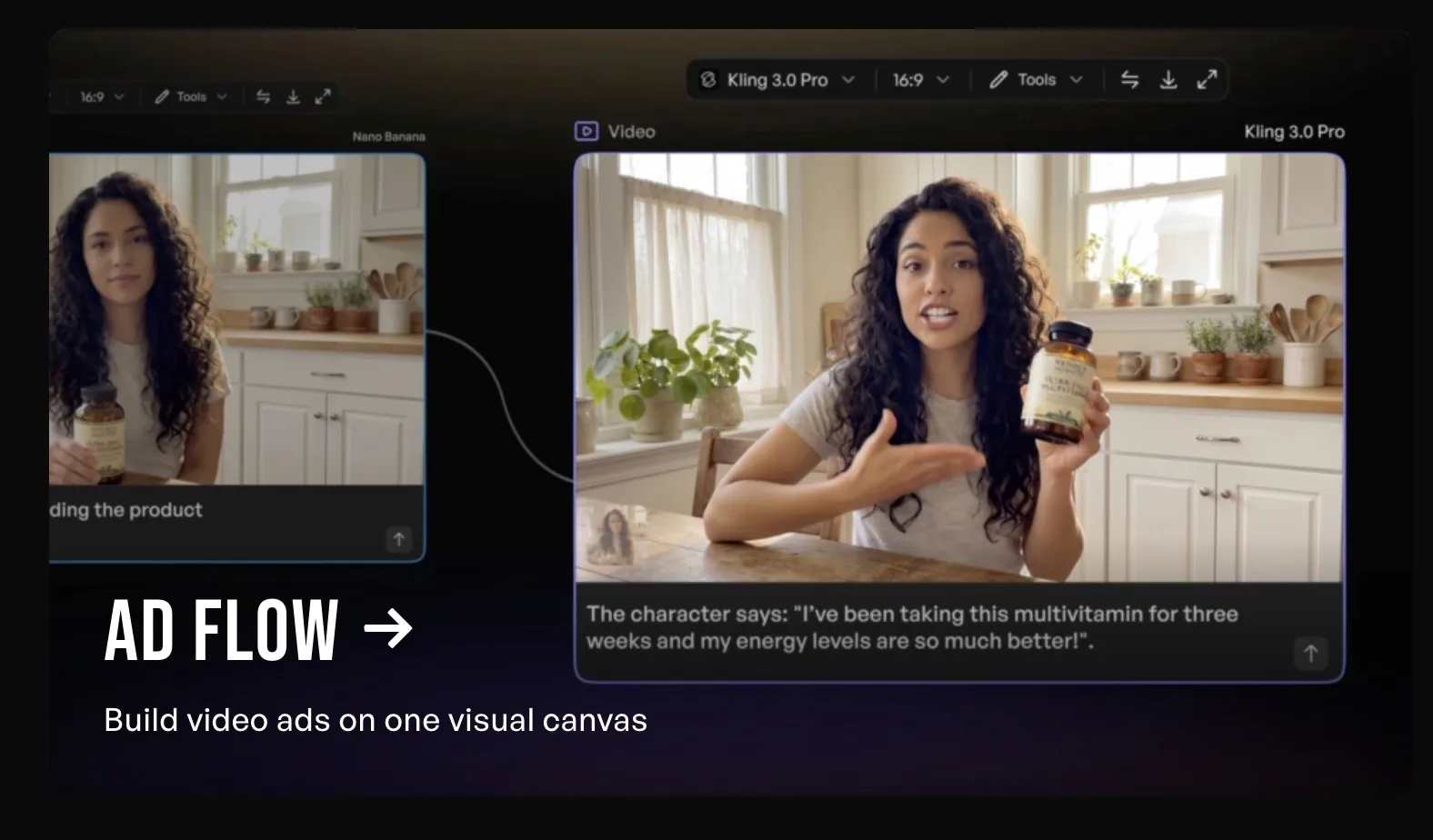
Saat Anda memasukkan URL produk atau mendeskripsikan apa yang Anda inginkan, Co-Pilot akan membacanya dan mengusulkan sudut pandang kreatif yang spesifik: konsep hook, struktur adegan, nada dan pembingkaian yang dirasa akan berhasil, serta alasannya. Ia menuliskan naskah untuk setiap adegan, memberi label mana yang dipandu presenter dan mana yang merupakan visual, lalu menyajikan rencana lengkapnya sebelum menyentuh kanvas.
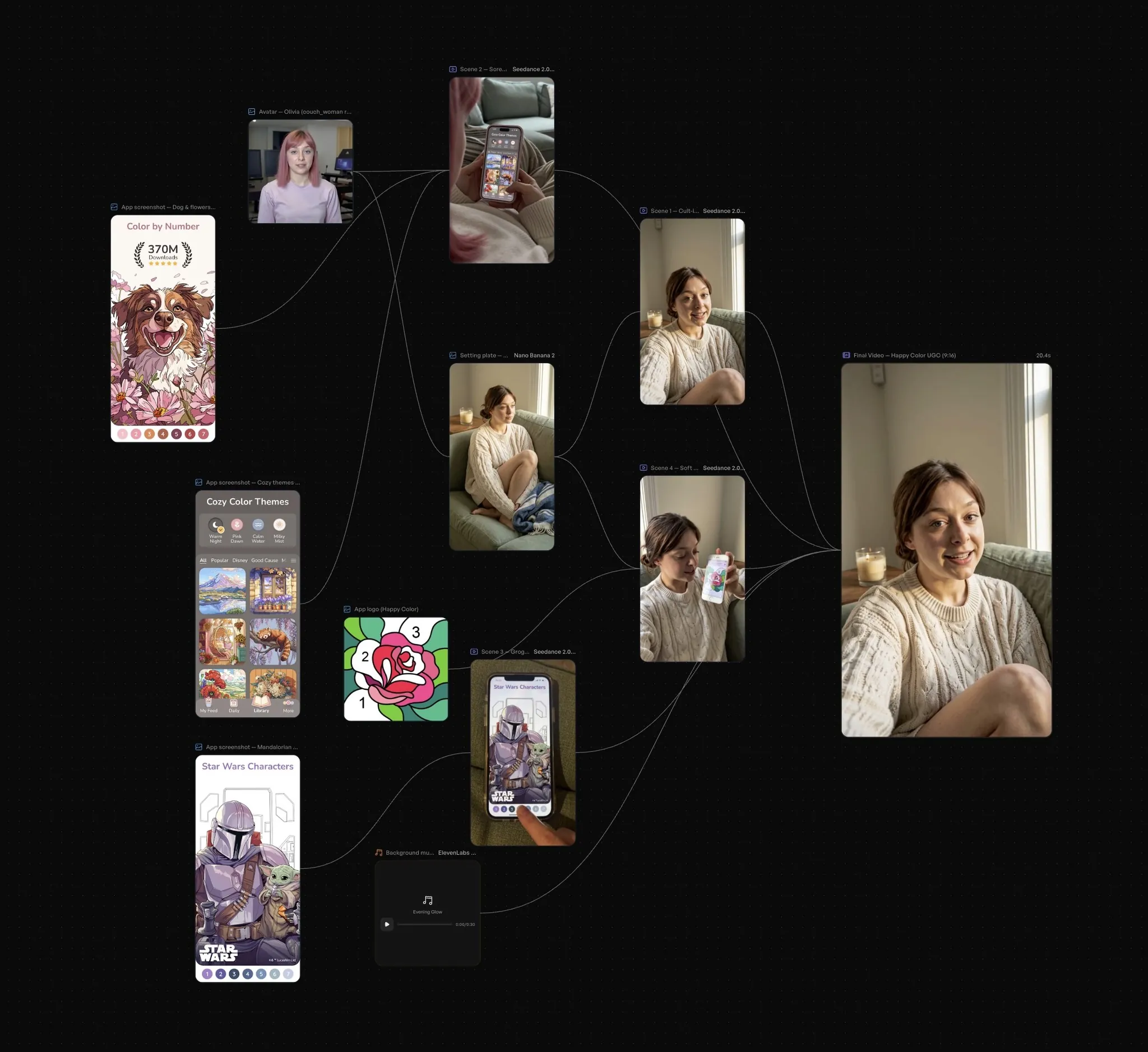
Dari sana, Anda meninjaunya di ruang obrolan. Setujui sudut pandangnya, minta ia mencoba hook yang berbeda, ganti nadanya — Co-Pilot akan beriterasi bersama Anda. Ketika rencana sudah terlihat tepat, Anda cukup mengeklik Confirm & Build, dan ia akan menyusun node AdFlow terkait di kanvas secara otomatis.
Dari sana, Anda berada di lingkungan AdFlow standar. Setiap node dapat dilihat, disesuaikan, dan ditukar. Co-Pilot membawa Anda ke titik awal yang kuat dengan alasan kreatif yang nyata di baliknya. AdFlow memberi Anda kendali untuk menyelesaikannya.
Mengapa hal ini penting bagi tim kreatif
Sebagian besar alat pembuat iklan memberi Anda kotak perintah prompt dan langsung menyajikan hasil. Apa yang terjadi di antaranya adalah sebuah kotak hitam (black box). Anda hanya bisa berharap hasilnya mendekati apa yang ada di pikiran Anda, dan jika tidak, Anda harus memulainya dari awal.
AdFlow dibangun dengan ide yang berbeda: ko-kreasi. Setiap langkah pipeline dapat dilihat, setiap keputusan ada di tangan Anda, dan AI melakukan pekerjaan berat tanpa mengambil alih kendali arah kreatif. Brand Anda, suara Anda, visi kreatif Anda — alat ini bekerja mengikuti kebutuhan tersebut, bukan mengabaikannya.
Co-Pilot membawa filosofi yang sama ke titik awal. Alih-alih meminta Anda memikirkan struktur pipeline sebelum memulai, ia membuka percakapan. Ia mengusulkan, Anda menanggapi, ia menyempurnakan. Setiap keputusan kreatif melewati Anda. Tidak ada yang dibuat sampai Anda menyetujuinya.
Saat Anda mengetikkan prompt, Co-Pilot tidak menghasilkan templat generik "ini sebuah iklan". Ia membaca produk tersebut, mengidentifikasi sudut pandang audiens yang spesifik, menulis naskah adegan yang sesuai dengan sudut pandang tersebut, dan menjelaskan pemikirannya.
Bagi pemasar yang tahu apa yang mereka inginkan dari iklan tersebut tetapi tidak yakin bagaimana cara mencapainya, Co-Pilot menjembatani celah antara niat dan eksekusi. Bagi pengguna AdFlow berpengalaman, ini memangkas tahap perencanaan sehingga Anda dapat menghabiskan lebih banyak waktu untuk menyempurnakan dan lebih sedikit waktu untuk membuat draf.
Cara kerjanya
1. Deskripsikan apa yang Anda inginkan. URL produk, brief kampanye, atau instruksi sederhana. "Rencanakan dan buat iklan untuk game ini" dengan sebuah tautan sudah cukup. Co-Pilot akan membaca masukan tersebut dan mulai bekerja.
2. Co-Pilot mengusulkan sudut pandang kreatif. Ia menyajikan sebuah konsep: pembingkaian hook, struktur adegan, naskah untuk setiap bagian, dan alasan di balik pendekatan tersebut. Setiap adegan diberi label — presenter, visual, CTA — sehingga Anda dapat melihat dengan tepat bagaimana iklan tersebut akan dibangun.
3. Iterasi di ruang obrolan. Tinjau rencana tersebut dan berikan tanggapan. Minta sudut pandang yang berbeda, sesuaikan nadanya, minta lebih banyak adegan, atau ubah CTA-nya. Co-Pilot akan merevisi dan menyajikannya kembali. Percakapan terus berlanjut hingga rencana dirasa tepat.
4. Confirm & Build. Jika Anda sudah puas dengan arah kreatifnya, klik Confirm & Build. Co-Pilot akan menyusun pipeline AdFlow — node, koneksi, aset — secara otomatis. Kanvas siap dijalankan.
5. Sempurnakan di AdFlow. Dari sana, Anda memiliki kontrol AdFlow penuh. Tukar model, ubah node individual, buat variasi cabang, atau hubungkan data performa. Pipeline yang dibangun Co-Pilot adalah titik awal Anda, bukan batas akhir Anda.
Untuk siapa alat ini dibuat
Pemasar yang baru mengenal AdFlow. Co-Pilot membantu Anda mendapatkan pipeline yang berfungsi dengan alasan kreatif yang nyata tanpa perlu memahami bagaimana node terhubung. Anda dapat langsung melakukan iterasi pada hasil nyata sejak menit pertama.
Tim yang bergerak cepat di bawah tekanan waktu. Saat klien meminta lima belas variasi iklan baru menjelang pagi, Co-Pilot menyusun draf arah kreatif dan membangun struktur pipeline sementara Anda fokus pada penyempurnaan dan persetujuan.
Siapa saja yang bekerja dengan format atau kategori baru. Masukkan produk, biarkan Co-Pilot mengusulkan sudut pandangnya, beri masukan di ruang obrolan hingga pendekatannya terasa tepat, lalu bangun. Pemikiran kreatif terjadi di dalam percakapan.
AdFlow Co-Pilot sudah aktif sekarang
Co-Pilot tersedia di dalam AdFlow untuk paket Pro ke atas. Buka AdFlow, klik panel Co-Pilot di sisi kanan layar, deskripsikan apa yang ingin Anda buat, dan lihat apa yang ia usulkan. Buka Creatify app untuk memulai.