

Cara Menggunakan Agen Creatify untuk Membuat Iklan yang Benar-Benar Menghasilkan Konversi
Cara Menggunakan Agen Creatify untuk Membuat Iklan yang Benar-Benar Menghasilkan Konversi

Tim Creatify
BAGIKAN


DALAM ARTIKEL INI
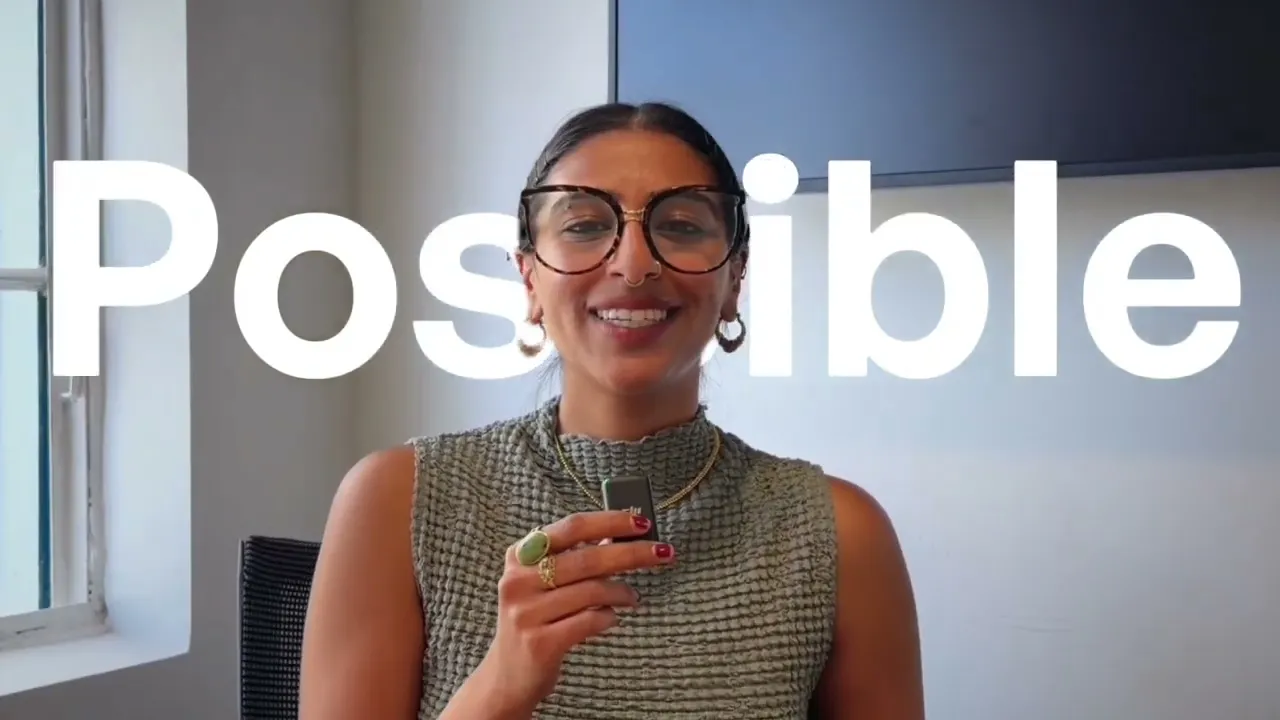
Kebanyakan alat AI menghasilkan video generik berkualitas rendah yang tidak akan pernah Anda gunakan, namun Creatify Agent dirancang berbeda. Dalam panduan ini, saya membuat dua iklan berkonversi tinggi dari nol menggunakan mode Auto dan Flow dari Agent, sehingga Anda dapat melihat dengan tepat bagaimana mengubah tautan produk menjadi iklan jadi tanpa bantuan tim kreatif di belakang Anda.
Yang akan Anda pelajari:
✅ Mengapa Agent dilatih menggunakan 15 juta+ iklan dan pengeluaran iklan senilai $1M+, dan bagaimana hal itu terlihat pada materi iklan Anda
✅ Perbedaan nyata antara mode Auto dan mode Flow, dan kapan tepatnya harus menggunakan masing-masing mode
✅ Cara mengubah satu URL produk menjadi storyboard lengkap, musik, dan iklan jadi dalam mode Auto
✅ Cara membuat iklan gaya UGC dengan hook, nada, dan alur cerita spesifik dalam mode Flow
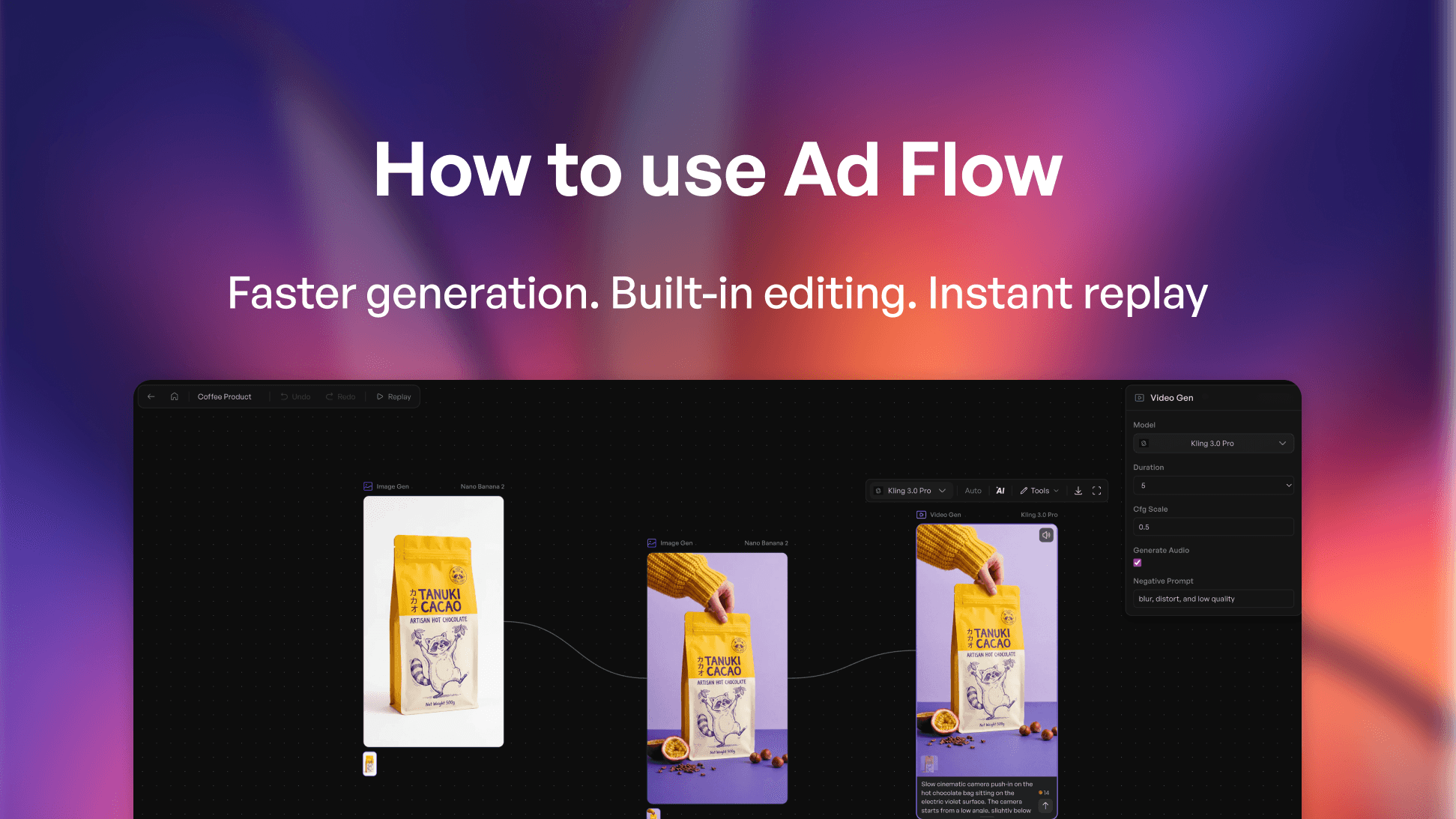
✅ Bagaimana kanvas berbasis node memungkinkan Anda menukar model, mengubah rasio aspek, dan mengedit adegan apa pun
✅ Cara meluncurkan iklan langsung ke LinkedIn, Facebook, dan platform lainnya dengan konektor bawaan
Setelah menonton video ini, Anda akan memahami cara mengambil tautan produk apa pun dan mengubahnya menjadi iklan berkonversi tinggi tanpa tim kreatif, serta
cara memilih mode yang tepat untuk tingkat kontrol yang benar-benar Anda inginkan.
Sangat cocok untuk pemasar DTC, solopreneur, dan founder startup yang memproduksi materi iklan tanpa tim.
#aivideoads #DTCMarketing #PerformanceMarketing #AIAds #creativeautomation
⏱️ Bab
0:00 Mengapa kebanyakan alat iklan AI kurang maksimal
0:42 Mode Auto vs Mode Flow
1:03 Menjelajahi antarmuka Agent
2:37 Membuat iklan layanan dalam mode Auto
4:30 Di balik layar storyboard & adegan otomatis
5:09 Hasil akhir iklan layanan
5:46 Beralih ke mode Flow untuk iklan UGC
7:34 Mengedit adegan di kanvas node
9:05 Hasil akhir iklan UGC + editor bawaan
9:57 Auto vs Flow: kapan harus menggunakan masing-masing mode
👉 Coba Creatify gratis → https://app.creatify.ai/auth/login?ut=16
Kebanyakan alat AI menghasilkan video generik berkualitas rendah yang tidak akan pernah Anda gunakan, namun Creatify Agent dirancang berbeda. Dalam panduan ini, saya membuat dua iklan berkonversi tinggi dari nol menggunakan mode Auto dan Flow dari Agent, sehingga Anda dapat melihat dengan tepat bagaimana mengubah tautan produk menjadi iklan jadi tanpa bantuan tim kreatif di belakang Anda.
Yang akan Anda pelajari:
✅ Mengapa Agent dilatih menggunakan 15 juta+ iklan dan pengeluaran iklan senilai $1M+, dan bagaimana hal itu terlihat pada materi iklan Anda
✅ Perbedaan nyata antara mode Auto dan mode Flow, dan kapan tepatnya harus menggunakan masing-masing mode
✅ Cara mengubah satu URL produk menjadi storyboard lengkap, musik, dan iklan jadi dalam mode Auto
✅ Cara membuat iklan gaya UGC dengan hook, nada, dan alur cerita spesifik dalam mode Flow
✅ Bagaimana kanvas berbasis node memungkinkan Anda menukar model, mengubah rasio aspek, dan mengedit adegan apa pun
✅ Cara meluncurkan iklan langsung ke LinkedIn, Facebook, dan platform lainnya dengan konektor bawaan
Setelah menonton video ini, Anda akan memahami cara mengambil tautan produk apa pun dan mengubahnya menjadi iklan berkonversi tinggi tanpa tim kreatif, serta
cara memilih mode yang tepat untuk tingkat kontrol yang benar-benar Anda inginkan.
Sangat cocok untuk pemasar DTC, solopreneur, dan founder startup yang memproduksi materi iklan tanpa tim.
#aivideoads #DTCMarketing #PerformanceMarketing #AIAds #creativeautomation
⏱️ Bab
0:00 Mengapa kebanyakan alat iklan AI kurang maksimal
0:42 Mode Auto vs Mode Flow
1:03 Menjelajahi antarmuka Agent
2:37 Membuat iklan layanan dalam mode Auto
4:30 Di balik layar storyboard & adegan otomatis
5:09 Hasil akhir iklan layanan
5:46 Beralih ke mode Flow untuk iklan UGC
7:34 Mengedit adegan di kanvas node
9:05 Hasil akhir iklan UGC + editor bawaan
9:57 Auto vs Flow: kapan harus menggunakan masing-masing mode
👉 Coba Creatify gratis → https://app.creatify.ai/auth/login?ut=16

Anda mungkin juga menyukai


Siap mempercepat pemasaran Anda?
Uji ide produk baru Anda dalam hitungan menit dengan iklan video yang dihasilkan oleh AI


Siap mempercepat pemasaran Anda?
Uji ide produk baru Anda dalam hitungan menit dengan iklan video yang dihasilkan oleh AI
Siap mempercepat pemasaran Anda?
Uji ide produk baru Anda dalam hitungan menit dengan iklan video yang dihasilkan oleh AI
Siap mempercepat pemasaran Anda?
Uji ide produk baru Anda dalam hitungan menit dengan iklan video yang dihasilkan oleh AI

Buat iklan video yang menarik untuk produk Anda
dari URL apa pun



Creatify Lab • Hak Cipta © 2026
Bahasa
Indonesian (Indonesia)
Fitur
Alat
Kasus Penggunaan
Buat iklan video yang menarik untuk produk Anda
dari URL apa pun
Creatify Lab • Hak Cipta © 2026
Bahasa
Indonesian (Indonesia)
Fitur
Alat
Kasus Penggunaan
Buat iklan video yang menarik untuk produk Anda
dari URL apa pun
Creatify Lab • Hak Cipta © 2026
Bahasa
Indonesian (Indonesia)
Fitur
Alat
Kasus Penggunaan
YouTube
Snapchat
Shopify
Buat Avatar AI
OTT & CTV
Generasi Lead
Buat iklan video yang menarik untuk produk Anda
dari URL apa pun
Creatify Lab • Hak Cipta © 2026
Bahasa
Indonesian (Indonesia)
Fitur
Alat
Kasus Penggunaan
